Best AI Video Generators in 2026: Sora, Veo 2, Runway & More Compared
If you’ve been exploring AI video tools lately, you’ve probably noticed something: the space is evolving fast. New models are launching, older ones are improving, and suddenly what used to take a full production team can now be done with a single prompt.
But with so many options out there, choosing the best AI video generator isn’t always straightforward. Some tools focus on cinematic realism, others prioritize speed, and some are simply easier to use if you’re just getting started.
In this guide, we’ll walk through six of the most talked-about AI video models in 2026, break down what they’re actually good at, and help you figure out which one fits your workflow.
The 6 Best AI Video Generators Right Now
Here are the tools we’ll be comparing:
- OpenAI Sora
- Veo 2
- Runway Gen-3
- PixVerse AI
- Kling AI
- Luma AI Dream Machine
Each of them approaches AI video generation a little differently, so the “best” one really depends on what you’re trying to create.
What Actually Matters in an AI Video Generator?
Before diving into the tools, it’s worth clarifying what makes a good AI video generator in the first place.
Most users searching for terms like “best AI video generator 2026” or “AI video tools like Sora” are really looking for a combination of a few things:
- Videos that look realistic (or at least visually consistent)
- Prompts that actually translate into what you imagined
- Fast generation without too much trial and error
- A workflow that doesn’t feel overly technical
With that in mind, let’s go through the tools one by one.
OpenAI Sora
Sora is the model that got everyone talking about AI video again. What makes it stand out isn’t just visual quality—it’s the way it understands scenes. You can describe a situation in fairly natural language, and it often produces something that feels surprisingly coherent.
Where Sora really shines is in generating longer, more cinematic sequences. The motion tends to feel grounded, objects interact more naturally, and the overall result is closer to what you’d expect from traditional video production. That’s why it’s often considered the benchmark when people search for “best AI video generator like Sora.”
That said, it’s not the most accessible tool yet. Depending on where you are, access can still be limited, and it’s not necessarily built with beginners in mind. But in terms of pure capability, it’s hard to ignore.
Veo 2
Veo 2 is Google’s answer to Sora, and it’s quickly becoming one of the most discussed alternatives. The overall direction is similar—high-quality video generation from text—but Veo leans a bit more into control and clarity.
When you use it, the prompts tend to translate more predictably, which can be helpful if you’re trying to iterate on specific ideas. The visual quality is strong, and it handles real-world motion fairly well, making it a solid option for those looking for a Sora alternative that’s easier to experiment with.
It’s still evolving, though. Like many cutting-edge AI tools, availability and feature depth can vary. But if you’re comparing “Sora vs Veo 2,” the gap is much smaller than it used to be.
Runway Gen-3
Runway has been around in the AI creative space for a while, and Gen-3 feels like a natural evolution of that experience. Compared to Sora or Veo, it’s less about pushing the absolute limits of realism and more about giving creators a flexible, usable tool.
What stands out with Runway is the workflow. You’re not just generating videos—you’re iterating, editing, and refining them. That makes it especially appealing for YouTubers, marketers, and anyone producing content on a regular basis.
If you’ve ever searched for “best AI video generator for content creators,” Runway is usually part of that conversation for a reason. It strikes a nice balance between quality and usability, even if it doesn’t always reach the cinematic level of Sora.
PixVerse AI
PixVerse is one of the fastest-growing AI video generators in 2026, especially popular among creators focused on short-form content.
What makes PixVerse stand out is how quickly it turns prompts into dynamic, ready-to-use clips—often with built-in audio and effects. Instead of spending time editing multiple assets, you can generate short videos that already feel polished and platform-ready.
It’s particularly strong for social media use cases. Whether you’re creating TikTok videos, YouTube Shorts, or quick marketing clips, PixVerse helps you go from idea to publishable content in minutes.
Compared to older tools like Pika Labs, PixVerse feels more aligned with how content is actually created today—fast, iterative, and optimized for short attention spans.
If you’re looking for a fast AI video generator with sound or a tool that works well for short-form content, PixVerse is definitely worth trying.
Kling AI
Kling AI has been gaining attention for one specific reason: motion. Compared to many other tools, it handles movement in a way that feels smoother and more dynamic.
That makes it particularly interesting for action-heavy scenes or stylized animations. If you’re working on short-form videos or experimenting with visual storytelling, Kling can produce results that feel a bit more alive.
It’s not the most beginner-friendly option, and access can depend on region, but it’s definitely one to watch—especially if your focus is on animation quality rather than just static visuals.
Luma AI Dream Machine
Luma’s Dream Machine sits somewhere in the middle of all this. It doesn’t try to be the most advanced or the most experimental—instead, it focuses on being fast, accessible, and reliable.
You can generate videos quickly, the interface is easy to understand, and the outputs are generally consistent. That combination makes it one of the most practical tools for everyday use.
If you’re creating social media content, testing ideas, or just need something that works without a steep learning curve, Luma is often one of the best options available right now.
So, Which AI Video Generator Should You Use?
The honest answer is: it depends on what you care about most.
If you’re aiming for the highest possible quality and don’t mind limited access, tools like Sora or Veo 2 are leading the way. If you’re creating content regularly and need something you can actually work with day-to-day, Runway is a strong choice. And if you just want to get started quickly, Luma will get you there with minimal friction.
A lot of creators don’t stick to just one tool, either. It’s pretty common to experiment across multiple platforms—generate ideas in one place, refine them in another, and gradually build a workflow that fits your style.
Best Sora Alternatives (Quick Take)
If your main goal is finding tools similar to Sora, here’s a simple breakdown:
- Veo 2 → closest in terms of overall quality
- Runway Gen-3 → best for real-world content workflows
- Luma AI → fastest and most accessible
These are currently the most practical AI video generators like Sora that you can actually use today.
Final Thoughts
AI video generation in 2026 is less about finding a single “perfect” tool and more about choosing the right setup for your workflow. Each model has its strengths, and in many cases, the best results come from combining them rather than relying on just one.
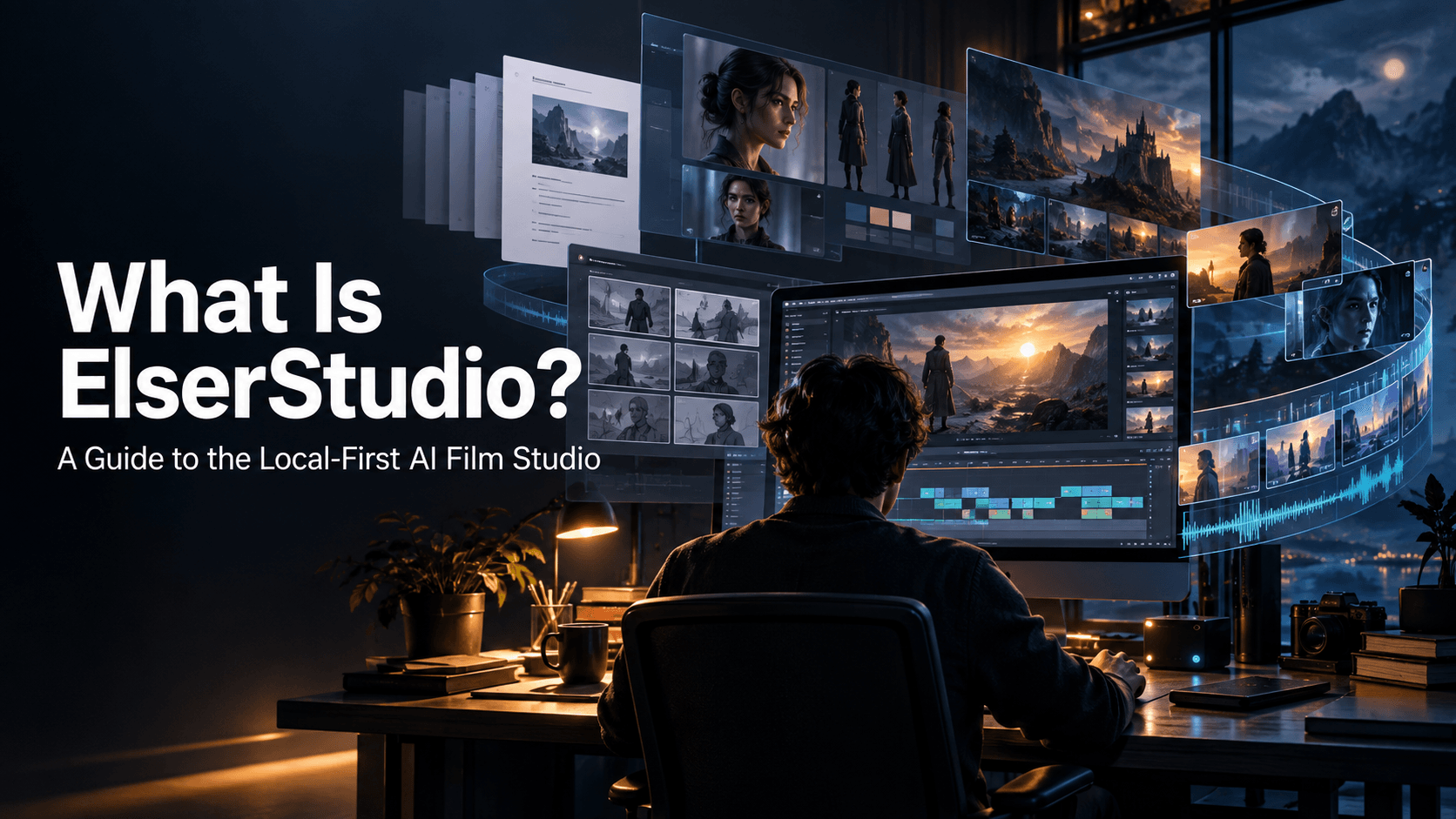
That’s where tools like Elser AI come in.
Instead of switching between multiple platforms, Elser AI brings together advanced models like Sora-style video generation, Runway-level workflows, and fast tools similar to Luma or Pika—all in one place. It’s designed to be beginner-friendly, so you don’t need complex setups or technical experience to get started.
You can simply enter a prompt, choose a style, and generate high-quality, realistic AI videos within seconds. Whether you’re creating content for social media, experimenting with ideas, or building a more scalable production workflow, having everything in one streamlined interface makes a noticeable difference.
If you’re looking for an easier way to access multiple AI video models without the usual learning curve, it’s definitely worth trying out Elser AI and seeing how it fits into your creative process.