


Add image
Upload or generate an image to start your animation
Bring still images to life with Elser AI Image Animator. Upload a photo, illustration, character, or AI-generated image and turn it into a dynamic video with natural motion, cinematic camera movement, and creative visual effects. Choose from leading AI video generation models, describe the motion you want, or start with a ready-made motion preset—then let Elser transform your image into video.
A still picture already captures a moment. Elser helps you turn that moment into motion. Use the AI image animator to animate portraits, characters, artwork, product visuals, landscapes, and more without traditional video editing or animation skills.
Turn portraits and everyday photos into moving video clips. Add subtle movements such as: Natural head movement Blinking and facial motion Hair moving in the wind Clothing movement Camera push-ins Environmental motion Cinematic transitions Whether you want to animate a photo with AI or create a more stylized sequence, you can control the direction through prompts and motion settings.

Already created an AI image you love? Use Elser as an image to video AI tool to turn static AI art into a short video while preserving the visual direction of your original image. Animate anime characters, fantasy artwork, illustrations, concept art, and other AI-generated images without recreating the scene from scratch.

Give original characters more personality with movement. Start with a character illustration and create actions such as: Looking toward the camera Walking Turning around Smiling Hair and clothing movement Action poses Cinematic character reveals For anime and illustrated characters, image-to-video generation makes it possible to move from a single character design toward more expressive visual storytelling.

Animation isn't only about moving the subject. Use motion controls and presets to introduce camera movement and framing that make a still image feel more cinematic. Experiment with effects such as: Zoom in Zoom out Pan Orbit Tracking shots Dramatic reveals Dynamic framing Visual effects This makes Elser useful as both an AI photo animator and a creative AI video maker.

Your AI image doesn't have to be the final output. Generate or upload an image, then use Elser's AI image to video workflow to turn it into motion. This makes it easier to move from: Idea → Image → Motion → Video, without switching between disconnected creative tools.
You don't need animation software or video-editing experience. Here's how to turn a still image into an AI-generated video with Elser.
Step 1
Upload Your Image
Start with the photo, illustration, anime character, product image, or AI-generated artwork you want to animate. Choose a clear image with a defined subject for the best starting point.
Step 2
Choose a Model and Describe the Motion
Select an available AI video model, then tell Elser how you want the image to move. You can describe: Character or subject movement Camera motion Facial expressions Hair and clothing movement Background animation Lighting and atmospheric effects For example: “She slowly turns toward the camera while her hair moves in the wind. Cherry blossom petals drift through the scene as the camera gently pushes in.” You can also start with a motion or camera preset for faster results.
Step 3
Generate and Download Your AI Video
Click Generate and Elser will turn your image into an AI-generated video. If you want a different result, refine the motion prompt, change the model, or try another preset. Once you're happy with the animation, download your video or continue creating in Elser.
Need inspiration before writing your first prompt? Explore anime templates and styles to discover new looks for characters, portraits, fan-inspired artwork, manga visuals and more. Use a template as your starting point, personalize the concept and generate your own version.
Sonic OC Maker
Sonic OC Maker

Demon Slayer OC Maker
Demon Slayer OC Maker
Genshin OC Maker
Genshin OC Maker

Fursona Maker
Fursona Maker
MLP OC Maker
MLP OC Maker

FNAF OC Maker
FNAF OC Maker
Pokemon OC Maker
Pokemon OC Maker
Yaelokre OC Maker
Yaelokre OC Maker
Sprunki OC Maker
Sprunki OC Maker
Dandy's World OC Maker
Dandy's World OC Maker
South Park OC Maker
South Park OC Maker
DND Character Maker
DND Character Maker
AI Kissing Generator
AI Kissing Generator
AI Hug Generator
AI Hug Generator
AI Dance Generator
AI Dance Generator
Streaming VTuber
Streaming VTuber
Manga Style
Manga Style
Live Concert
Live Concert
TikTok Dance
TikTok Dance
Anime MV
Anime MV
DJ
DJ
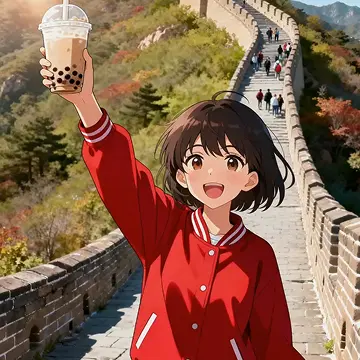
Vlogger
Vlogger
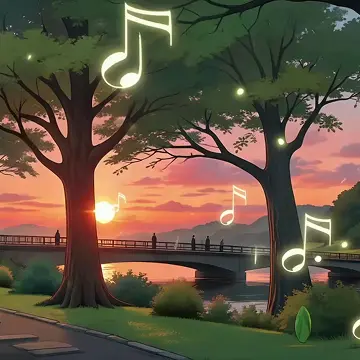
Lo-fi Vibe
Lo-fi Vibe
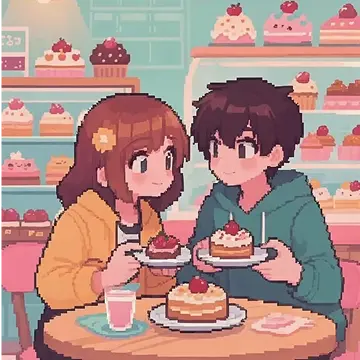
Dating Sim
Dating Sim
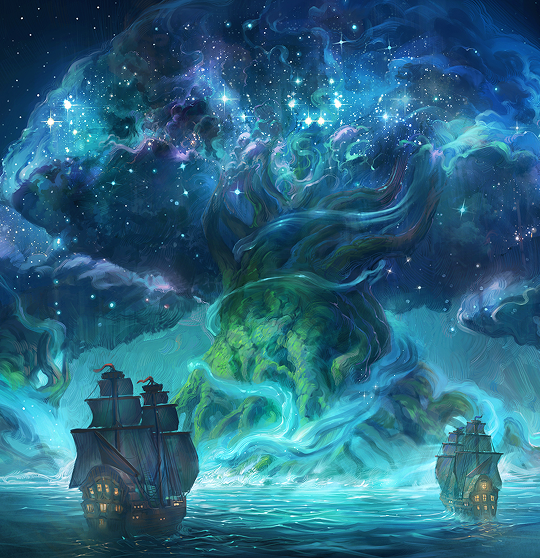
AI Fantasy Art Generator
AI Fantasy Art Generator
AI Doll Generator
AI Doll Generator
AI Pixel Art Generator
AI Pixel Art Generator
Studio Ghibli Filter
Studio Ghibli Filter
Photo to Cartoon
Photo to Cartoon
AI Line Art Generator
AI Line Art Generator
Chibi Maker
Chibi Maker
AI Waifu Generator
AI Waifu Generator
AI Sketch Generator
AI Sketch Generator
AI Girl Generator
AI Girl Generator
AI Action Figure Generator
AI Action Figure Generator
Photo to Caricature
Photo to Caricature

FNF Song Maker
FNF Song Maker
AI Jingle Maker
AI Jingle Maker
AI Country Song Generator
AI Country Song Generator

AI Rapper Voice Generator
AI Rapper Voice Generator

Anime AI Voice Generator
Anime AI Voice Generator

Sonic AI Voice Generator
Sonic AI Voice Generator

Spongebob AI Voice Generator
Spongebob AI Voice Generator

Siri AI Voice Generator
Siri AI Voice Generator

AI Female Voice Generator
AI Female Voice Generator

AI Character Voice Generator
AI Character Voice Generator
Big Bird AI Voice Generator
Big Bird AI Voice Generator
AI Kids Voice Generator
AI Kids Voice Generator
Upload an image—or generate one first—and move directly into animation. Elser connects image creation and video generation, so your idea doesn't have to stop at a static picture.
Different projects need different types of motion. Access multiple AI video generation models through one platform and compare results without managing separate tools and workflows.
You don't always need to write a detailed prompt. Start with ready-made controls for camera movement, framing, motion, and visual effects, then customize the result when needed.
Elser is especially suited to creators working with characters, anime visuals, illustrations, OCs, and visual storytelling. Animate the character you already created instead of starting over every time you want to experiment with motion.


OC Maker
OC Maker

AI Comic Generator
AI Comic Generator

AI Manga Generator
AI Manga Generator

AI Cartoon Generator
AI Cartoon Generator

AI Voice Cloning
AI Voice Cloning

AI Sound Generator
AI Sound Generator

Unblur Image
Unblur Image
AI Storyboard Generator
AI Storyboard Generator

Lip Sync AI
Lip Sync AI

Video Upscaler
Video Upscaler
AI Video Enhancer
AI Video Enhancer
AI Music Generator
AI Music Generator
An AI image animator turns a still image into a moving video using generative AI. Instead of manually animating each frame, you upload an image and describe the motion you want. The AI generates movement for the subject, camera, environment, or a combination of all three.
Yes. Upload a portrait or other photo, describe how you want it to move, and generate a video from the image. You can create subtle portrait motion, cinematic camera movement, environmental animation, or more stylized effects depending on your image and prompt.
Yes. AI artwork, anime images, character designs, fantasy scenes, and other generated images can all be used as starting points for AI image-to-video generation. This is useful when you already have the look you want and only need to add motion.
Upload the image, then describe the motion you want to see. For example: “The character slowly looks toward the camera as her hair moves in the wind. The camera gently zooms in.” Choose an AI video model or motion preset, generate the video, and refine your instructions if needed.
An AI image animator starts with an existing image and turns it into video. A broader AI video generator may support multiple ways to create video, such as image-to-video and other generative workflows. If maintaining the look of an existing character, artwork, or photo matters, image-to-video is often the most direct starting point.
Clear images with a well-defined subject usually give the model stronger visual information to work with. Portraits, character illustrations, digital art, product photos, and landscapes can all work well. The ideal image depends on the type of movement you want to create.
There isn't one model that is best for every project. Different models can produce different types of character motion, camera movement, realism, stylization, and visual consistency. Elser lets you experiment with multiple available models, so you can compare outputs and choose the one that works best for your image.
Yes. You can describe camera direction in your prompt or use available motion and camera presets. Try movements such as zooming, panning, tracking, orbiting, or slow cinematic reveals to add more depth to a still image.
Yes. Anime art and character illustrations are a natural fit for Elser's image-to-video workflow. Upload an existing character image and animate expressions, hair, clothing, poses, atmospheric effects, or camera motion while keeping the original visual as your starting point.
No. You can start by uploading an image, choosing a preset or describing the motion you want in everyday language. More experienced creators can use detailed motion and camera instructions to gain additional creative control.
Yes. After generating a video you like, you can download the result and use it in your creative workflow. For commercial use or distribution, review Elser's current terms and applicable usage rights.
250+ presets for camera control, framing, and high-quality VFX - or use the general preset for manual control.
Upload or generate an image to start your animation
Pick a preset to control your image movement
Click generate to create your final animated video!