GPT-6 for Creators: Less Edits, More Creativity
When creators say “GPT-6,” they’re usually not asking for a new chatbot. They’re asking for less friction:
fewer retries to get a usable script
fewer prompt hacks to keep a character consistent
clearer shot intent that actually translates into visuals
fewer “it started great and then drifted” failures
As of April 15, 2026, “GPT-6” is best treated as a placeholder for “the next major generation.” That means the creator play is not to wait for a release, but to build a workflow that benefits from upgrades whenever they arrive.
For grounding, look at how OpenAI describes current-generation behavior and change management in primary sources like Introducing GPT-5.4 and the OpenAI Model Spec. For a mainstream summary of what leadership has said about future direction (including memory and GPT-6 framing), see this CNBC interview write-up.
The creator workflow that actually breaks today
Most “AI video” workflows don’t fail because the idea is bad. They fail in the handoff:
concept → script loses the hook
script → shot list becomes vague
shot list → prompts become inconsistent
prompts → visuals drift across shots
So the most realistic “GPT-6 upgrade” for creators is: better planning, better constraint-following, better long-context coherence. It won’t replace visual tools. It will (hopefully) reduce the chaos between your intent and the generated asset.
A production-ready pipeline GPT-6 should improve
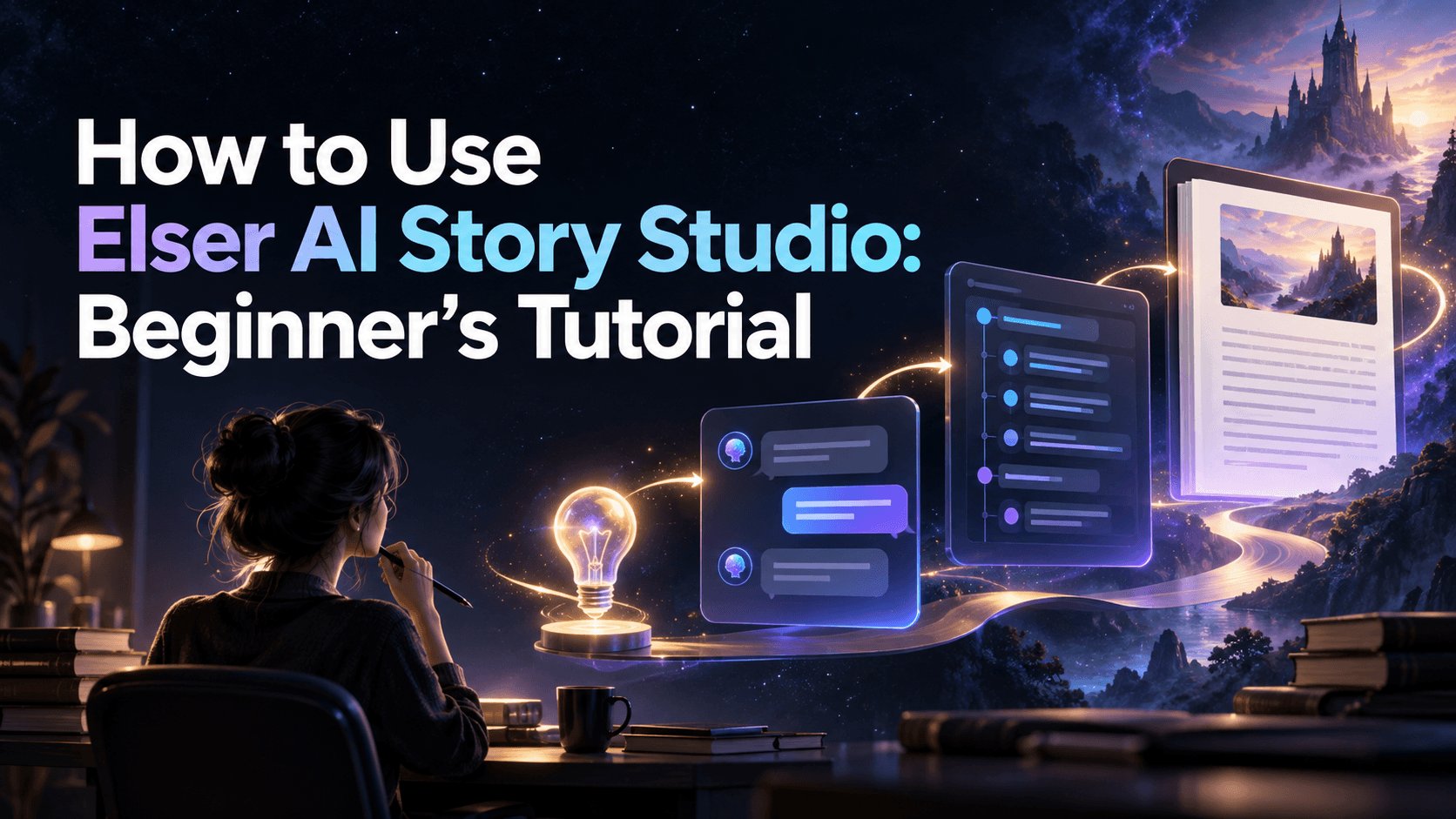
Here is a practical pipeline you can run weekly:
1) hook and promise
2) beats, not paragraphs
3) shot list with camera language
4) reference pack for identity and style
5) generation in passes
6) edit, captions, sound, publish
If a future model is really better, it will improve steps 2–4 the most.
Step 1: Turn your idea into a one-line clip promise
Your clip promise should be instantly visual.
Good:
“A neon samurai draws a blade in the rain.”
“A chibi baker flips pastries in a glowing kitchen.”
Bad:
“A story about ambition and friendship.”
If it isn’t visual, you will prompt in circles.
Step 2: Write beats that convert cleanly into shots
Beats are production-friendly because they’re short and specific:
setup: what we see
change: what happens
payoff: what the viewer gets
Example beat chain for a 10–12 second Short:
setup: samurai stands under flickering neon
change: draws blade, rain splashes
payoff: blade lights the scene, close-up reaction
Step 3: Convert beats into a vertical shot list
For Shorts, a simple structure wins:
Shot 1 (0–1s): hook frame
Shot 2 (1–3s): action begins
Shot 3 (3–6s): reveal or escalation
Shot 4 (6–9s): payoff
Shot 5 (9–12s): loopable end frame
Keep the camera language simple: push-in, pan, or static.
Step 4: Build a reference pack before you generate motion
If you want consistency, you need anchors.
Your reference pack should include:
one “identity line” you paste into every prompt (hair, face, outfit, key trait)
one “style anchor” sentence (linework + lighting + palette)
one close-up reference (face stability)
one medium shot reference (silhouette stability)
This step is where a stronger next-generation language model can help most: it can maintain a stable prompt scaffold across many shots without gradually mutating the character.
Step 5: Generate in passes, not in a single heroic attempt
A reliable way to ship:
1) generate subtle motion versions first
2) pick winners based on stability and clarity
3) only then generate stronger motion on the winners
This avoids wasting time trying to fix “everything at once.”
Step 6: Ship the visuals with dedicated tools
The common creator trap is trying to force the language model to “do video.” Instead:
use the language model to direct, structure, and constrain
use a generator to produce images and motion assets
For example, you can lock in your look quickly with an AI anime art generator, then turn selected frames into motion with an AI image animator.
This is also where a next-generation model helps in a very practical way: it can generate a more consistent prompt scaffold (identity line + style anchors + per-shot variables) so your keyframes and animations drift less across a series. If you’re producing regularly, keep assets and iterations centralized in Elser AI so you can swap the planning model later without breaking your publishing workflow.
Prompt templates you can reuse today
A shot-list prompt
Give the one-line clip promise.
Provide the style anchor sentence.
Ask for 5 shots with: subject, action, environment, framing, motion, and duration.
A prompt-scaffold prompt
Provide the identity line and negatives to avoid.
Ask the model to output a consistent prompt prefix, then 5 per-shot prompt variants that only change action and environment.
The key is consistency: you are trying to keep the “character + style” constant while swapping only what changes per shot.
FAQ
Will GPT-6 repace video models
Unlikely. The realistic win is better planning, better constraint-following, and better long-context coherence while specialized tools handle image and video generation. Creators typically ship faster when they separate “directing” from “rendering.”
What should I measure when a new model arrives
Measure production outcomes that affect shipping: retries per usable script, drift across a multi-shot brief, and how often the model breaks your format constraints. Track worst-case failures, not just best-case demos. If you publish weekly, reliability usually beats raw peak quality.
What’s the fastest way to test a new model for Shorts scripts
Use the same strict script template (hook, beats, line count, CTA) and run it multiple times. Score for timing, clarity in the first second, and whether the beats translate into shootable shots. If it needs heavy edits every time, it’s not an upgrade.
How do I stop character drift across multiple shots
Create a reference pack and a prompt scaffold that you reuse across the entire sequence. Keep the identity line stable (hair, outfit, signature trait), and change only action and environment per shot. If the model keeps “redesigning” your character, reduce variables and tighten constraints.
Should I generate prompts per shot or generate the whole prompt set at once
For consistency, generate the scaffold once, then generate per-shot variants that inherit the same identity and style anchors. If you generate each prompt from scratch, you invite drift. The goal is to control what stays constant versus what changes.
What does “better long-context” actually mean for creators
It means the model can hold onto your series bible, style rules, and constraints across a long planning session without slowly forgetting details. In practice, you see fewer continuity mistakes and fewer “act two collapses.” Long-context only helps if your inputs are coherent and versioned.
Do creators need agent workflows or just better writing
Most creators benefit more from better planning and repeatable templates than from complex “agents.” Start with a simple pipeline: clip promise → beats → shot list → prompt scaffold. Add automation only after you can ship reliably by hand.
How do I keep quality stable if the LLM changes month to month
Treat your script templates, rubrics, and prompt scaffolds as versioned assets. When a new model changes behavior, update the scaffold once, then re-run your evaluation pack. This prevents a full rewrite of your back catalog process.
What’s a practical “upgrade trigger” for creators
Pick triggers tied to time and output: 20–30% fewer edits per script, higher first-try usability, and less drift across a 5-shot brief. If the new model is “better” but makes you re-edit more, it’s not better for production.