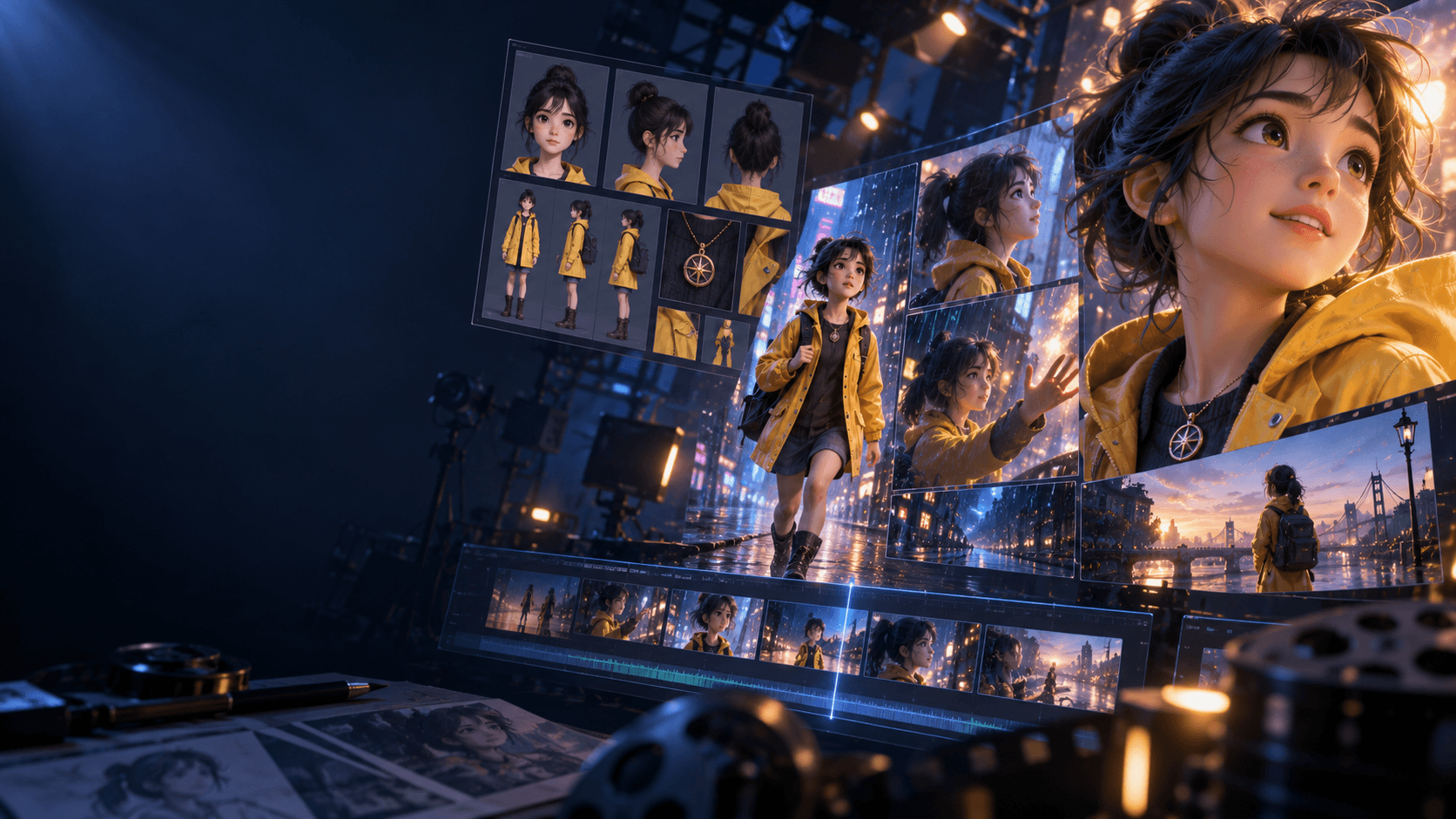
How to Create AI Videos for Free: What Actually Works
If you want to create AI videos for free, the first thing to understand is that “free” rarely means unlimited. It usually means one of three things: a small free tier, a short trial, or a workflow made from multiple tools with different limits. That matters because many creators waste time looking for a perfect free solution instead of building a realistic process.
Quick Answer
The best free AI video workflow is usually:
1. keep the project short
2. test one visual idea first
3. generate only the frames you really need
4. use free tools for experimentation, not endless revision
5. move to a stronger workflow once you know what works
What Free Workflows Are Good For
Free AI video creation works best for:
- teaser clips
- proof-of-concept scenes
- style tests
- prompt experiments
- short social edits
It works much worse for:
- long multi-scene stories
- heavy revision cycles
- character consistency across many shots
Step 1: Keep the Scope Extremely Small
If your project is free-first, do not aim for a three-minute short right away. Aim for one usable scene, one concept test, or one polished clip. Small scope is what makes a free workflow realistic.
That usually means one of these:
- a 5 to 15 second teaser
- one transformation shot
- one character intro
- one environment mood clip
Those formats let you learn what works before you burn time on a bigger structure.
Step 2: Build One Strong Image First
Free systems punish waste. That is why it is better to generate one strong source frame than five weak ones. If you already know your direction, you can move into a simple [AI image animator] workflow later instead of gambling all your free tries on random motion.
The reason this matters is simple: free workflows usually fail through waste, not through lack of possibility. Once you stop chasing volume and start chasing stronger source images, the same limited credits go much further.
Step 3: Separate Testing From Production
Use free tools to answer questions:
- Which style looks best?
- Which shot framing works?
- Which subject is easiest to animate?
Once you know the answer, then decide whether the free path is still worth it. If the answer is no, it is often smarter to continue the project in a more structured environment like Elser AI.
Step 4: Expect Limits in Control, Not Just Credits
The biggest weakness of free video workflows is often not raw quality. It is control. Export limits, weaker settings, fewer retries, and less stable sequence management can all become bigger problems than the free price tag itself.
That is why “free” is often best treated as a research stage, not a final production stage.
Use free tools to answer:
- does this visual direction work?
- is this subject easy to animate?
- is the scene readable enough to scale later?
If yes, then decide whether the project deserves a more stable environment.
Step 5: Upgrade Only When the Workflow Breaks
If you are only experimenting, free tools may be enough. If you need cleaner story flow, better motion control, or a repeatable pipeline, it makes sense to move into a more complete [AI video generator] workflow.
What “Free” Usually Cannot Do Well
Free workflows usually struggle most with:
- long-form scene continuity
- repeated character control
- high revision projects
- multi-scene storytelling
- production-ready polish
That does not make them useless. It just means they are better for discovery than for scale.
FAQ
Can I really create AI videos for free?
Yes, but usually inside a trial, free-credit system, or multi-tool setup rather than a fully unlimited free workflow.
What is the easiest thing to make for free?
Short teaser clips, concept tests, and one-shot mood scenes are the most realistic free projects.
When should I stop using a free workflow?
When control, retries, or scene consistency matter more than the cost savings.
If you already know your concept and want a stronger production path, move from free experimentation into [Elser AI] and build the next version with a more structured workflow.