How to Create an Animated Film or Series with AI
Creating an animated film or series with AI is very different from making one short clip. Once the project becomes multi-scene, recurring-character, and runtime-driven, the job is not only generation. It becomes production design: planning scenes, controlling continuity, and deciding where animation effort is actually worth it.
This is also where many creators get stuck. A one-minute test can survive on intuition. A three-minute short or a short episodic project usually cannot. The longer the runtime, the more you need structure before you generate anything.
Quick Answer
To create an animated film or series with AI:
1. define the format and runtime
2. break the story into scene units
3. build recurring assets
4. storyboard before generation
5. produce in passes
6. control runtime ruthlessly
Step 1: Define the Format and Runtime
Are you making a short film, a mini episode, or a micro-series? A three-minute short and a ten-minute episode need very different scene counts and pacing.
Before you begin, answer:
- How long is the final piece?
- How many scenes does it need?
- Is it dialogue-heavy or visually driven?
- Does it need recurring locations?
If you cannot answer those questions, the project is probably still too vague.
Step 2: Break the Story Into Scene Units
Do not think in paragraphs. Think in scenes. Then think in shot groups. That is how the runtime becomes manageable.
For example, a three-minute animated short often becomes:
1. intro scene
2. inciting moment
3. reaction or conflict beat
4. climax beat
5. ending beat
That structure is much easier to build than one long block of generation.
Step 3: Build Recurring Assets Before Motion
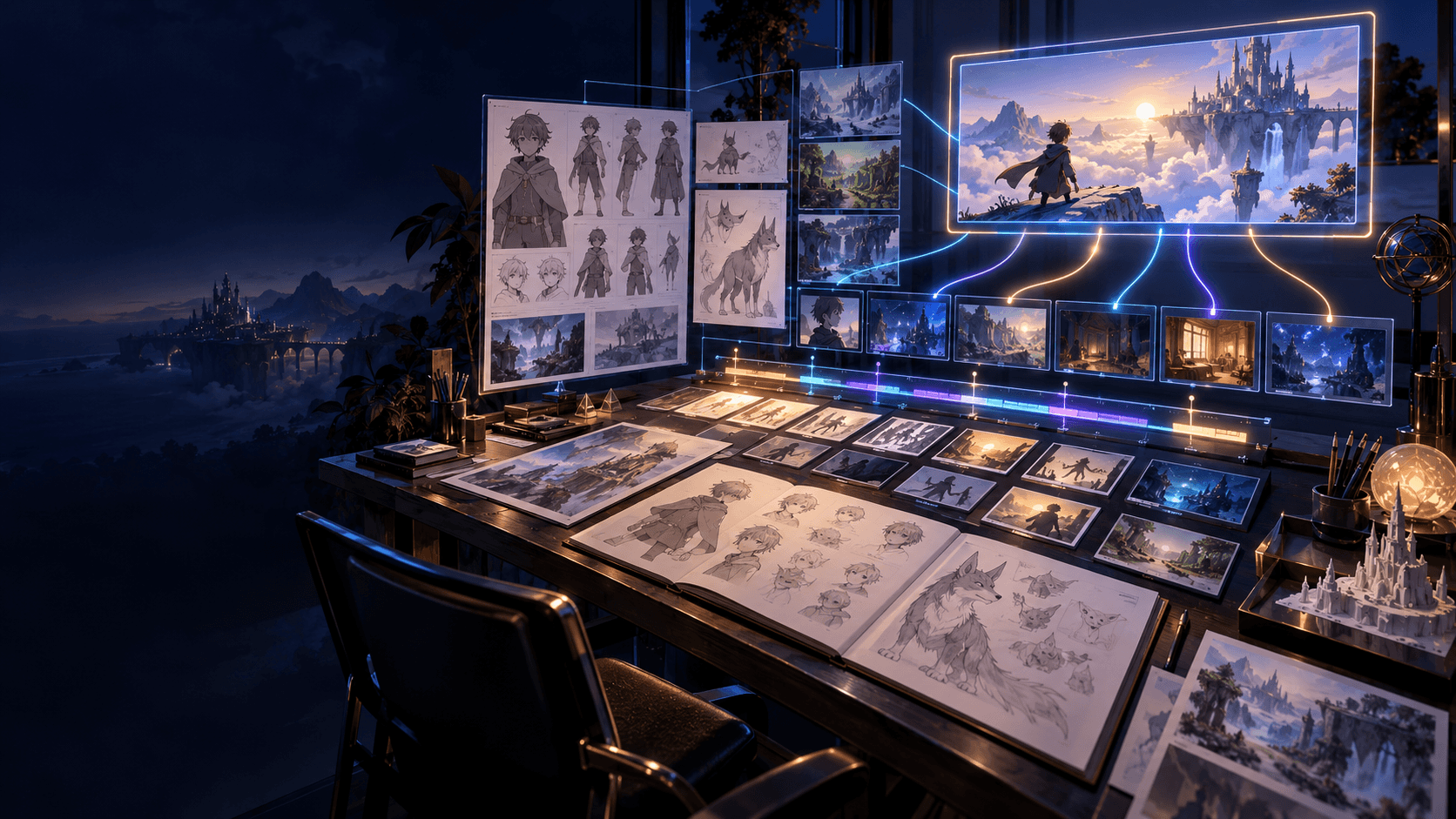
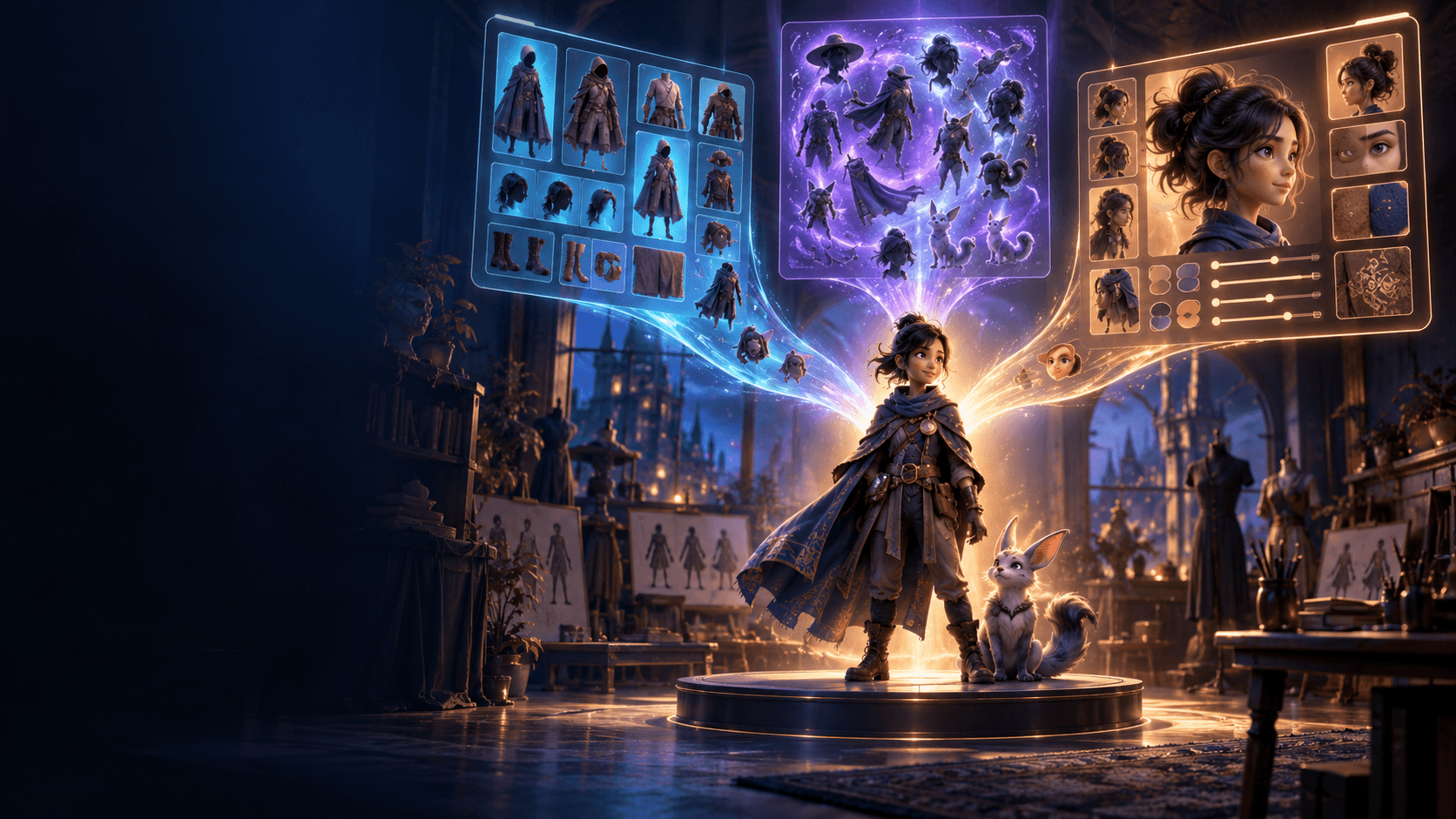
Long-form work needs consistent characters, repeatable environments, and stable style rules. Use an [AI character maker] or [AI anime generator]workflow to create reusable assets before motion starts.
Recurring assets usually include:
- main character references
- supporting character references
- environment style references
- lighting rules
- costume and prop continuity notes
This prep stage saves far more time than most creators expect.
Step 4: Storyboard Before Generation
An [AI Storyboard Generator] matters even more in long-form production than in short-form clips, because every weak scene multiplies later revision.
At this stage, decide:
- scene purpose
- shot order
- where to spend animation effort
- where slower or simpler shots are enough
That planning layer is what keeps a three-minute video from collapsing into unrelated fragments.
Step 5: Produce in Passes
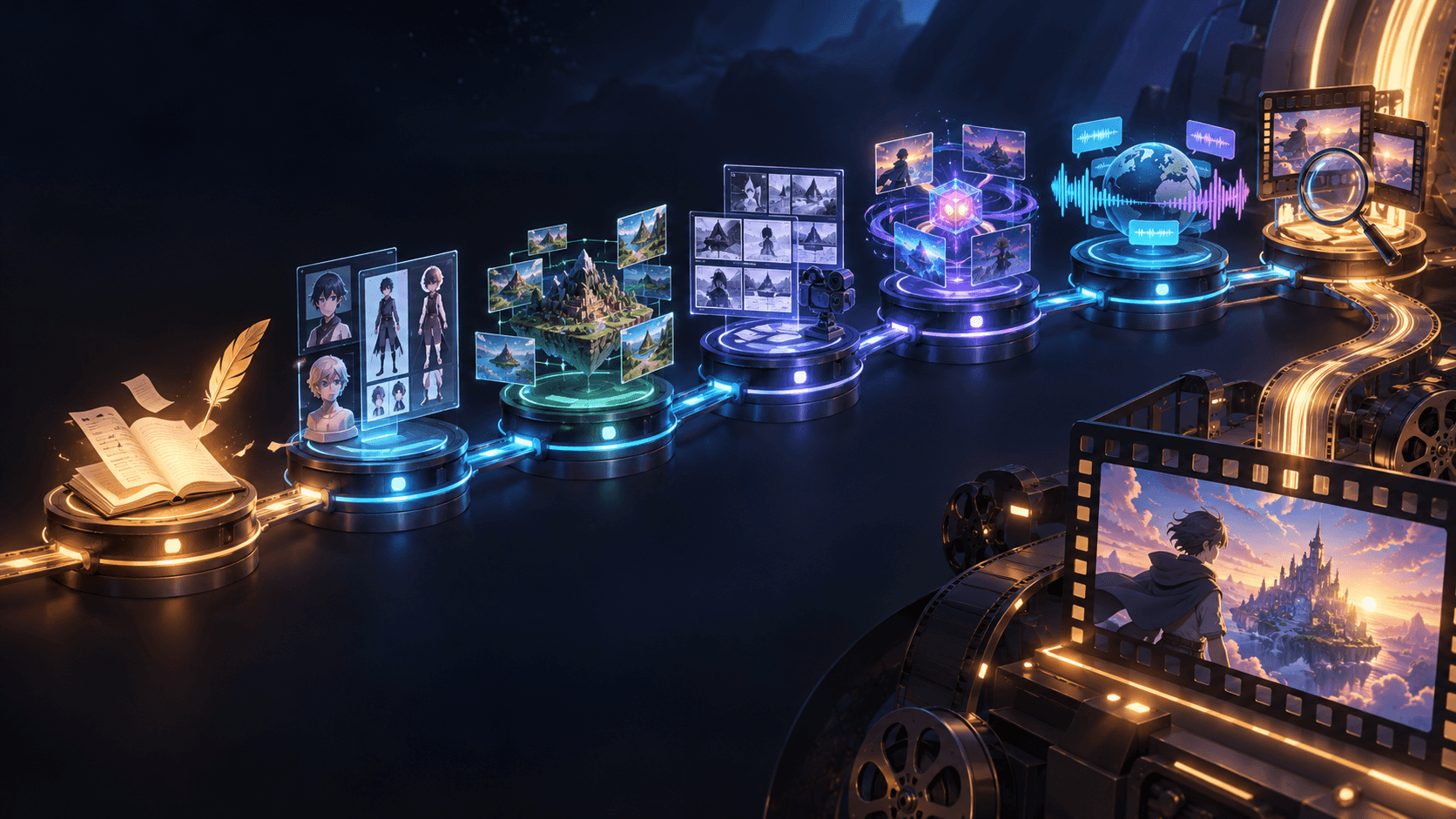
The best workflow is usually:
1. outline
2. storyboard
3. key visuals
4. motion
5. edit and polish
If you jump from outline straight into final generation, you usually create more revision work instead of less. A more staged pipeline also makes an [AI image animator] much more useful, because the strongest frames have already been selected.
Step 6: Control Runtime Ruthlessly
Not every moment needs full animation. Sometimes a still shot, a slow push, or a short atmosphere beat is enough to hold the story together without blowing up the workload.
This matters especially if your real goal is to make an animated video that lasts for three minutes or more. Runtime does not only come from adding motion. It also comes from pacing, editing, holds, transitions, and smarter scene design.
A Practical Production Rhythm
For longer-form creator projects, a practical rhythm is:
- day 1 to 2: outline and scene structure
- day 3 to 5: storyboard and asset references
- next phase: key scene generation
- later phase: motion and edit passes
The exact timeline changes by project size, but the pattern stays useful because it forces structure before polish.
What Usually Scales Best
Longer projects usually stay healthier when you scale these first:
- storyboard quality
- reference quality
- scene clarity
They usually break when you scale these first:
- motion length
- number of scene changes
- visual complexity everywhere
Why Elser AI Fits This Kind of Project
Elser AI fits long-form creator workflows best when you treat it as a connected system instead of a one-click clip generator. Planning, character setup, visual development, and final scene creation all matter more once the project moves beyond a single short shot.
FAQ
Can AI create a full animated film?
AI can support the process, but better results come from structured production instead of expecting one prompt to do everything.
Is a series harder than a short film?
Usually yes, because consistency and repeatability matter more across many scenes.
What is the biggest challenge?
Keeping structure, consistency, and runtime under control.
How do I make an animated video last for three minutes without it feeling repetitive?
Break the project into clear scenes, vary shot types, reuse recurring assets, and use pacing rather than nonstop motion to fill runtime.
If you want to move from isolated clips into longer storytelling, use [Elser AI] and start the production from a storyboard-led plan before scene generation begins.