How to Create an Anime Video with AI: A Practical Beginner Guide
Most people asking how to create an anime video with AI are not really asking for "more prompts." They are asking how to go from one cool image to a sequence that still feels like the same story. That gap is where most AI anime workflows fail.
The hardest part is not generating a dramatic frame. It is keeping the character recognizable, making the shots feel related, and ending up with something that looks like a scene instead of a pile of disconnected clips. The good news is that you do not need a full studio pipeline to do this well. You do need a cleaner process.
What the Workflow Actually Looks Like
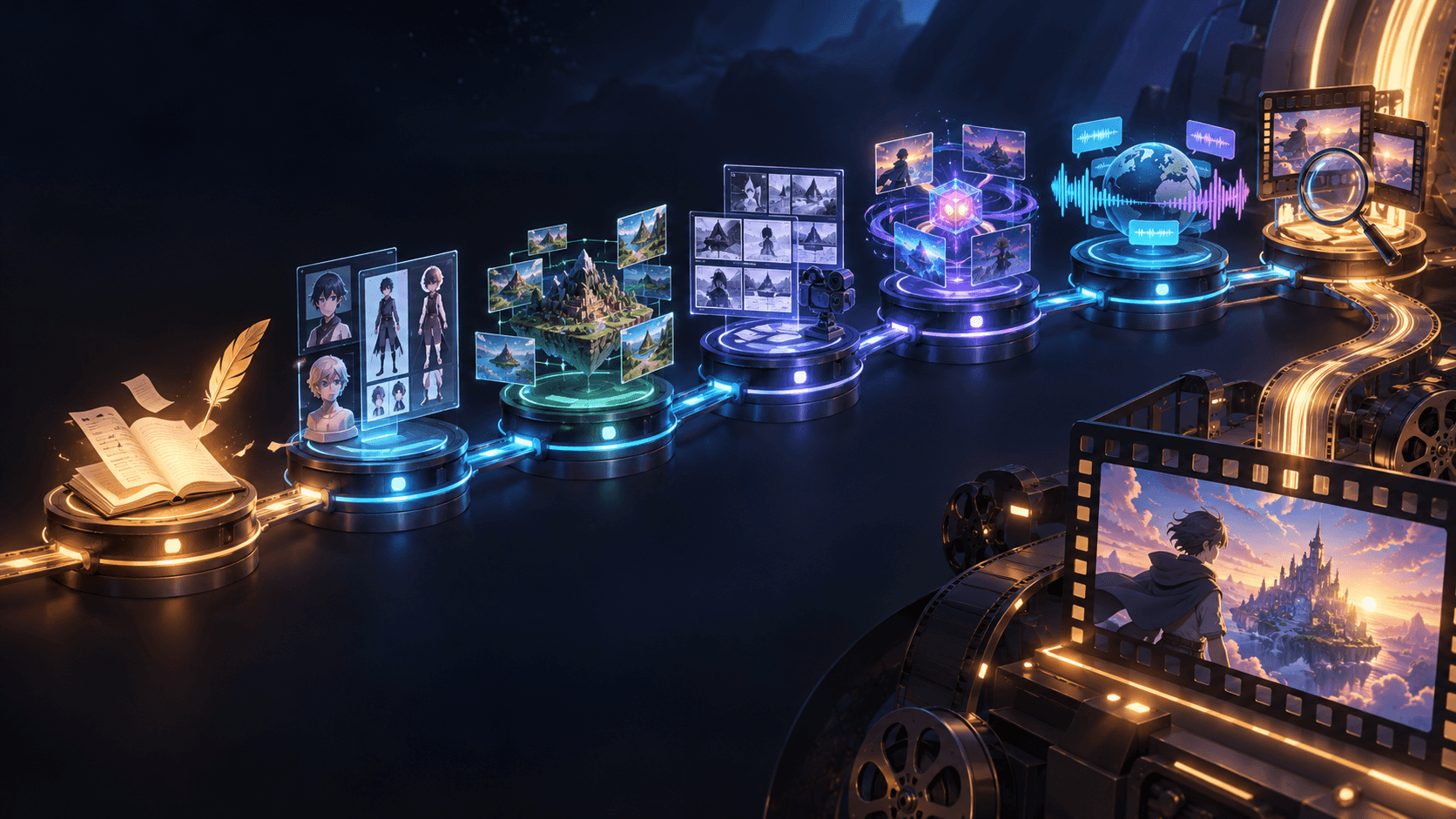
If you want the practical answer first, use this order:
1. pick one short scene
2. lock the main character
3. sketch the shot order
4. generate the key frames
5. animate only the winners
6. fix the rhythm with sound and editing
That sequence works better than asking one tool to create a whole anime video in one go.
Start With a Scene, Not a Series
A beginner project should be one of these:
- a character reveal
- a one-scene emotional beat
- a short fight moment
- a teaser trailer shot sequence
The smaller the idea, the better the result usually gets. A 15-second anime scene teaches you more than an unfinished five-minute concept.
Character First, Motion Second
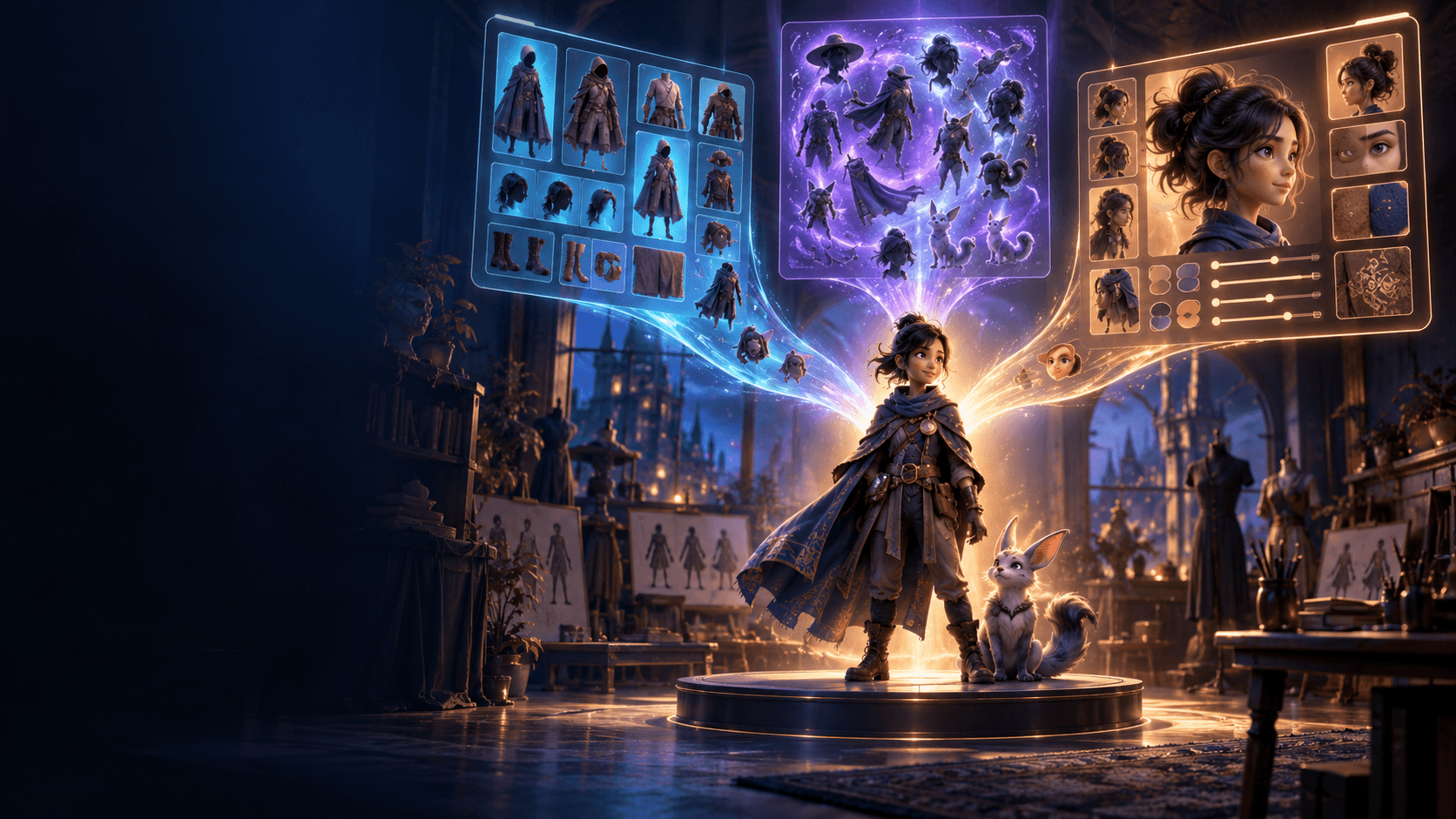
Anime scenes break fast when the lead character drifts between shots. That is why the character should be stable before you worry about camera movement or effects. Start with an AI image generator or a strong anime-style character setup so you can define the subject clearly.
The minimum you want to lock is:
- face shape
- hairstyle
- outfit silhouette
- color palette
- emotional tone
If those are changing every shot, the animation stage will only make the inconsistency more obvious.
Why a Storyboard Helps More Than Most Prompts
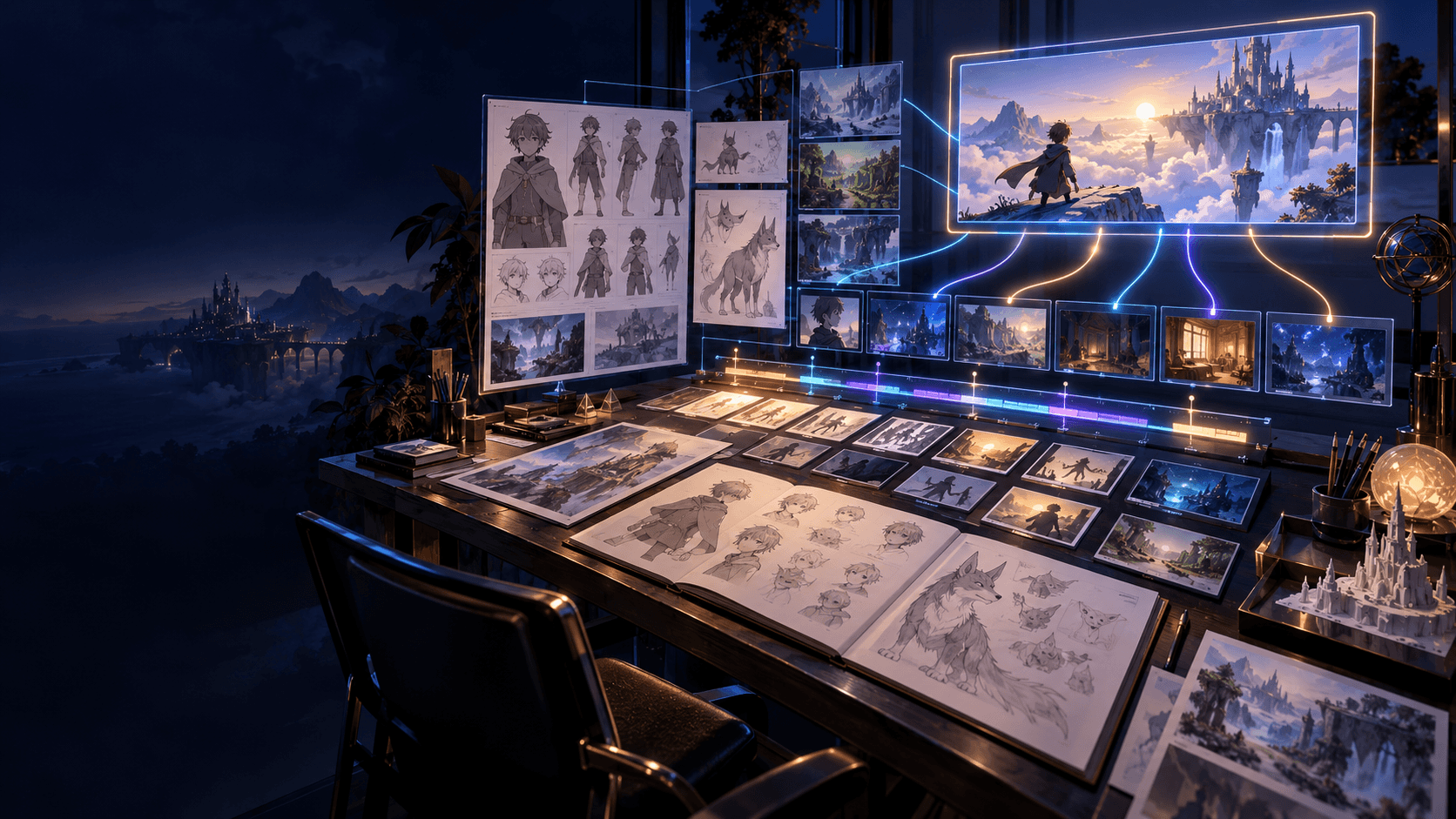
One thing high-ranking tutorials tend to get right is this: they explain that AI video gets easier when the sequence is clear before generation begins. A rough AI video generator workflow gives each shot a job.
A clean anime scene often follows this rhythm:
1. establishing shot
2. character introduction
3. action or reaction shot
4. close-up
5. ending beat
That may sound simple, but it solves pacing, framing, and emotional flow before you start spending effort on visuals.
Build the Scene From Strong Stills
Your first goal is not "more frames." It is "the right frames." Review each still for:
- character consistency
- clear composition
- readable camera angle
- visual mood
- relevance to the scene beat
Once the still frame already feels cinematic, the motion step gets much easier.
Animate Less Than You Think
Beginners usually over-animate. Short, readable motion is almost always better:
- slow push-ins
- head turns
- hair and coat movement
- one clean action beat
This is where an image animator becomes useful. It is often stronger to animate a well-chosen still than to regenerate motion from scratch over and over.
The Part That Makes It Feel Finished
Anime clips often go from "interesting test" to "actual scene" in the edit. A little sound design and better pacing change a lot. Even simple atmosphere, impact, or transition cues can make the whole sequence feel more intentional.
What Usually Goes Wrong
- starting with effects instead of a scene
- trying to animate before the character is stable
- skipping the shot plan
- generating too many versions without selecting the best frame
- forcing long, complex motion too early
A Better Prompting Habit for Anime Scenes
One reason anime videos feel random is that creators often ask the model for style, motion, camera language, emotion, and plot progression all at once. The result might look exciting for a single frame, but it rarely holds together across multiple shots.
A better prompt habit is to separate what must stay stable from what can change.
What should usually stay stable:
- who the character is
- what they are wearing
- the time of day
- the overall color mood
- the emotional tone of the scene
What can change from shot to shot:
- camera distance
- pose
- micro-expression
- small movement
- framing emphasis
This sounds simple, but it is one of the fastest ways to make an anime sequence feel like one scene instead of six unrelated experiments.
How to Choose the Right First Project
If you are just starting out, project selection matters almost more than tool selection. The wrong first project teaches bad habits because the scope gets out of control before the workflow is stable.
These are usually strong first projects:
- an opening character reveal
- a two-character standoff
- a rooftop mood scene
- a shrine, school, or street transition sequence
- a teaser for a larger story
These are usually weak first projects:
- long chase scenes
- dialogue-heavy crowd scenes
- big transformation sequences with multiple camera moves
- anything that depends on ten different locations
The pattern is easy to see. Strong first projects depend on clarity. Weak first projects depend on scale.
A Practical Review Pass Before You Call the Scene Done
Before you accept the final anime clip, stop judging it only by "does this look cool?" and ask a more useful set of questions.
Review the scene for:
- whether the lead still looks like the same person
- whether the camera progression feels intentional
- whether each shot adds something different
- whether the scene could be shorter without losing impact
- whether the ending shot feels like a finish instead of an interruption
This review pass matters because creators often keep polishing weak shots instead of removing them. In short-form AI anime, removal is often a better edit than repair.
When to Add More Complexity
Once you can finish one strong scene, then it makes sense to add more ambition. The next layer might be:
- a second scene with the same character
- a more obvious action beat
- a cleaner transition between locations
- music or voice cues
- a small narrative arc instead of one isolated mood moment
That is the right direction for growth. Start from one coherent scene, then add one new challenge at a time. The creator who finishes three short anime scenes learns more than the creator who abandons one overbuilt mini-movie.
One more useful question is whether the scene still reads with the sound muted. If the character acting, framing, and shot order are clear without audio, the scene usually has a stronger visual foundation. Then the sound layer can lift it instead of rescuing it.
If you want a connected workflow for anime scenes, start with Elser AI and build the sequence from one strong character and one clear storyboard.