How to Use AI to Create Animation: A Beginner Guide
Most beginners think AI animation starts when the tool starts generating. In practice, it starts earlier, when you decide what the shot is actually supposed to do. A lot of bad AI animation is really just unclear scene design wearing a better prompt.
Before You Touch a Prompt, Decide the Job of the Shot
Ask what the shot is for:
- introducing a character
- showing motion
- carrying an emotion
- building atmosphere
That one answer changes the whole workflow.
Build Better Stills Before Better Motion
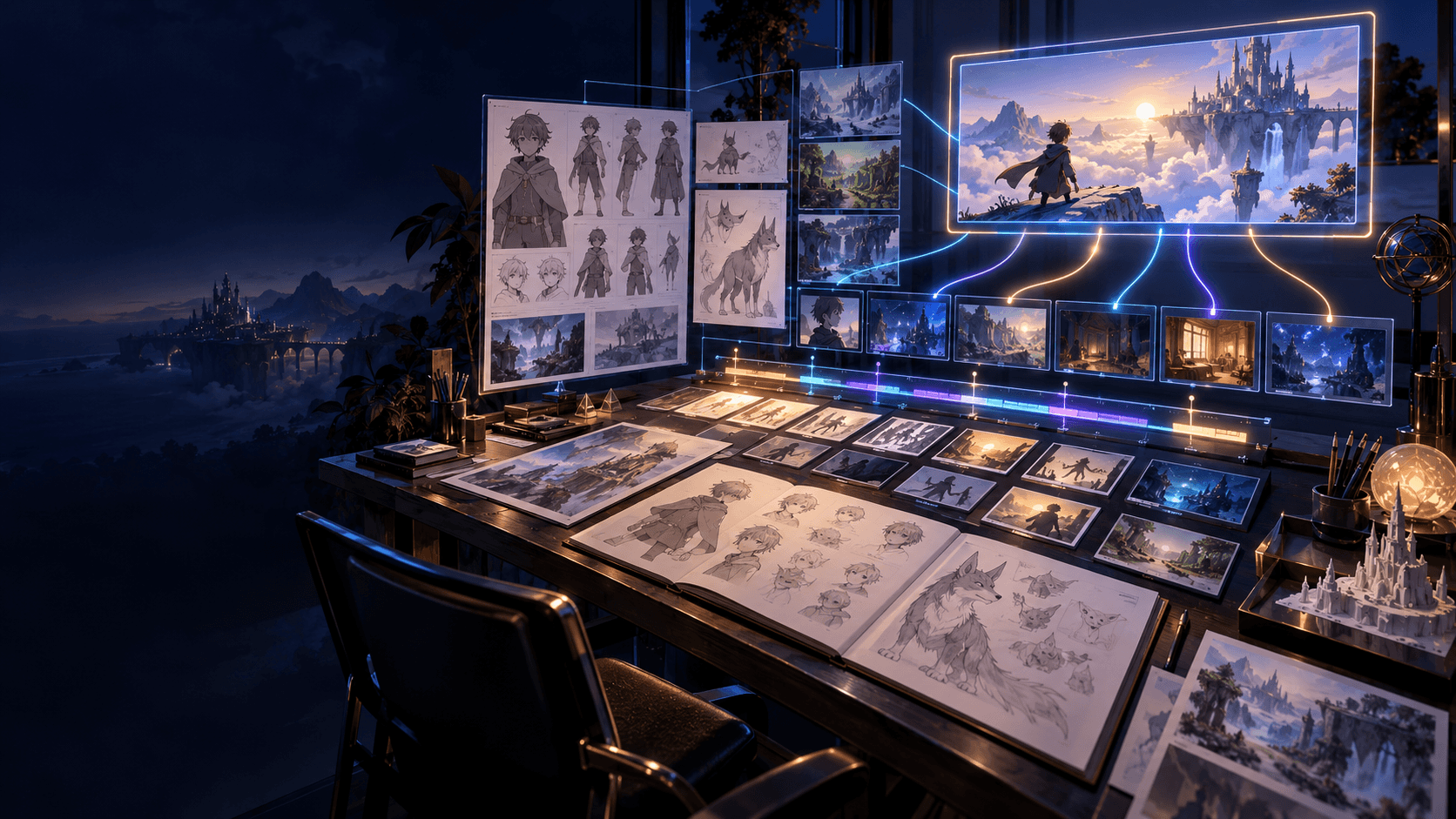
Animation quality usually starts with source quality. If the still frame is weak, motion rarely saves it. That is why a stronger AI video generator workflow is useful earlier than many people expect: it helps you stabilize the look before the motion gets involved.
Keep the Style Narrow
If the subject design, lighting, and mood keep changing, the animation will feel unstable even if individual frames look impressive. One scene should usually commit to one visual direction.
The Motion Goal Should Be Smaller Than You Think
Once you have stronger stills, move them into an animation workflow. Good beginner motion is usually:
- a subtle push-in
- a head turn
- cloth or hair movement
- one emotional or action beat
Trying to do too much too early is one of the fastest ways to make the shot look synthetic.
Structure and Sound Matter More Than People Expect
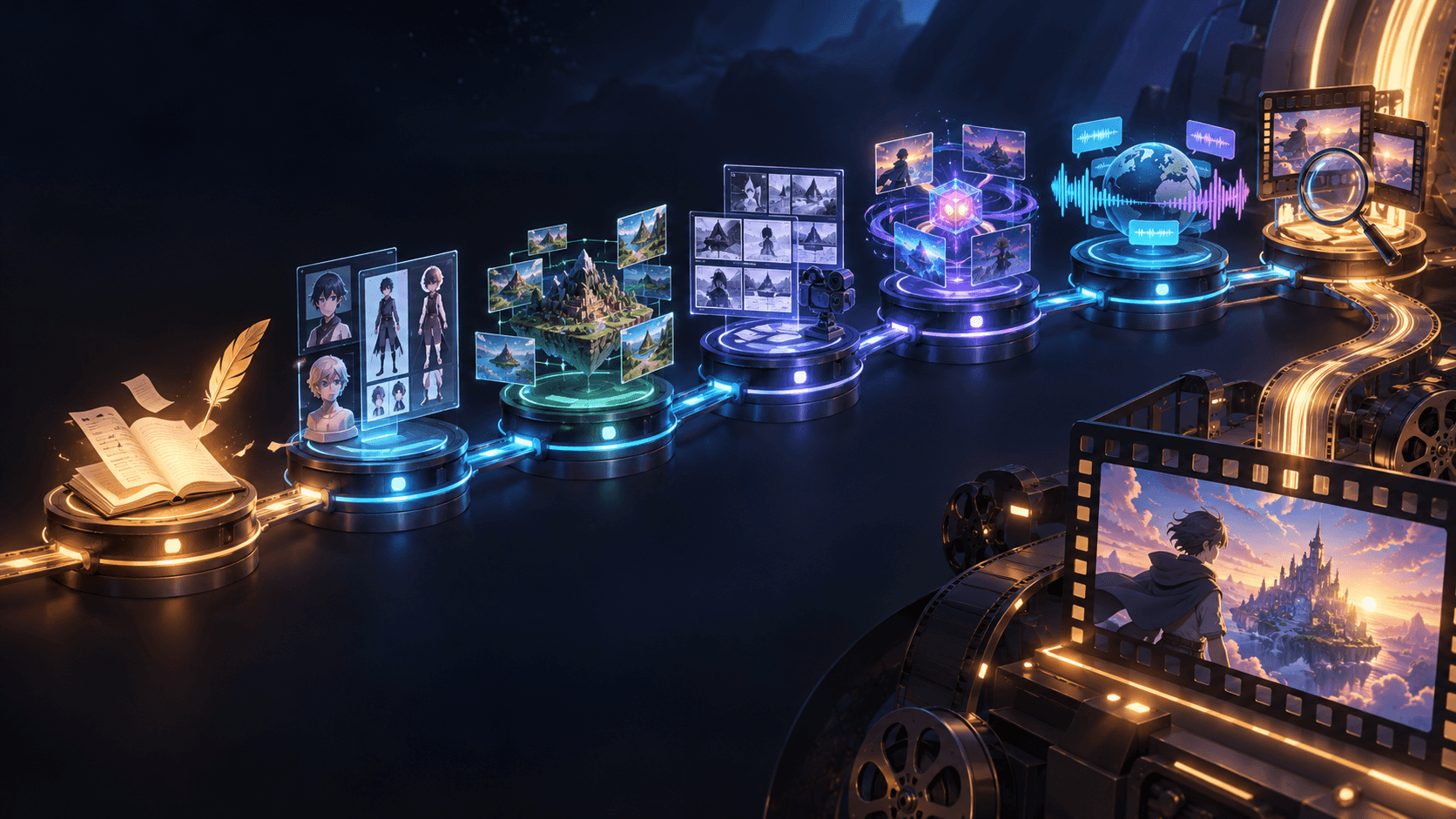
AI animation improves fast when the shot exists inside a sequence. A simple AI video generator plan can do more for pacing than another prompt revision, and stronger sound design usually makes the final result feel more deliberate.
Best Projects to Start With
- one character intro
- one mood scene
- one reaction shot
- one stylized teaser
These are easier to control than long scene chains.
Learn the Difference Between Motion and Animation
This is one of the most helpful mindset shifts for beginners. Not every moving image feels animated in a satisfying way. Motion simply means something changed. Animation feels intentional because the movement serves the shot.
That is why a weak clip can still have lots of motion, while a strong clip may only have:
- a pause before a turn
- a small push-in on an expression
- a coat moving in the wind
- a subtle shift in posture
The goal is not to maximize movement. The goal is to make the right movement visible.
What Makes a Shot Feel Cheap
AI animation often looks cheap when the shot is trying to do too many things at once. You will usually see one or more of these problems:
- unclear focal point
- no obvious emotional center
- background motion that competes with the subject
- camera instructions that do not match the scene
- a style prompt that pulls in multiple directions
A better way to debug the shot is to ask one direct question: what should the viewer notice first? If you cannot answer that clearly, the shot probably needs simplification before it needs more generation.
Use a Three-Shot Learning Loop
One of the fastest ways to improve is to practice on tiny sequences instead of isolated clips. A useful exercise is a three-shot loop:
1. opening frame
2. key emotional or visual shift
3. ending frame
This teaches you rhythm, continuity, and shot contrast without forcing you into a long project. It also gives you a simple way to compare versions. If shot two never feels stronger than shot one, the scene probably lacks a real beat.
Build Your Taste While You Build the Clip
Beginners often think quality comes entirely from the model. In practice, quality also comes from taste: what you keep, what you cut, and which version you decide is worth refining.
As you work, train yourself to notice:
- which framing makes the subject clearer
- which lighting direction strengthens the mood
- which motion feels distracting
- which shot order makes the sequence easier to follow
That kind of editorial judgment is what separates a usable creator workflow from endless output generation.
How to Know You Are Ready for a Bigger Project
You are probably ready to scale up when you can consistently finish short scenes with:
- a stable subject
- readable shot order
- limited but intentional motion
- an ending that feels complete
Once those pieces are working, expanding into longer sequences becomes much less painful because the workflow is already behaving the way you need it to.
Keep a Tiny Revision Log
One of the fastest ways to improve at AI animation is to write down what changed between attempts. This does not need to be formal. Even a few notes help:
- which framing felt clearer
- which motion felt too busy
- which style description improved the shot
- which cut made the sequence easier to follow
Without that habit, creators often repeat the same mistakes while thinking they are exploring new options. A revision log turns vague experimentation into actual progress.
Learn to Judge the Shot at Three Levels
Another practical habit is to judge each result at three levels instead of only asking whether it looks "good."
Level one: can you read the subject immediately?
Level two: does the movement support the subject?
Level three: would this shot make sense inside a sequence?
That last question is the one beginners often skip. A shot can look attractive on its own and still fail once it has to live beside other shots. Evaluating all three levels makes your editing decisions much stronger.
Know When a Shot Is Ready to Move Forward
Creators often lose time because they keep refining shots that are already good enough. A useful rule is to move on when:
- the subject reads clearly
- the motion fits the scene goal
- the style is consistent with the sequence
Perfection is not the real target. Progression is. If the shot can do its job in the final cut, it may be ready sooner than you think.
That single habit often improves output quality because it preserves energy for the shots that still have real problems.
It also keeps the workflow moving instead of collapsing into endless tweaking.
And in practice, speed with judgment usually beats perfection without momentum.
The creators who improve fastest are usually the ones who can spot "good enough to move forward" without confusing it with "finished forever."
That mindset is surprisingly important in AI animation, because momentum is often part of quality.
Good shots usually come faster once the workflow itself becomes calmer.
If you want a cleaner creator workflow for animation, start with Elser AI and build the sequence from stills before motion.