How to Use GPT-6 for AI Video (From Idea to Final Output)
If you’ve tried using AI to create videos, you’ve probably run into the same problem:
Getting ideas is easy.
Turning those ideas into an actual video? Not so much.
GPT-6 improves the first part dramatically—but it doesn’t completely solve the second.
What does work, though, is combining GPT-6 with the right kind of AI video tool. Once you connect those two pieces, the workflow starts to feel surprisingly smooth.
Here’s how people are actually doing it.
Start with GPT-6, not with the video tool
A common mistake is jumping straight into a video generator and trying to figure things out from there.
That usually leads to random results.
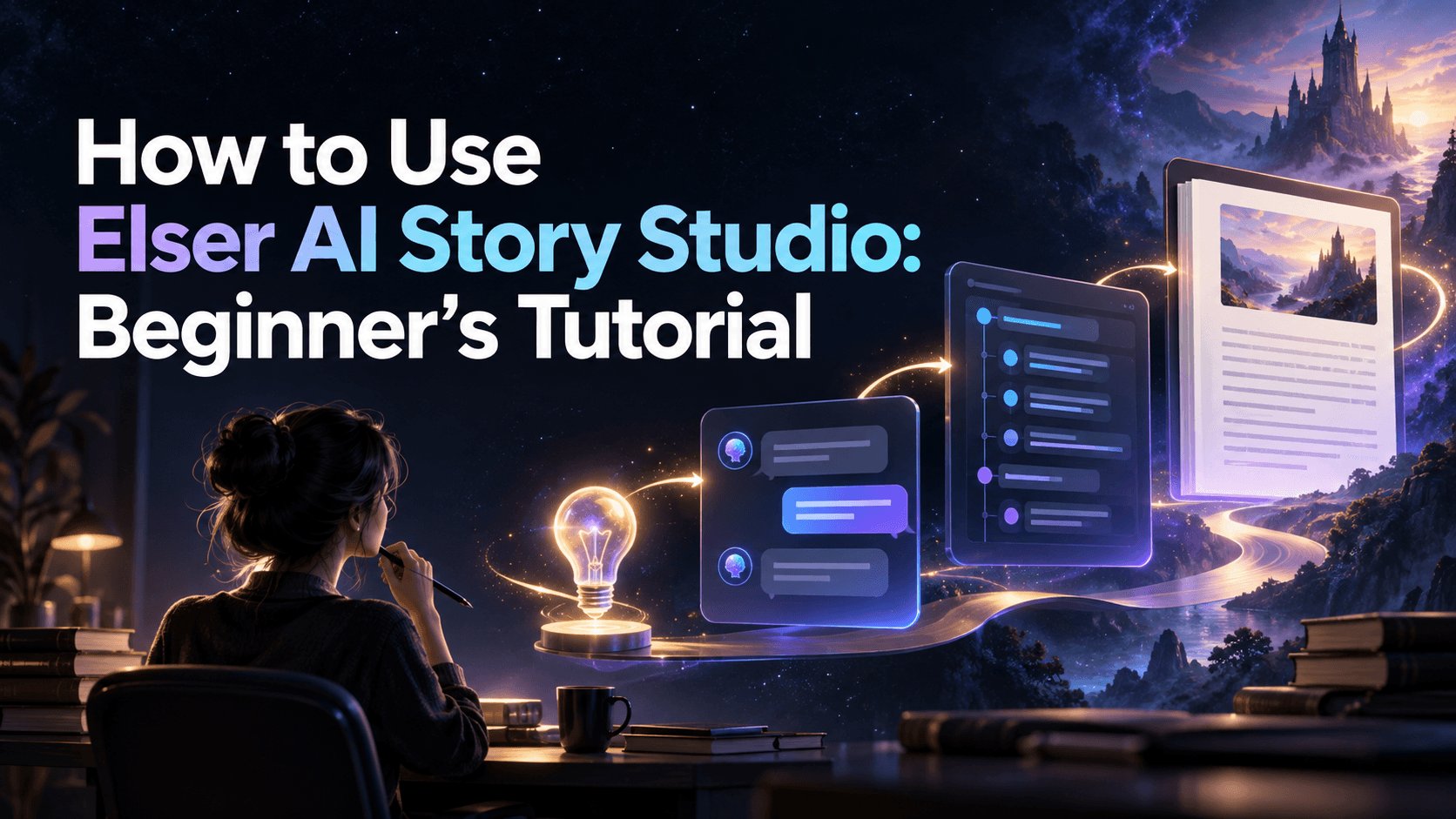
Instead, the better approach is to start with GPT-6 and let it handle the thinking.
Even a simple prompt like:
“Create a short anime-style video idea set in Tokyo at night”
is enough to generate a structured concept.
What’s different with GPT-6 is that it doesn’t just give you a paragraph—it starts organizing the idea into something usable. That’s why more people are searching for things like “how to use GPT-6 for AI video creation”—it removes the messy first step.
Turn your idea into a script you can actually use
Once you have the idea, the next step is obvious: turn it into a script.
But here’s the small tweak that makes a big difference:
Ask for structure, not just content.
“Write a 60-second anime video script with clear scenes, pacing, and visual details”
Now GPT-6 gives you something closer to production material:
- scene flow
- timing
- tone
- basic visual direction
At this point, you’re already ahead of most AI video workflows.
Break the script into scenes (this is where things click)
This is the step most people skip—and it’s exactly why their videos feel random.
Instead of jumping ahead, ask GPT-6:
“Convert this script into detailed scene descriptions with camera angles and actions”
Now you have:
- shot-by-shot breakdown
- character movement
- environment details
This is the moment where your content becomes usable for video tools.
Where Elser AI actually comes in
Up to this point, GPT-6 has done all the thinking:
- idea
- script
- scene breakdown
But it still hasn’t created a video.
This is exactly where a tool like Elser AI fits naturally into the workflow.
Instead of writing prompts from scratch inside a video generator, you can take the structured scenes from GPT-6 and directly turn them into visual outputs.
The difference is noticeable:
- Without structure → random clips
- With GPT-6 + Elser AI → coherent scenes
You’re essentially feeding the tool something it can understand, instead of hoping it guesses correctly.
Turning scenes into actual video (practical example)
Let’s say GPT-6 gives you a scene like:
“A girl stands under neon lights in Shibuya, rain falling, cinematic close-up”
You can take that and directly turn it into a prompt for Elser AI.
Because the scene is already detailed, the output becomes much closer to what you imagined—especially for anime or cinematic styles.
This is why workflows like “GPT-6 to AI video generator” are starting to trend. It’s not about one tool replacing another—it’s about combining them properly.
Why this combination works so well
The key insight is simple:
- GPT-6 is good at thinking
- Elser AI is good at visualizing
When you try to make one tool do both, results are inconsistent.
When you split the roles, everything improves:
- better structure
- better prompts
- better final video
And more importantly, less trial and error.
Iteration becomes much easier
Another benefit people don’t talk about enough is iteration.
If something feels off in your video:
- go back to GPT-6
- adjust the scene
- regenerate in Elser AI
You’re not starting from zero—you’re refining a system.
Over time, this becomes a repeatable workflow instead of random experimentation.
The bigger shift
What’s really changing here isn’t just tools—it’s how content gets made.
Instead of:
idea → guess → generate → retry
It becomes:
idea → structure → generate → refine
GPT-6 handles the structure.
Elser AI handles the generation.
That’s the difference.
Final thoughts
GPT-6 doesn’t replace AI video tools.
It makes them work the way they’re supposed to.
Once you start using GPT-6 to prepare your content—and then use a tool like Elser AI to bring it to life—the whole process feels less like experimentation and more like an actual workflow.