Is Kling AI Really Free? My 2026 Experience
A few weeks ago, I decided to finally try Kling AI for a short cinematic clip. I had been following the AI video trend for months, watching creators post jaw-dropping animations on Twitter, TikTok, and YouTube. Everyone seemed to hype Kling AI as “the free AI video tool that can do it all.”
So I thought, why not try it myself?
Spoiler: it wasn’t entirely free — at least, not in the way I expected.
In this post, I’ll share my step-by-step experience with Kling AI, including:
- What “free” really means
- Hidden costs most creators overlook
- My workflow struggles
- How I found a more cost-effective alternative
By the end, you’ll know whether Kling AI is worth your time — and credits.
My First Impression: “Free” Isn’t Really Free
When I signed up, I expected unlimited usage or at least a generous free tier.
Reality check: Kling AI offers limited credits, which you can use to generate videos. That sounds fair, but here’s what I ran into:
- Free credits are small — maybe enough for a few short clips
- Video length and resolution are capped unless you upgrade
- Some features are locked, like advanced motion tweaks or style presets
- You can get stuck in a queue during peak hours
In short, yes, Kling AI is technically free. But in practice, you hit limits almost immediately if you want to create something meaningful.
My First Day of Testing: A Reality Check
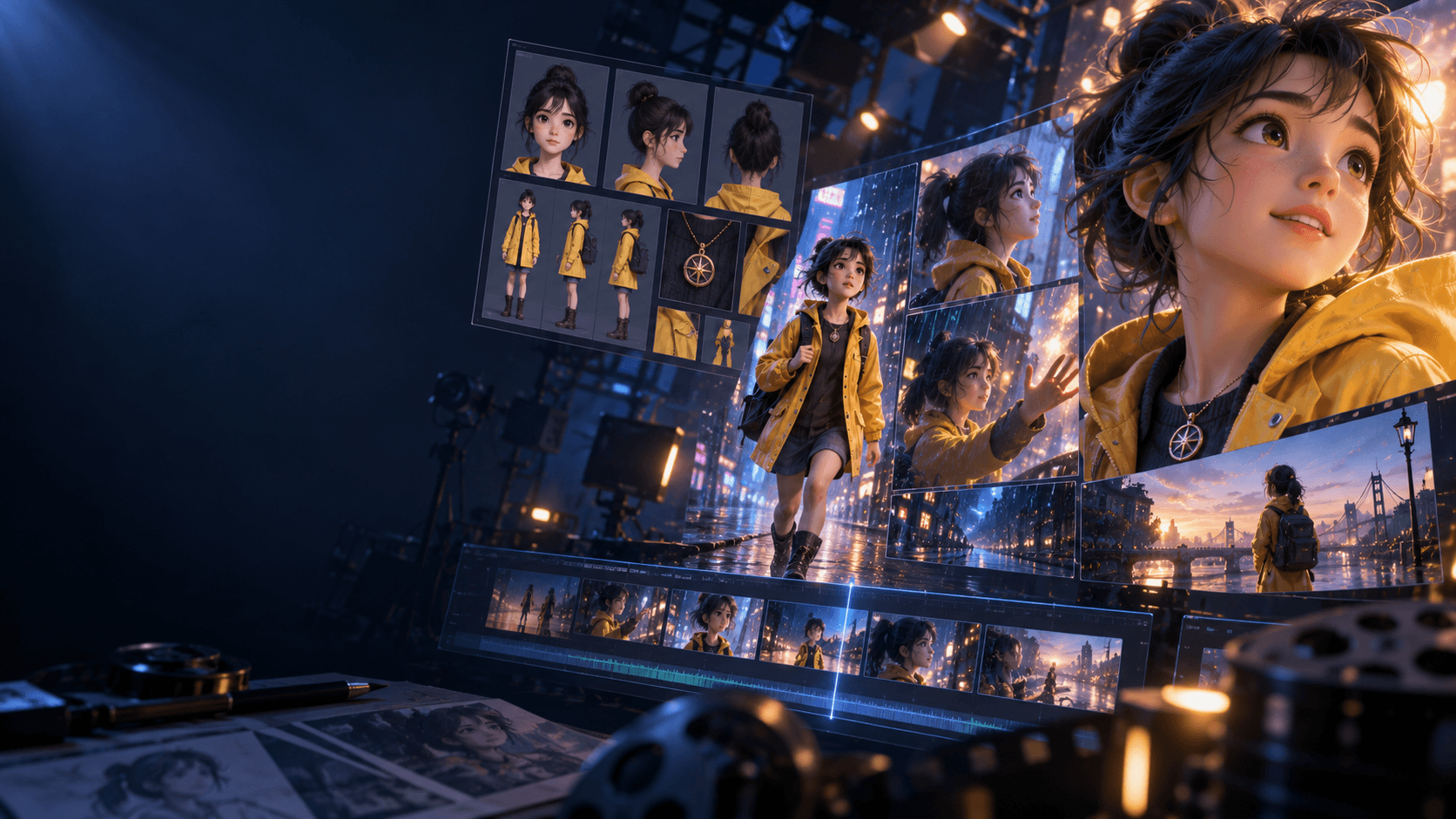
I decided to make a 30-second cinematic anime-style clip. I had a simple story in mind: a girl discovering she has magical powers in a rainy cityscape.
Here’s how it went:
1. First attempt: I input a simple prompt for a cityscape scene. Output was low-res, the character looked off-model, and motion was jittery.
2. Second attempt: I adjusted the prompt with more descriptive keywords. Better, but I nearly used all my free credits.
3. Third attempt: Tried experimenting with camera angles and lighting. I quickly realized that to get a decent shot, I needed 5–6 iterations.
By the end of the day, I had spent almost all my free credits on trial-and-error. I hadn’t even started generating multiple scenes or adding music.
That’s when I realized: free doesn’t equal “finished project.” Kling AI is great for testing ideas, but it’s not enough if you want a full, polished video.
The Hidden Costs You Don’t See Coming
It’s easy to think about money when you hear “free AI tool.” But after testing, I found two bigger hidden costs: time and consistency.
1. Time Costs
Even for a 30-second clip:
- Waiting in the queue for each generation
- Rewriting prompts for better results
- Regenerating failed outputs
…added hours to what I assumed would be a 30-minute project.
If you’re trying to produce multiple clips a week, this time adds up — and unlike paid tiers, you can’t speed things up indefinitely without paying.
2. Consistency Costs
Kling AI excels at generating individual shots. But across multiple scenes:
- Characters may subtly change appearance
- Lighting and color tones shift
- Motion style isn’t always stable
For a single scene, it’s fine. But for a short story with 3–5 scenes, this meant extra work in editing and post-processing.
Why the Iteration Cycle is Expensive
Here’s what I noticed:
- Each generation consumes credits — longer videos cost more
- You rarely get a perfect result on the first try
- Fine-tuning prompts can take multiple tries per scene
For example, my first cityscape scene took 3 tries, my rainy street scene took 4 tries, and a magic powers close-up took 2 tries. That’s 9 generations for just 3 shots. Multiply this by 5–10 scenes for a full story, and suddenly you’re spending a lot more than anticipated.
The Multi-Tool Trap
Kling AI isn’t meant to be a standalone studio. Most creators, including myself, end up using:
- An image AI tool for backgrounds or concept art (Midjourney, Stable Diffusion, etc.)
- An audio tool for voice or music
- Editing software to stitch scenes together
Before long, you’re juggling 4–5 different tools, each with its own subscription or credit system. This fragmentation adds both cost and friction.
When Kling AI Makes Sense
Despite the frustrations, Kling AI isn’t useless. Here’s when I’d still use it:
- Testing visual ideas quickly
- Generating cinematic short clips
- Learning prompt engineering for AI video
If you’re just experimenting, the free tier is perfect. But if you want finished, consistent content, you’ll run into limits fast.
How I Found a Smarter Workflow
After a few days of trial and error, I realized the solution was an all-in-one AI platform. Enter Elser AI.
Why it works better for me:
- Generates characters, scenes, and motion in one workflow
- Built-in audio, music, and editing — no juggling tools
- Maintains consistency across multiple scenes
Instead of paying per iteration or fixing inconsistencies manually, you pay once and can focus on actually finishing your project.
Final Thoughts
So, is Kling AI free? My conclusion after testing in 2026:
- Technically: Yes
- Practically: Limited
- Professionally: Not enough for serious projects
It’s great for testing and learning, but if your goal is finished, consistent videos, the hidden costs of credits, time, and workflow complexity add up quickly.
For creators who want to go from idea → polished video, platforms like Elser AI are worth checking out.
If You Want to Try a Full Workflow
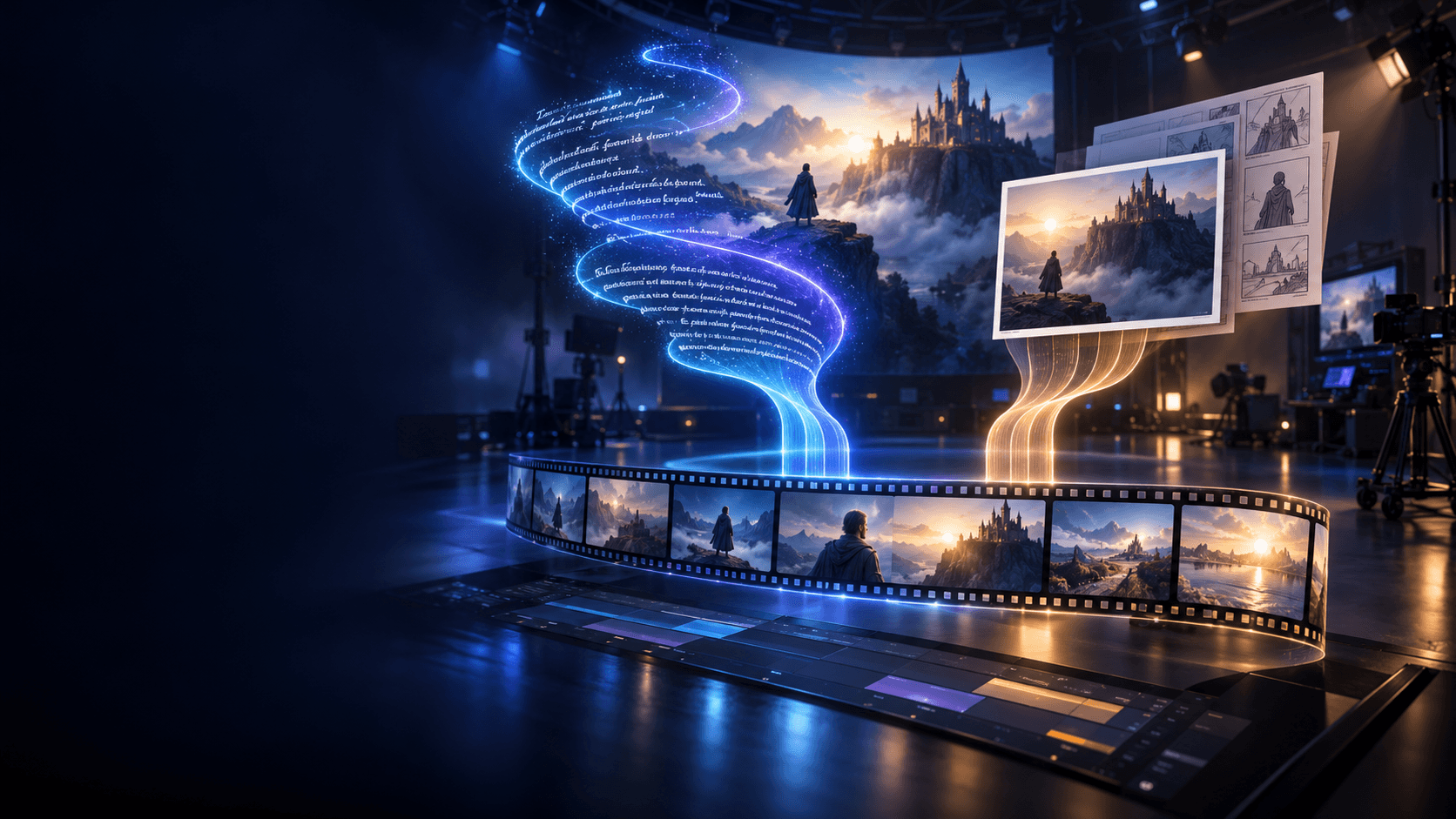
You don’t have to buy multiple subscriptions or waste time stitching tools together. A single workflow can handle:
- Concept → characters → scenes → motion → audio → export
Check it out here:
Trust me — your future self will thank you for saving both time and credits.