Kling 3 vs HappyHorse for YouTube Shorts
Short-form video is a ruthless format: you don’t have time to “fix it in post” if the motion is jittery, the character changes faces every cut, or the style drifts halfway through the clip. If you’re deciding between Kling 3 and HappyHorse for YouTube Shorts, the most practical question is not “which model is better,” but which model fits your workflow constraints: speed, control, consistency, and the kind of edits you plan to do after generation.
This guide focuses on how creators actually ship: quick iterations, consistent look, and compliance with platform disclosure rules.
The quick take
Choose Kling 3 if you want a broader “toolbox” feel (editing features, multimodal workflows) and you’re optimizing for repeatable iterations and structured control. The vendor positioning around Kling 3.0 emphasizes multimodal editing and audio integration in its public announcement.
Source: Kuaishou’s Kling 3.0 launch announcement
Choose HappyHorse if your priority is chasing “wow” shots and you’re willing to spend more time prompting and curating generations to get the exact clip you want. Coverage of the model’s performance and positioning has been discussed in mainstream reporting.
Source: Wall Street Journal coverage mentioning HappyHorse
If you want a fast way to test Kling 3 specifically for Shorts-style outputs, you can generate iterations inside the Kling 3 AI video generator and keep the rest of your workflow (storyboards, assets, exports) in one place.
What changes when the target is YouTube Shorts
YouTube Shorts rewards:
readable subjects in the first second
simple camera language (one idea per shot)
stable identity (the “same character” across clips)
consistent art direction across a series
AI video model selection matters most in three spots:
1) The first-frame lock
If your opening frame is off-model or off-style, viewers swipe. Your generation process should make it easy to anchor a clean first frame.
2) Identity over time
Short clips still need continuity—especially if you’re building a recurring character. Drift is the #1 reason “AI Shorts” feel cheap.
3) Editability
Shorts often need captions, sound design, cuts, and speed ramps. Outputs that hold together under editing are worth more than raw visual flair.
Kling 3 vs HappyHorse comparison table
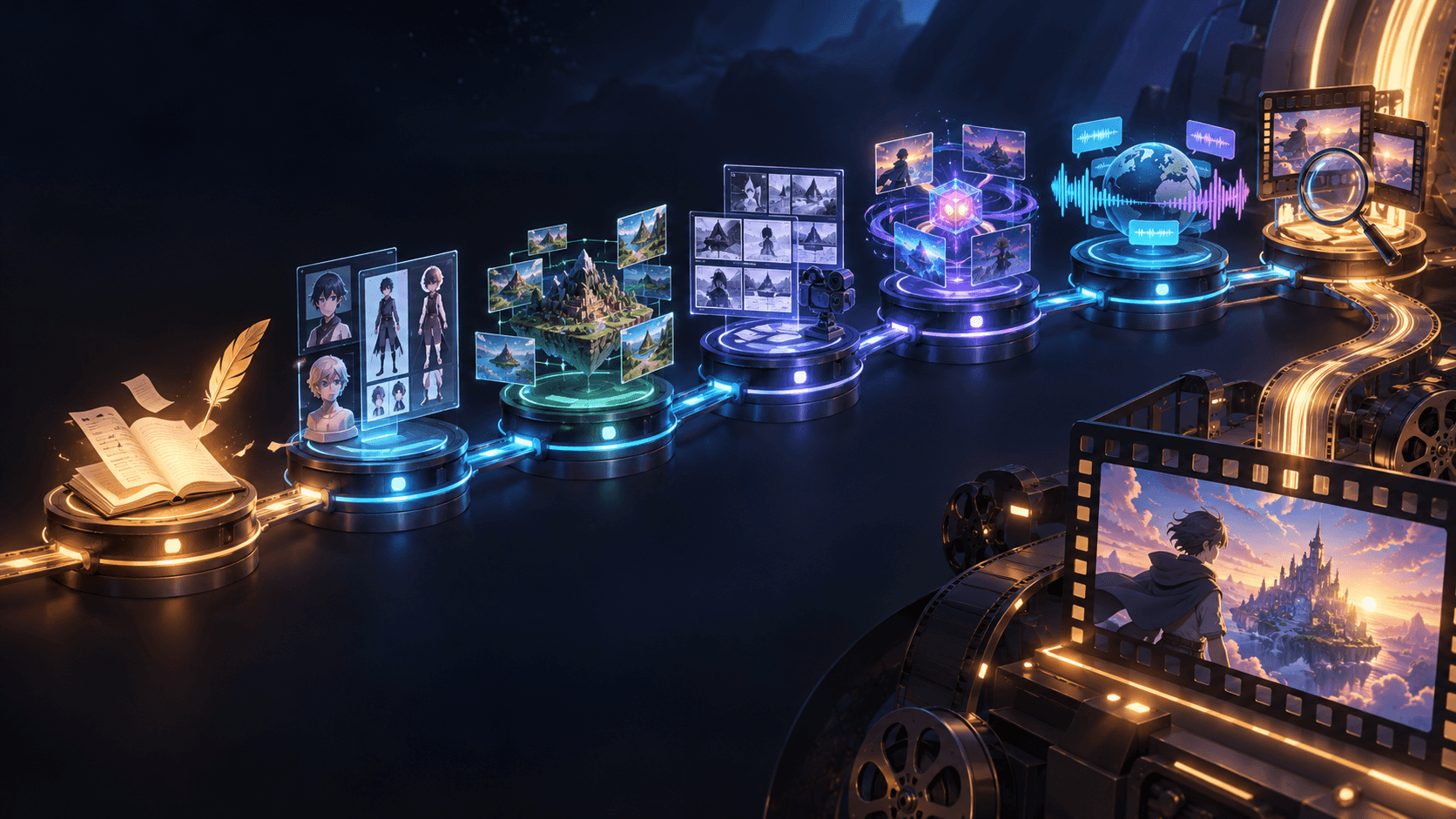
In terms of iteration workflow, Kling 3 typically has a stronger "pipeline" feel, while HappyHorse is often used more as a "shot finder." Since Shorts publishing is a volume game, you need repeatable iteration. When it comes to control surfaces, Kling 3 is often positioned with more editing-centric features, whereas HappyHorse can be great for striking single clips—but better control reduces time lost to retries.
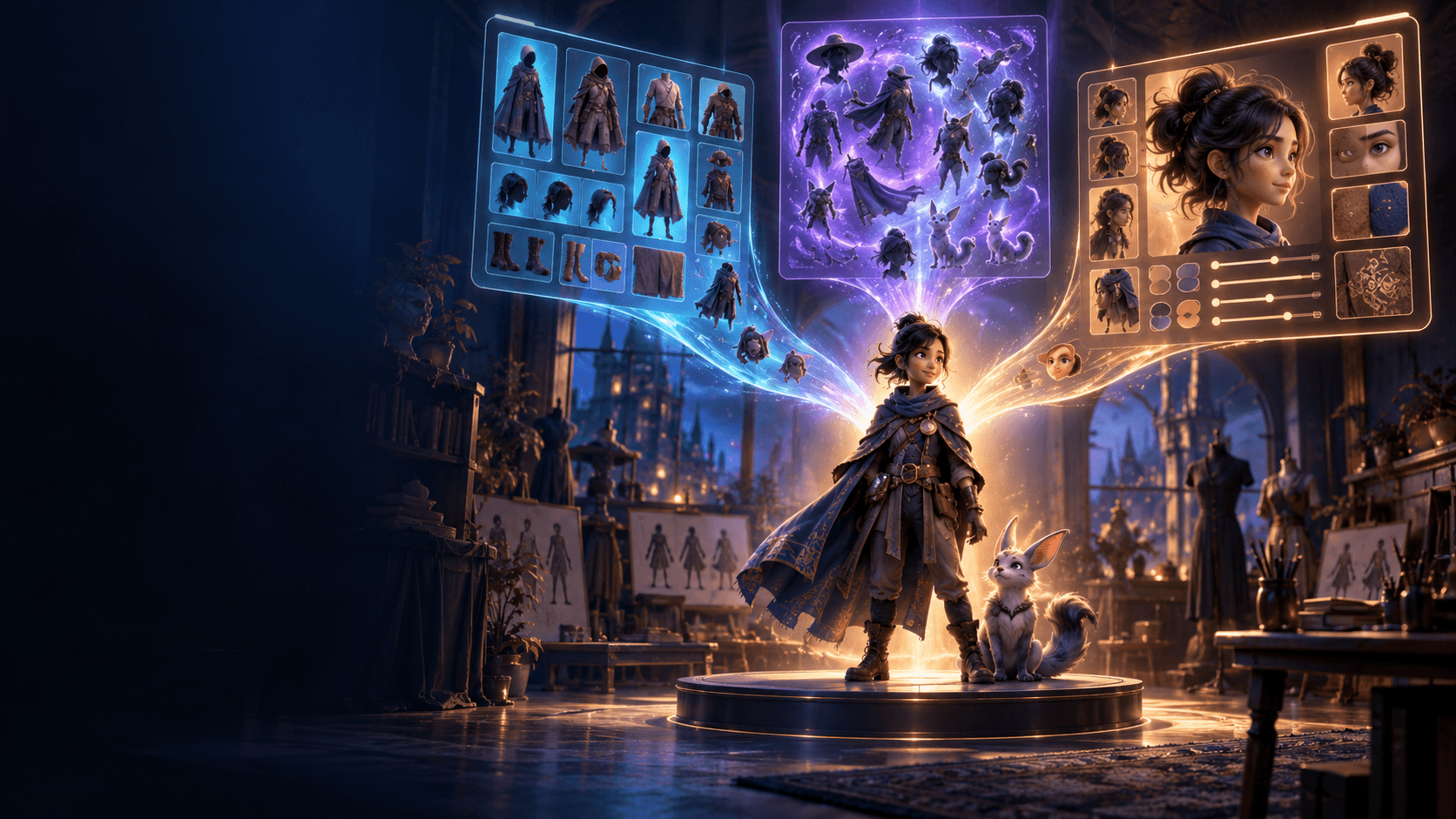
For character consistency, both models depend on your references and prompt discipline, and consistency is what builds your series brand. In style stability, Kling 3 performs well when you anchor references tightly; HappyHorse can also be strong but may require more curation, because style drift kills bingeability. The best use case: Kling 3 is suited for repeatable series production, while HappyHorse excels at hero shots and high-impact moments—and on a Shorts channel, you usually need both.
This comparison is intentionally workflow-oriented: both models can produce great clips, but Shorts publishing is mostly about how fast you can produce consistent "good enough."
A Shorts-ready workflow you can run in a day
1) Write a one-sentence “clip promise”
Examples:
“A cyber-ninja draws a glowing blade in the rain.”
“A chibi chef flips dumplings in a neon food stall.”
If the promise isn’t instantly visual, you’ll struggle to prompt it cleanly.
2) Build a shot list that fits 9:16
Shorts shot list template:
Shot 1 (0.0–1.0s): hook frame, subject centered
Shot 2 (1.0–3.0s): action beat, medium shot
Shot 3 (3.0–6.0s): reveal, close-up or silhouette
Shot 4 (6.0–9.0s): payoff, simple camera motion
Shot 5 (9.0–12.0s): loopable ending frame
If you plan to loop, your last frame should resemble your first frame.
3) Pick a “style anchor” that stays constant
Decide these once per series:
color palette (2–3 dominant colors)
line quality (clean vs textured)
lighting rule (soft rim light vs harsh neon)
background complexity (simple shapes vs detailed scenes)
Then bake those into your prompt prefix.
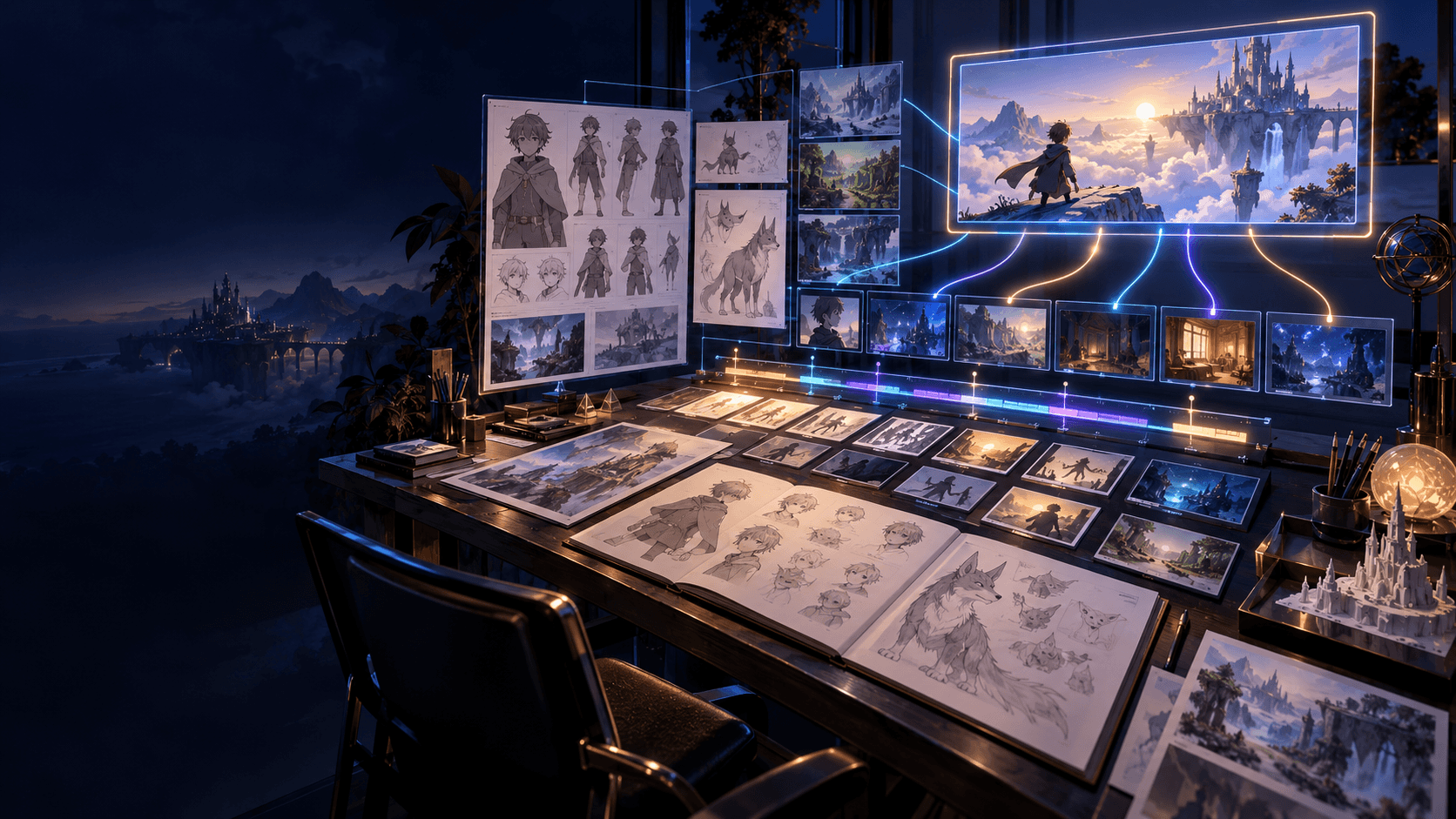
If you want your series to look consistent from episode one, generate a small reference set of keyframes with an AI anime art generator and reuse them as anchors when you animate.
4) Generate in batches, not one-offs
The main productivity unlock for Shorts is batch generation:
generate 8–20 candidates per shot
pick top 1–2 by clarity and stability
only then do upscaling, captions, and sound
If you generate one clip at a time, you end up “negotiating” with the model instead of directing.
5) Edit with platform disclosure in mind
Short-form distribution also has policy constraints. If your content includes altered or synthetic media, review platform guidance and label when required.
Source: YouTube policy on altered or synthetic content
Prompt patterns that tend to work better for Shorts
Use a consistent structure:
1) Subject + identity 2) Action 3) Environment 4) Camera framing and motion 5) Style anchors 6) Negative constraints (what to avoid)
Example:
“Cyber-ninja girl with a short bob haircut, calm expression, draws a glowing katana, rain-soaked alley, medium shot, slow push-in, cinematic anime lighting, crisp linework, neon teal and magenta palette, avoid face distortion, avoid extra fingers, avoid flicker.”
Then keep the structure the same across shots and only swap the action/environment.
Which one should you pick
Pick Kling 3 when:
you’re producing a series (not a one-off)
you want a more structured iteration loop
you care about editability and consistency over single-shot spectacle
Pick HappyHorse when:
you’re searching for a standout hero shot
you’re okay generating more candidates to find the best one
you want to test higher-variance creativity
Most Shorts channels end up using both mindsets: a reliable “production model” for cadence, plus a “hero shot” strategy for spikes. If you’re building a repeatable pipeline, centralizing your iterations and exports in Elser AI keeps your series workflow cleaner as you test different models and prompt approaches over time.
FAQ
Do I need to label AI-generated Shorts
Rules vary by content and jurisdiction, but YouTube has disclosure guidance for altered or synthetic content. If you publish regularly, treat disclosure as part of the pipeline, not a last-minute decision. Build a repeatable checklist so you don’t forget on busy weeks.
What matters more for Shorts: model choice or editing
Editing matters more for retention, but model choice matters more for production speed and consistency. If a model gives you stable, usable clips quickly, you can spend your energy on captions, pacing, and sound. A “sometimes amazing” model can still be worth it for hero shots, but it’s risky as your weekly production backbone.
What’s the simplest way to test Kling 3 for Shorts
Use a fixed 5-shot list and a fixed style anchor, then generate multiple runs. Score each run for identity stability, motion stability, and whether the clip survives typical edits (captions, speed ramps, hard cuts). The goal is to measure repeatability, not to hunt for one perfect output.
How do I make outputs feel more “native” to Shorts
Design for 9:16 first: centered subject, simple backgrounds, and readable silhouettes. Use short, clean actions per shot rather than complex choreography. Then lean on pacing in the edit: cut sooner, cut on action, and keep the best 0.5–2 seconds.
How do I reduce flicker and face drift in fast cuts
Anchor a clean first frame and keep prompts consistent shot-to-shot. Avoid changing too many variables at once (camera move, lighting, outfit, environment) in a single generation. If a shot is unstable, simplify the background and reduce motion intensity before trying again.
Should I generate one long clip or multiple short clips
Multiple short clips usually win for series production. They’re easier to keep consistent and easier to salvage in editing. Long clips can be great for standout moments, but they tend to waste more time when a late-frame artifact ruins the take.
What’s the best way to keep a consistent “channel look”
Lock a small set of style rules: palette, line quality, lighting rule, and background complexity. Reuse the same identity line and style anchor across every episode. Consistency is what turns individual clips into a recognizable series.
How do I A/B test Shorts efficiently
Change one variable per test: hook frame, caption style, pacing, or sound design. Keep the visual style constant so you can attribute performance changes. Shorts growth is often driven by small improvements to the first second.
Should I prioritize realism or stylization for retention
Stylization often performs better for series because it creates a signature look, but realism can spike for specific niches. The safest approach is to commit to one lane for a season (10–20 posts), then evaluate with retention data. Switching styles every week makes it harder for viewers to recognize your work.