Best AI Animation Generators and Apps in 2026
Most "best AI animation generator" articles collapse very different jobs into one list. But a tool that is great for fast social clips is not automatically great for structured creator workflows, and a tool that can generate one dramatic shot is not always the best one to build a repeatable animation process around.
So instead of asking which tool is best in the abstract, it is more useful to ask: best for what?
My Shortlist First
- Best for creator workflow structure: Elser AI
- Best for broad creative flexibility: Runway
- Best for fast experimentation: PixVerse
- Best for mainstream comparison shoppers: Kling AI
- Best for variety and model testing: Pollo AI
How I Judged the Category
I looked at four things that show up again and again in high-ranking "best tools" posts:
- workflow fit
- motion control
- creator usability
- output flexibility
That sounds obvious, but it matters because some tools are really "AI video playgrounds," while others are much more useful once the project needs continuity and structure.
Elser AI
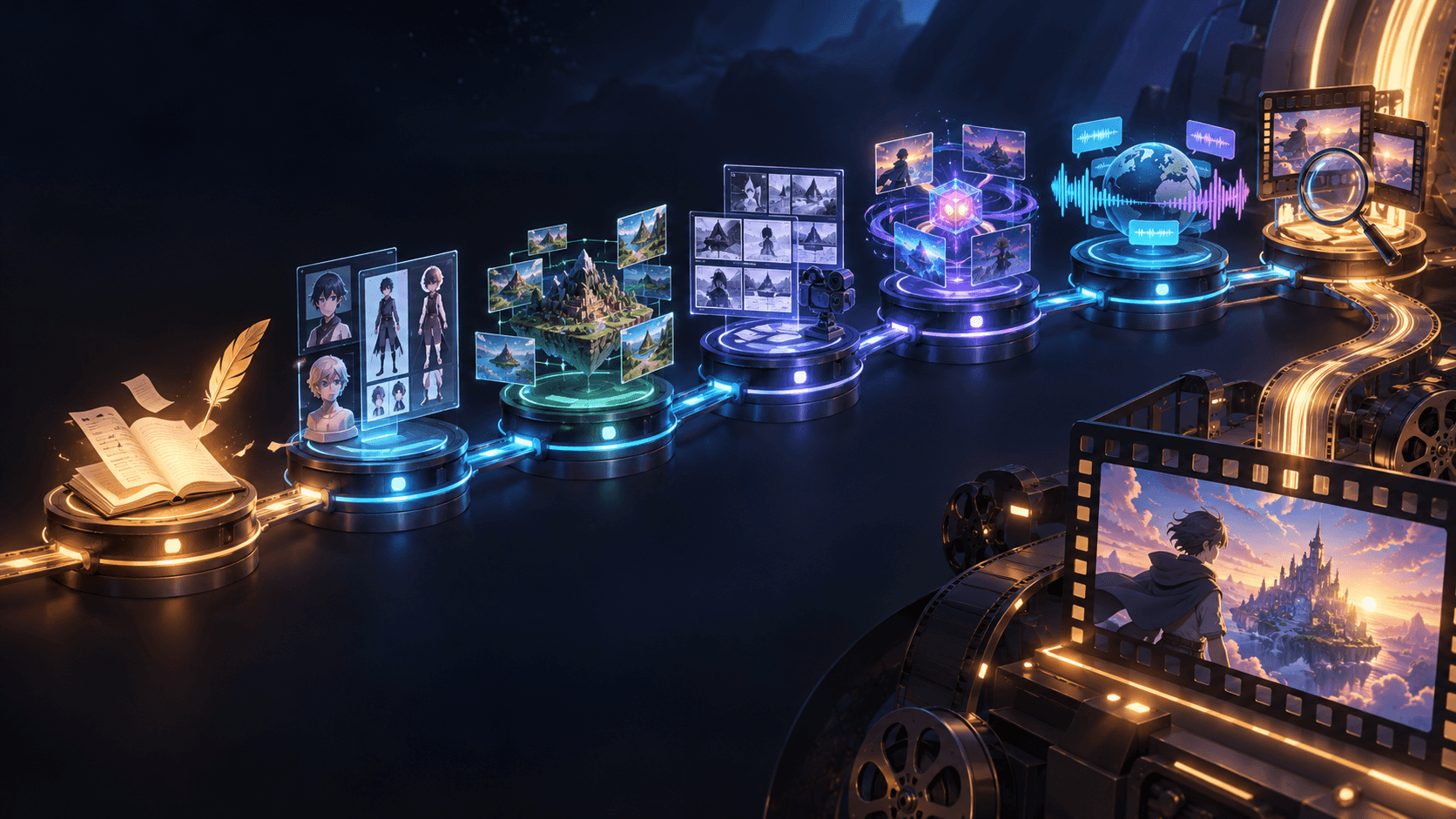
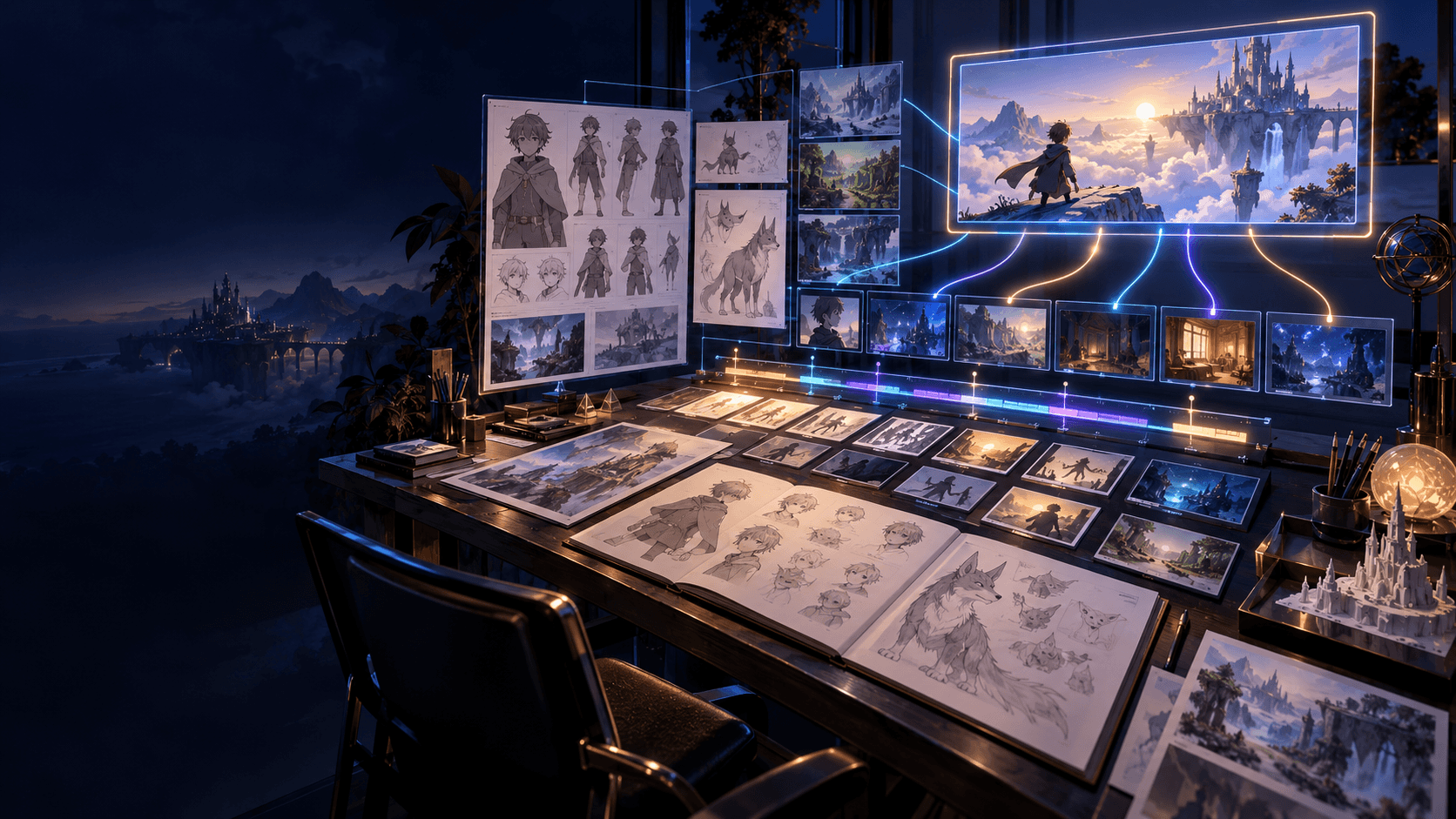
Elser AI makes the strongest case when animation is part of a broader creation workflow. The combination of AI video generator , AI video generator , and storyboard-led planning makes it especially useful for creators who want structure instead of only one-off clips.
Best for:
- creators building scenes, not only clips
- anime and stylized workflows
- projects where continuity matters
Runway
Runway still belongs in almost every serious AI video shortlist because it is broad, flexible, and familiar to a lot of creators. It is a better fit when you want a wider creative-video toolkit rather than a workflow centered on one specific output type.
PixVerse
PixVerse is often part of short-form AI video conversations because it is fast to test and easy to compare against other clip generators. That makes it useful when the goal is experimentation.
Kling AI
Kling AI matters because many creators build their shortlist around it, especially when they are comparing well-known video generators before choosing a longer workflow.
Pollo AI
Pollo AI is useful for creators who want model variety and faster experimentation across different generation paths. It makes the most sense when breadth matters more than one tightly connected workflow.
How I'd Choose Between Them
- If you need planning plus animation, pick the workflow-led option.
- If you need short clips fast, a broader generator may be enough.
- If you want image-to-motion control, prioritize still-image fit and motion stability.
Final Word
For creators who care about workflow, not only outputs, Elser AI is one of the strongest options in this category. If you are optimizing for experimentation first, the broader AI video market still deserves a serious look.
The Biggest Mistake in This Category
The most common mistake is choosing based on the prettiest demo rather than the most useful workflow. Demo clips are designed to impress quickly. Real creator work depends on how often the tool can produce something usable, repeatable, and easy to edit into a larger process.
That is why flashy motion alone is not enough. You also need to ask:
- can I repeat this look?
- can I get a second shot that belongs with the first one?
- does the tool support the way I actually work?
Those questions usually lead to a better decision than raw visual hype.
Best Fit by Creator Type
Different creators usually want very different things from the same category.
For social-first creators:
- speed matters more than deep planning
- experimentation matters more than continuity
For storytellers:
- continuity matters more than one standout clip
- planning support matters more than sheer effect variety
For stylized creators:
- strong still-image foundations matter
- image-to-motion handoff matters more than broad feature count
This is why one universal "best tool" answer usually feels incomplete.
What I Would Test Before Committing
If you are choosing between tools, run a tiny but fair test:
1. one close-up shot
2. one motion-heavy shot
3. one scene that depends on continuity
That test reveals much more than a homepage demo. It shows whether the tool is only good at spectacle or whether it can support a real sequence.
A Shortlist Is Better Than a Winner-Take-All Mindset
Most creators do not need one sacred tool. They need a shortlist with a clear reason for each option. One tool may be your main workflow. Another may stay useful for fast tests. Another may only matter when you want broad experimentation.
Thinking this way usually leads to better buying and better production decisions, because it reflects how real creator stacks actually work.
Who Each Tool Usually Frustrates
This is an underrated way to compare animation tools. Instead of only asking who they help, ask who they tend to frustrate.
Workflow-led tools can frustrate people who only want instant experimentation. Broad experimental tools can frustrate creators who need continuity and structure. Fast clip generators can frustrate storytellers once the project grows beyond one or two shots.
That mismatch explains why reviews in this category often conflict. The tool is not always bad. It may just be solving a different job than the user expected.
My Practical Buying Advice for This Category
If you are choosing your first serious AI animation tool, do not buy for the most extreme use case you can imagine. Buy for the project you are actually likely to finish in the next month.
That usually means choosing based on:
- your real output format
- whether you work alone or with collaborators
- whether you care more about speed or continuity
- whether the tool fits your style of iteration
This is a much better decision framework than trying to guess which platform will look most impressive in six months.
The Best Tool Often Feels Boring in the Right Way
Creators sometimes overlook the best option because it feels less flashy than the most dramatic demo. But the best production tool often feels calmer: more predictable, easier to edit around, and easier to repeat. In actual workflow terms, that kind of reliability is often more valuable than one unforgettable clip.
That kind of reliability is what lets a creator build habits around the tool instead of only moments of surprise.
A Real-World Way to Make the Decision
If you are still unsure, imagine the next project you are actually going to finish. Is it:
- a stylized social clip?
- a short animation test?
- a recurring creator format?
- a story-led sequence?
Then pick the tool that best supports that exact project. The closer the selection feels to your real next deliverable, the better the decision usually is.
If you want an animation workflow that connects planning, stills, and motion, start with Elser AI and build from a stronger creator pipeline.