The Complete 2026 Guide to Adding an AI Background to a Music Performance
We are talking 2026 now, and the tools available to musicians, streamers, and content creators are genuinely mind‑blowing. Whether you are recording a live guitar cover, streaming a beat‑making session, or producing a full‑scale music video, AI can generate stunning backgrounds that react to your music in real time. And the best part? You do not need a green screen, a film crew, or a massive budget.
In this guide, I will walk you through everything you need to know about adding AI‑generated backgrounds to music performances—from the most flexible all‑in‑one tool to specialized options for live shows, music videos, and short‑form content. Let us jump in.
Why AI Backgrounds for Music Performances?
Before we get into the tools, let me answer the obvious question: why do you need this?
Because music in 2026 is consumed visually. IFPI has reported that music is central to over half of all time spent watching videos on short‑form platforms. A single release may need a full YouTube music video, TikTok teaser, Instagram Reel, YouTube Shorts cut, and a loopable visual asset for streaming platforms.
If you are an independent musician, you cannot afford to hire a video production team for every single track. You need tools that work fast and look professional.
That is where AI comes in. An AI‑generated background can:
- Turn a boring room into a neon cyberpunk city, a misty forest, or an abstract soundscape
- React to the beat and mood of your music in real time
- Be consistent across multiple videos, helping you build a visual brand
- Save you hours of editing and post‑production work
And now for the best part: you can start for free.
The Best All‑in‑One AI Tool for Music Performance Backgrounds
After testing over a dozen platforms, I keep coming back to one tool that does everything well—and most people have not heard of it yet.
Elser AI has been my secret weapon for the past few months, and I cannot believe more creators are not talking about it. Here is why it is perfect for adding backgrounds to music performances.
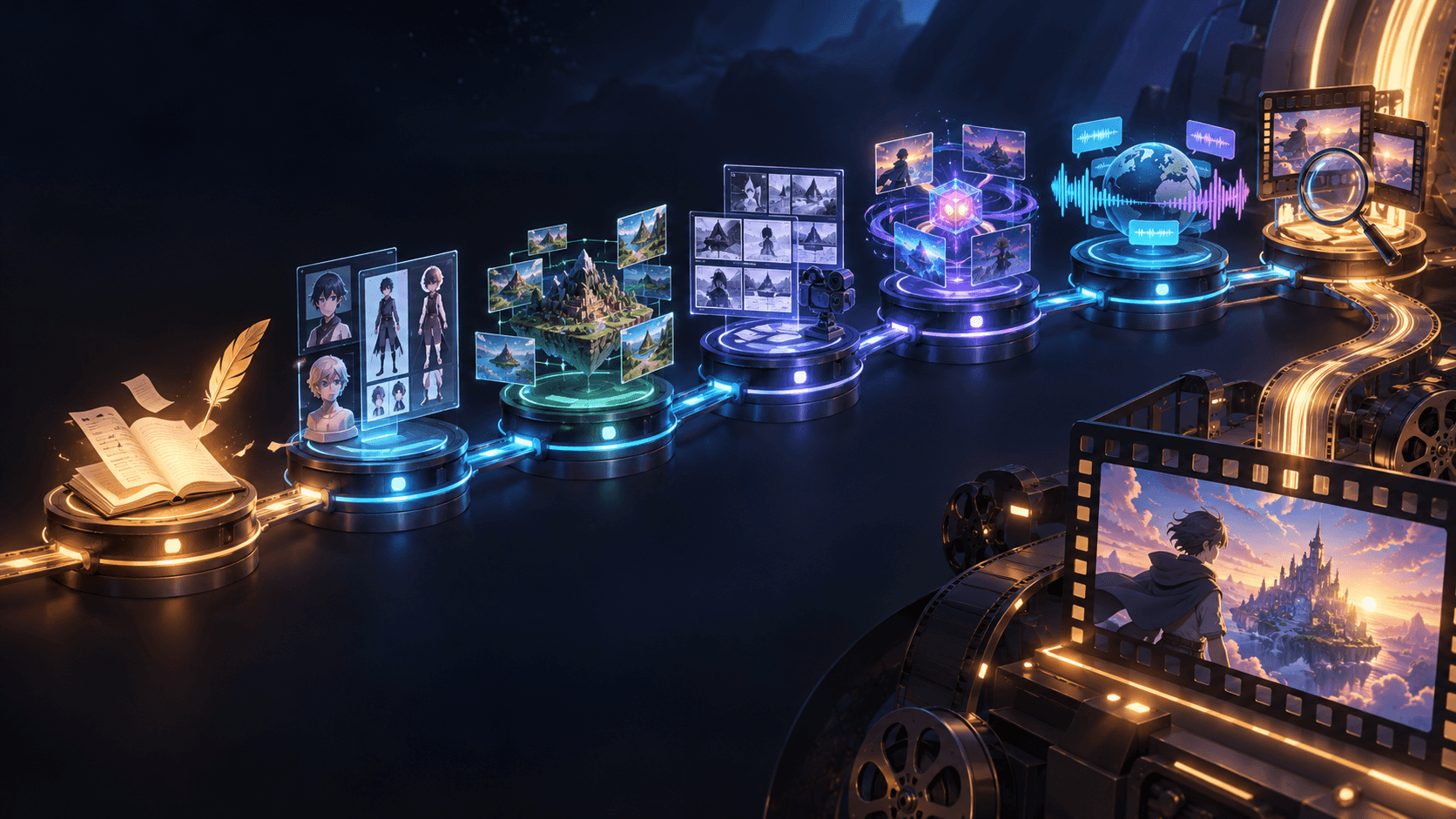
Elser AI is not just another text‑to‑video generator. It is designed as a complete creative studio, simulating a full video production team from story outline to final export. But the feature that matters most for musicians is the ability to input audio directly.
You can upload your track, hum a melody, or type a prompt, and Elser AI generates dynamic visuals that synchronize with your music. The system automatically matches pacing, mood, and transitions to the structure of your song. The free tier gives you plenty of room to experiment, and you can export in multiple formats ready for YouTube, TikTok, or Instagram.
What I love most is the control. Many AI video tools feel like black boxes—you type a prompt and hope for the best. Elser AI gives you multiple ways to influence the output, including melody inputs and audio uploads. It supports AI music generation, lip‑sync, voice cloning, and sound effects, all seamlessly synchronized. The platform can generate full cinematic scenes up to 30 minutes long from a single prompt.
For musicians building a visual brand, consistency matters. A release should not feel like a random collection of clips. The music video, cover art, thumbnail, and social clips should all feel connected. Elser AI helps you maintain that consistency.
If you want to see what is possible, [click here to try Elser AI for free]. No credit card required, and you can start generating in minutes.
Other Great AI Background Tools for Music in 2026
Of course, different projects call for different tools. Here is how the other major players stack up.
Best for Full Music Videos: Freebeat
Freebeat has emerged as the strongest all‑round tool for musicians who want a complete music video workflow. It is audio‑first—you paste a link or upload your MP3, and the platform analyzes your track structure (intro, verse, chorus, bridge, outro), then generates a multi‑scene video where pacing and visuals follow the music.
In a recent comparison test of AI music video tools, Freebeat scored highest across almost every category, including full‑song structure (9.5/10), lip‑sync accuracy (9/10), character consistency (9/10), and beat and mood match (9/10).
Freebeat supports Suno links, SoundCloud URLs, YouTube links, and direct uploads. It offers multiple creation modes, including Singing MV (with strong lip‑sync), Storytelling Mode, Abstract Video, Lyrics Video, and Viral Shots for short‑form content. Pricing starts with free credits, then subscriptions from around $5 per week.
Best for Cinematic Raw Material: Runway Gen‑4
If raw visual quality is your top priority, Runway Gen‑4 delivers the highest output quality in most tests, with excellent detail and natural motion. Runway has long been the filmmaker’s tool, and Gen‑4 offers multi‑motion brush controls that let you paint different movement vectors onto different regions of a frame.
For musicians, Runway is best used as part of a post‑production workflow. Generate background footage, then edit it together with your performance footage. It is powerful but requires more editing skill than all‑in‑one platforms.
Best for Stylized Visuals: Kaiber
Kaiber is the go‑to tool for artists who want highly stylized, artistic backgrounds. It uses a prompt and style preset approach, generating animated loops and short clips that feel more like visual art than traditional music videos. If your music has a distinct aesthetic—lo‑fi, synthwave, experimental—Kaiber can match it beautifully.
Best for Abstract Audio‑Reactive Visuals: Neural Frames
Neural Frames specializes in psychedelic, abstract visuals that react to audio in real time. It is built for deep prompt customization and is particularly strong for electronic and ambient genres. If you want visuals that truly dance to every beat and frequency, Neural Frames delivers.
Best for Open Source Experimentation: MAGE (Musical Autonomous Generated Environments)
For developers and technically inclined musicians, MAGE is an open‑source AI music visualizer that runs on local devices. It uses heavy randomization to create unique, audio‑reactive environments. MAGE is completely free to use, runs as a static HTML site, and offers full control over every parameter. The trade‑off is that it requires more setup than consumer‑friendly tools.
Best Quick Visualizer: Google MusicFX / ADI
If you just want to see something cool without any commitment, Google MusicFX generates short audio‑reactive clips for free. For a more advanced interactive experience, the Artificial Dancing Intelligence (ADI) research project from MIT uses neural cellular automata to create visuals that "dance" along with your audio stream in real time, running entirely in your browser on local hardware.
Real‑Time vs. Post‑Production: Which Do You Need?
One of the biggest decisions you will make is whether you need real‑time AI backgrounds (for live streaming or concerts) or post‑production backgrounds (for recorded videos).
Real‑Time AI Backgrounds for Live Performance
This is where the technology gets really exciting. In April 2026, the Hong Kong Baptist University Symphony Orchestra presented a concert that combined live orchestral performance with real‑time AI visuals created by Professor Chen Jie. The concert also featured Sophia, a humanoid robot, performing three original songs with the orchestra.
For a more accessible example, the Inspiring Formosa project uses a real‑time AI engine to cast algorithm‑driven visual scenery directly onto concert hall architecture, transforming live acoustics into zero‑latency visual stages.
For smaller creators, StreamYard lets you generate AI backgrounds from text prompts right inside its studio and use them instantly in live or recorded shows. You do not need design skills or a second subscription—just type, generate, and go live.
Post‑Production AI Backgrounds
If you are recording a performance for YouTube or social media, post‑production tools give you more control. You can shoot your performance in front of a plain background, then use AI to replace or enhance that background after the fact.
Tools like Beeble SwitchX use generative video to change the lighting, background, props, and on‑screen world of a video while keeping the subject consistent. Beeble claims it can produce a crisp 2K video with new lighting, background, shadows, and camera perspective in about five minutes.
For musicians who want full creative control, this approach is powerful. You can focus on your performance, then craft the perfect visual world around it later.
Making AI Backgrounds for Short‑Form Content
Short‑form video platforms like TikTok, Instagram Reels, and YouTube Shorts are where most music discovery happens now. Your background needs to work in vertical format (9:16) and capture attention in the first few seconds.
Many AI tools now support vertical output. Google Veo 3.1, for example, supports both landscape (16:9) and portrait (9:16) formats. Freebeat offers "Viral Shots" mode specifically designed for short‑form content.
When creating backgrounds for short‑form content, focus on:
- Strong contrasts: Bold colors and sharp contrasts grab attention quickly
- Motion: Moving backgrounds keep viewers engaged
- Beat sync: Visual changes that hit on the beat feel more satisfying
What About Copyright and AI Visuals?
This matters more than you might think. By 2026, nearly every major streaming platform has established policies around AI‑generated content.
Apple Music now requires mandatory "Transparency Tags" for any release where AI generated a significant portion of the content, covering artwork, sound recordings, musical compositions, and music videos. Spotify has adopted DDEX standards for AI disclosure. YouTube treats "raw" AI audio with minimal human input as low‑value, often making it ineligible for monetization.
In the European Union, regulations requiring AI outputs to be marked as artificially generated will take effect from August 2026.
The practical takeaway: always disclose when you have used AI to create backgrounds or visuals. Transparency is becoming mandatory, not optional. Additionally, EU regulations requiring AI outputs to be detectably marked will go into effect from August 2026. And check the terms of the specific tools you use—most free tiers do not allow commercial distribution.
For most creators using AI backgrounds for their own performances, especially when combined with your original music or vocals, the legal risk is low. But if you plan to monetize heavily or distribute through major platforms, read the terms carefully.
Practical Tips for Great AI Backgrounds
After months of trial and error, here is what I have learned about getting the best results:
Start with your audio. Good AI backgrounds react to the music. Upload a high‑quality track, not a phone recording with background noise. The AI needs clean audio to understand beat and mood.
Be specific with prompts. Instead of "forest," try "misty redwood forest at golden hour with fireflies." Instead of "cyberpunk," try "neon Tokyo street at night with rain and holographic billboards."
Iterate, do not settle. Generate multiple versions. Small changes in wording produce dramatically different results.
Match intensity to sections. The chorus should have more energy and movement than the verse. The bridge might benefit from softer, more intimate visuals. Good AI tools understand music structure and will handle this automatically.
Keep character consistency. If you appear in your video, ensure the AI tool maintains your appearance across scenes. Tools like Freebeat and Runway are strongest here.
Putting It All Together: A Simple Workflow
Here is the exact workflow I use for creating music performances with AI backgrounds:
1. Record your performance in front of a plain background. It does not need to be a professional green screen—just a clean wall.
2. Upload your audio track to Elser AI . Let it analyze the structure and mood.
3. Generate a few background options. Adjust prompts until you find something that matches your song.
4. Combine your performance footage with the AI background using simple editing software (CapCut works great and has built‑in AI tools).
5. Export for multiple platforms—landscape for YouTube, vertical for TikTok and Reels.
6. Disclose AI use in your metadata where required.
The whole process takes less than an hour once you get comfortable.
Ready to Transform Your Music Performances?
AI has made professional video backgrounds accessible to everyone. You do not need a film degree, expensive equipment, or a team of editors. You just need the right tools and a little creativity.
Start with Elser AI . It is the most versatile option I have found, combining audio analysis, background generation, and full video production in one platform. The free tier gives you real room to experiment—not just a few trial clips.
No credit card required. No hidden fees. Just you, your music, and a world of visual possibilities.