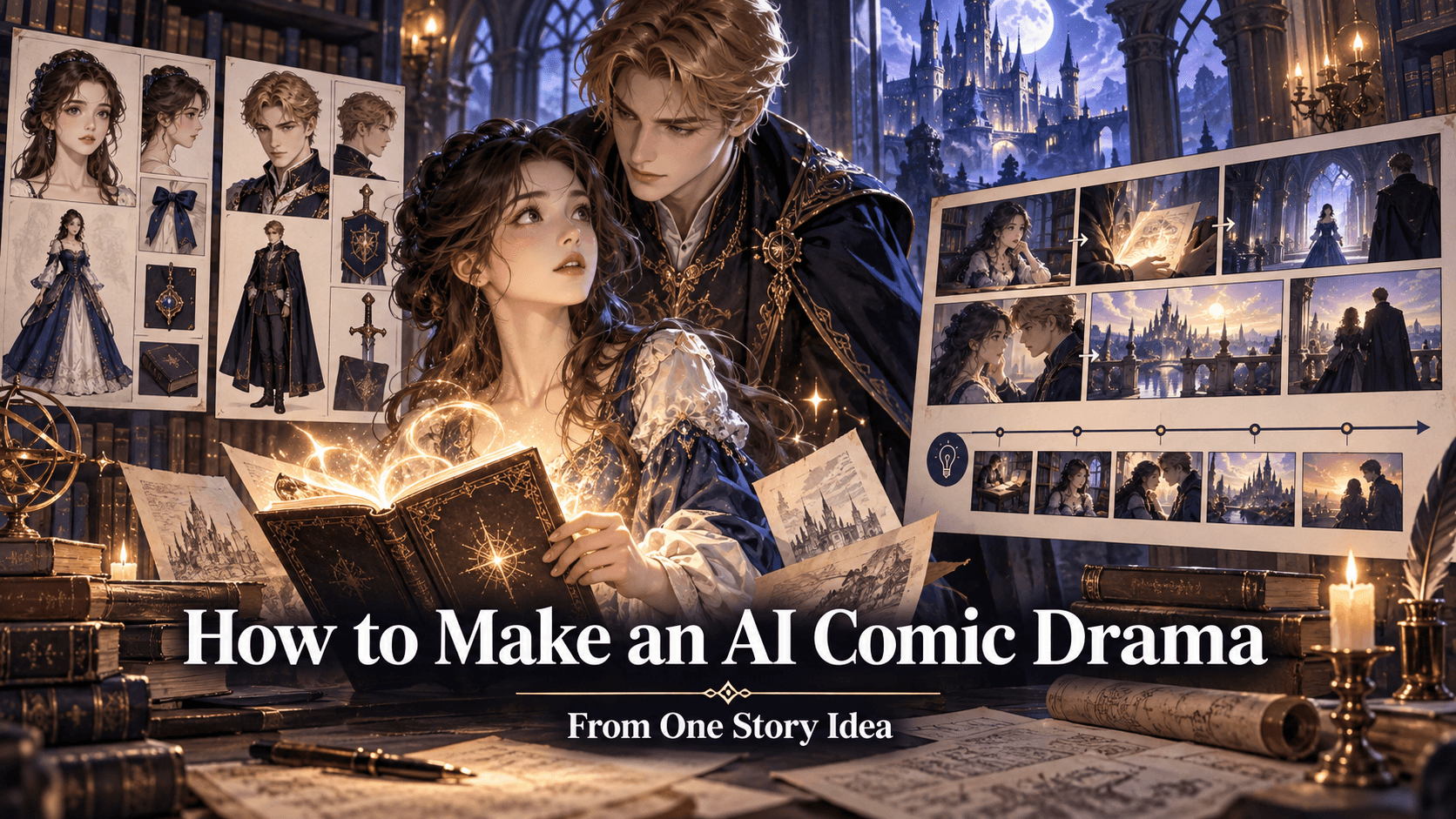
Complete GPT-5.6 Workflow for AI Video Creation: Idea, Script, Prompt, Storyboard, and Edit
Complete GPT-5.6 Workflow for AI Video Creation
AI video creation is no longer just about generating a clip. It is becoming a full production workflow.
A creator might start with a product photo, anime character, song, app screenshot, comic panel, travel image, or rough story idea. That asset must become a concept, script, shot list, prompt, storyboard, generated video, voiceover, captions, edit, and final post. Each step affects the next. If the script is unclear, the shot list becomes weak. If the prompt is vague, the video output drifts. If the edit ignores pacing, the final content feels unfinished.
GPT-5.6 can help with the planning side of this process. OpenAI’s GPT-5.6 preview introduces Sol, Terra, and Luna as a family of models, with Sol as the flagship model, Terra as a strong lower-cost option, and Luna as the fastest and most cost-efficient option. OpenAI also describes the family as advancing professional knowledge work, among other domains.
For AI video creators, that matters because video production is professional creative work. It requires structure, judgment, iteration, and coordination across many steps.
But GPT-5.6 alone is not the video generator. It helps plan the work. Elser AI helps create the visual output. The strongest workflow is to use GPT-5.6 as the creative director and Elser AI as the video production platform.
Step 1: Turn a Rough Idea into a Clear Video Concept
Most AI videos start too vaguely.
“I want a cool anime video.”
“I need a product ad.”
“Make a music video.”
“Create a viral Short.”
Those are not concepts yet. They are categories.
A clear video concept defines the audience, subject, emotion, format, and outcome.
For example:
“A 20-second vertical YouTube Short where a recurring anime inventor explains why AI videos fail when character identity is not locked.”
Or:
“A 15-second TikTok product ad that turns one skincare bottle photo into a premium water-reflection beauty commercial.”
Or:
“A 30-second AI music video teaser where an anime singer walks through a rainy neon city as the chorus builds.”
GPT-5.6 can help by asking the right planning questions:
Who is the audience?
What platform is the video for?
What should the viewer feel?
What is the first-frame hook?
What asset do we already have?
What must stay visually consistent?
What is the final CTA?
Once those answers are clear, the workflow becomes much easier.
Step 2: Write the Script
The script should match the format. A YouTube Short needs fast hooks. A product ad needs benefit clarity. A music video may need visual beats instead of spoken narration. An educational video needs explanation. An anime scene needs dialogue and emotion.
GPT-5.6 can generate script versions for different goals.
For YouTube Shorts:
Hook: “Most AI videos look fake because of one missing prompt line.”
Setup: “The model does not know what must stay the same.”
Payoff: “Lock the face, outfit, and style before describing the action.”
CTA: “Try this structure in Elser AI.”
For product ads:
Problem: “Static product photos do not stop the scroll.”
Solution: “Turn one image into multiple AI video ads.”
Proof: “Hero shot, lifestyle scene, and final CTA.”
CTA: “Start with Elser AI.”
For anime:
Character A: “I fixed the robot.”
Character B: “It is on fire.”
Character A: “That means it is emotionally committed.”
The script does not need to be long. It needs to be usable.
Step 3: Create a Shot List
A shot list turns the script into visual production.
Do not ask AI to create an entire video in one generation. Break the video into shots.
For a 20-second Short:
Shot 1: hook close-up
Shot 2: visual example
Shot 3: transformation
Shot 4: final result and CTA
For a product ad:
Shot 1: product photo appears
Shot 2: premium hero motion
Shot 3: lifestyle use case
Shot 4: final product CTA
For a one-minute anime episode:
Shot 1: establishing shot
Shot 2: character close-up
Shot 3: strange object reveal
Shot 4: reaction
Shot 5: escalation
Shot 6: final hook
GPT-5.6 can convert a script into a shot list and explain what each shot should accomplish. This is important because each shot should have one job. A shot with too many jobs becomes hard to generate and hard to edit.
Step 4: Build Character, Product, or Style Anchors
Before generating video, define what must stay consistent.
For a character:
face
eyes
hairstyle
outfit
body proportions
accessories
color palette
art style
personality posture
For a product:
shape
logo
label
packaging
material
color
screen
buttons
proportions
For a visual style:
line art
rendering
lighting
color palette
camera language
texture
level of realism
GPT-5.6 can help write these anchors as reusable blocks.
Example character anchor:
“Same anime inventor: short silver hair, green eyes, round glasses, oversized orange hoodie, black shorts, small tool bag, compact body proportions, expressive cel-shaded anime style.”
Example product anchor:
“Preserve the exact bottle shape, white label, black logo, silver cap, transparent glass material, and original proportions.”
In Elser AI, you can pair these text anchors with visual references. Upload the character, product, comic panel, or app screenshot, then generate videos from that source.
Step 5: Write Production-Ready Prompts
Now the prompt can be written.
A complete AI video prompt should include:
format
reference subject
protected details
action
camera
lighting
mood
caption space
negative restrictions
Example:
“Create a vertical 9:16 AI video shot for a YouTube Short. Use the same anime inventor from the reference image. Preserve her short silver hair, green eyes, round glasses, orange hoodie, black shorts, tool bag, compact body proportions, and clean cel-shaded anime style. In this shot, she proudly presents a tiny robot on a workshop table as it begins to smoke. Camera: medium shot with slow push-in. Lighting: warm desk lamp from the left, cozy workshop shadows. Mood: funny and chaotic. Leave clean space at the top for captions. Do not change her face, outfit, hairstyle, body shape, age, or style.”
This prompt is ready for Elser AI because it gives the generation system clear instructions.
Step 6: Generate in Elser AI
Once the prompts and references are ready, use Elser AI to generate the actual video scenes. This is where planning becomes visual.
Start with the most important shot, not necessarily the first shot. For a product ad, that might be the hero shot. For an anime episode, it might be the character close-up. For a music video, it might be the chorus visual. If the strongest shot does not work, the concept may need adjustment.
Generate multiple variations. Do not expect the first output to be final. Compare:
Which version preserves identity best?
Which has the clearest motion?
Which works best on mobile?
Which has usable caption space?
Which feels closest to the concept?
Elser AI is useful because you can iterate around the same assets. Instead of starting from scratch every time, you refine the direction.
Step 7: Review and Fix Prompt Failures
After generation, use GPT-5.6 again. Describe what failed.
For example:
“The character face changed in the second half.”
“The product label warped.”
“The camera moved too fast.”
“The hands looked unnatural.”
“The video has no space for captions.”
“The style became too realistic.”
Ask GPT-5.6 to rewrite the prompt with stricter controls.
Example:
“Revise this Elser AI prompt to reduce face drift. Keep the same character identity, simplify motion, use a stable medium close-up, and add restrictions against hairstyle and outfit changes.”
This turns generation into a loop: plan, generate, review, refine, regenerate.
Step 8: Add Voice, Captions, and Sound
AI video is not finished when the clip is generated. Voice, captions, music, and sound design shape the final result.
GPT-5.6 can help write:
voiceover
dialogue
caption lines
subtitle timing
sound effect notes
music mood
CTA copy
video title
description
hashtags
For short-form video, captions should be short and placed safely. For product ads, the CTA should be clear. For anime, dialogue should match character personality. For music videos, visual cuts should match the song structure.
Step 9: Edit for Platform
A video for YouTube Shorts is not the same as a website hero video. A TikTok ad is not the same as a music video teaser. A product page video is not the same as an anime episode.
GPT-5.6 can help create platform-specific edits:
YouTube Shorts: fast hook, vertical framing, captions, loop ending.
TikTok: immediate visual payoff, bold text, trend-friendly pacing.
Instagram Reels: polished aesthetics, clean branding, strong final frame.
Landing page: slower, premium, product clarity.
Music video: rhythm, emotion, visual motif.
Anime episode: story beat, character continuity, final hook.
Elser AI provides the generated visual pieces. Editing turns them into platform-native content.
Step 10: Repurpose the Final Video
A finished video can become many assets.
From one AI product ad, create:
15-second TikTok version
6-second bumper
landing page hero video
product GIF-style loop
Instagram Reel
YouTube Short
ad thumbnail
caption variants
From one anime episode, create:
full 60-second Short
character intro clip
teaser scene
looping reaction shot
comic panel promo
thumbnail
episode title card
GPT-5.6 can help repurpose scripts and captions. Elser AI can help generate additional visual variations.
Final Thoughts
A complete GPT-5.6 workflow for AI video creation is not one prompt. It is a production system.
Use GPT-5.6 to develop the idea, write the script, build the shot list, create character or product anchors, write prompts, review failures, and generate captions. Use Elser AI to create the actual visual scenes, image-to-video outputs, anime clips, product ads, and short-form videos.
The workflow is:
idea
script
shot list
anchor
prompt
generate
review
edit
publish
repurpose
If you want to create AI videos more consistently, start with this pipeline. Register on Elser AI, choose one idea, use GPT-5.6 to plan it, and generate the first three shots. A structured workflow is the difference between random AI clips and real creative production.