GPT-5.6 vs GPT-5.5: What Actually Changed?
GPT-5.6 vs GPT-5.5: What Actually Changed?
GPT-5.6 is not just “GPT-5.5 with a slightly bigger number.”
The most important change is how OpenAI is positioning the model. GPT-5.5 Instant was presented as an update to ChatGPT’s default model, with improvements in accuracy, clarity, personalization, and everyday usefulness. GPT-5.6, by contrast, is introduced as a preview model family with three tiers: Sol, Terra, and Luna. OpenAI says Sol is the flagship and most capable model, Terra is a strong lower-cost option, and Luna is the fastest and most cost-efficient model.
For ordinary users, the difference may sound technical. For creators, developers, and AI video teams, it matters a lot.
GPT-5.5 is easier to think of as a better everyday assistant. GPT-5.6 is better understood as a model family for structured professional workflows.
That shift changes how creators should think about using it.
Availability Changed
GPT-5.5 Instant was announced as a ChatGPT default model update. OpenAI said it was rolling out to all ChatGPT users and replacing GPT-5.3 Instant as the default model, while also being available in the API as chat-latest.
GPT-5.6 is different. OpenAI Help says GPT-5.6 is in limited preview, available through API and Codex to selected trusted partners and organizations. It also states that GPT-5.6 is not available in ChatGPT during the preview and that OpenAI has not announced a general-availability date.
This is the first practical difference creators should understand. If you are writing about GPT-5.6, do not say that every ChatGPT user can access it now. That would be inaccurate. The correct framing is: GPT-5.6 is a limited preview model family, and creators can prepare workflows around it while availability expands.
For blog content, this matters because accuracy builds trust. A good creator-focused article should say clearly what GPT-5.6 can mean for workflows without pretending that every reader can already use it directly.
Naming Changed: From One Model to a Family
GPT-5.5 Instant was presented as a specific model update. GPT-5.6 introduces a family structure. OpenAI says its new naming system uses the number to identify the generation, while Sol, Terra, and Luna identify durable capability tiers that can advance on their own cadence.
That means the model name now communicates more than recency. It communicates intended tradeoff.
Sol means highest capability.
Terra means strong lower-cost option.
Luna means fastest and most cost-efficient option.
For creative teams, this is useful because AI production contains different task types. A single workflow may include:
deep creative strategy
scriptwriting
storyboard planning
prompt generation
caption writing
metadata
translation
variation testing
ad copy
editing notes
Some tasks deserve the strongest model. Others are better handled quickly and cheaply. GPT-5.6’s model family structure makes that distinction more explicit.
Pricing and Cost Thinking Changed
OpenAI’s GPT-5.6 announcement lists pricing across the three model sizes: Sol at $5 input / $30 output per 1M tokens, Terra at $2.50 input / $15 output per 1M tokens, and Luna at $1 input / $6 output per 1M tokens. It also introduces more predictable prompt caching with explicit cache breakpoints and a 30-minute minimum cache life.
For creators, the most important lesson is not the exact price alone. It is workflow cost design.
A serious AI video creator may generate hundreds of prompts, scripts, captions, title variants, scene descriptions, product ad angles, or character bios. If every small task uses the highest-capability model, costs can rise quickly. A tiered model family encourages smarter routing.
For example:
Use Sol for full campaign strategy.
Use Terra for prompt rewriting and scene expansion.
Use Luna for caption variations and metadata.
Use Elser AI for actual video generation and visual iteration.
This is the type of workflow that matters for agencies, content teams, ecommerce brands, and independent creators who want to scale output.
Reasoning Workflow Changed
GPT-5.5 Instant was described by OpenAI as smarter, more accurate, and more personalized, with stronger answers across subject areas and better use of context when personalization helps.
GPT-5.6’s positioning is more ambitious around professional capability. OpenAI Help says the GPT-5.6 family advances software engineering, computer use, professional knowledge work, scientific research, and cybersecurity.
For creators, “professional knowledge work” is the most relevant phrase. AI video creation is not just entertainment. It involves planning, asset management, brand positioning, audience targeting, visual direction, technical prompting, editing, and publishing strategy. A stronger reasoning model can help handle the complexity of those workflows.
For example, a creator can ask GPT-5.6 to:
turn a video idea into a 10-shot storyboard
create a character bible for a recurring AI anime series
write product video prompts for different customer segments
analyze why a prompt causes character drift
rewrite a music video concept for a stronger chorus payoff
create a YouTube Shorts content calendar
convert a storyboard into scene-by-scene Elser AI prompts
These are not simple chat tasks. They are production planning tasks.
GPT-5.6 Is More Relevant to Agentic Creative Workflows
GPT-5.6 appears especially relevant to workflows where the model is not just answering a question, but helping complete a multi-step task. For AI video creators, that could mean acting like a creative director, prompt engineer, script editor, storyboard planner, and campaign strategist.
A traditional prompt might be:
“Write a video prompt.”
A more GPT-5.6-style workflow prompt might be:
“Act as an AI video creative director. Take this product description and create a 30-second vertical video campaign. Include the hook, script, shot list, image-to-video prompts, camera movement, product accuracy rules, captions, and final CTA. Make the prompts ready for Elser AI.”
That is where the difference matters. GPT-5.6 is not just about better text. It is about managing more of the creative process.
What Has Not Changed
Even with GPT-5.6, the basic division between planning and generation still matters.
GPT-5.6 is not a dedicated video model. It does not replace video generation platforms. It can help plan, write, structure, and refine. But if you want actual AI video outputs, you still need a tool designed for video generation.
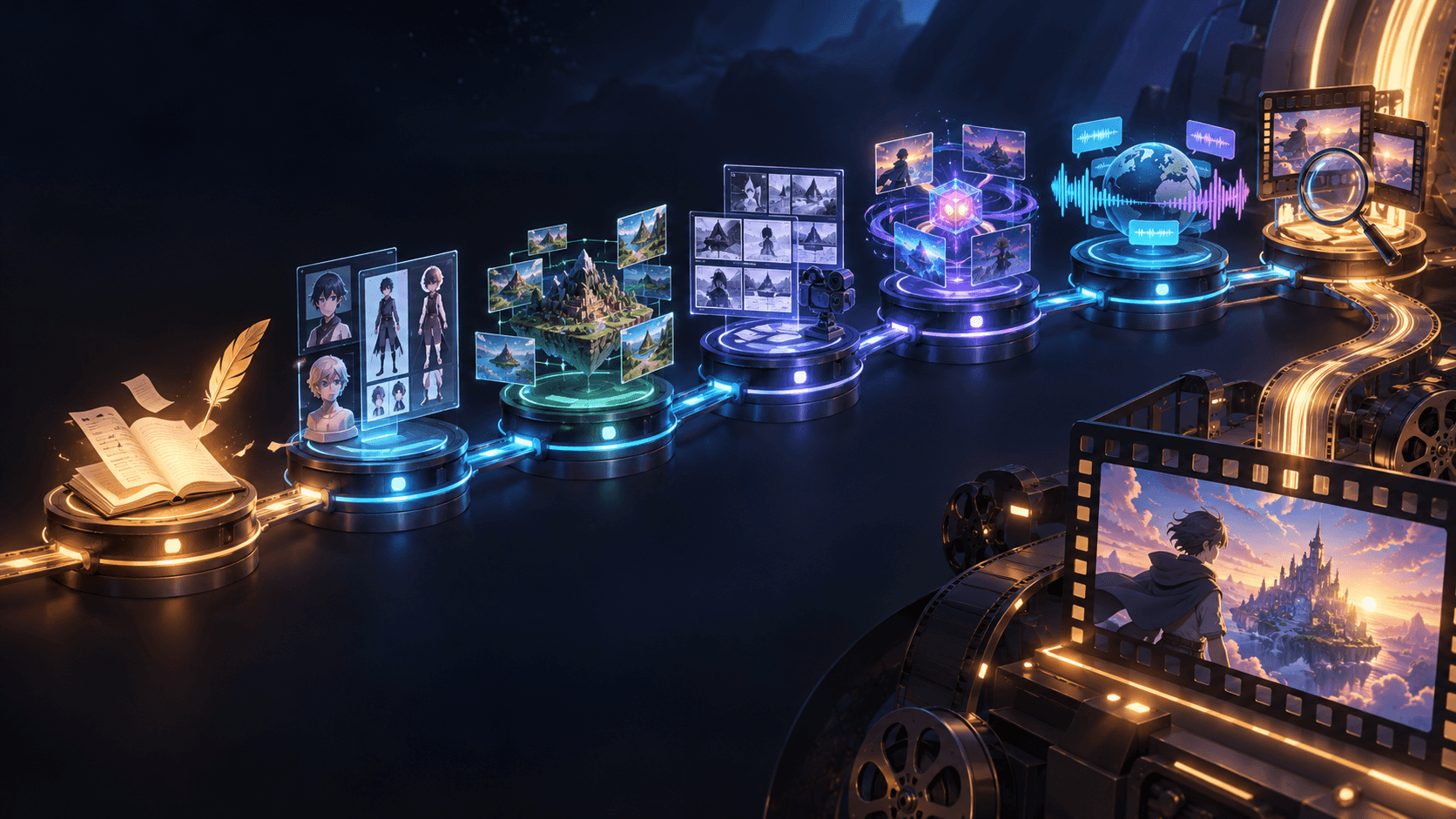
That is why Elser AI remains important in this workflow. GPT-5.6 can create better scripts and prompts. Elser AI can generate the videos: anime scenes, product ads, music visuals, app promos, real estate clips, travel videos, short-form content, and image-to-video outputs.
The best workflow is not GPT-5.6 versus Elser AI. It is GPT-5.6 plus Elser AI.
Practical Example: GPT-5.6 + Elser AI Workflow
Imagine you want to create a 20-second product video ad from one product photo.
Step 1: Ask GPT-5.6 to define three ad angles: premium, problem-solution, TikTok hook.
Step 2: Ask GPT-5.6 to write one scene prompt for each angle.
Step 3: Upload the product photo into Elser AI.
Step 4: Generate three video variations.
Step 5: Ask GPT-5.6 to write captions, titles, and CTAs for each version.
Step 6: Use Elser AI to refine or regenerate the best-performing concept.
This is how a reasoning model and a video platform work together.
Final Thoughts
GPT-5.6 differs from GPT-5.5 in several important ways: model family structure, limited preview availability, tiered capability/cost options, prompt caching improvements, and a stronger orientation toward professional workflows.
For creators, the biggest change is not only technical. It is operational. GPT-5.6 encourages creators to think in systems: one model tier for deep planning, another for production support, another for fast variations.
If you are building AI video content, use GPT-5.6 to create better creative plans and Elser AI to generate the visual output. GPT-5.5 helped make everyday AI interaction smoother. GPT-5.6 points toward a more structured future: prompt to plan, plan to production, production to finished video.