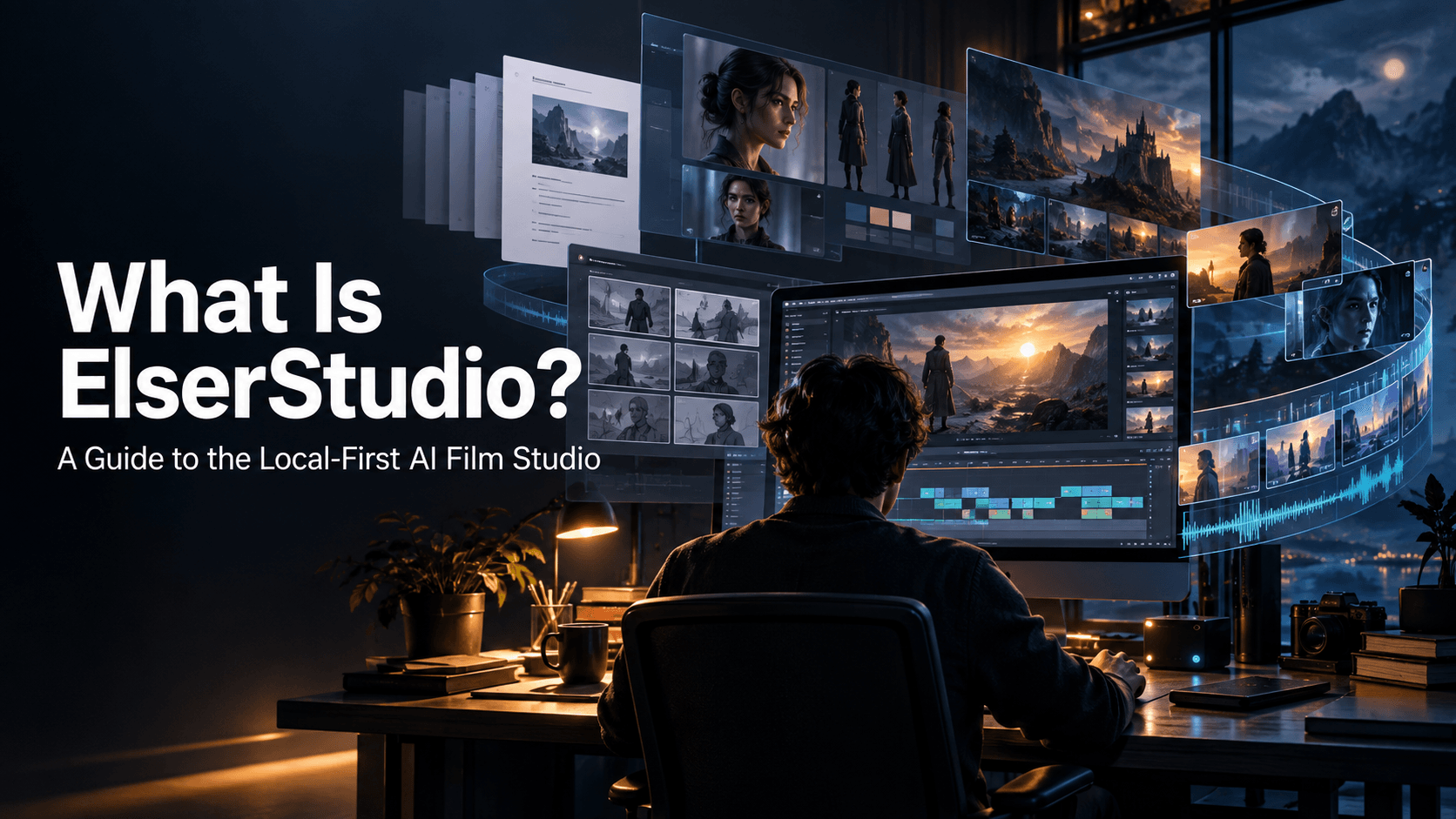
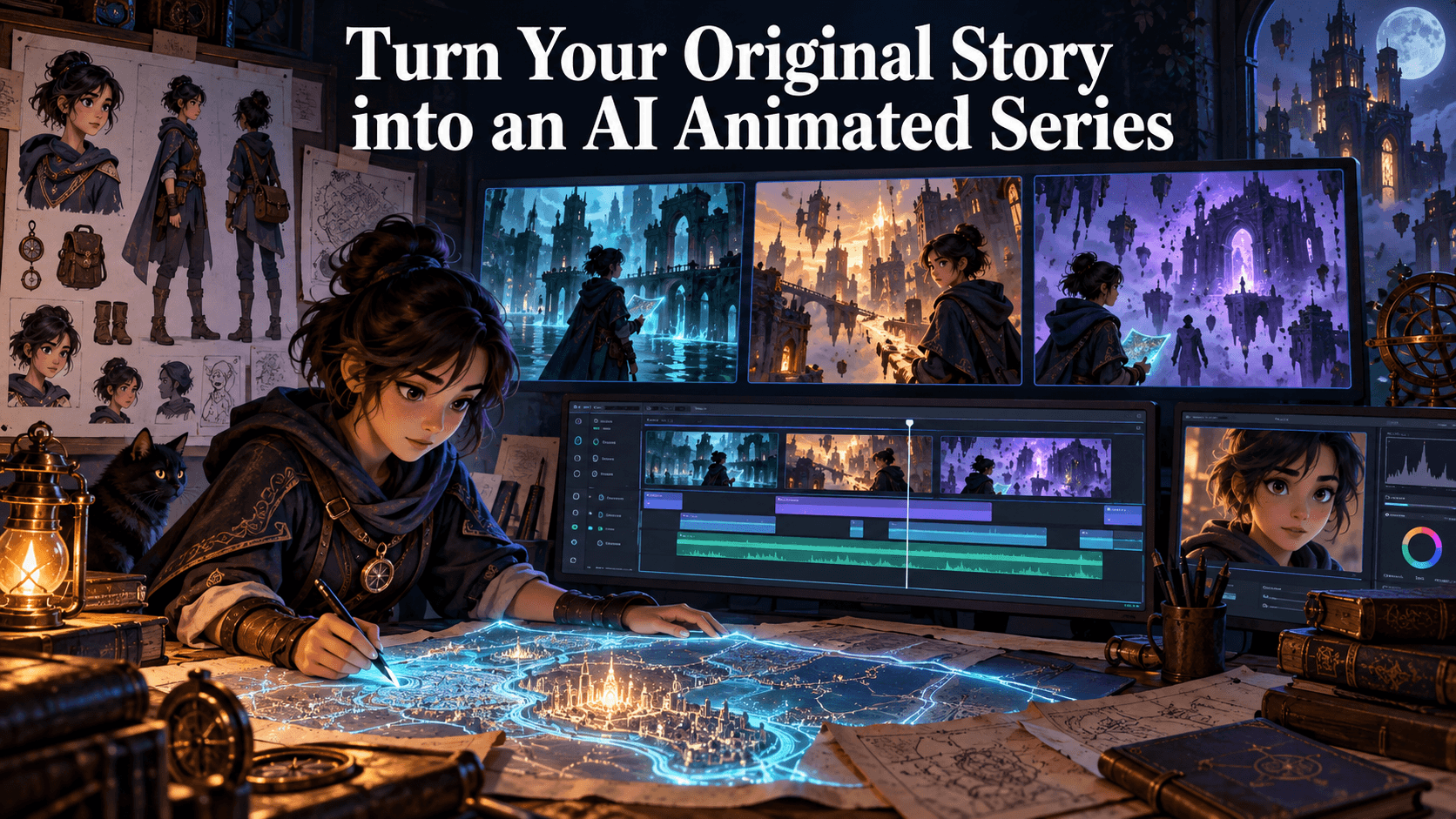
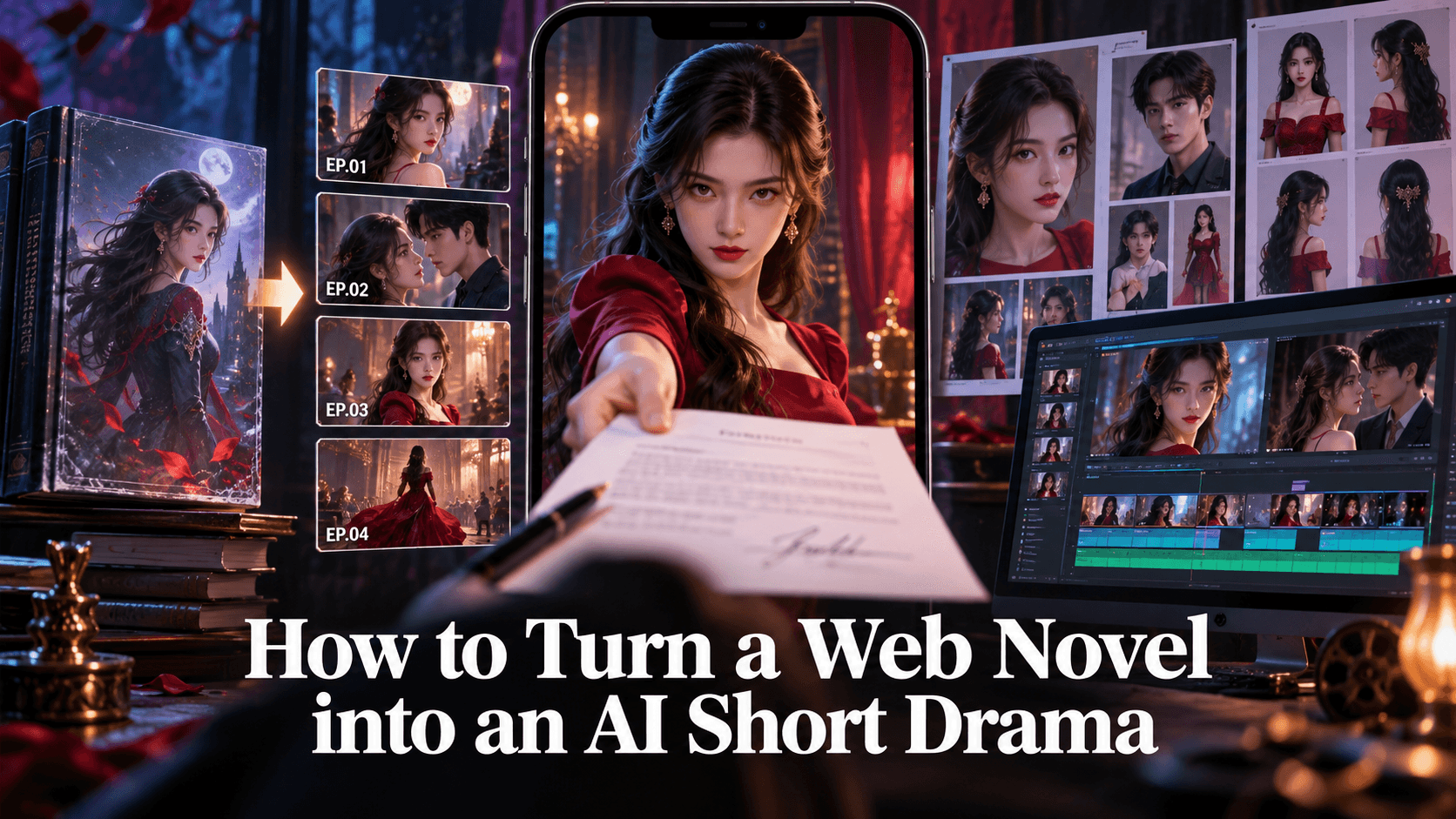
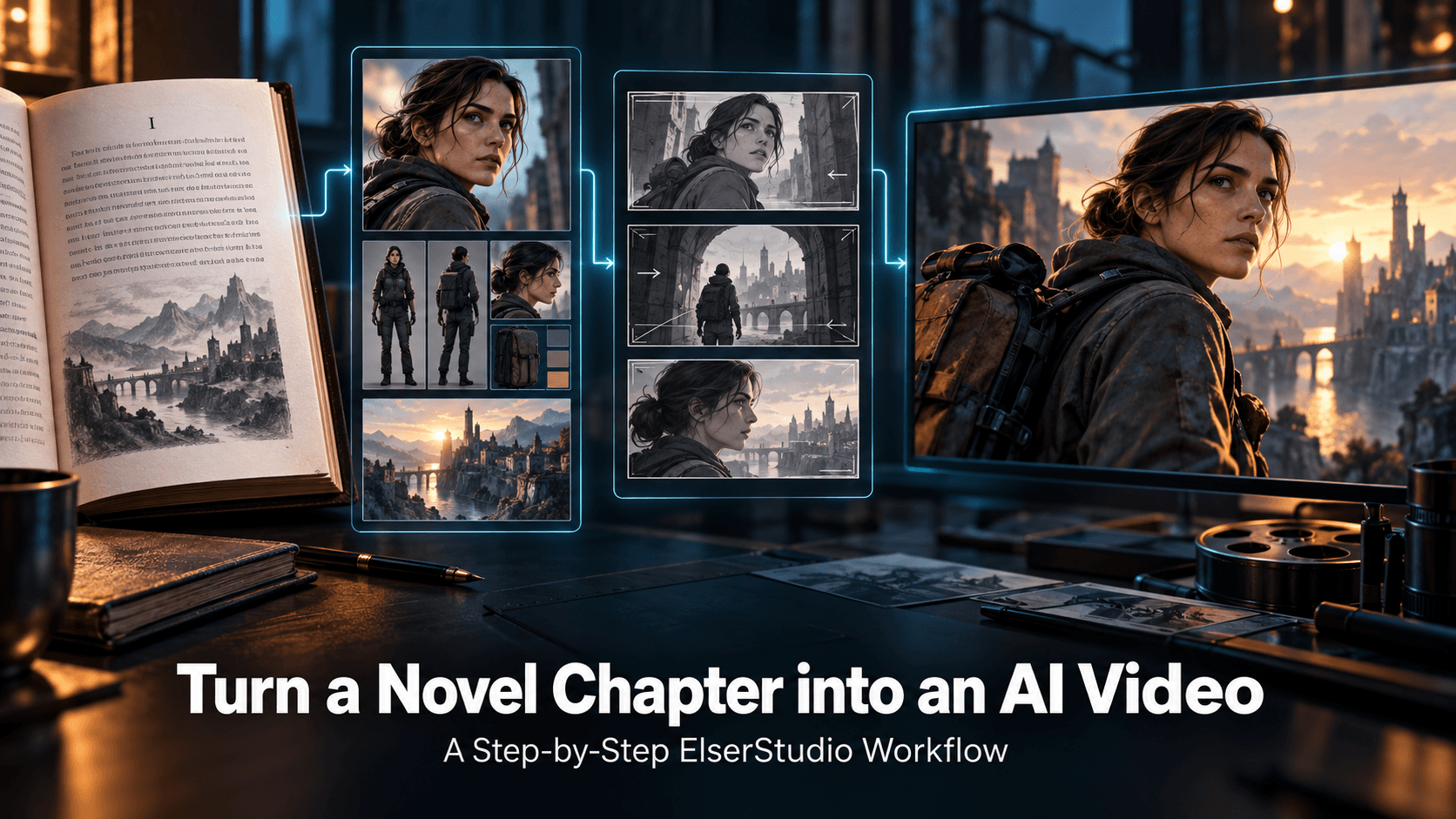
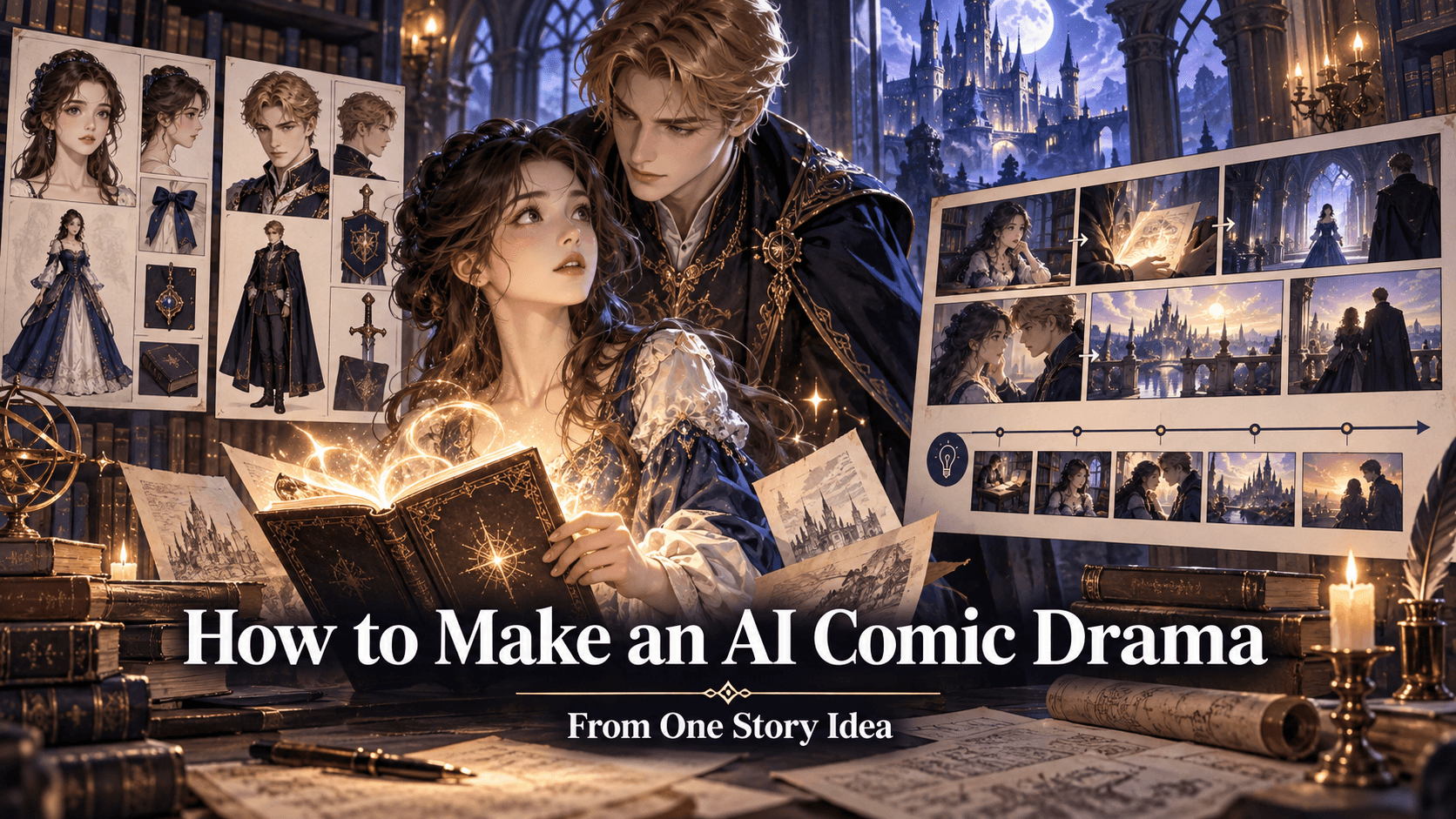
How to Make a Short Animated Film with AI in 2026 (A Practical Creator’s Guide)
Making an Animated Film Used to Be a Huge Commitment
Not long ago, creating even a one-minute animated film meant weeks—sometimes months—of work.
You needed:
- Character design
- Animation software
- Voice recording
- Editing
And most importantly, time.
That’s exactly why so many creators had ideas but never actually turned them into finished films.
Now in 2026, AI has changed that equation completely.
But here’s the catch most tutorials don’t mention:
👉 It’s not hard to generate animation anymore.
👉 It’s still hard to finish a coherent film.
So instead of another generic “click here, generate there” guide, this walkthrough focuses on what actually works if your goal is to create a real short animated film—not just clips.
Start With a Simple Idea (Not a Perfect Script)
One of the biggest mistakes beginners make is overthinking the script.
You don’t need a full screenplay to start. In fact, most modern AI animation workflows work better when you begin with something simple, like:
“A lonely robot finds a broken star and tries to fix it.”
That’s enough.
From here, AI tools can expand that idea into a structured narrative, including scenes, dialogue, and pacing.
This is where newer platforms have improved significantly. Instead of forcing you to manually plan every scene, they can generate a story backbone automatically.
Turning Ideas Into Structured Scenes
Once you have your core idea, the next step is breaking it into scenes.
Traditionally, this meant storyboarding manually. Today, AI can do that for you—but the quality depends heavily on the tool you use.
Some tools generate random visuals without understanding continuity. Others can actually structure a narrative into sequences that make sense.
This is where having a storyboard-driven workflow becomes important.
For example, in our product, Elser AI, your idea can automatically turn into:
- Multiple scenes
- Camera angles
- Shot transitions
Instead of thinking in prompts, you start thinking like a director:
👉 “What happens next?” instead of “What should I generate?”
That shift alone makes the process feel far more natural.
Creating Characters That Stay Consistent
If you’ve ever tried generating multiple scenes with AI, you’ve probably run into this:
Your character looks great in Scene 1.
Slightly different in Scene 2.
Completely unrecognizable in Scene 5.
This is called character drift, and it’s one of the biggest problems in AI animation.
The solution isn’t just better prompts—it’s better systems.
Some platforms, including Elser AI, now allow you to:
- Define a character once
- Reuse them across scenes
- Maintain visual consistency automatically
This becomes critical if your film is longer than a few seconds.
Without consistency, even a visually impressive animation feels disconnected.
Bringing Your Film to Life With Animation
Now comes the part most people are excited about: actually generating the animation.
But here’s something worth keeping in mind:
👉 Animation quality matters less than flow.
A perfectly rendered clip means nothing if the scenes don’t connect.
That’s why newer workflows focus on:
- Scene continuity
- Camera movement consistency
- Logical transitions
Instead of generating isolated clips, you’re building a sequence.
Some tools still require you to manually stitch everything together. Others—especially newer all-in-one platforms like our Elser AI—handle this automatically, generating multi-shot sequences that already feel connected.
Adding Voice, Sound, and Emotion
This is where many AI animations still fall flat.
Visuals alone aren’t enough. Without sound, even great animation feels incomplete.
A proper short film needs:
- Voiceover or dialogue
- Background music
- Timing that matches emotion
In older workflows, this meant exporting your animation and editing everything separately.
Now, some tools integrate audio directly into the generation process. This means:
- Characters can speak with lip sync
- Music matches the scene pacing
- The final result feels more like a finished film
This step is often underestimated, but it’s what transforms a “demo” into something people actually watch.
Editing Without Breaking Your Workflow
Editing used to be the final bottleneck.
Even if AI generated your scenes, you still had to bring everything into another tool to adjust timing, fix transitions, and polish the result.
That’s slowly changing.
Modern AI animation platforms are starting to include:
- Timeline editing
- Scene adjustments
- Shot-level control
This means you can refine your film without restarting the entire process.
And more importantly, without switching tools.
The Biggest Shift: From Clips to Complete Films
If there’s one thing that defines AI animation in 2026, it’s this:
👉 The tools that matter are no longer clip generators.
👉 They’re film builders.
You can still use multiple tools and stitch everything together manually. But more creators are moving toward platforms that handle the entire process in one place.
Not because it’s easier—but because it actually works at scale.
Final Thoughts
Making a short animated film with AI is no longer a technical challenge.
It’s a creative one.
The tools are finally powerful enough to support real storytelling—but only if you use them in a way that prioritizes structure, consistency, and flow.
Start simple. Focus on your idea. Let the tools handle the heavy lifting.
And most importantly—finish something.
Try It Yourself
If you want to experience what a full AI animation workflow feels like, you can try building a short film from a single idea.
Our product, Elser AI, lets you:
- Turn a sentence into a full animation
- Keep characters consistent across scenes
- Generate a complete video in one workflow
Try it here: