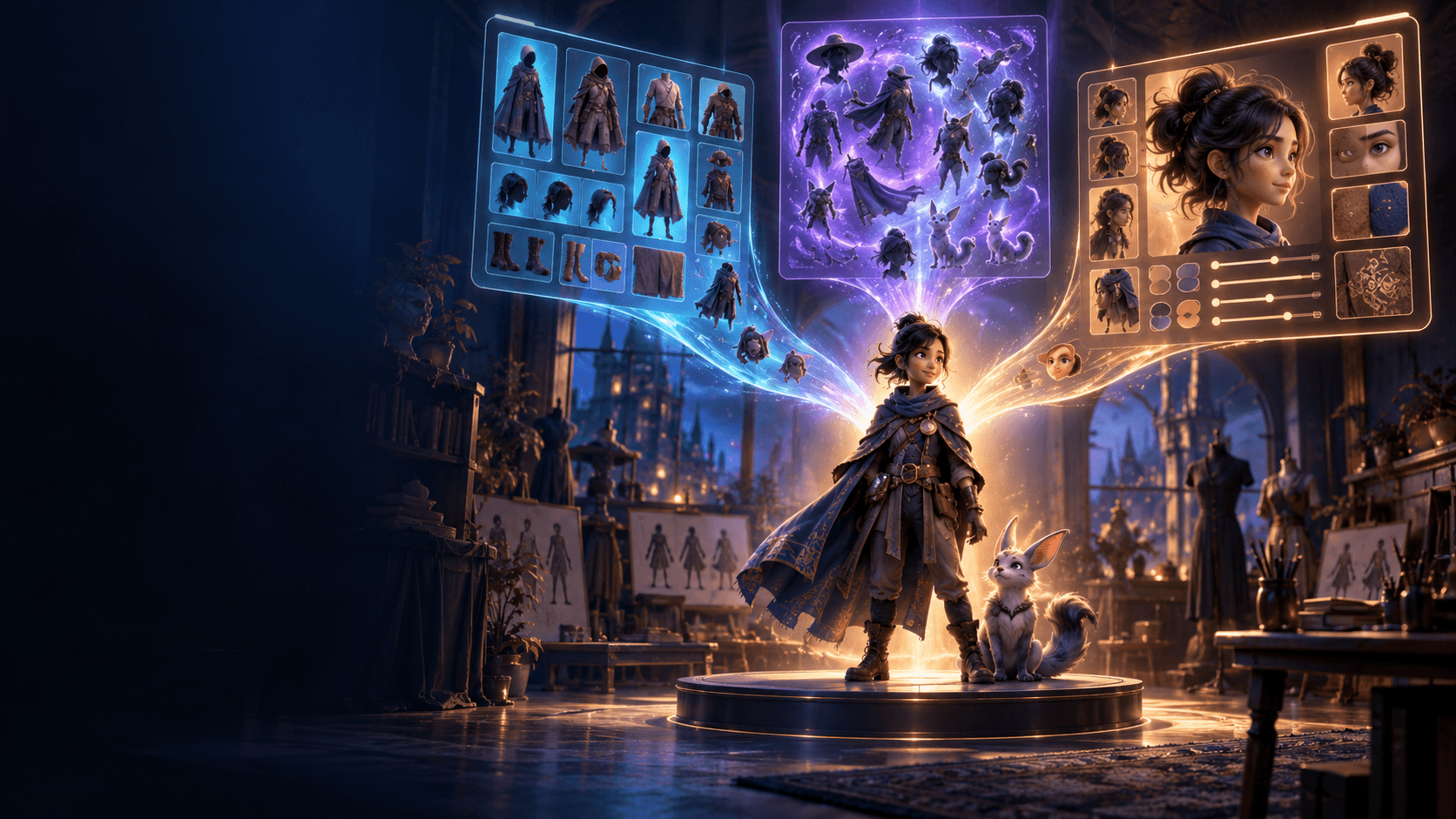
How to Use AI to Create Cartoons: A Simple Workflow
Cartoons are not just realistic videos with a filter on top. Good cartoon creation usually needs stronger shape language, clearer exaggeration, and more readable motion. That is why the workflow should start with style decisions, not only generation.
First Decide What Kind of Cartoon You Want
The answer changes everything:
- classic TV-style cartoon
- comic-inspired stylization
- anime-adjacent cartooning
- cute exaggerated social content
The clearer the style, the easier the project becomes.
Simplify the Subject Before You Animate It
Cartoons read best when the subject is easy to recognize. Strong silhouettes and expressive faces matter more than heavy detail. That is why a cartoon workflow often benefits from a more stylized starting point, including a photo-to-anime or cartoon-style foundation from the AI image generator .
Build the Look in Stills First
Before motion starts, make sure the still frame already feels like the cartoon you want. That means checking:
- shape language
- expression clarity
- color tone
- background simplicity
Animate the Most Readable Motion
Short, readable movement usually wins:
- head turns
- eye and mouth expression changes
- bounce and pose shifts
- short comedic beats
An image animator is usually strongest when the still frame is already carrying the cartoon style.
Let Sound Sell the Style
Cartoons often feel finished when pacing and sound sharpen up. Sound cues, impact beats, and stronger timing can do as much for the style as the visuals themselves.
Easy Cartoon Projects to Start With
- a character reaction shot
- a short comedic beat
- a simple transformation clip
- a stylized intro scene
These let you learn the style logic without overcomplicating the motion.
Cartoon Timing Is a Creative Choice, Not a Side Detail
Cartoons often succeed because the timing feels playful or intentional, not because the technology is more advanced. That is why one of the most useful questions in a cartoon workflow is not "How do I make it move?" but "When should the movement happen?"
Cartoon timing often works well when:
- a reaction lands a beat later than expected
- a pose holds just long enough to read
- a transition snaps rather than drifts
- one exaggerated motion contrasts with a still setup
Even basic timing choices can make simple outputs feel much more cartoon-like.
Why Backgrounds Matter Less Than You Think
In cartoon creation, the subject usually carries more of the emotional load than the background. If the background is too busy, too detailed, or too realistic, it can make the cartoon subject feel weaker instead of richer.
That is why many good cartoon workflows simplify the environment on purpose:
- cleaner shapes
- fewer competing textures
- broader color fields
- backgrounds that support the subject rather than explain everything
This is not about making the image empty. It is about giving the subject enough room to read.
Pick One Kind of Exaggeration
When a cartoon output feels off, it is often because the exaggeration is inconsistent. The face might be highly stylized while the body is almost realistic, or the environment might be cute while the motion is too stiff.
Choose one primary exaggeration direction:
- facial exaggeration
- pose exaggeration
- color exaggeration
- motion exaggeration
Once that direction is clear, the rest of the visual choices start to reinforce each other instead of competing.
Cartoon Creation Gets Better When You Think in Series
A surprisingly useful habit is to think beyond one image. Ask what the cartoon subject would look like in a small series:
- neutral pose
- reaction pose
- transition pose
- punchline or ending pose
If the character survives those four moments well, the design is usually solid enough for motion. If not, the problem is often in the design language, not the animation layer.
What Usually Makes Cartoon AI Output Feel Generic
Generic cartoon output often comes from one of three issues:
- the style request is too broad
- the subject design is too plain
- the scene has no point of view
Cartoons become memorable when they feel like they belong to a specific taste, mood, or type of humor. That is why creators get better results when they define not just "cartoon," but what kind of cartoon logic they want the viewer to feel.
Use References to Define Tone, Not to Copy Surface Details
Reference gathering is especially helpful in cartoon workflows because tone matters so much. The most useful references are not always the ones with the fanciest line work. They are the ones that clarify:
- how exaggerated the faces should feel
- how simple the backgrounds should be
- whether the humor is soft, energetic, or chaotic
- whether the color palette should feel warm, bright, muted, or surreal
When references answer those tone questions, the cartoon direction becomes much easier to hold across multiple images or clips.
The Best Cartoon Projects Usually Have One Clear Payoff
A cartoon clip becomes easier to finish when the ending payoff is obvious. That payoff might be:
- a punchline
- an expression change
- a reveal
- a pose shift
- a transformation beat
If you know the payoff early, the whole scene can build toward it. That makes the timing, motion, and framing decisions much easier than trying to "make something cartoon-like" in the abstract.
Cartoon Style Gets Stronger When the Camera Behavior Matches the Tone
One subtle mistake in cartoon AI work is using camera language that belongs to a different medium. If the cartoon mood is playful and shape-driven, heavy dramatic camera movement can sometimes make the output feel less coherent instead of more cinematic.
It helps to ask:
- should the shot feel staged and readable?
- should it feel elastic and energetic?
- should it feel soft and expressive?
The answer affects how much camera motion, zoom, or cut speed the clip can handle. When the camera behavior matches the cartoon tone, the result usually feels much more intentional.
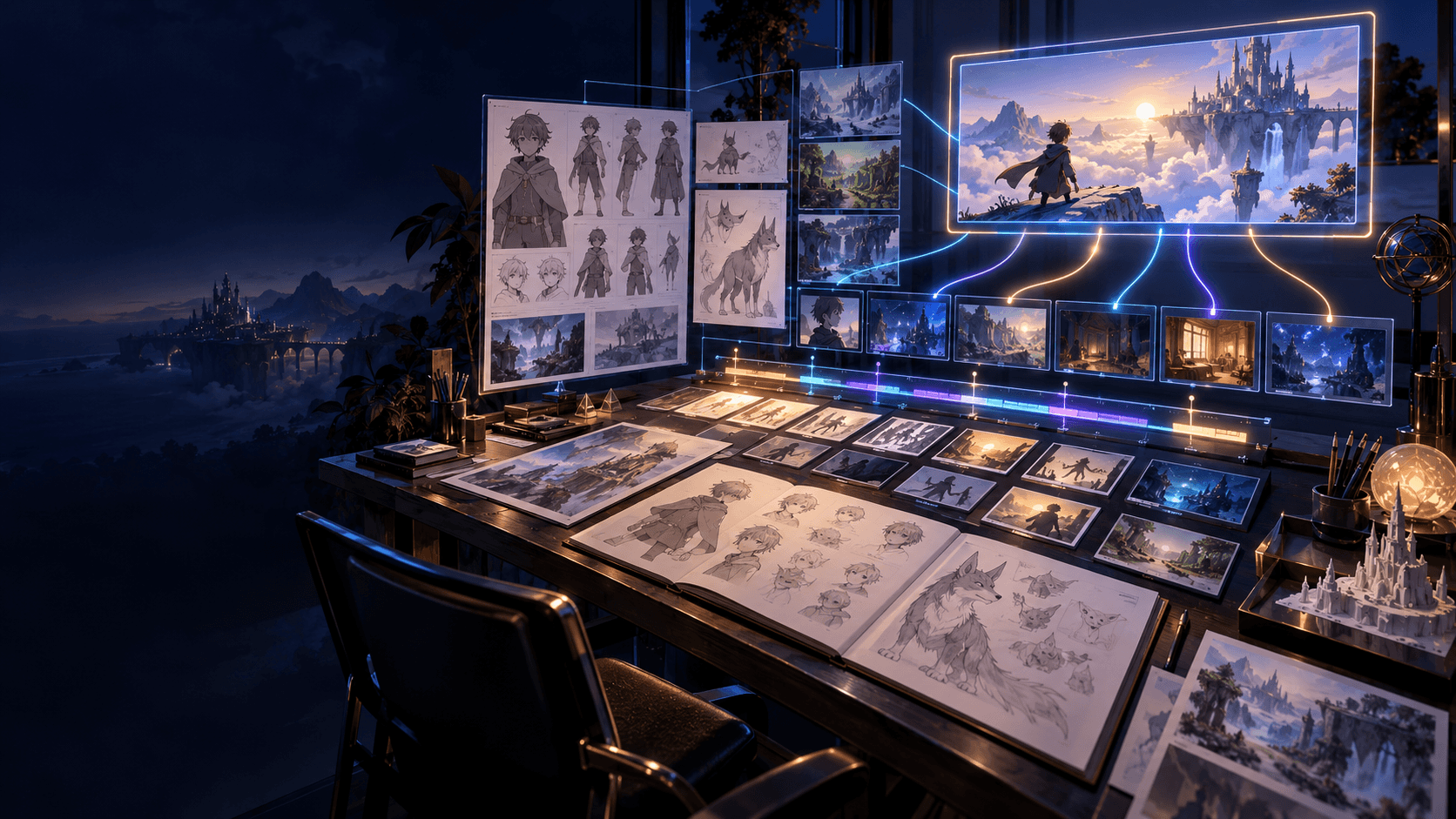
Build a Tiny Cartoon Reference Board Before You Generate
One easy way to improve cartoon results is to collect a few references before you start. You do not need many. Three or four is enough if they clearly show:
- the expression level
- the color mood
- the background simplicity
- the kind of visual humor or softness you want
That tiny board keeps your decisions consistent and makes it easier to notice when the output starts drifting away from the tone you actually wanted.
It also makes revision easier, because you can compare against a chosen tone instead of against whatever looked good five minutes ago.
That consistency is often what separates a charming cartoon clip from a generic one.
If you want a connected cartoon-style workflow, start with Elser AI and build the scene around clear stylized frames before animation.