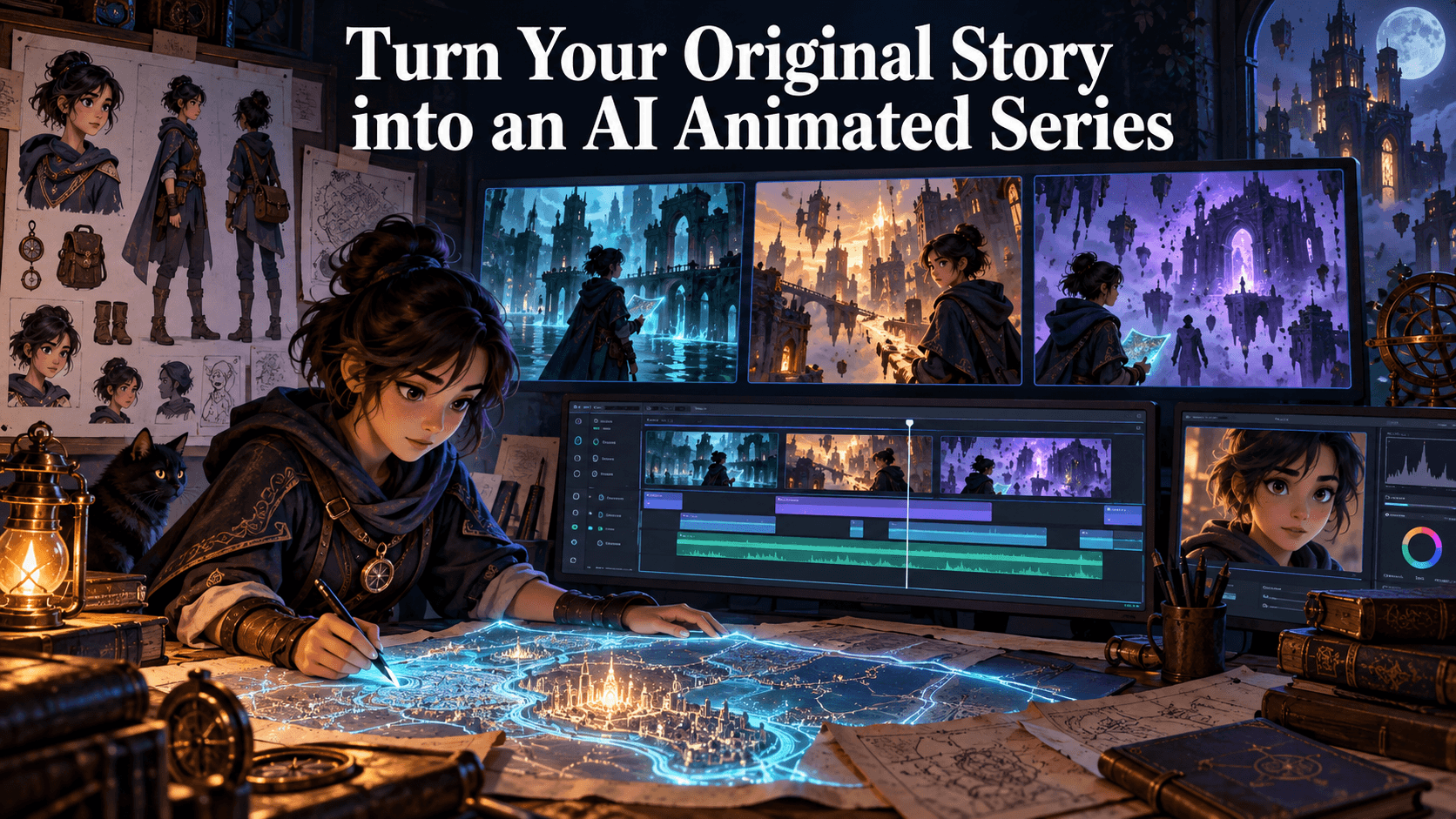
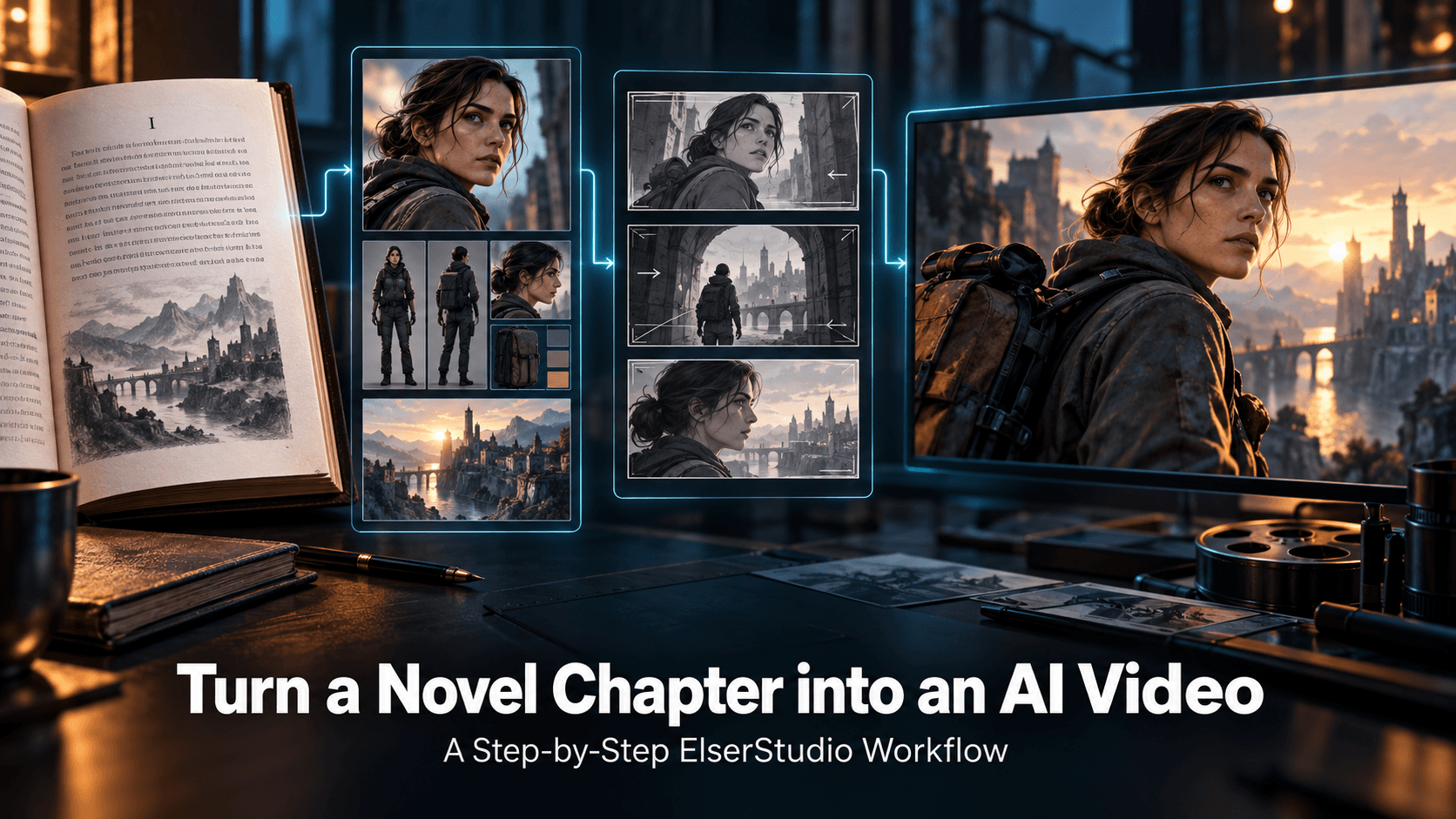
What Is Character Consistency in AI Video? A Complete Guide for Creators in 2026
What Is Character Consistency in AI Video?
If you have ever generated an AI video and noticed that your character looked slightly different from one scene to the next, you have already experienced the problem of character consistency.
Maybe the face changed a little. Maybe the hairstyle became longer. Maybe the outfit lost an important detail. Maybe your anime girl looked like the same person in the first shot, then like her cousin in the second shot, then like an entirely new character by the third. The video might still look beautiful, but the illusion breaks immediately because viewers can feel that something is off.
That is exactly why character consistency has become one of the most important topics in AI video creation. As creators move beyond one-off clips and start making anime shorts, multi-scene stories, product videos, YouTube Shorts, virtual influencers, music videos, and brand mascots, the ability to keep the same character stable across shots is no longer optional. It is the foundation of believable AI storytelling.
In simple terms, character consistency in AI video means keeping the same visual identity across multiple frames, clips, scenes, or episodes. The character should have the same face, same hairstyle, same outfit, same body proportions, same color palette, and same overall style, even when the setting, camera angle, emotion, or action changes.
It sounds simple. In practice, it is one of the hardest problems in AI video.
Why Character Consistency Matters
Character consistency matters because audiences recognize stories through people. Even in a short video, the viewer quickly builds a mental model of who the character is. The face, hairstyle, outfit, posture, and personality become visual anchors. If those anchors keep changing, the viewer no longer trusts the scene.
This is true for every type of content. In an anime short, inconsistent characters make the story feel unfinished. In a product video, an inconsistent spokesperson weakens brand trust. In a YouTube Shorts series, a recurring character must be recognizable so viewers can remember and follow the format. In a music video, a character whose face changes every few seconds can distract from the mood. In a commercial campaign, mascot drift can make the brand look unprofessional.
The problem becomes even more obvious when creators try to build longer narratives. A single AI-generated shot can survive a little visual variation, but a five-scene story cannot. The more scenes you create, the more small differences accumulate. By the end, the character may no longer feel like the same person.
This is why professional AI video creators no longer think only in terms of “generate a cool clip.” They think in terms of character systems, reference assets, visual continuity, and production workflows.
Character Consistency Is More Than Keeping the Same Face
Many beginners assume character consistency only means keeping the same face. That is part of it, but not the whole story. A character is not just a face; it is a complete visual identity.
A consistent AI video character usually needs stability in several areas.
The face should remain recognizable, including facial structure, eye shape, nose, mouth, jawline, and expression style. The hairstyle should remain the same in length, volume, color, and silhouette. The outfit should not randomly change unless the story intentionally requires it. Accessories such as glasses, earrings, scarves, hats, bags, or weapons should remain consistent. Body proportions should stay stable so the character does not become taller, younger, older, thinner, or more muscular between scenes. The art style should also remain consistent. A character should not shift from clean anime to semi-realistic fantasy to 3D cartoon unless that transformation is part of the concept.
Even lighting can affect perceived consistency. If one shot uses soft pastel anime lighting and the next uses harsh realistic cinematic lighting, the same character may appear visually different. That is why character consistency is not only about the character asset. It is also about the environment, camera, and style language surrounding that character.
Why AI Video Characters Change Between Scenes
AI video models generate images and motion based on patterns. They do not automatically understand your character as a fixed person with a permanent identity. Every time you generate a new clip, the model interprets your prompt, reference image, camera angle, motion request, and style description again.
That means small changes in input can produce visible changes in output.
For example, if your first prompt says “cute anime girl with blue hair” and your second prompt says “cinematic fantasy heroine with blue hair,” the model may interpret those as related but different characters. If the reference image only shows the front of the face, the model must invent side angles during motion. If the outfit is not clearly described, the model may redesign it to match the new scene. If the camera moves too dramatically, the model may reconstruct hidden body details and change the character unintentionally.
There are several common reasons character consistency breaks. The first is weak reference material. A single unclear image is often not enough to preserve identity across multiple scenes. The second is prompt drift. If you describe the character differently in each scene, the model will reinterpret the identity. The third is motion complexity. Fast action, spinning cameras, transformations, and full-body movement create more opportunities for identity drift. The fourth is style conflict. Mixing terms like “anime,” “realistic,” “cinematic,” “3D cartoon,” and “oil painting” in one workflow can cause unstable visual output.
In other words, inconsistency is not always caused by a bad model. Often, it is caused by an unstable workflow.
The Difference Between Model Consistency and Workflow Consistency
This is an important distinction. Some AI video models are better than others at maintaining character identity, especially when they support reference images or improved temporal coherence. But no model fully solves character consistency by itself.
A model may help preserve identity inside one clip, but multi-scene consistency still depends on how the creator structures the workflow. If every scene uses a different prompt style, different lighting, different camera language, and a vague reference image, even a strong model can drift.
That is why professional creators treat character consistency as a production system. They start by creating a strong reference image or character sheet. They define a fixed identity prompt. They reuse the same visual description across scenes. They break longer stories into shorter controlled shots. They keep camera movement reasonable. They review each scene against the original character before moving forward.
This is where Elser AI becomes especially useful. Instead of treating each generation as an isolated experiment, Elser AI helps creators build around reusable visual assets. You can create or upload a character, use it as a stable reference, generate image-to-video scenes, test motion variations, and keep the same identity across multiple outputs. If you are serious about AI anime videos, consistent character Shorts, product spokesperson clips, or multi-scene storytelling, registering on Elser AI gives you a more practical way to manage identity from one scene to the next.
The key idea is simple: do not rebuild the character every time. Define the character once, then direct the scene around that identity.
How to Improve Character Consistency in AI Video
The first step is to create a strong character reference. A good reference should clearly show the character’s face, hairstyle, outfit, body shape, colors, and key accessories. If the character will appear in many scenes, consider creating multiple angles or a simple reference sheet. Front view, three-quarter view, side view, and a few expressions can make a major difference.
The second step is to use a fixed identity block in every prompt. This block should not change from scene to scene. For example:
“Use the same character from the reference image. Preserve the exact face shape, eye color, hairstyle, outfit, accessories, body proportions, and anime art style. Do not change the character identity between shots.”
After that, you can describe the action and environment. The identity stays fixed; the scene changes.
The third step is to control motion. If your first test asks the character to run, spin, jump, fight, transform, and turn around, the model will have to invent too much. Start with simpler actions: blinking, slow head turns, walking, looking up, smiling, or subtle hand movement. Once the identity is stable, you can increase complexity.
The fourth step is to keep style language stable. If the character is anime, preserve the anime style. If the character is 3D cartoon, preserve the 3D cartoon style. If the character is realistic, preserve realism. Avoid mixing too many style terms unless you want transformation.
The fifth step is to review outputs like an editor. Do not only ask whether the clip looks beautiful. Ask whether the character is still the same person. Check the face, outfit, hair, accessories, body proportions, and overall style. If the scene fails identity consistency, fix it before generating the next shot.
A Practical Character Consistency Prompt Template
Here is a reusable prompt structure:
“Use the same character from the reference image. Preserve the exact face shape, eye color, hairstyle, hair length, outfit, accessories, body proportions, color palette, and overall art style. In this scene, the character [specific action]. The setting is [location]. Camera: [shot type and movement]. Lighting: [lighting style]. Mood: [emotion]. Keep the character identity consistent across the entire clip. Do not change the face, outfit, hairstyle, age, body proportions, or style.”
Example:
“Use the same character from the reference image. Preserve the exact round face, amber eyes, short black bob haircut, red hoodie, white sneakers, small silver earrings, slim body proportions, and clean anime art style. In this scene, the character walks into a quiet train station and looks around curiously. Camera: medium shot with a slow push-in. Lighting: soft blue evening light with warm station lamps. Keep the character identity consistent across the entire clip. Do not change the face, outfit, hairstyle, age, body proportions, or style.”
This kind of prompt works because it separates identity, action, setting, camera, lighting, and restrictions. The model receives a clear production brief instead of a vague creative request.
Character Consistency for Different Use Cases
For anime creators, character consistency allows a one-off design to become a recurring protagonist. This is essential for anime Shorts, webtoon-to-video content, manga-inspired animation, and AI-generated series.
For brands, consistency helps maintain trust. A mascot, virtual spokesperson, or product character must look stable across ads, tutorials, and social videos. If the character keeps changing, the brand feels less professional.
For YouTube Shorts creators, consistency helps build recognition. Viewers are more likely to remember a recurring visual host or character format. This can make your content feel like a series rather than random experiments.
For music video creators, consistency helps emotional continuity. A character can represent the mood of the song, but only if their identity remains stable throughout the video.
In all of these cases, the goal is the same: make the audience believe they are watching the same character continue through time.
Why Elser AI Is Built for This Workflow
Character consistency is not solved by a single prompt. It requires a workspace where visual identity can be reused, tested, and refined across multiple scenes. That is why Elser AI fits naturally into this problem.
With Elser AI, creators can start from a character image, generate animated scenes, test camera movement, create image-to-video clips, and build multiple variations around the same visual identity. This makes it easier to produce AI videos with consistent characters instead of constantly fighting identity drift.
If you are planning to create anime videos, character-driven ads, recurring social media characters, AI storytelling clips, or product spokesperson videos, you can register on Elser AI and begin by building one stable character asset. From there, each video becomes easier because the identity foundation is already in place.
The difference is important: you are not just generating clips. You are building a character pipeline.
Final Thoughts
Character consistency in AI video means keeping the same character visually stable across scenes, frames, clips, and stories. It includes the face, hairstyle, outfit, body proportions, accessories, style, and emotional identity of the character.
It matters because viewers need continuity to believe in a story. If a character keeps changing, the video feels random, even if the visuals are impressive.
The best way to improve consistency is to use strong references, fixed identity prompts, controlled motion, stable style language, and a structured workflow. AI video models are improving quickly, but creators still need to direct them carefully.
If you want to move from random AI clips to consistent character-driven videos, start with Elser AI. Create or upload your character, lock the visual identity, and build your scenes around that foundation. That is how AI video starts to feel less like generation and more like real storytelling.