AIを使ってアニメを作る方法:初心者向け5ステップチュートリアル
AIでアニメを作りたいと思ったら、通常最も大変なのは美しい1コマを作成することではありません。一つのアイデアを一貫性のあるキャラクター、明確なカット、完成したシーンにまとめ上げることこそが難しいのです。そのため、アニメ制作は単一のプロンプトで行うよりも、ワークフローとして取り組む方がはるかにうまくいきます。
初心者向けのプロジェクトでは、目標を完全な一話にする必要はありません。目標は完成済みのアニメ風コンテンツの小さな一部にすべきです:ティーザー、キャラクター公開、短い戦闘シーン、または単一場面の感動的な瞬間。このプロセスを制作パイプラインのように扱えば、全体のタスクがはるかに管理しやすくなります。
迅速な回答
基本的なワークフローは次の通りです:
1. ストーリーのアイデアを定義する
2. 主人公を作成する
3. ショットを計画する
4. キーシーンを生成する
5.アニメーション化と仕上げ
開始する前に必要なもの
初めてのアニメプロジェクトには、準備してください:
- 短いシーンのアイデア
一人か二人の主な登場人物
シンプルなスタイルの指針
- 大まかなショットリストまたはビートリスト
・ 現実的な目標長さ
スコープが大きすぎると、プロジェクトの完了が格段に難しくなります。15秒または30秒のシーンの方が、未完成の5分間のコンセプトよりも多くのことを教えてくれます。
ステップ1:ストーリービートから始める
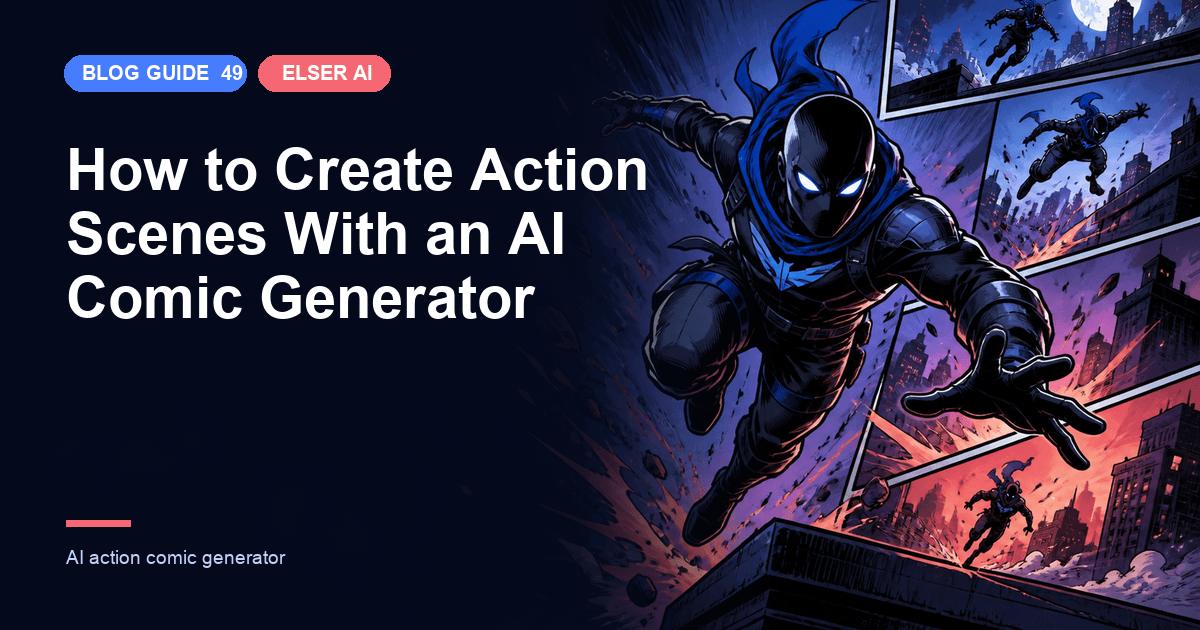
特殊効果から始めないでください。小さなシーンから始めましょう。ティーザー映像、ワンカットの感情的な一場面、あるいは短い格闘シーンクリップは、フルエピソードよりもはるかに優れた最初のプロジェクトになります。
良い導入シーンは通常、以下を備えています:
一つの明確な主題
・ひとつの感情的なトーン
一つの簡単な行動
1つのクリーンな終了ビート
それはビジュアルがまだ始まる前に、あなたのプロンプトに構造をもたらします。
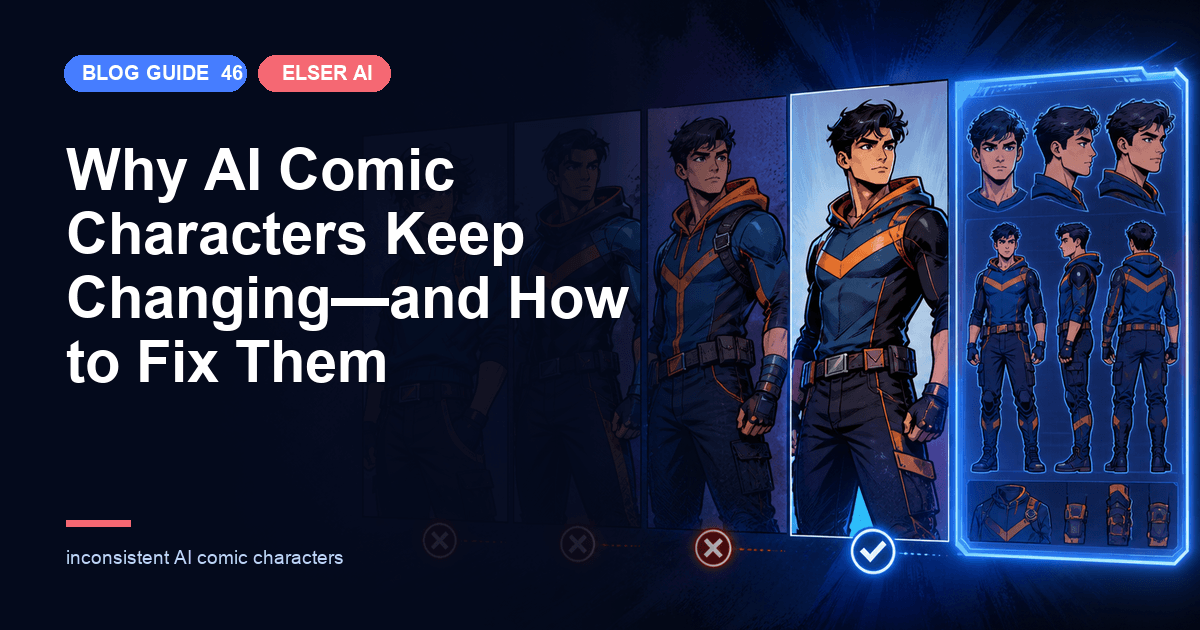
ステップ2:まずキャラクターを作成してください
アニメのワークフローは、ショットごとにキャラクターが変更されるとすぐに崩壊します。それが理由で[AIアニメジェネレーター]または[アニメオリキャラメーカーアニメーションより前に来るべきで、その後ではない。
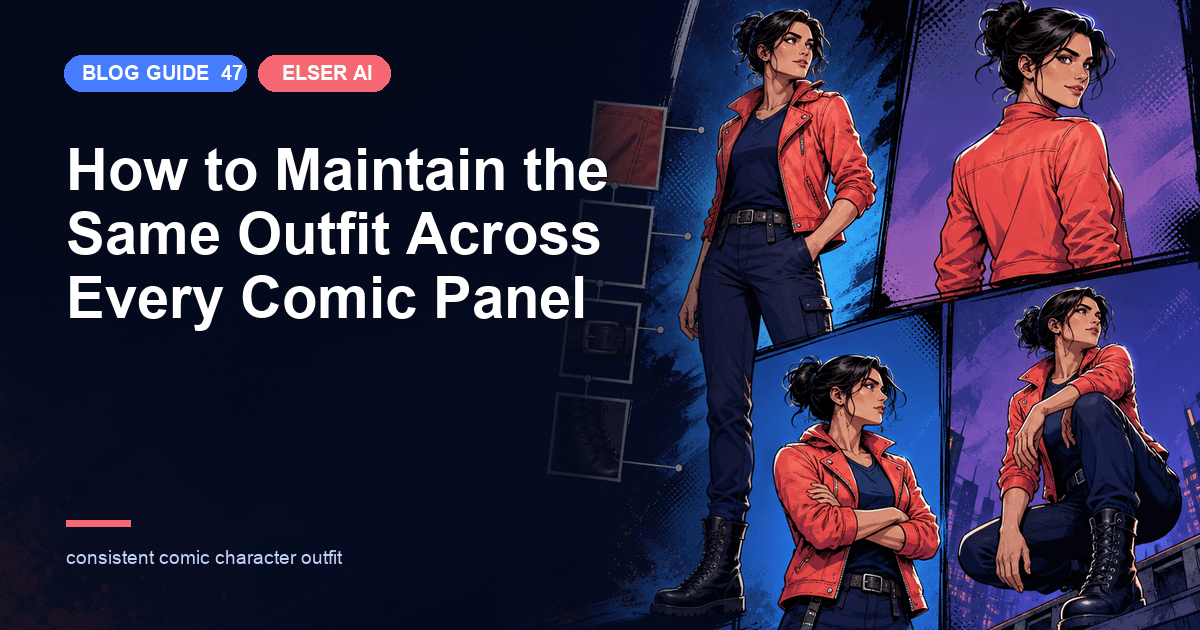
ロックしてみて:
髪型と顔の形
コーディネートのシルエット
カラーパレット
感情的なトーン
- どんな決め小道具または決めポーズでも
ちょっとしたキャラクター設定の規律を守るだけで、後のシーン生成がずっと簡単になります。
ステップ3:ストーリーボードでシーンを計画する
雑な6発のプランでさえ役に立つ。[を使用してAIストーリーボードジェネレーター] 観客が何を見るのか、カメラがどのように動くのか、そして各瞬間の感情的なテンポがあるべき姿を決定すること。
短いアニメのシーンには、便利なシーケンスとして次のようなものが考えられます:
エスタブリッシングショット
2. キャラクター紹介ショット
3. 作用又は反作用のビート
4. クローズアップ感情ビート
5. エンディングショット
それはプロジェクトを過度に複雑にすることなく構造を作成するのに十分です。
ステップ4:キーフレームを生成する
まず最もインパクトのある静止画フレームを選びましょう。目標は画像の枚数を増やすことではありません。目標は適切な画像を得ることです。もしそのフレームがすでに映画的で、分かりやすく、感情的にも適切なものであれば、後のモーションステップがずっと容易になります。
質問:
- そのコマはストーリービートに合っていますか?
- そのキャラクターは相変わらず同じ人に見えますか?
- カメラアングルはそのシーンを引き立てていますか?
色彩と照明はまだ雰囲気に合いますか?
ステップ5:アニメーションを作成し、仕上げを磨く
ショットの準備ができたら、それらを[の中に移動させてAI画像アニメーターワークフロー。最終的な仕上げは、多くの追加生成よりもペーシングとサウンドから得られることが多い。
この段階では、以下に焦点を当てて:
カットティミング
移行リズム
身体拘束
シーンの順番
音楽と雰囲気
もし最終シーンをより充実したものにしたいのであれば、[AI効果音ジェネレーター]はビジュアルを過負荷にすることなく、インパクトと雰囲気を加えるのに役立ちます。
避けるべきよくあるミス
- シーンではなくランダムなエフェクトから始める
カット間でキャラクターデザインを大きく変更しすぎる
- ストーリーボード工程を省略する
- 短いシーンをテストする前に、長尺のシーンのアニメーションを作ろうとしている
全てのカットに動きをあまりにも多く加える
始めるのに最適なアニメプロジェクト
AIアニメ制作初心者の方には、通常、これらの形式が最も扱いやすいです:
OC公開動画
短いティーザートレーラー
一場面の感情的なモノローグ
- 短時間のファイトテスト
ミュージックビデオ風モンタージュ
それぞれの単元は手軽に完了できる小さなボリュームですが、実践的なワークフローに関する貴重なレッスンを学ぶのに十分な内容を持っています。
なぜElser AIはこのワークフローにうまく機能するのか
エルサーAIはこのワークフローに適しています。なぜなら、アニメキャラクターの作成からストーリーボードの企画、最終シーンのモーションまで、クリエイターを重視した1つのシステムで一連のプロセスを実行できるからです。これは、アニメ生成を互いに関連しないプロンプトの集まりとして扱うよりもはるかに有用です。
よくある質問
AIで作るのに最も簡単なアニメプロジェクトは何ですか?
短いティーザー、OCのお披露目、あるいは単発の感動的なシーンが、大抵最も簡単です。
私はドローイングスキルが必要ですか?
いえ。多くの初心者向けワークフローでは、優れた参考資料と明確な撮影計画の方が重要です。
なぜAIアニメのシーンは一貫性がないように感じるのですか?
通常、アニメーションが開始される前のキャラクター設定とストーリーボードの論理が弱かったからです。
AIを使って、簡単なアイデアから短編アニメを作ることはできますか?
はい、でも完成したショート動画を単一のプロンプトで生成しようとするのではなく、アイデアから始めてキャラクター、ストーリーボード、キーフレームへと段階的に進めると最も効果的です。
連携したアニメワークフローをお求めでしたら、[ から始めてくださいエルサー・エーアイそして、一人の力強いキャラクターと一つの明確なストーリーボードを中心にシーンを構築する。