15 Best AI Photo to Video Generators in 2026: Free and Paid Tools Compared
Turning a photo into a video used to mean basic zooms, slideshow effects, or awkward face animation. In 2026, AI photo to video generators can do much more. They can animate a portrait, move a camera through a still scene, make anime images blink and speak, create cinematic motion from a product photo, or turn one character image into a short story clip.
The problem is that “photo to video” now means too many things.
Some tools are built for cinematic image-to-video. Some are better for talking avatars. Some create viral social edits. Some preserve character identity across multiple scenes. Some are impressive in demos but frustrating when you need a clean final export.
So the right question is not “Which AI photo to video generator is best?” The right question is “Which tool is best for the kind of video I am trying to make?”
This guide compares the best AI photo to video generators for real use cases: anime images, character videos, social content, product shots, music videos, talking portraits, cinematic scenes, and multi-shot storytelling. Elser AI is the strongest overall recommendation for creators who want more than one animated clip because it combines image-to-video, character generation, storyboarding, AI video models, voice cloning, lip sync, music, sound effects, and video enhancement in one workflow.
1. Elser AI: Best Overall Photo to Video Workflow
Elser AI is the best overall choice if your goal is to turn photos or character images into complete videos rather than isolated animations.
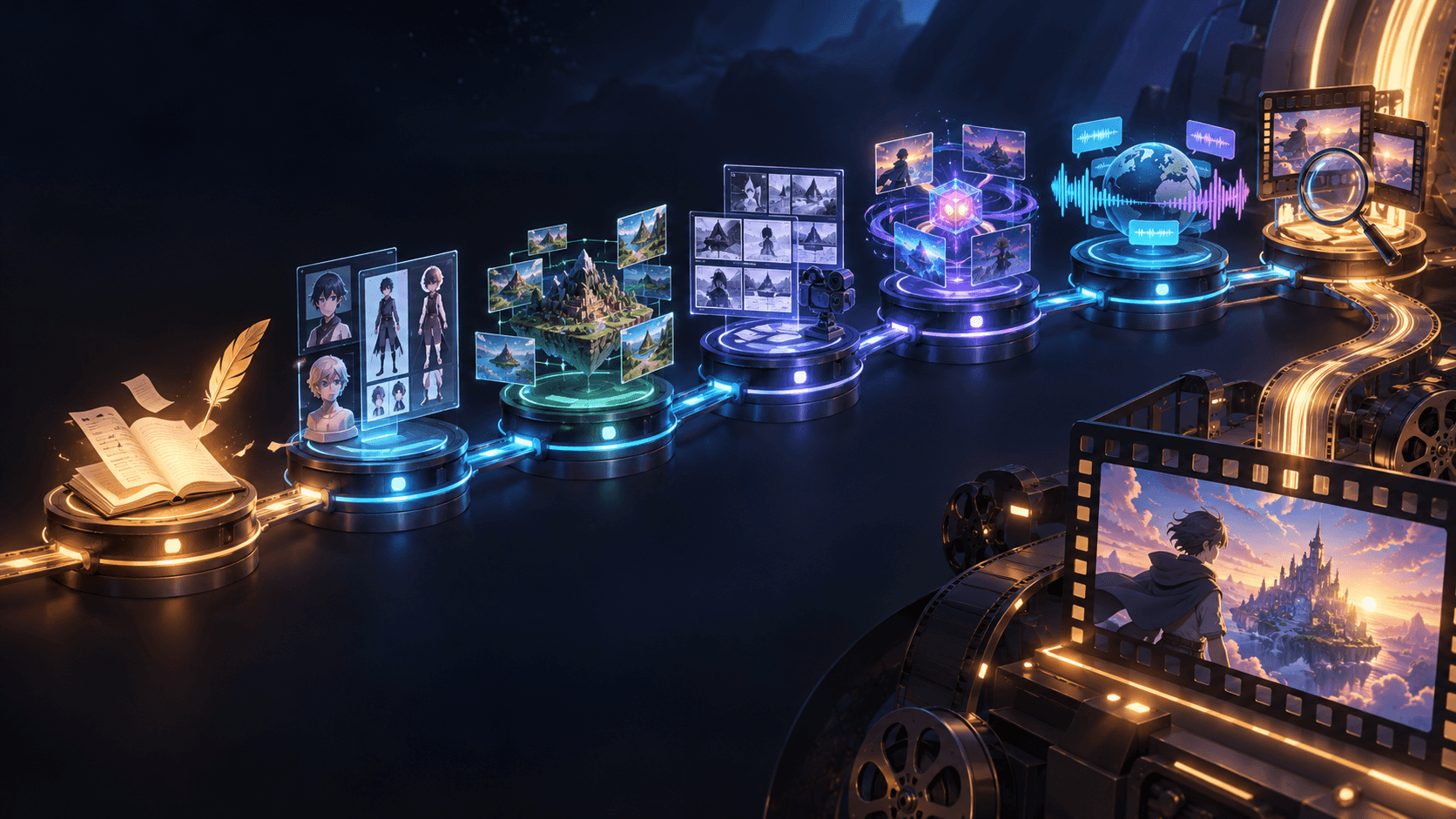
The reason is workflow depth. A photo-to-video project often starts with one image, but it rarely ends there. You may need to preserve the same character, create a storyboard, generate several shots, add voice, sync the mouth, create background music, add sound effects, upscale the result, and export for TikTok, YouTube Shorts, Reels, or a trailer.
That is where Elser AI is different from single-purpose tools. It supports AI character generation, image-to-video creation, storyboards, multiple video models, voice cloning, lip sync, music generation, sound effects, and video enhancement. For anime creators, original character channels, manga trailers, AI music videos, and photo-based storytelling, this matters more than one flashy sample clip.
A good Elser AI workflow starts with the photo as a reference, not the entire creative brief. First, decide what the photo should become: a talking character, a cinematic shot, a TikTok hook, a music video moment, or a multi-scene story. Then create a short storyboard around the image. Animate one clear action at a time. Add voice or lip sync only when the face is visible. Finish with music and sound.
Best for: creators who want a complete photo-to-video production pipeline.
2. Kling AI: Best for Dynamic Motion
Kling is one of the strongest choices when the photo needs real movement. It is useful for walking shots, fashion motion, action poses, anime movement, camera pushes, dramatic reveals, and performance-style clips.
Kling is especially good when the starting photo already has a clear subject and composition. A standing character can turn, walk, gesture, or react. A product can be shown with cinematic camera motion. A fantasy portrait can become a short animated scene.
Its strength is motion, but that also means prompts need control. Do not ask the photo to do everything. A good prompt says what changes and what must stay fixed.
For example:
“Camera slowly pushes in as the character turns slightly toward the light. Hair moves gently. Keep the same face, outfit, pose identity, and background style.”
Kling is a strong model to use inside a larger workflow like Elser AI when you need high-energy or cinematic motion from a still image.
Best for: motion-heavy photo animation.
3. Seedance 2.0: Best for Multimodal Reference Control
Seedance 2.0 is powerful when a photo is only one part of the creative input. It can work with text, images, video, and audio references, which makes it useful for more directed photo-to-video projects.
This is valuable when you want to animate a photo according to a specific mood, rhythm, or movement reference. For example, an anime singer image can be animated using a song excerpt and a motion reference. A character photo can follow a camera movement from a sample video. A product image can be paired with audio and visual style references.
The risk is input confusion. More references do not automatically mean better results. If your photo, style reference, and motion reference disagree, the model may blend them unpredictably. Use references that support the same goal.
Seedance is best used for hero shots where multimodal control matters. For simpler edits, it may be more than you need.
Best for: photo-to-video projects using image, audio, and video references together.
4. Veo: Best for Cinematic Photo Animation
Veo is a strong choice when the photo should become a polished cinematic moment. It is especially useful for landscapes, realistic environments, atmospheric shots, product scenes, and emotional B-roll.
If you have a still photo of a city street, forest, stage, room, or character in a dramatic setting, Veo can help create a smooth camera movement and environmental atmosphere. It is also useful for first-frame and last-frame control when you want a shot to begin and end with specific compositions.
For anime images, be explicit about style. Veo can add realism if you do not control it. Use language like clean 2D anime, cel shading, stable line art, no photorealistic texture, and preserve the original character design.
Best for: cinematic image-to-video clips and atmospheric scenes.
5. Runway: Best for Creative Direction and Iteration
Runway is a strong option for creators who want control over visual direction. It works well for image-to-video, stylized motion, character shots, experimental edits, and professional creative tests.
Runway is often best when you already think in shots. Instead of asking it to “animate this photo,” describe a camera and action:
“Slow handheld push-in, warm side light, subject blinks once and lowers their gaze, background remains stable.”
That kind of direction produces more usable outputs than vague mood prompts.
Runway is useful for agencies, filmmakers, and creators who need polished clips, but it can become expensive if you use premium generations for early brainstorming. Draft first, finish later.
Best for: directed creative image-to-video work.
6. Pika: Best for Fun Effects and Social Hooks
Pika is useful for playful, attention-grabbing photo animations. It is good for transformations, surreal effects, visual jokes, stylized motion, animated portraits, and short clips designed to stop the scroll.
It is not always the best choice for a serious multi-scene story, but it can create memorable moments. A photo can pop into a new style, react dramatically, morph, glitch, or become part of a visual gag.
For viral content, that can be enough. A single surprising motion can outperform a technically perfect but boring clip.
Best for: effects-driven social photo videos.
7. Luma Ray: Best for Smooth Camera Movement
Luma’s video tools are useful for turning still images into elegant moving shots. It is strong when you want camera motion, environmental depth, and a polished visual feel.
It works well for architecture, travel-style shots, product imagery, fantasy environments, and character scenes where the motion should feel smooth rather than chaotic.
The key is to avoid overloading the still image. Ask for one camera move and one subject change. Smooth motion usually looks better than exaggerated movement when the source is a single photo.
Best for: smooth cinematic camera movement.
8. HeyGen: Best for Talking Photos and Presenters
HeyGen is strongest when your photo needs to speak. It is built for avatars, presenters, talking photos, multilingual video, and business-style communication.
If you have a portrait and want it to deliver a message, explain a product, introduce a character, or appear in multiple languages, HeyGen is a practical option.
For anime stories or fictional character scenes, it may feel more presenter-focused than cinematic. But for talking head content, training, localization, and avatar videos, it remains useful.
Best for: talking photos and multilingual presenter videos.
9. Hedra: Best for Audio-Driven Portrait Videos
Hedra is another strong option for turning a character image into a speaking or singing video. It is useful when you have a still portrait and an audio track, and you want the face to perform.
It works particularly well for character monologues, podcast-style visuals, narration, music snippets, and longer audio-led talking character videos.
For multi-scene storytelling, you will still need a broader workflow. But for a single speaking image, it can be effective.
Best for: audio-driven character portraits.
10. Sync Labs: Best for Lip Sync and Dubbing Workflows
Sync Labs is more specialized. It is useful when you already have an image or video and need accurate lip sync, visual dubbing, or production API support.
This makes it valuable for studios, developers, localization workflows, and creators who need to process dialogue systematically.
It is not the tool you choose to invent an entire story world, but it can be a strong finishing layer when speech accuracy matters.
Best for: professional lip sync and dubbing.
11. CapCut: Best for Fast Social Photo Videos
CapCut is one of the easiest choices for quick social edits. It offers templates, captions, beat cuts, transitions, effects, and simple AI-assisted workflows.
If you want to turn one photo into a quick TikTok, Reel, or Short, CapCut is practical. It is especially useful after generating assets elsewhere because it makes final editing and platform formatting easy.
Its limitation is deeper character continuity. It can polish content, but it is not built as a full character-story production system.
Best for: fast social-ready photo videos.
12. Adobe Firefly: Best for Adobe-Centered Creative Teams
Adobe Firefly is useful for creators already working inside Adobe’s ecosystem. It can support generative video, design assets, image workflows, and professional creative pipelines.
For teams that care about brand governance, editing compatibility, and design integration, Adobe is a serious option.
For independent anime creators, it may not be as direct as Elser AI for character storytelling, but it can fit well into professional marketing workflows.
Best for: Adobe users and commercial creative teams.
13. Canva: Best for Simple Marketing Videos
Canva is not the deepest AI video generator, but it is useful for simple photo-based videos, marketing posts, slides, social graphics, and quick promotional assets.
Use it when the goal is speed and design polish, not advanced animation. A product photo, announcement image, or creator thumbnail can become a simple animated post quickly.
Best for: lightweight marketing and social graphics.
14. Kaiber: Best for Music-Reactive Visuals
Kaiber is useful for music-driven visual transformations and stylized clips. It can turn images into animated music visuals, making it relevant for artists, DJs, visualizers, and experimental creators.
It is less about precise character continuity and more about style, rhythm, and mood.
Best for: music-reactive visual clips.
15. Open-Source Workflows: Best for Technical Control
Open-source image-to-video workflows can be powerful for creators who understand models, GPUs, nodes, and custom pipelines. They can provide flexibility, lower long-term costs, and deeper experimentation.
The trade-off is setup time. If your goal is to publish content quickly, hosted tools are usually easier. If your goal is research, automation, or custom production, open workflows can be worth it.
Best for: technical users and custom pipelines.
How to Choose the Right Photo to Video Generator
Choose Elser AI if you want a complete creative pipeline from photo to character video, anime scene, voice, lip sync, music, sound effects, and final export.
Choose Kling if the photo needs strong movement.
Choose Seedance if the photo needs to follow multiple references, including music, video, and style inputs.
Choose Veo if the shot needs cinematic polish.
Choose Runway if you want controlled creative iteration.
Choose HeyGen or Hedra if the photo mainly needs to talk.
Choose CapCut if you need quick social editing.
The best workflow is often hybrid. Use Elser AI as the project hub, prepare the character and storyboard there, then use the best available model for each shot. This avoids the most common failure of photo-to-video tools: beautiful clips that do not connect.
Final Verdict
The best AI photo to video generator in 2026 is not simply the one with the most realistic demo. It is the one that helps you finish the type of video you actually need.
For a single talking portrait, HeyGen or Hedra may be enough. For cinematic motion, Kling, Veo, Runway, Seedance, or Luma can be strong. For quick social content, CapCut is practical.
But for creators who want to turn photos into consistent character videos, anime clips, manga trailers, music videos, and multi-scene stories, Elser AI is the strongest overall workflow because it connects image-to-video with characters, storyboards, voices, lip sync, music, sound, and enhancement.
A photo is only the starting frame.
The real value is turning it into a video people want to watch until the end.