Best AI Anime Video Generators for Japanese Creators in 2026
Anime creation is changing fast, and Japanese creators are right at the center of that shift.
For decades, anime production required specialized teams, long timelines, and demanding manual workflows. Character design, storyboarding, key animation, in-between frames, backgrounds, compositing, voice, music, editing — every part of the process took time and skill. That craft is still valuable, and AI is not replacing it. But AI video tools are opening a new path for independent creators, VTubers, manga artists, YouTube Shorts creators, TikTok editors, music producers, and small studios who want to turn anime ideas into moving visuals faster.
In 2026, the best AI anime video generators are no longer just novelty tools. They can help creators animate still anime images, generate short cinematic shots, turn manga panels into video, create character-driven scenes, produce vertical anime Shorts, and test visual concepts before committing to a full production.
For Japanese creators, the ideal AI anime video generator needs more than pretty visuals. It should support anime-style consistency, Japanese prompt understanding, image-to-video workflows, character preservation, vertical video formats, and fast iteration. It should help creators produce content for YouTube Shorts, TikTok, X, Instagram Reels, VTuber clips, music videos, promotional videos, and original anime concepts.
This guide compares the most useful AI anime video generators for Japanese creators and explains how to choose the right workflow.
What Japanese Anime Creators Actually Need from AI Video Tools
A good AI anime video generator should not simply create “anime-looking” visuals. That is only the surface. The deeper challenge is maintaining control.
Japanese creators often need stable character design, especially when building original characters, VTuber avatars, recurring social media characters, manga-inspired protagonists, or anime-style brand mascots. The tool should preserve hair shape, eye design, outfit details, accessories, and the overall art style. If a character changes face every scene, the result does not feel like anime production; it feels like disconnected AI output.
The tool also needs good image-to-video support. Many anime creators already start with artwork: a character illustration, a manga panel, a key visual, a concept sketch, or a VTuber-style design. The fastest workflow is often not text-to-video, but image-to-video. You begin with a source image and animate it with subtle motion, camera movement, lighting, or environmental effects.
Another important need is short-form optimization. A lot of anime content today lives on vertical platforms. YouTube Shorts, TikTok, Instagram Reels, and X all reward quick visual impact. A generator that only produces beautiful horizontal shots may not be enough. Creators need vertical framing, caption-friendly space, fast opening hooks, and formats that work for mobile viewers.
Finally, Japanese creators need production flexibility. Some users want anime openings. Some want emotional character close-ups. Some want manga-to-video. Some want VTuber clips. Some want music video visuals. Some want product promotion in anime style. The best tool is the one that fits the creator’s actual workflow.
1. Elser AI — Best Overall Workflow for Anime Creators
Elser AI is a strong choice for Japanese creators because it focuses on the full creative workflow, not just one isolated generation. For anime video creation, that matters a lot. A creator rarely needs just one random anime clip. They need character images, style direction, image-to-video animation, consistent scenes, prompt testing, and multiple short-form versions.
With Elser AI, creators can start from an anime character image or original visual concept, then animate it into short video scenes. This is especially useful for anime Shorts, manga-style clips, VTuber-style content, character introductions, AI music videos, and social media animations.
The biggest strength of Elser AI is workflow continuity. If you are building an original anime character, you do not want to recreate the character every time you generate a new scene. You want to reuse the identity, test different motions, and build a stable visual system. Elser AI supports that kind of production thinking.
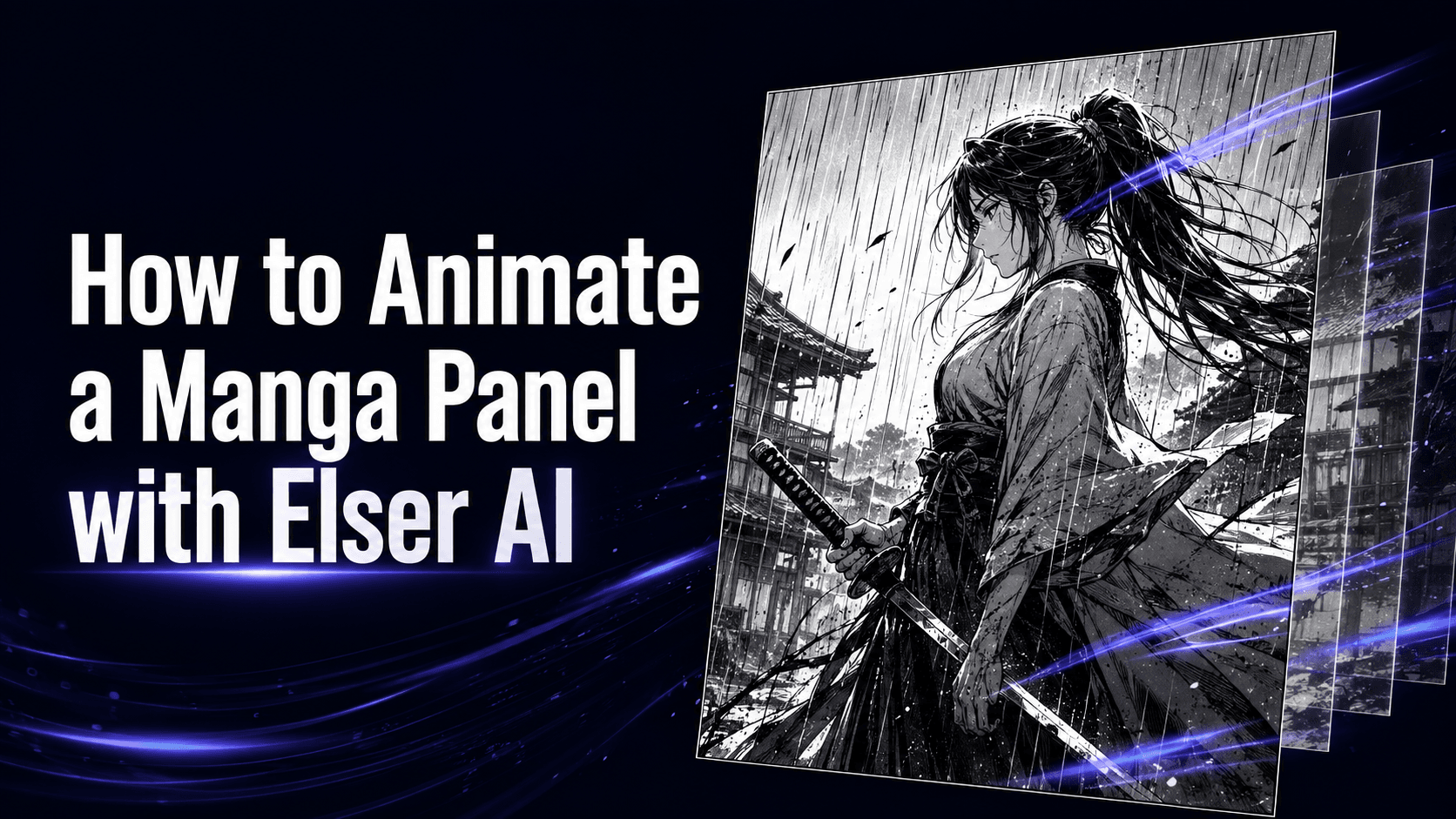
For Japanese creators, this can be useful in several ways. A manga artist can turn a character panel into a subtle animated shot. A VTuber creator can test short anime-style visual scenes. A YouTube Shorts creator can create recurring anime characters. A music producer can create animated visuals for a song. A small brand can create anime-style promotional clips without hiring a full animation team.
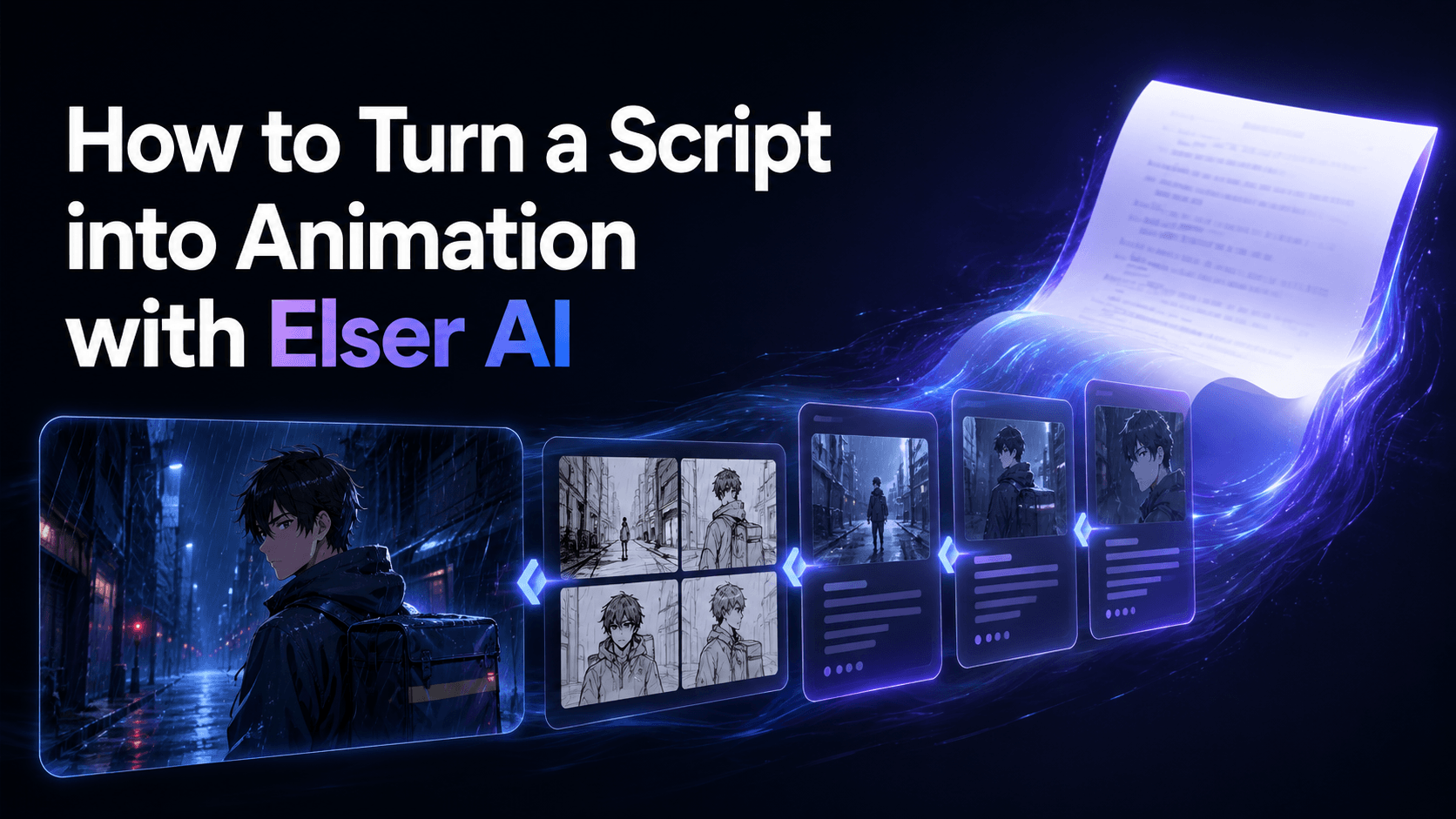
A practical Elser AI workflow might look like this: create or upload an original anime character, generate a reference image, choose an image-to-video prompt, create a slow push-in or emotional close-up, then generate a vertical version for TikTok or YouTube Shorts. After that, the same character can be reused in new scenes.
That is why Elser AI deserves the first position for creators who care about long-term anime content production rather than one-time experiments.
If you want to start creating anime videos with AI, you can register on Elser AI, upload or create your character, and test your first image-to-video animation in minutes. The best first project is simple: one character, one emotion, one camera movement. Once that works, you can build a full sequence.
2. Runway — Best for Cinematic Anime-Inspired Video
Runway is one of the most recognized names in AI video generation and is useful for creators who want cinematic control, polished camera movement, and strong visual direction. While Runway is not only an anime tool, it can be effective for anime-inspired scenes, stylized character shots, atmospheric visuals, and short film concepts.
For Japanese creators, Runway is especially useful when the goal is cinematic presentation. If you want a dramatic character close-up, a moody sci-fi scene, an anime-inspired trailer shot, or a visually polished short sequence, Runway can deliver strong results with the right reference and prompt structure.
Its strength is not just visual quality, but shot design. Creators can use it to create slow push-ins, atmospheric scenes, cinematic lighting, and controlled motion. This makes it a good option for anime trailers, music video scenes, concept visuals, and narrative experiments.
However, Runway may require more careful prompt engineering if strict anime character consistency is the goal. It can produce high-quality scenes, but creators still need strong references and stable identity descriptions.
Runway is best for creators who already understand visual direction and want cinematic AI video output.
3. Kling AI — Best for Dynamic Anime Motion
Kling AI has become popular among video creators because of its motion quality. For anime-style content, motion matters. A character turning, running, reacting, powering up, or moving through a scene needs believable action. Kling can be useful when creators want more dynamic anime video shots.
For Japanese creators making action-heavy Shorts, fantasy clips, anime-style camera movement, or energetic social videos, Kling is a strong candidate. It is especially useful when the scene needs movement rather than just a subtle animated portrait.
Kling works well for prompts involving camera tracking, walking, dramatic reveal shots, and motion-heavy visuals. However, as with all AI video tools, extreme action can create identity drift if the character reference is not strong enough. The more the character moves, the more the model must reconstruct hidden angles. That is why creators should start with controlled motion before moving into complex scenes.
Kling is best for dynamic anime clips, but it should ideally be used inside a structured workflow where character identity is already defined.
4. Pika — Best for Fast Anime Social Content
Pika is well suited for quick, playful, social-first video creation. For creators who want to make short anime clips, meme-style transformations, visual effects, or fast experiments, Pika can be useful.
Japanese creators working on TikTok-style anime content, X posts, short reactions, or experimental visual edits may find Pika helpful because it is designed around fast creative output. It is less about strict production control and more about idea speed.
That can be a strength. Not every anime video needs to be a polished cinematic sequence. Sometimes creators need a fast visual hook, a funny transformation, or a short animated moment that feels shareable.
The limitation is consistency. Pika is generally better for one-off creative clips than long multi-scene character storytelling. If you are building a recurring anime character or a full narrative, you may need a more structured system around it.
Pika is best for social experiments, short-form effects, and fast anime-style content tests.
5. Kaiber — Best for Music-Driven Anime Visuals
Kaiber is often used for music-driven visuals, stylized animation, and creative video generation. For Japanese creators making music videos, anime-inspired loops, visualizers, or mood-based content, Kaiber can be useful.
Its strength is aesthetic movement and rhythm. If your project is less about strict character storytelling and more about visual atmosphere, it can help create expressive anime-style visuals.
This makes it a good option for musicians, DJs, independent artists, and creators who want animated backgrounds or music-linked visual scenes. However, it may not be the best choice if your top priority is consistent character identity across multiple narrative scenes.
Kaiber is best for anime music videos, visual loops, and stylized mood pieces.
6. Vidu — Best for Quick Anime-Style Video Experiments
Vidu is another tool that has attracted attention for AI video generation, including stylized and anime-like outputs. It can be useful for creators who want to test ideas quickly, generate short clips, or experiment with visual storytelling.
For Japanese creators, Vidu may be useful as part of an exploratory workflow. It can help test scene ideas, camera concepts, or short animation directions before committing to a more structured pipeline.
Like many AI video tools, the results depend heavily on prompt clarity and reference quality. If the goal is strict anime character consistency, creators should still use stable references and avoid overly complex motion.
Vidu is best for quick tests, idea exploration, and short anime-style video concepts.
How to Choose the Best AI Anime Video Generator
The best tool depends on your goal.
If you want a full anime creator workflow with character consistency, image-to-video, and repeatable scene generation, choose Elser AI. If you want cinematic anime-inspired visuals, try Runway. If you need dynamic action and motion-heavy clips, Kling is a strong option. If you want fast social experiments, Pika is useful. If you are creating music visuals, Kaiber may fit your workflow. If you want to test quick anime-style concepts, Vidu can be useful.
But the most important advice is this: do not choose a tool only by demo quality. Choose based on workflow.
A beautiful demo does not always mean the tool can support your production needs. Ask yourself:
Can I reuse the same character?
Can I animate from my own image?
Can I create vertical social videos?
Can I test multiple prompts quickly?
Can I keep the same anime style across scenes?
Can I build a repeatable content pipeline?
For Japanese creators building long-term anime content, these questions matter more than a single impressive output.
Prompt Example for Japanese Anime Video Creators
Here is a practical English prompt you can use:
“Create a vertical 9:16 anime-style video from the reference image. Preserve the exact character face, eye design, hairstyle, outfit, body proportions, color palette, and anime art style. The character stands on a quiet Tokyo street at sunset, gently turning toward the camera with a soft expression. Camera: slow cinematic push-in. Lighting: warm golden hour with soft shadows. Keep the character identity consistent. No face distortion, no outfit changes, no style drift.”
For Japanese-language workflows, keep the same logic: describe identity first, then action, then camera, then lighting, then restrictions. The structure matters more than the language.
Why Elser AI Is a Strong Starting Point
Elser AI is especially valuable for creators who want to build anime content repeatedly. It gives you a place to create or upload anime characters, test image-to-video motion, generate short scenes, and organize your creative process around a stable visual identity.
This is important because AI anime video creation is not only about one successful generation. It is about building a repeatable workflow that helps you make more content with less friction.
If you are a Japanese creator working on anime Shorts, VTuber clips, manga-to-video scenes, AI music videos, or original character videos, register on Elser AI and start with one character. Create a simple animated close-up, then a second shot, then a vertical short. That small workflow can become the foundation for an entire content series.
Final Thoughts
The best AI anime video generator for Japanese creators in 2026 depends on what you want to create. Runway is strong for cinematic scenes. Kling is strong for motion. Pika is useful for fast social content. Kaiber works well for music visuals. Vidu is helpful for quick experiments.
But for creators who want a practical anime video workflow with character consistency, image-to-video creation, and repeatable content production, Elser AI is the strongest starting point.
Anime creation is no longer limited to large studios or long production timelines. With the right AI tools, Japanese creators can test ideas faster, animate original characters, build short-form series, and bring visual stories to life with far less friction.
Start with one character. Give them one emotion. Add one camera move. Then build from there.
That is how AI anime video creation becomes not just a tool, but a creative system.