Best AI Video Generators for Anime Creators in 2026: A Practical, No-Hype Guide
Best AI Video Generators for Anime Creators in 2026
Anime is a hard test for an AI video generator. A model can make a beautiful five-second clip and still fail the moment you ask for the same character in a second shot. Hair ornaments disappear. A jacket changes color. Hands melt during action. The camera ignores the storyboard. For an anime creator, the best AI video generator is therefore not simply the one with the most cinematic demo reel. It is the one that fits a repeatable production workflow.
This guide compares the leading, currently relevant options as of July 22, 2026: Kling 3.0, Seedance 2.0, Google Veo 3.1, Runway Gen-4.5, Luma Ray3.2, Adobe Firefly, and Elser AI. The ranking is based on officially documented capabilities and practical workflow fit. It is not a claim that we ran a controlled laboratory benchmark, and vendor descriptions are identified as such.
One important correction to older roundups: OpenAI discontinued the Sora web and app experiences on April 26, 2026. The Sora API is scheduled to be discontinued on September 24, 2026, according to OpenAI’s current help documentation. Sora may still appear inside third-party products during the transition, but it should not be the foundation of a new long-term creator workflow.
The short answer
If you want one starting point, choose by job:
- Kling 3.0 for ambitious multimodal scenes, native audio, and broad creative direction.
- Seedance 2.0 for multimodal generation or editing when you can access it in your region and chosen platform.
- Veo 3.1 for polished cinematic shots, audio, reference-guided creation, and Google’s Flow ecosystem.
- Runway Gen-4.5 for a mature creative workspace with generation, editing, assets, and production tools.
- Luma Ray3.2 for frame-level direction, multi-keyframe control, HDR workflows, and professional finishing.
- Adobe Firefly for creators already editing in Photoshop, Premiere, or the wider Creative Cloud workflow.
- Elser AI for an anime-focused pipeline that brings character creation, comics, storyboards, video, lip sync, music, and sound tools into one place.
That is the real pattern in 2026: no single model wins every shot. Strong creators use a pipeline, not a brand loyalty test.
What anime creators should evaluate
Character identity across shots
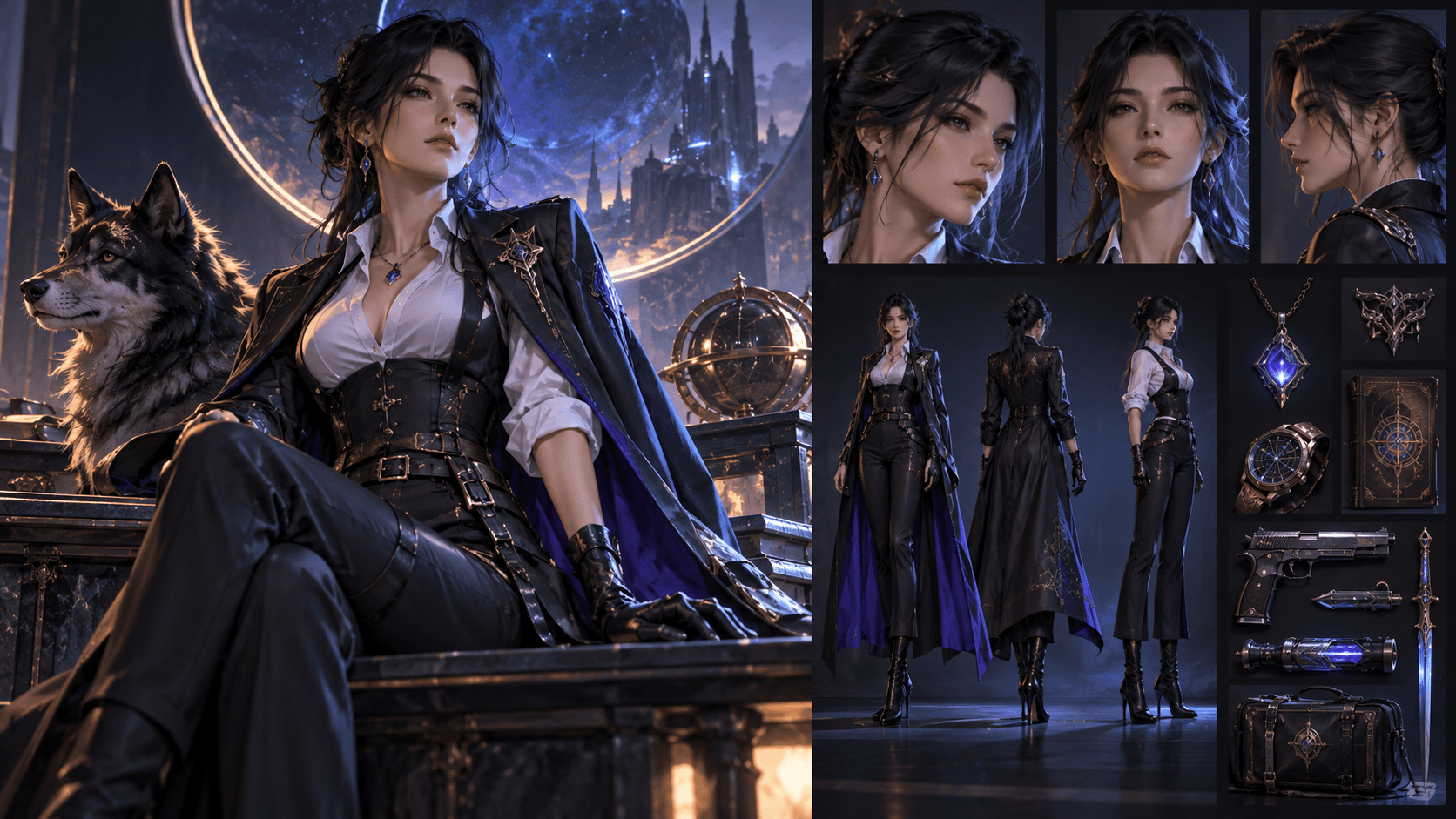
Do not judge consistency from one clip. Create a character sheet, then generate three different shot types: a close-up, a full-body movement, and a two-character interaction. Look for changes in face shape, eye color, hair silhouette, outfit construction, and accessories. A tool that preserves a face but changes the costume is not truly consistent.
Motion that matches anime grammar
Anime uses held poses, impact frames, speed lines, exaggerated anticipation, and deliberately limited movement. A photoreal model may over-animate a stylized scene, so test whether it respects locked poses and selective motion.
Shot control and revision cost
The first generation is rarely the expensive part. The expensive part is making the fifth revision after the face, camera, and timing keep drifting. Reference images, first-and-last-frame controls, keyframes, video-to-video editing, and object insertion can matter more than raw visual quality.
Audio and lip sync
Native sound is useful, but it does not automatically equal production-ready dialogue. Check pronunciation, emotional timing, mouth shapes, background noise, and whether the voice remains consistent between clips. For a music video or speaking character, a specialized avatar or lip-sync tool can outperform a general video model.
The leading AI video generators for anime
1. Kling 3.0: best for multimodal direction
Kuaishou announced the Kling AI 3.0 family in 2026, including Video 3.0, Video 3.0 Omni, Image 3.0, and Image 3.0 Omni. The company describes the family as supporting multimodal input and output, with native audio across multiple languages and accents.
For anime work, Kling is attractive when you want to combine an image reference, motion direction, camera language, and audio intent. The Omni approach is particularly relevant to creators who do not want separate tools for every intermediate step.
“Supports consistency” does not mean a character will remain identical. Complex choreography and unusual costumes still require short shots and careful references.
2. Seedance 2.0: best for flexible multimodal workflows
Seedance 2.0 is one of the most discussed video models of 2026. Official and partner documentation describes text, image, video, and audio inputs for generation and editing. Access can depend on region and platform; for example, Runway documented Seedance 2.0 availability on selected paid plans outside the United States when it launched there.
Seedance is a strong fit for creators who already have animatics, rough footage, reference art, or audio. Instead of asking a model to invent everything, you can provide more of the creative structure. That usually improves controllability.
Because access and product packaging change quickly, verify the actual model name and region in the platform you plan to use. Do not assume that every site advertising “Seedance” offers the same version, controls, or data terms.
3. Google Veo 3.1: best for cinematic shots with audio
Google DeepMind presents Veo 3.1 as its leading video generation model. Official materials highlight text-to-video, image-to-video, audio generation, reference “ingredients,” scene extension, first-and-last-frame control, and object insertion. Google also offers it through products such as Gemini, Flow, the Gemini API, and Vertex AI, although availability and limits vary.
Veo is a compelling choice for establishing shots, environments, dramatic camera moves, and sequences where sound design is part of the concept. For anime, reference images are more valuable than adding another paragraph of adjectives. Give the model the actual character, costume, prop, and color language whenever the interface permits it.
Treat Google’s internal evaluations as vendor evidence and run your own consistency test.
4. Runway Gen-4.5: best complete creator workspace
Runway Gen-4.5 supports text-to-video and image-to-video in the current Runway interface. Runway documents two-to-ten-second generations and emphasizes prompt adherence, motion quality, and complex instructions. More importantly, Runway is a production environment: assets, editing, workflows, audio tools, and third-party models can live beside the core generator.
That makes Runway valuable when your problem is not “make one clip” but “manage fifty shots.” An anime creator can generate a reference image, animate it, organize takes, edit a clip, add audio, and move toward a finished sequence without constantly rebuilding context.
The free plan offers limited one-time credits and selected models, not unrestricted Gen-4.5 production. Check live plan details before budgeting.
5. Luma Ray3.2: best for keyframe-level direction
Luma released Ray3.2 in June 2026. Its official materials emphasize frame-level control, multi-keyframe direction with up to sixteen keyframes, video modification, reframing, HDR, and EXR output for professional post-production.
This is unusually relevant to anime creators with boards. Instead of hoping the model discovers your intended beat, you can map important poses or moments across a shot. The workflow is closer to directing a sequence than repeatedly rewriting a prompt.
Ray3.2 is aimed at serious production, and the highest-quality workflows can consume credits quickly. Luma also maintains lighter or draft options for exploration. Use low-cost drafts to solve composition and motion before spending on final output.
6. Adobe Firefly: best for Creative Cloud users
Adobe Firefly combines Adobe’s own generative models with selected partner models and integrates generation with established editing tools. Adobe currently offers limited free daily generations across image, video, and audio, while premium video usage consumes generative credits.
Firefly is less about winning a model contest and more about reducing handoffs. If your short will finish in Adobe tools, keeping generation and post-production close can save time. Adobe’s own models and partner models can have different terms, so review the exact model used.
7. Elser AI: best anime-focused all-in-one starting point
Elser AI is designed around anime and original-character creation rather than generic corporate video. Its current site brings together AI image generation, character creation, comics and manga, storyboards, video animation, lip sync, music, voices, sound effects, and enhancement tools.
That focus matters for beginners. The hardest part of AI anime is often not choosing a frontier model; it is moving a recognizable character from idea to sheet, storyboard, shot, voice, and edit without losing the creative thread. An anime-oriented workspace can reduce that friction.
Use Elser as a workflow layer, then judge each available model by the shot you need. The natural approach is to develop the character and board first, animate short clips second, and only then add dialogue, music, and finishing.
A production workflow that wastes fewer credits
Step 1: lock the character before animation
Create front, three-quarter, profile, full-body, expression, and outfit references. Give important accessories a close-up and write a short identity block.
Step 2: storyboard the scene
Break the scene into shots of roughly two to eight seconds. Assign one clear action and one camera instruction to each shot. If a clip needs three actions and a location change, split it.
Step 3: test cheaply
Use draft resolution, short duration, or a free allocation to test framing and motion. Do not spend premium credits trying to rescue a confused storyboard.
Step 4: generate from references
Image-to-video is usually safer than pure text-to-video for a recurring anime character. Describe motion, camera, and timing; let the reference image carry appearance.
Step 5: finish outside the generator
Cut around weak frames. Hold a strong frame longer. Add speed ramps, impact flashes, sound effects, and music in an editor. A good edit can turn several imperfect AI shots into a coherent sequence.
FAQ
What is the best AI video generator for anime in 2026?
There is no universal winner. Kling 3.0, Seedance 2.0, Veo 3.1, Runway Gen-4.5, and Luma Ray3.2 serve different production needs. Elser AI is a practical anime-focused workflow option, especially when you also need characters, comics, storyboards, lip sync, and audio tools.
Can AI generate a complete anime episode?
AI can assist with character design, boards, short shots, voices, music, and editing, but reliable long-form continuity still needs human direction and substantial assembly. Plan in shots, not one giant prompt.
Which model is best for consistent anime characters?
Consistency depends on references and workflow as much as the model. Test each candidate with the same character sheet across a close-up, full-body shot, and interaction scene. Kling, Seedance, Veo, Runway, and Luma all offer relevant controls, but none removes the need for review.
Is there a free AI anime video generator?
Runway, Luma, Adobe Firefly, and HeyGen currently advertise limited free access of different kinds. Limits, watermarks, model access, and commercial rights vary. “Free” is best understood as enough to test a workflow, not enough to produce an unlimited series.
Is Sora still available?
The Sora web and app experiences were discontinued on April 26, 2026. OpenAI says the API is scheduled for discontinuation on September 24, 2026. Avoid building a new long-term workflow around it.
Conclusion
The best AI anime video generator is the one that survives your second shot. Start with a character sheet and storyboard, test with short clips, and choose tools based on control, consistency, revision cost, and finishing needs. Kling 3.0 and Seedance 2.0 are strong multimodal choices; Veo 3.1 excels in cinematic creation with audio; Runway and Adobe provide broader production environments; Luma offers unusually detailed direction; and Elser AI offers an anime-first path through the whole creative process.
The winning workflow in 2026 is not one prompt and one model. It is a small, well-directed pipeline that keeps the human creator in charge.