Best Free AI Music Video Generators in 2026: 7 Tools That Can Turn a Song Into a Story
Making a music video used to mean finding a camera crew, booking locations, learning a complicated editor, and hoping your budget survived the first shooting day.
That is no longer the only route.
Today, a solo musician can generate a song, design a recurring character, create animated scenes, synchronize a performance, add effects, and export a social-ready video from a laptop. The harder problem is choosing the right tool. Some “AI music video generators” only arrange stock footage. Others create impressive five-second clips but leave you to assemble everything manually.
For this guide, I looked beyond flashy demos. A useful free AI music video generator should help with several parts of the real workflow:
- Creating original visuals rather than simply recycling templates
- Matching scenes to a song’s mood, rhythm, or lyrics
- Keeping performers and characters recognizable between shots
- Supporting image-to-video or text-to-video generation
- Handling lip sync, voice, music, or sound where needed
- Providing enough free access to test a genuine project
- Producing clips that can be edited into TikTok, Reels, Shorts, or full music videos
One important note: “free” rarely means unlimited. AI video generation requires substantial computing power. Most platforms offer limited credits, a free trial, watermarked exports, or restricted models. Check the current terms before beginning a commercial project.
1. Elser AI: Best Overall Free AI Music Video Generator
Elser AI is my strongest recommendation for creators who want to produce a complete animated music video instead of collecting disconnected AI clips.
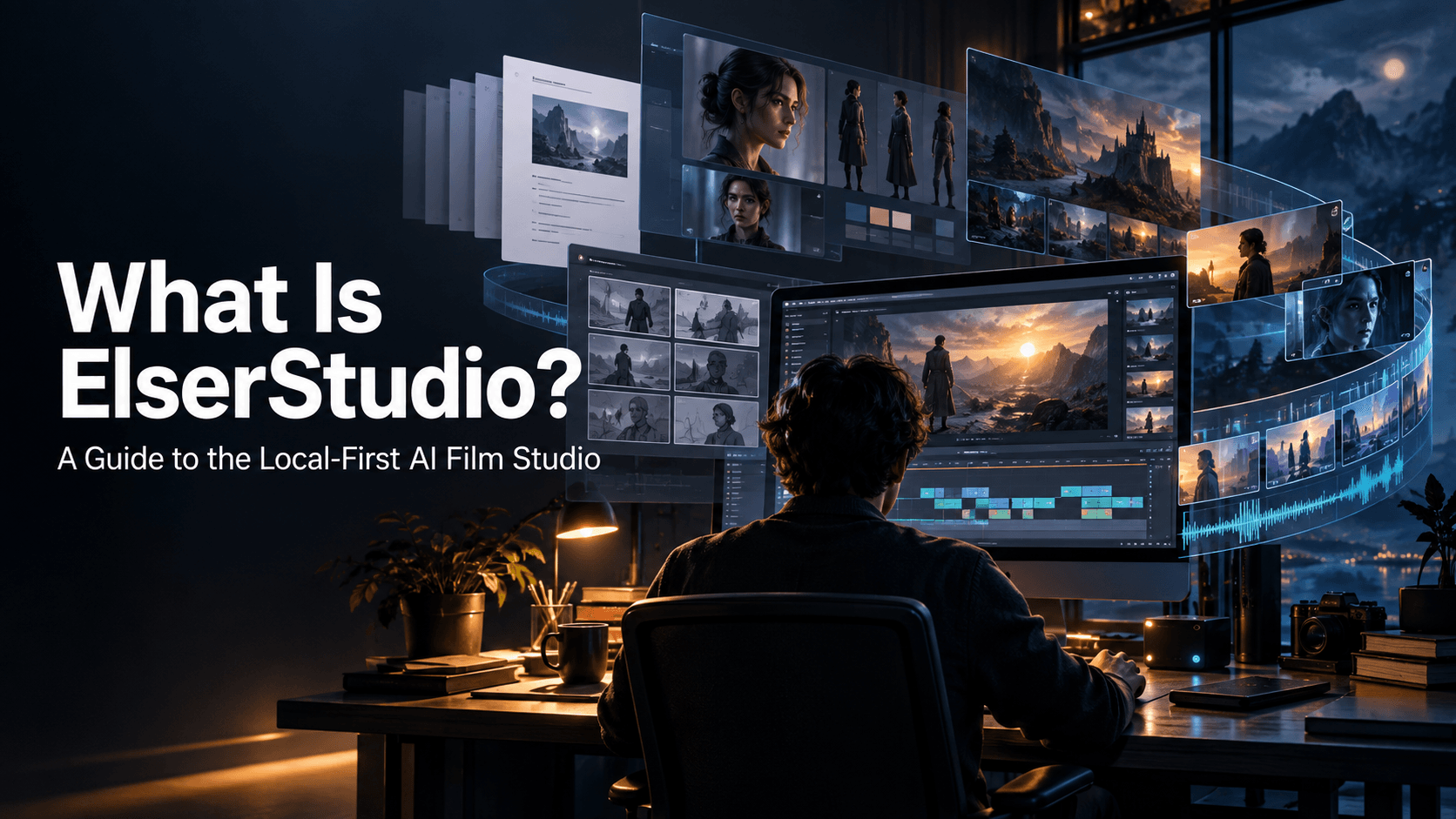
The main advantage is workflow. Elser AI brings together AI music generation, character creation, image and video generation, storyboarding, voice cloning, sound effects, and lip sync. That matters because a music video is not one generation. It is a sequence of creative decisions that must feel like the same project.
You can begin with lyrics or a musical concept, develop a visual identity, generate a performer or anime character, plan the shots, and animate them without moving between several unrelated platforms. Elser AI can also turn a still character image into video and add music, voiceover, or synchronized speech. (Art, Videos ...)
Where Elser AI performs especially well
Elser AI is particularly useful for:
- Anime opening sequences
- Virtual singer performances
- Character-led lyric videos
- Story-driven music videos
- Animated TikTok and YouTube Shorts
- Songs that require the same performer across multiple scenes
- Videos combining music, dialogue, lip sync, and sound effects
Character continuity is the quiet difference between a convincing music video and a collection of attractive accidents. If your singer has blue hair in the first shot, a different face in the second, and a new costume by the chorus, viewers notice. Elser AI’s character-centered workflow gives creators a better foundation for maintaining identity throughout a sequence.
A practical Elser AI workflow
Start with the song, not the visuals. Divide it into four or five emotional sections: intro, first verse, chorus, bridge, and ending. Give each section one clear visual purpose.
For example:
- Intro: Empty neon station before sunrise
- Verse: The singer walks through the station
- Chorus: The environment transforms into a glowing city
- Bridge: Close-up performance with synchronized vocals
- Ending: Wide shot as the city lights fade
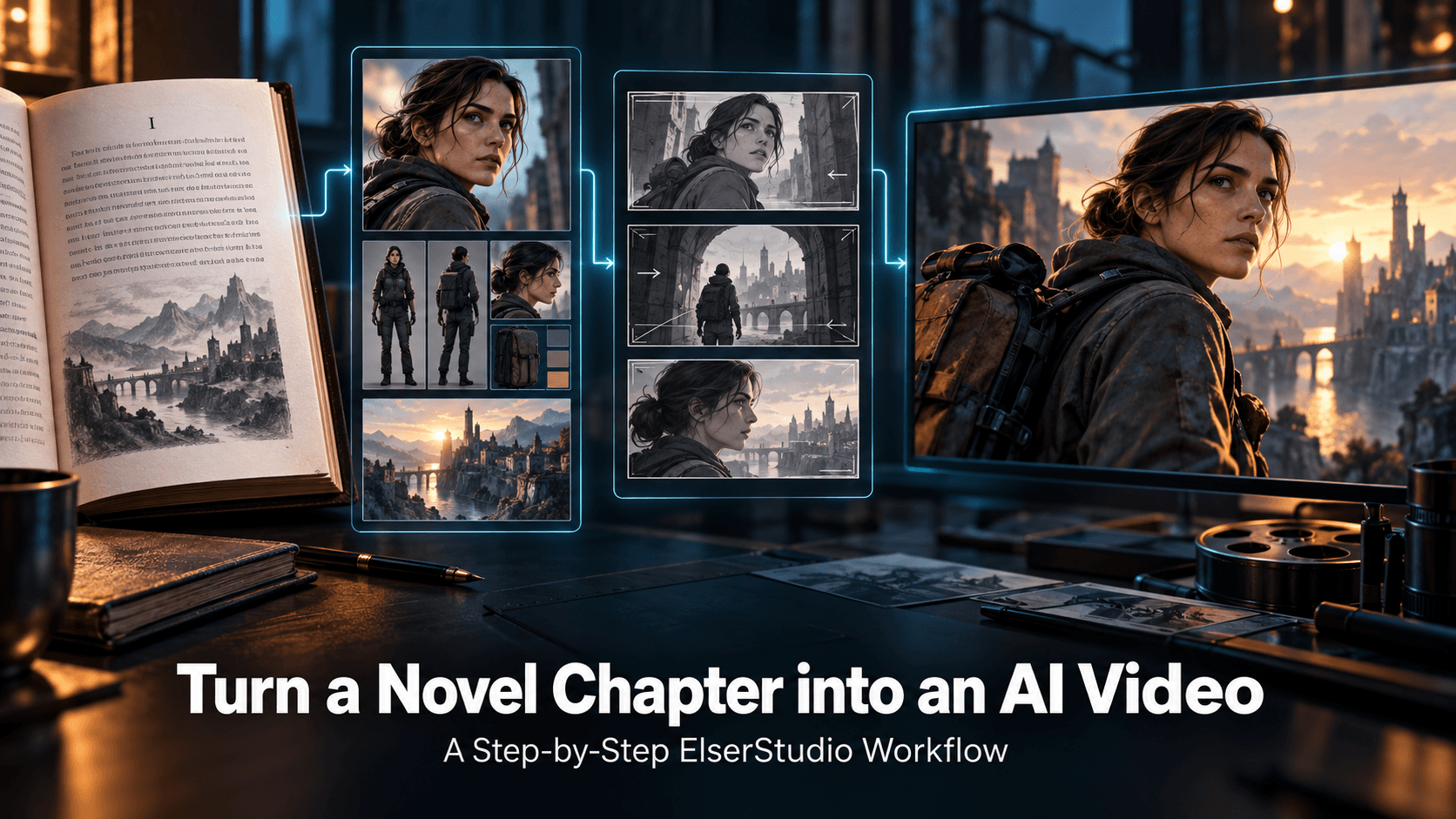
Create and approve your main character before generating video. Then reuse that identity across the storyboard. Generate short scenes for each section, add lip sync only where the performer is visibly singing, and use instrumental shots between close-ups.
This is much more reliable than asking any generator to “make a complete three-minute music video” in one step.
Creators who want to try this workflow can create an Elser AI account and use the available starting access to build a first sequence. The fastest test is a 15-to-30-second chorus: long enough to judge character stability, motion, visual style, and audio synchronization without wasting credits on a full song.
Verdict: Elser AI is the best choice here for creators who want one connected workspace for music, characters, animation, and final storytelling.
2. CapCut: Best for Beat Syncing and Social-First Editing
CapCut remains one of the easiest starting points for musicians who already have footage, artwork, or short AI-generated clips.
Its strength is editing rather than deep character generation. You can upload a song, arrange scenes on a familiar timeline, add lyrics and captions, apply transitions, and cut visuals around the beat. CapCut also promotes an AI music video workflow that analyzes audio and helps match visual sequences to it. (capcut.com)
That makes it useful when you want:
- A lyric video for a new single
- A fast vertical edit for TikTok
- Beat-matched transitions
- A video combining AI clips and live footage
- Automatic captions or animated text
- A final editing pass after generating scenes elsewhere
The limitation is creative continuity. CapCut can make a collection of assets feel polished, but it is not primarily built around preserving the identity of an original character through a long animated story.
A sensible workflow is to create recurring characters and story scenes in Elser AI, then use CapCut when you need detailed timeline trimming, social templates, or platform-specific text effects.
Verdict: Choose CapCut when editing speed matters more than generating a consistent fictional world.
3. Pika: Best for Experimental Effects and Singing Images
Pika is built for short, visually surprising transformations. Its tools can alter, replace, or exaggerate parts of existing footage, while Pikaformance can animate an image with expressions synchronized to sound.
This makes Pika interesting for a close-up of an illustrated singer, an absurd visual transition, or a short hook designed to stop someone mid-scroll. Its current pricing page lists monthly credits on the free plan, although available credit amounts and export conditions can change. (pika.art)
Pika works well for:
- Singing portraits
- Surreal chorus transitions
- Meme-friendly music clips
- Animated cover art
- Short experimental loops
- Visual effects inserted into a larger edit
Its weakness is structure. A great music video needs escalation, contrast, pacing, and repeated visual motifs. Pika can give you memorable moments, but you will normally need another tool to plan and assemble the complete video.
Verdict: Use Pika as a visual effects box, especially when one strange or playful shot can become the centerpiece of your campaign.
4. Runway: Best for Cinematic Visual Experiments
Runway is a capable option for directors who care about camera language, atmosphere, and visual fidelity. Its video models support text-to-video and image-to-video creation, making it useful for generating polished performance shots, abstract environments, and cinematic B-roll.
The free plan currently includes a one-time allocation of credits, enough to test a limited amount of supported generation. More advanced models and longer workflows require a paid plan. (runwayml.com)
For music videos, Runway is best when you already know what each shot should do. Instead of prompting for “a cinematic music video,” describe one controlled moment:
A lone singer stands beneath a flickering motel sign at night. Slow handheld push-in, light rain, red reflections on wet pavement, restrained movement, melancholic indie-pop atmosphere.
That prompt defines subject, setting, camera, movement, lighting, and emotion. It gives the model something directable.
Runway is less convenient when you need to generate the music, establish a reusable anime character, create a storyboard, and synchronize vocals in the same place.
Verdict: Pick Runway for individual cinematic shots, then assemble them inside a broader production workflow.
5. Adobe Firefly: Best for Adobe-Centered Production
Adobe Firefly is a natural option for people already working in Adobe’s creative ecosystem. It combines image, video, audio, and design generation, while its video tools support both text-to-video and image-to-video creation.
Adobe offers limited free access to standard and premium generative features. Video generation consumes generative credits, so free access is better suited to testing than producing a long music video. (Free Generative AI for Creatives)
Firefly is a good fit for:
- Generating B-roll or transitional footage
- Creating visual concepts before editing
- Extending an existing Adobe workflow
- Making commercial marketing assets
- Producing audio, sound effects, and short visual elements
Adobe also emphasizes the provenance of its own Firefly models and states that subscriber personal content is not automatically used for training. That may matter to agencies and professional teams evaluating governance as well as visual quality.
The trade-off is that Firefly feels more like a broad creative suite than a purpose-built animated music video studio. Creators may still need to design the story structure and character system elsewhere.
Verdict: Firefly is strongest for professional teams already using Adobe tools and for projects where asset governance matters.
6. Kling AI: Best for Dynamic Performance and Camera Motion
Kling AI is a strong choice when a music video depends on physical movement: dancing, walking, dramatic camera moves, environmental motion, or a performance with visible energy.
Kling’s current video tools include native-audio options and a separate lip-sync workflow. Its official documentation shows that clip duration, resolution, and native audio all affect credit usage. Limited access may be available, but serious production will normally require credits. (Kling AI)
Kling works particularly well for:
- Dance sequences
- Moving camera shots
- Fashion-oriented music visuals
- Live-action-style performances
- Short scenes with synchronized dialogue or vocals
- Image-to-video shots based on approved artwork
For a complete music video, generate several short shots with distinct purposes. Ask for one performance action and one camera action at a time. Overloading the prompt with three locations, four costume changes, and multiple cuts tends to reduce control.
Elser AI can be useful here as the production layer around the model: establish your character, organize the storyboard, and keep the sequence coherent before generating motion-heavy shots.
Verdict: Kling is a strong motion engine, especially when paired with a platform that handles character and project continuity.
7. Google Veo and Flow: Best for Cinematic Audiovisual Shots
Google’s Veo line is built around high-quality video generation with audio. Veo 3.1 can generate audiovisual scenes, while Google’s official prompting guidance encourages creators to describe sound effects, atmosphere, and dialogue directly alongside the visual direction. (deepmind.google)
That makes it appealing for music video scenes where the environment should feel alive: crowds, rain, vehicles, footsteps, room tone, or dialogue before the song begins.
However, Veo should not be described as an unlimited free music video generator. Access depends on the Google product, subscription, account, and region. It is better viewed as a premium audiovisual model that some creators may be able to test through available Google access.
Veo is also not a replacement for music video planning. Native audio can be useful for cinematic sound, but if you already have a finished song, you still need to design shots around its exact duration and edit the resulting clips to the master track.
Verdict: Veo is impressive for cinematic audiovisual scenes, but it is not the simplest free option for building a complete song-length project.
How to Choose the Right AI Music Video Generator
Do not choose based on the prettiest demo. Choose based on what is currently blocking your project.
Pick Elser AI when you need a complete workflow with characters, storyboards, music, voice, lip sync, and video generation.
Pick CapCut when you already have your assets and need to edit them quickly around a song.
Pick Pika when you want a strange, playful, or highly shareable visual effect.
Pick Runway when cinematic shot quality and camera control are the priority.
Pick Adobe Firefly when your team already works inside Adobe and needs a broader professional content pipeline.
Pick Kling AI when movement and energetic performance shots matter most.
Pick Veo when you want high-end cinematic scenes with generated environmental audio and have suitable access.
A Better Way to Make Your First AI Music Video
Your first project should not be a four-minute epic. Make one strong chorus.
Choose 20 to 30 seconds of the song and plan six shots:
1. An establishing shot
2. A medium shot introducing the performer
3. A close-up for the first lyric
4. A movement shot as the chorus rises
5. A visual transformation at the musical peak
6. A final image that can loop into the beginning
Keep the same character reference, color palette, aspect ratio, and visual style throughout. Generate lip sync only for shots where the mouth is clearly visible. Cut away to atmospheric footage when synchronization is unnecessary.
This approach gives you a finished piece you can publish, study, and improve. It also reveals whether your chosen tool can maintain identity and direction before you spend time or credits on the full song.
Final Verdict
The best free AI music video generator is not simply the one that produces the most realistic five-second clip. It is the one that helps you finish the video.
For an isolated visual experiment, Pika, Runway, Kling, Firefly, and Veo all offer compelling strengths. CapCut remains a practical finishing tool. But for creators who want to move from a song or lyric idea to characters, storyboards, animated scenes, voices, music, and synchronized performances, Elser AI provides the most complete end-to-end workflow in this comparison.
Start with one chorus, one character, and one visual idea. You do not need a film crew to discover whether the concept works. You just need a clear plan and a tool that can carry it through.