How to Create Multi-Character Dialogue Videos with AI Without Losing Character Consistency
Multi-character dialogue is one of the hardest formats in AI video.
A single character is already difficult to keep consistent. Their face can drift, outfit can change, hairstyle can shift, and expression can become unstable. When you add a second or third character, the difficulty increases quickly. The AI model has to preserve multiple identities, track who is speaking, maintain spatial relationships, control facial expressions, handle voice or lip sync, and keep the scene visually coherent.
This is why many AI dialogue videos feel confusing. Two characters switch faces. A character who was on the left suddenly appears on the right. The speaker’s mouth moves while the wrong character is shown. Outfit details change. Eye lines do not match. The scene looks like different clips stitched together rather than one conversation.
But multi-character dialogue videos are also one of the most valuable AI video formats. They can be used for anime shorts, educational explainers, comedy sketches, product demos, storytelling, virtual influencers, brand mascots, game scenes, comic adaptations, and social video series. Dialogue gives AI characters personality. It turns generated visuals into scenes.
The key is to treat dialogue videos like real production. Do not ask AI to generate a full conversation in one prompt. Build the scene using character references, a dialogue script, shot planning, speaker control, voice strategy, and editing.
Elser AI can help because it gives creators a more structured way to work with character references, image-to-video shots, and repeatable scene prompts. If you want to create AI dialogue videos with multiple consistent characters, register on Elser AI and start by building the characters first, not the conversation.
Start with Character Identity Blocks
Before writing the full scene, define each character clearly. Every character needs an identity block. This block should include face, hairstyle, outfit, body proportions, colors, accessories, personality posture, and art style.
For example:
Character A: “Mina, a young anime inventor with short silver hair, green eyes, round glasses, oversized orange hoodie, black shorts, small tool bag, energetic expression, compact body proportions, clean cel-shaded anime style.”
Character B: “Riko, a calm anime swordswoman with long dark blue hair, gray eyes, navy coat, white scarf, tall slim silhouette, serious expression, elegant posture, clean cel-shaded anime style.”
These two characters must stay visually distinct. Do not make both characters “young anime girls with colorful hair and stylish outfits.” AI models can confuse similar characters. Strong contrast helps: different hair shapes, outfit colors, body proportions, and personality expressions.
In every scene prompt, repeat the character identity clearly. If both characters appear in the same shot, describe their positions:
“Mina stands on the left, wearing her orange hoodie and glasses. Riko stands on the right, wearing her navy coat and white scarf.”
This reduces character swapping.
Write the Dialogue Before Generating Video
Do not generate visuals before you know what the characters are saying. Dialogue determines shot choice. A sarcastic line needs a different shot from an emotional confession. A fast argument needs different pacing from a quiet explanation.
Write the scene as a short script:
Mina: “I fixed it.”
Riko: “It is smoking.”
Mina: “That means it is working dramatically.”
Riko: “That is not a technical category.”
This dialogue already suggests the visual rhythm. Mina is energetic and proud. Riko is calm and skeptical. The scene could use a two-shot, close-up reaction, and a cutaway to the smoking machine.
For AI dialogue videos, keep lines short. Long monologues are harder to lip sync, harder to caption, and less effective for short-form platforms. A strong dialogue scene often uses quick exchanges.
Use a Shot List for Speaker Control
A dialogue scene should be broken into shots. Do not try to generate the full conversation as one continuous clip.
A simple dialogue scene can use:
Shot 1: two-shot establishing both characters
Shot 2: close-up on Character A speaking
Shot 3: close-up on Character B reacting
Shot 4: object or environment cutaway
Shot 5: two-shot with final punchline or emotional beat
This is how film and animation handle conversation. It also helps AI because each shot has a smaller task.
For example:
Shot 1: Mina and Riko stand beside a smoking machine in a workshop.
Shot 2: Mina proudly says, “I fixed it.”
Shot 3: Riko looks at the smoke and says, “It is smoking.”
Shot 4: close-up of the machine sparking harmlessly.
Shot 5: Mina smiles and says, “That means it is working dramatically.”
This structure gives the editor control. It also avoids forcing the AI to track both faces and both mouths for a long continuous scene.
Keep Spatial Positions Consistent
Spatial continuity is one of the biggest issues in AI dialogue videos. If Character A starts on the left and Character B starts on the right, keep them there unless you intentionally move them.
In prompts, repeat placement:
“Mina remains on the left side of the frame. Riko remains on the right side of the frame.”
For close-ups, maintain eye-line direction:
“Mina looks slightly right toward Riko.”
“Riko looks slightly left toward Mina.”
This makes the edited conversation feel coherent. If both characters look in the wrong direction, the audience feels the scene is broken, even if the visuals are beautiful.
For multi-character scenes with three or more characters, avoid showing everyone in every shot. Use establishing shots, then close-ups. Let the editor imply the conversation through cuts.
Generate Dialogue Shots with Controlled Motion
Lip sync and facial animation can destabilize identity. For speaking shots, keep motion simple. Use stable camera framing, clear face visibility, and minimal body movement.
Prompt example for Character A speaking:
“Use Mina from the reference image. Preserve her exact face, short silver hair, green eyes, round glasses, orange hoodie, tool bag, compact body proportions, and cel-shaded anime style. Mina is shown in a medium close-up, standing on the left side of the workshop and looking slightly right toward Riko. She speaks one short line with subtle mouth movement and confident expression. Camera is stable with a slight push-in. Do not change her face, outfit, hairstyle, age, or style.”
Prompt example for Character B reacting:
“Use Riko from the reference image. Preserve her exact face, long dark blue hair, gray eyes, navy coat, white scarf, tall slim silhouette, and cel-shaded anime style. Riko is shown in a medium close-up, looking slightly left toward Mina with a calm skeptical expression. Her mouth moves subtly as she replies. Camera remains stable. Do not change her face, outfit, hairstyle, age, or style.”
Notice that each prompt focuses on one speaker. That is safer than asking both characters to talk over each other in one clip.
Use Voice and Lip Sync Strategically
You do not need perfect lip sync in every shot. Many animated dialogue scenes use reaction shots, cutaways, over-the-shoulder shots, and environmental inserts. These make the scene more dynamic and reduce pressure on mouth animation.
For example, while Mina says “I fixed it,” you can show the machine. While Riko replies, you can cut to her skeptical face. During a longer line, you can show a close-up of the object they are discussing.
This is useful because AI lip sync can still create mouth distortion, especially with stylized anime faces. Use lip sync for key close-ups and use editing to hide the rest.
If you are creating a recurring dialogue series, keep each character’s voice consistent. A stable voice becomes part of character identity, just like outfit or hairstyle. Use different tone, pacing, and emotional style for each character. Mina might speak quickly and energetically. Riko might speak slowly and dryly.
Build Dialogue Scenes Inside Elser AI
Elser AI fits multi-character dialogue workflows because you can start with character references and generate short scene shots around them. Instead of trying to make a whole dialogue sequence from one prompt, you can create each shot with a clear role.
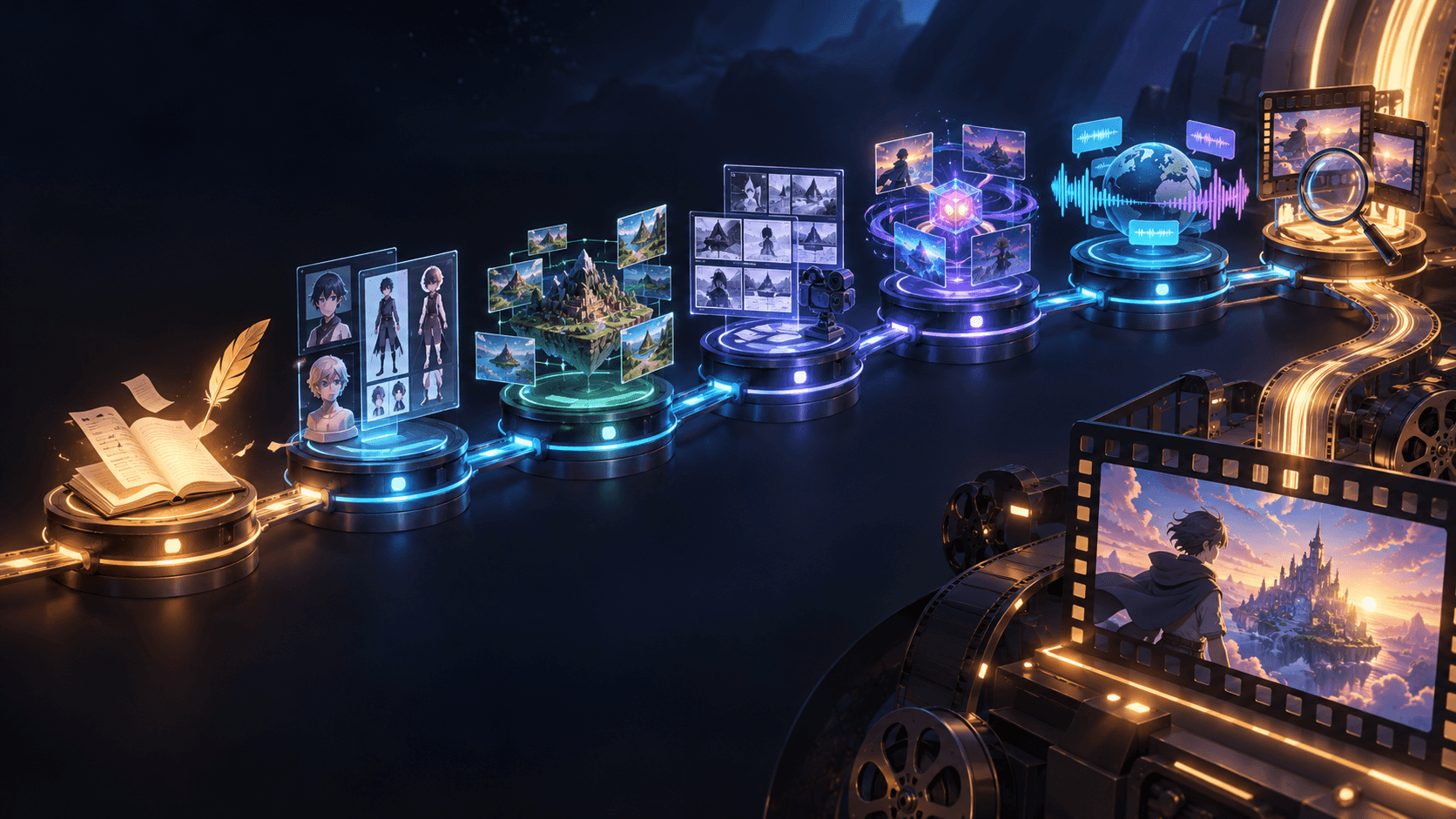
A practical Elser AI workflow:
Create or upload Character A reference.
Create or upload Character B reference.
Write a short dialogue script.
Generate one establishing two-shot.
Generate separate speaker close-ups.
Generate reaction shots and cutaways.
Edit with voice, captions, and sound.
This workflow keeps the scene manageable. If one character drifts in one shot, you regenerate that shot. You do not lose the whole scene.
If you want to make AI anime conversations, comedy sketches, character explainers, or multi-character story videos, register on Elser AI and start with a two-character test scene. Keep the script under 20 seconds. Once that works, expand to longer dialogue scenes.
Prompt Template for Multi-Character Dialogue
Use this structure for a two-shot:
“Create a dialogue scene with two consistent characters from the reference images. Character A is [identity] and stands on the left. Character B is [identity] and stands on the right. Preserve both characters’ faces, hairstyles, outfits, body proportions, colors, and art style. The scene takes place in [location]. Character A [action/expression], while Character B [action/expression]. Camera: [shot type]. Lighting: [style]. Do not swap characters, change outfits, alter faces, or change the art style.”
For a speaker close-up:
“Use [Character Name] from the reference image. Preserve the exact face, hairstyle, outfit, body proportions, color palette, and art style. [Character Name] is speaking one short line while looking [direction] toward [other character]. Camera: medium close-up, stable framing. Motion is subtle. No face morphing, no identity drift, no outfit changes.”
For a reaction shot:
“Use [Character Name] from the reference image. Preserve identity and style. [Character Name] reacts silently with [emotion]. Camera: close-up with slow push-in. Keep the face clear and stable.”
Common Mistakes to Avoid
Do not make all characters visually similar. Do not generate the whole conversation in one clip. Do not let characters switch positions randomly. Do not rely on lip sync for every line. Do not use long dialogue that requires continuous mouth movement. Do not change character descriptions across shots. Do not accept a shot where the wrong character is speaking.
The best multi-character AI dialogue videos are edited, not simply generated. You create controlled pieces and assemble them into a scene.
Final Thoughts
Creating multi-character dialogue videos with AI requires planning. You need stable character references, short dialogue, clear shot lists, speaker control, spatial continuity, voice consistency, and careful editing.
The goal is not to make AI handle everything at once. The goal is to give AI smaller, well-defined tasks.
If you want to create consistent AI dialogue scenes, start with Elser AI. Register, create two character references, write a short exchange, and generate five shots: establishing, Character A speaking, Character B reacting, cutaway, and final two-shot. That small workflow is the foundation for anime conversations, comedy shorts, brand mascots, educational explainers, and AI story series.