How to Make AI Videos Look More Cinematic and Less AI-Generated
The easiest way to spot an AI video is not always a distorted hand or strange face. Sometimes the video looks technically clean, but still feels artificial. The lighting is too perfect. The camera movement is too floaty. Every frame looks equally important. The subject is centered without intention. The motion feels impressive but not motivated. The result is polished, but strangely empty.
That is the problem many creators face now. AI video models are getting better at resolution, motion, and realism, but better output does not automatically mean better direction. A cinematic video is not simply a realistic video. It is a video where lighting, camera, composition, color, movement, and pacing all work together to create a specific feeling.
If you want to make AI videos look more cinematic and less AI-generated, the solution is not to add more effects. It is to remove randomness. You need to think less like a prompt user and more like a director.
Why AI Videos Often Look “AI-Generated”
Many AI videos look AI-generated because they lack visual hierarchy. Everything in the scene receives the same level of detail, the same lighting emphasis, and the same visual importance. Real cinematography does the opposite. It tells the viewer where to look and what to feel.
Another common issue is excessive motion. AI video tools can generate camera moves that would be difficult in real life, so creators often overuse them: fast orbits, dramatic zooms, impossible floating cameras, constant movement, and transformation effects. These can be fun, but they often make the video feel synthetic. Cinematic footage usually uses movement with restraint. A slow push-in can be more powerful than a spinning camera because it gives the viewer time to read the subject.
Lighting is another giveaway. AI often defaults to attractive but generic lighting. It may create a glossy scene with dramatic highlights, but the light does not feel like it comes from a real source. In cinema, light has motivation. It may come from a window, street lamp, phone screen, sunset, fire, neon sign, or overhead fixture. When light has a believable source, the scene immediately feels more grounded.
The final issue is emotional pacing. Many AI videos jump from one interesting image to another without allowing the moment to breathe. Real cinematic video often uses pauses, holds, slow reveals, and quiet transitions. If every second is trying to be visually impressive, the video becomes tiring.
Start with Cinematic Intent, Not Cinematic Keywords
The word “cinematic” is not enough. If you only add “cinematic, ultra realistic, high quality, dramatic lighting” to every prompt, the model may produce something pretty, but not necessarily directed.
Before generating, define the cinematic intent of the shot. Ask: what should the viewer feel? Tension, warmth, loneliness, wonder, speed, curiosity, luxury, mystery, nostalgia? The answer should guide the lighting, camera, color, and pacing.
For example, a nostalgic shot might use warm backlight, soft lens feel, slower camera movement, and gentle environmental motion. A tense shot might use low-key lighting, tighter framing, shallow depth of field, and minimal motion. A luxury product shot might use dark background, controlled reflections, slow rotation, and clean negative space. A travel promo might use natural light, wide composition, and smooth camera movement.
A weak prompt says:
“Make a cinematic AI video of a woman walking in a city.”
A better prompt says:
“Create a cinematic evening street scene where the woman walks slowly through soft neon reflections after rain. Camera follows from behind at shoulder height with subtle handheld movement. Warm shop lights contrast with cool blue street light. The mood is quiet, reflective, and realistic. Keep motion restrained and natural.”
The second prompt gives cinematic direction. It describes emotional intent, lighting source, camera behavior, color contrast, and motion style.
Use Motivated Lighting
Motivated lighting is one of the simplest ways to make AI videos look less artificial. Instead of asking for “beautiful lighting,” describe where the light comes from.
For example:
“Soft window light from the left side.”
“Warm sunset backlight behind the subject.”
“Blue light from a phone screen illuminating the face.”
“Neon signs reflecting on wet pavement.”
“Single overhead lamp creating soft shadows.”
“Car headlights briefly passing across the room.”
These details make the scene feel physically grounded. They also help maintain consistency across shots. If the same window light appears in multiple scenes, the viewer feels that the character still exists in the same space.
Lighting should also have contrast. A completely evenly lit scene often feels flat. Cinematic images usually have separation between subject and background. A subtle rim light, backlight, or shadow gradient can make the shot feel more dimensional.
When using Elser AI, you can build lighting rules into your workflow. If you are creating a video series, do not rewrite lighting from scratch every time. Create a reusable style block: “soft natural window light, warm highlights, gentle shadows, realistic skin tones, no over-glossy AI lighting.” Registering on Elser AI and building a consistent visual direction around your assets helps your videos feel like one production instead of disconnected generations.
Make Camera Movement Human
AI cameras often feel too perfect. They glide through space without weight, rotate without motivation, and move in ways that do not feel like a real operator or planned animation. To make AI video look more cinematic, make the camera feel intentional and physically plausible.
Good cinematic camera prompts often use simple language:
“Slow push-in.”
“Subtle handheld movement.”
“Static tripod shot.”
“Gentle tracking shot.”
“Slow pan from left to right.”
“Camera remains at eye level.”
“Medium close-up with shallow depth of field.”
These are not flashy, but they work. A slow push-in tells the viewer that the emotional weight is increasing. A static shot can create tension. A gentle tracking shot creates presence. A handheld micro-movement can make a scene feel more human.
Avoid using complex camera movement unless it has a purpose. A 360-degree orbit might work for a character reveal, but it should not be the default. A fast zoom might work for comedy or shock, but not for every scene. The more the camera moves, the more likely the AI model is to introduce distortion, identity drift, or background instability.
Compose the Frame Like a Real Shot
Composition is what separates a screenshot from a frame. AI often places the subject in the center with a balanced background, which can look clean but generic. Cinematic composition creates relationships: subject to environment, foreground to background, light to shadow, empty space to emotion.
Use composition prompts like:
“Subject placed slightly off-center using rule of thirds.”
“Foreground object softly blurred, framing the subject.”
“Wide shot with negative space above the character.”
“Symmetrical hallway composition.”
“Close-up with background falling out of focus.”
“Product positioned in lower third with clean space for text.”
Foreground elements are especially useful. A doorframe, window edge, plant, glass reflection, curtain, rain on lens, or blurred object can add depth and realism. Real cameras often shoot through things. AI videos that include foreground layering tend to feel less flat and less synthetic.
For product videos, composition also affects conversion. A product ad should leave room for text, keep the product readable, and avoid background clutter. A cinematic product video still needs to sell the product.
Slow Down the Pace
A common AI video mistake is trying to show too much too quickly. Fast motion can hide flaws, but it also prevents emotional connection. Cinematic videos often work because they let the viewer observe.
A three-second hold on a character’s face can feel more powerful than a rapid sequence of five random shots. A slow reveal of a product can feel more premium than a flashy transition. A quiet travel scene can feel more desirable than a montage that changes every half-second.
If your AI video looks too generated, try reducing movement. Keep the subject stable. Let the environment move gently. Use fewer visual ideas per shot. Give each scene one purpose.
This is especially important for AI videos with characters. Face consistency, emotional expression, and hand accuracy all improve when motion is controlled. A calmer shot often looks more professional than an overcomplicated one.
Add Imperfection, But Not Errors
Real footage is rarely perfectly clean. It may have slight handheld motion, atmospheric haze, lens softness, natural shadows, background movement, or tiny timing imperfections. These details create believability.
But do not confuse cinematic imperfection with AI errors. Extra fingers, face drift, warped objects, and melting backgrounds are not “style.” They are quality problems. The goal is to add human-like texture while preserving subject accuracy.
Useful prompt language includes:
“Subtle handheld camera movement.”
“Natural lens softness.”
“Realistic shadow falloff.”
“Soft atmospheric haze.”
“Imperfect natural motion, not overly smooth.”
“Grounded camera movement with realistic weight.”
Avoid:
“Chaotic motion.”
“Surreal transformation.”
“Dreamlike morphing.”
Unless you actually want an experimental AI look.
Use Elser AI as a Cinematic Workflow Layer
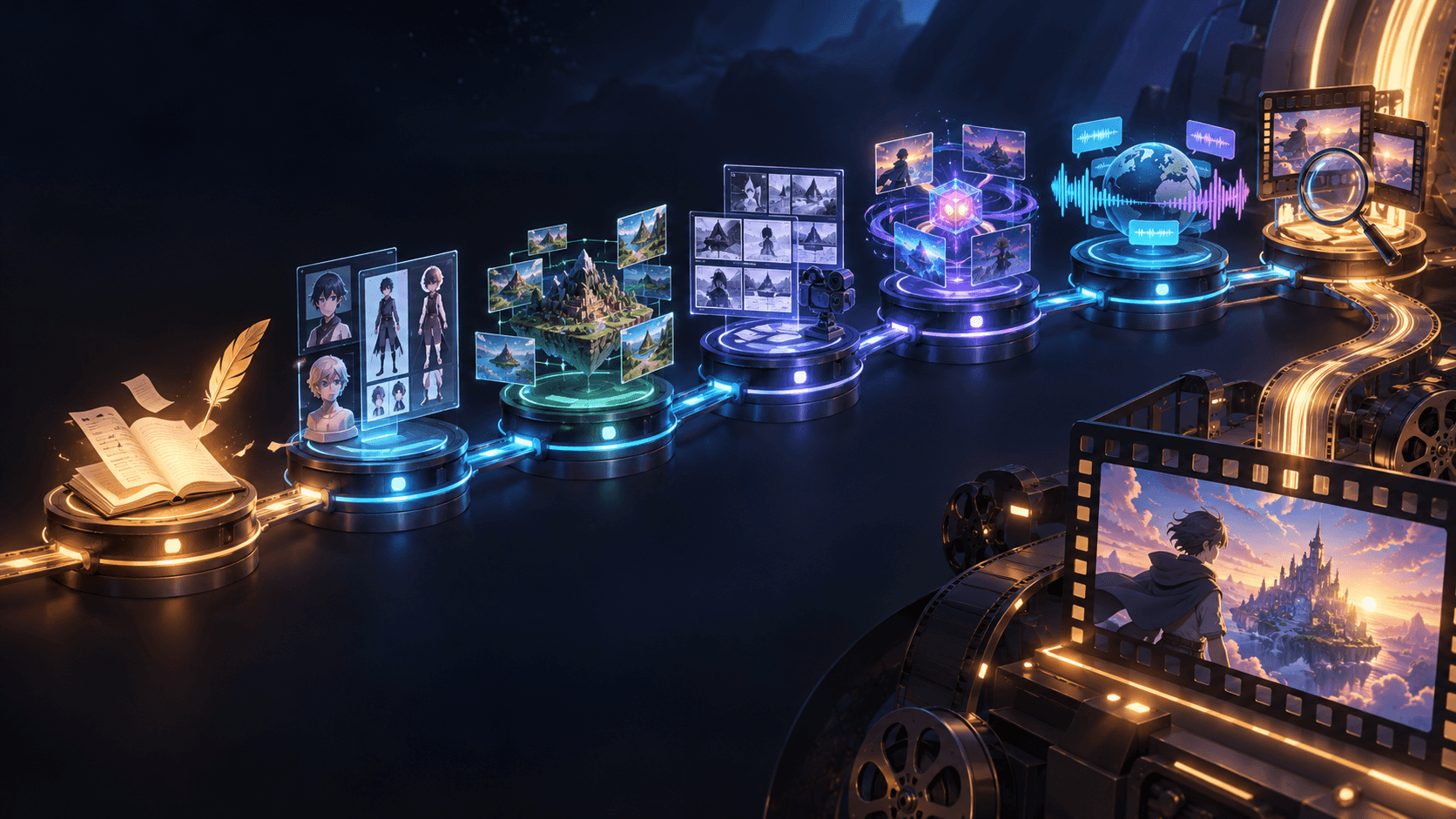
The biggest challenge in cinematic AI video is consistency. You may generate one excellent shot, but the next shot looks like a different project. This is where Elser AI is useful. Instead of treating each clip as a separate experiment, you can build a controlled workflow around references, style rules, characters, and scene variations.
For example, if you are making a cinematic product ad, you can upload the product image, define the lighting and camera style, generate a clean hero shot, then create a social version and a close-up version without losing the product identity. If you are making an anime short, you can reuse the same character reference and cinematic camera language across scenes. If you are making a travel promo, you can create multiple location shots with consistent mood and pacing.
If you want your AI videos to look less random and more directed, register on Elser AI and start by building a visual style anchor. Create one strong reference, one reusable lighting block, and one camera language. Then generate a three-shot sequence instead of one isolated clip. That is where your content starts to feel like a real production.
A Practical Cinematic AI Video Prompt Template
Use this structure:
“Create a cinematic AI video scene showing [subject/action]. The mood is [emotion]. Lighting comes from [motivated source]. Camera: [specific movement and framing]. Composition: [placement/depth]. Motion should be natural and restrained. Preserve [character/product/style details]. Avoid overly glossy AI look, chaotic camera movement, distorted hands, face drift, or background warping.”
Example:
“Create a cinematic AI video scene showing a young creator sitting at a desk at night, watching their product video render on a laptop. The mood is quiet, focused, and hopeful. Lighting comes from the laptop screen and a warm desk lamp on the left. Camera: slow push-in from a medium side angle. Composition: foreground coffee cup softly blurred, subject placed on the right third. Motion should be natural and restrained. Preserve face, hands, clothing, and desk layout. Avoid overly glossy AI look, chaotic camera movement, distorted hands, face drift, or background warping.”
Final Thoughts
Making AI videos look more cinematic and less AI-generated is not about adding more style words. It is about direction. Define the emotion. Use motivated lighting. Keep camera movement human. Compose intentionally. Slow down the pace. Add believable imperfection. Preserve identity and visual consistency.
The creators who get the best results are not the ones who ask for the most complex scenes. They are the ones who control the right details.
If you want to build cinematic AI videos for ads, anime shorts, product promos, game trailers, real estate, travel, or YouTube content, start with Elser AI. Register, create a visual anchor, and generate a short three-shot sequence with consistent lighting and camera language. That is the fastest way to move from “AI-generated clip” to “directed video.”