Image to Video vs Text to Video: Which Should You Use for Storytelling?
Text-to-video offers the cleanest promise in generative filmmaking: describe a scene and receive a moving clip. Image-to-video adds another step: create or choose a still frame, then animate it. That extra step can feel slower, but it often gives storytellers more control.
Neither method is universally better. The right choice depends on what must remain stable and what can be discovered through generation.
How text-to-video works in practice
With text-to-video, the prompt defines the subject, environment, action, camera, style, and often sound. The model invents the initial composition and motion together.
This is useful for:
- Mood and concept exploration
- Environments without recurring characters
- Transitional or atmospheric shots
- Surprising visual ideas
- Shots where exact design is unimportant
The weakness is uncontrolled invention. If the story depends on a specific face, costume, prop, or layout, the first frame may already be wrong. Rewriting the prompt can create a completely different composition rather than repairing the intended one.
How image-to-video changes the problem
Image-to-video begins with an approved visual state. The model focuses more heavily on motion between frames. This makes it valuable for recurring characters, products, stylized compositions, and precise art direction.
It is useful for:
- Character close-ups
- Product and costume continuity
- Matching a storyboard composition
- Preserving a designed location
- Starting or ending on a specific frame
The weakness is that the image can constrain the motion. A stiff pose, cropped limb, or physically awkward composition may animate poorly. The model must infer unseen information when the camera rotates.
Compare the two methods by production need
| Production need | Text-to-video | Image-to-video | |---|---|---| | Rapid ideation | Strong | Moderate | | Exact first composition | Weak to moderate | Strong | | Recurring character | Less predictable | Usually stronger | | Large camera rotation | Can invent freely | May expose unseen gaps | | Art-directed style | Prompt-dependent | Anchored by source image | | Setup time | Lower | Higher | | Repairing one visual detail | Often difficult | Fix still before animation |
The important economic insight is that setup time can save generation time. A carefully approved image may prevent ten video retries.
Use text-to-video for discovery
When you do not yet know the best composition, text-to-video can behave like a moving sketchbook. Keep the prompt focused on one visual idea. Generate a few genuinely different directions rather than tiny variations.
Once a result reveals a strong frame, extract the creative decision: low angle, centered doorway, silhouette against fog. Rebuild or refine that idea as a stable still if it needs to connect with other shots.
Use image-to-video for commitment
When identity and composition are approved, image-to-video protects that investment. Prepare the source image at the intended aspect ratio. Leave enough space for movement and avoid cutting off limbs that may need to move.
Write the prompt around the delta—the change from start to finish:
The lantern flame bends in the wind. The character tightens her grip and takes one careful step forward. Slow handheld drift, no camera orbit. Preserve face, coat, and lantern shape.
Do not ask a still designed for a close-up to become a full-body running shot. Create a more appropriate source frame.
A hybrid workflow is usually strongest
Professional AI storytelling is not a loyalty test. Use text-to-video for clouds, crowds, establishing atmospheres, or unexpected transitions. Use image-to-video for hero characters, key props, dialogue shots, and compositions that must match.
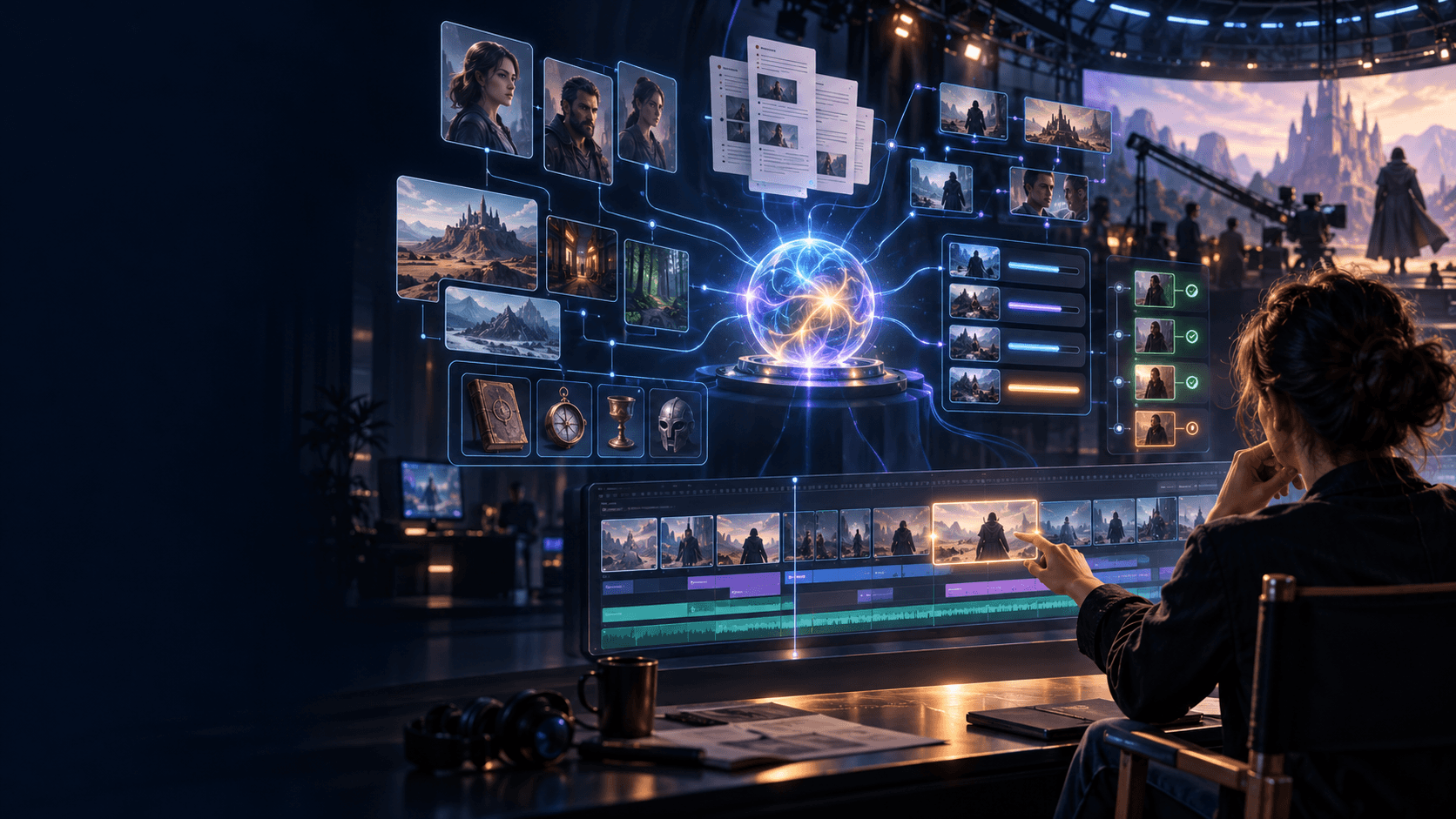
You can explore stills quickly with Elser AI, which includes browser-based image, anime, OC, storyboard, and video creation. When the project grows into a sequence, ElserStudio can organize the story, approved World assets, shot references, candidate clips, and composition on one canvas.
The boundary is practical: use Elser AI to make and test assets quickly; use ElserStudio when those assets must remain connected to a script and edit.
Choose based on the shot, not the project
A single film can mix both methods. Label every shot by its strongest constraint:
- Identity-critical: use a canonical image reference
- Composition-critical: use a storyboard or start frame
- Motion-critical: test the video model with simplified visuals
- Atmosphere-critical: text-to-video may be sufficient
- Transition-critical: consider start and end frames
This shot-level decision is more efficient than forcing one method on an entire episode.
Review what the model actually produced
For text-to-video, check design continuity, scene geography, and unwanted objects. For image-to-video, check identity drift, texture swimming, invented rear views, and unnatural motion.
In both cases, evaluate the last second. The usable ending determines whether the next cut will work. Sound should also be reviewed separately; a visually strong clip can contain unusable speech or ambience.
FAQ
Is image-to-video better for consistent characters?
Usually, because the image anchors identity and clothing. Results still vary with pose, motion, references, and model behavior.
Is text-to-video faster?
It has less setup, but may require more retries when exact appearance matters. Measure the whole accepted-shot process.
Can I use storyboard panels as image-to-video inputs?
Yes, if the panel is clean and represents a plausible starting frame. Rough boards are excellent planning tools but may need refinement before animation.
Which method is better for anime video?
Image-to-video often helps preserve a designed anime character and art direction. Text-to-video remains useful for exploration and non-recurring shots.
Conclusion
Text-to-video is strongest when you want discovery. Image-to-video is strongest when you need control. A thoughtful project uses both, selected shot by shot. Decide what cannot change, provide the right anchor, and judge the result in the edit—not as an isolated demo.