Kling 3.0 Prompt Guide – How to Get the Best Results in 2026
Kling 3.0 has taken the AI video world by storm. It combines the best of its predecessors with advanced consistency, multi-language audio, and scene control. But here’s the thing: most people aren’t using it to its full potential.
If you want cinematic, character-consistent videos that actually tell a story, you need the right prompts. Let’s break it down.
What Kling 3.0 Does Best
- Character consistency across multiple scenes
- Voice and reference control for lip-synced dialogue
- Multi-language native audio
- 15-second videos with scene cuts
- Full creative control over camera and motion
Prompt Formula for Kling 3.0
To get the best results, structure your prompts like this:
[Scene description] + [character details] + [camera movement] + [style] + [audio direction]
Example:
“A young samurai with red hair and a black cloak stands in a rain-soaked alley. Camera pans slowly from feet to face. Anime style. Voiceover: ‘I’ve been waiting for this moment.’”
Advanced Tips
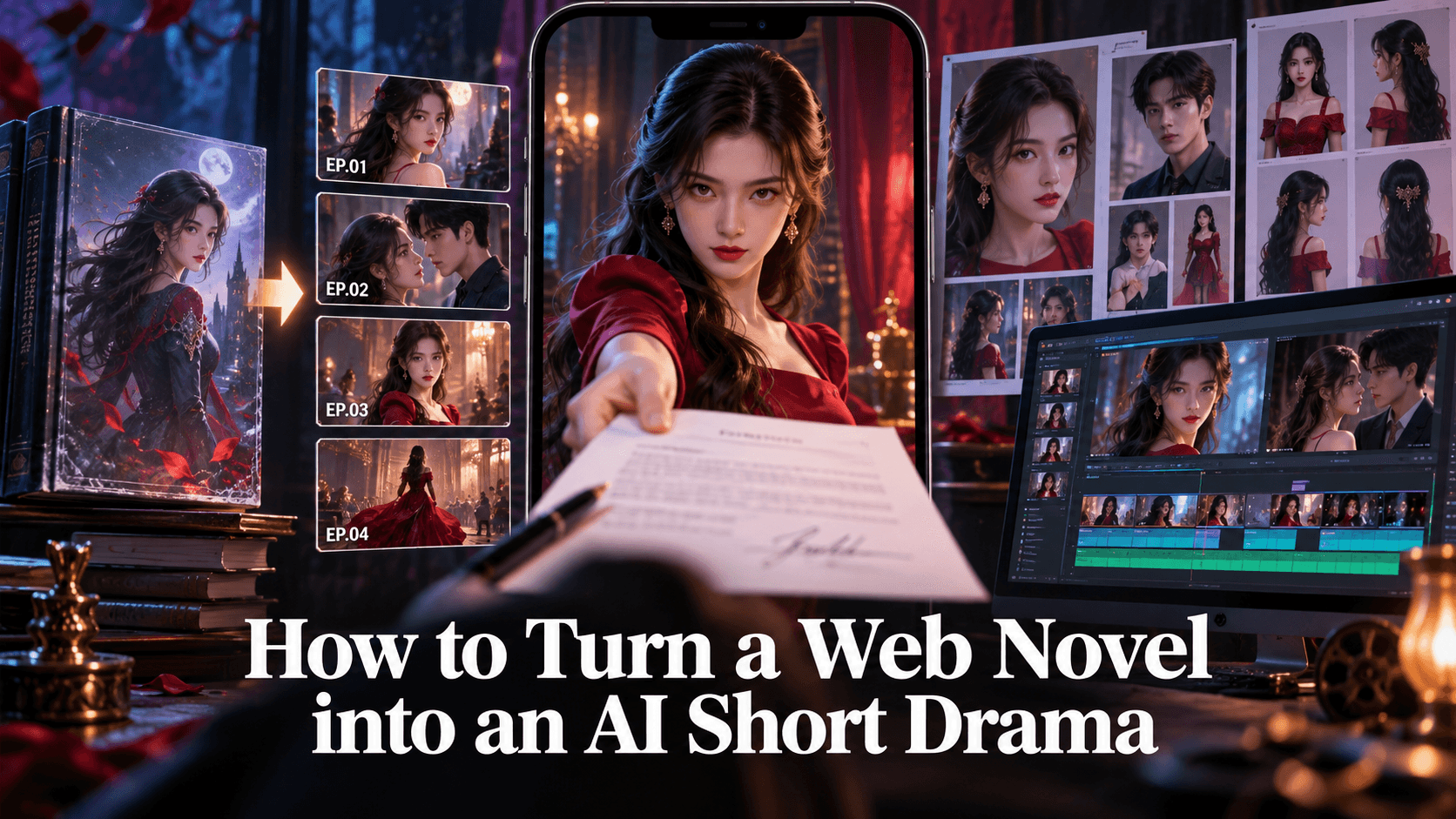
- Use reference images: Kling 3.0 can maintain character consistency if you feed it reference shots. In Elser AI, you can upload a character sheet and generate multiple scenes with the same look.
- Control camera language: Use terms like “dolly zoom,” “close-up,” “tracking shot” to direct the cinematography.
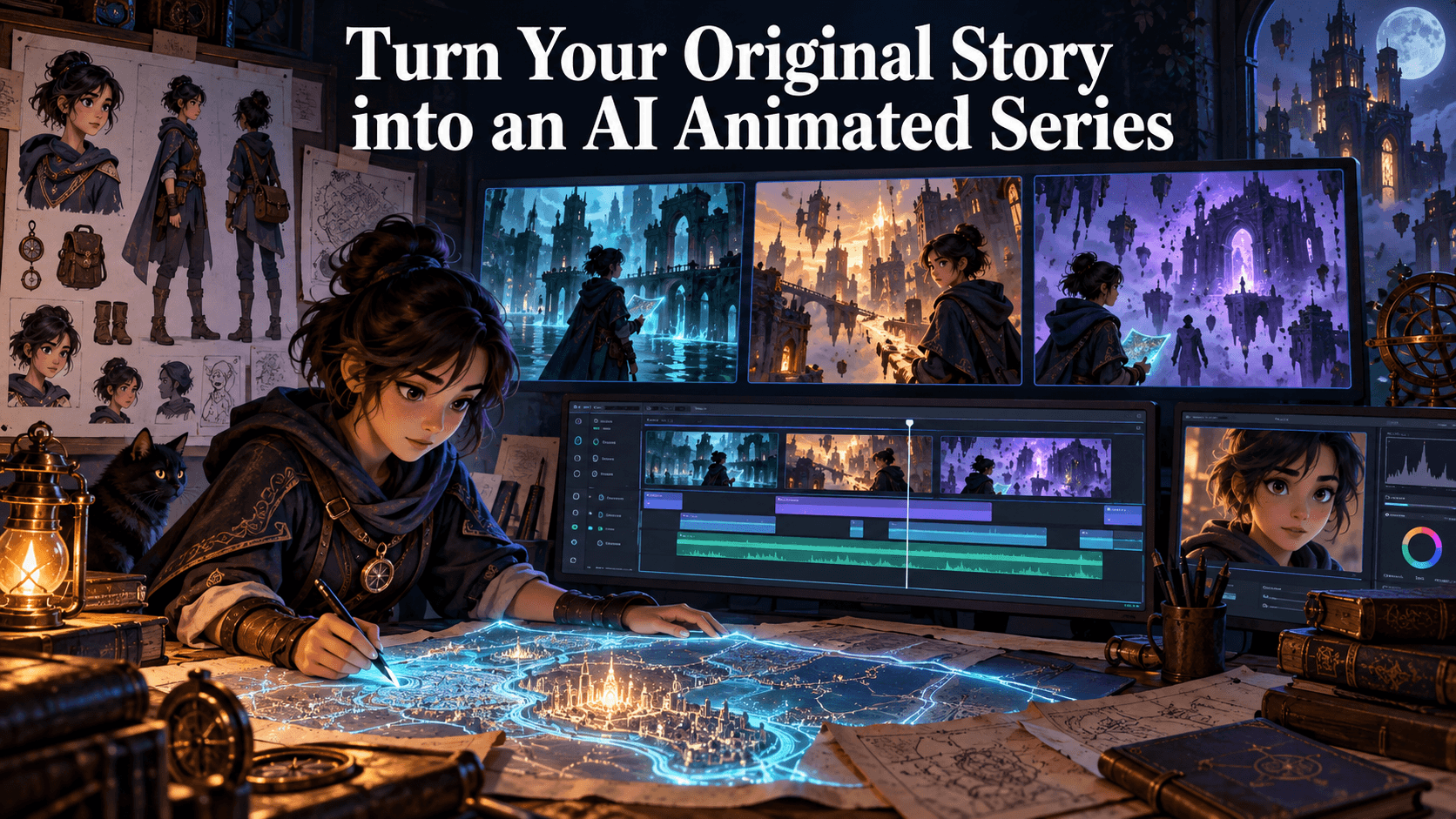
- Layer scenes: For multi-scene stories, use Elser AI’s Storyboard Studio to plan your sequence before generating.
Common Mistakes
- Vague characters: “A girl” won’t give you consistency. Use specific traits.
- No scene structure: Without shot sequence, you’ll get random clips.
- Ignoring audio: Kling 3.0 supports voice sync—use it for emotional impact.
Why Use Elser AI with Kling 3.0?
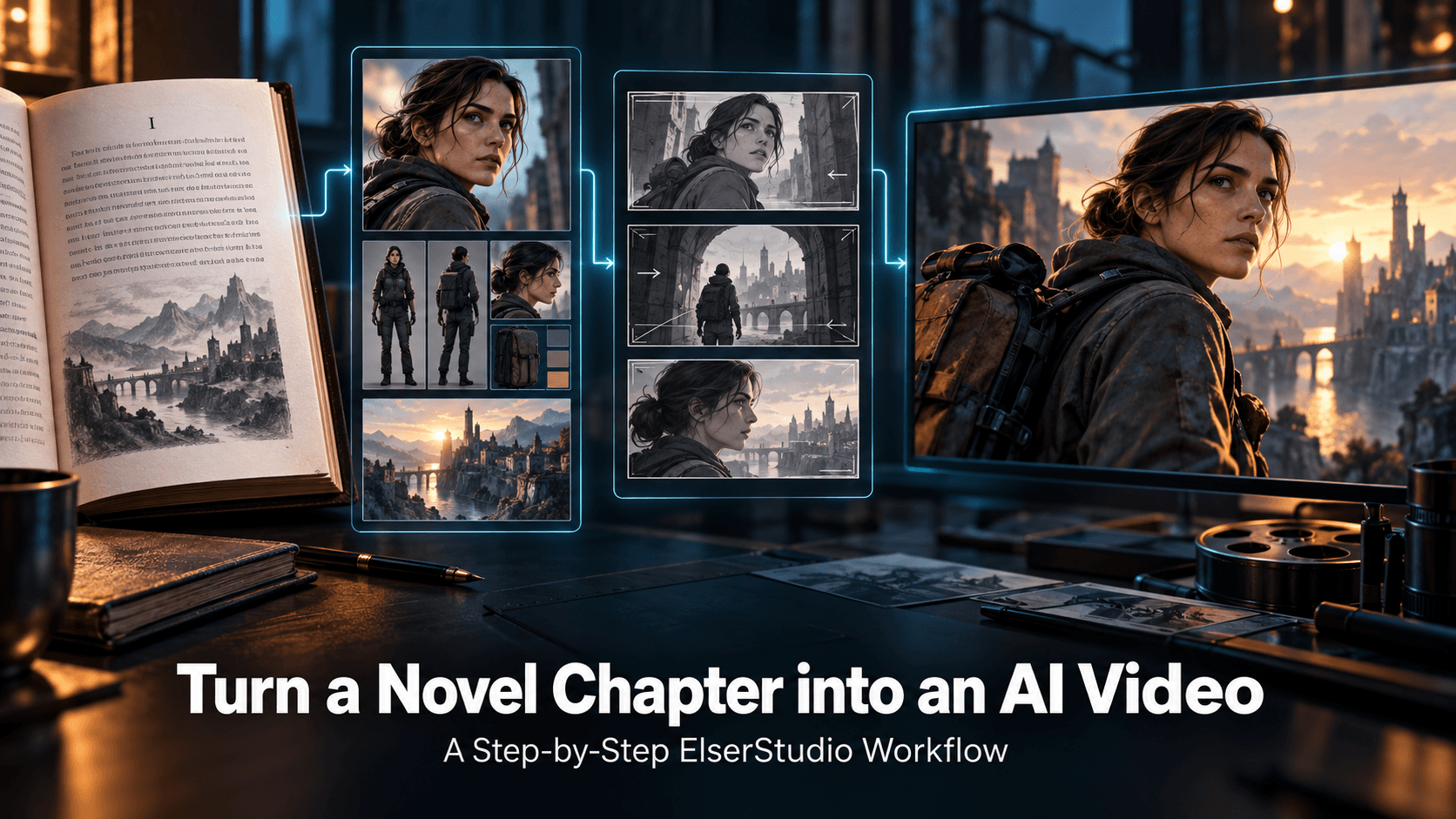
Elser AI is one of the few platforms that integrates Kling 3.0 Unlimited into a complete storytelling workflow. You can:
- Write a script
- Generate characters
- Storyboard scenes
- Animate with Kling 3.0
- Add voice and music
- Export a finished video
It’s the difference between generating clips and finishing a film.
Final Pro Tip
Don’t just generate—iterate. Use the “generate” button to explore variations, then refine. The best Kling 3.0 videos come from creators who treat AI as a collaborative tool, not a one-click solution.
👉 Start using Kling 3.0 like a pro: Sign up at Elser AI and get unlimited Kling 3.0 access with the VIP Creator Plan.