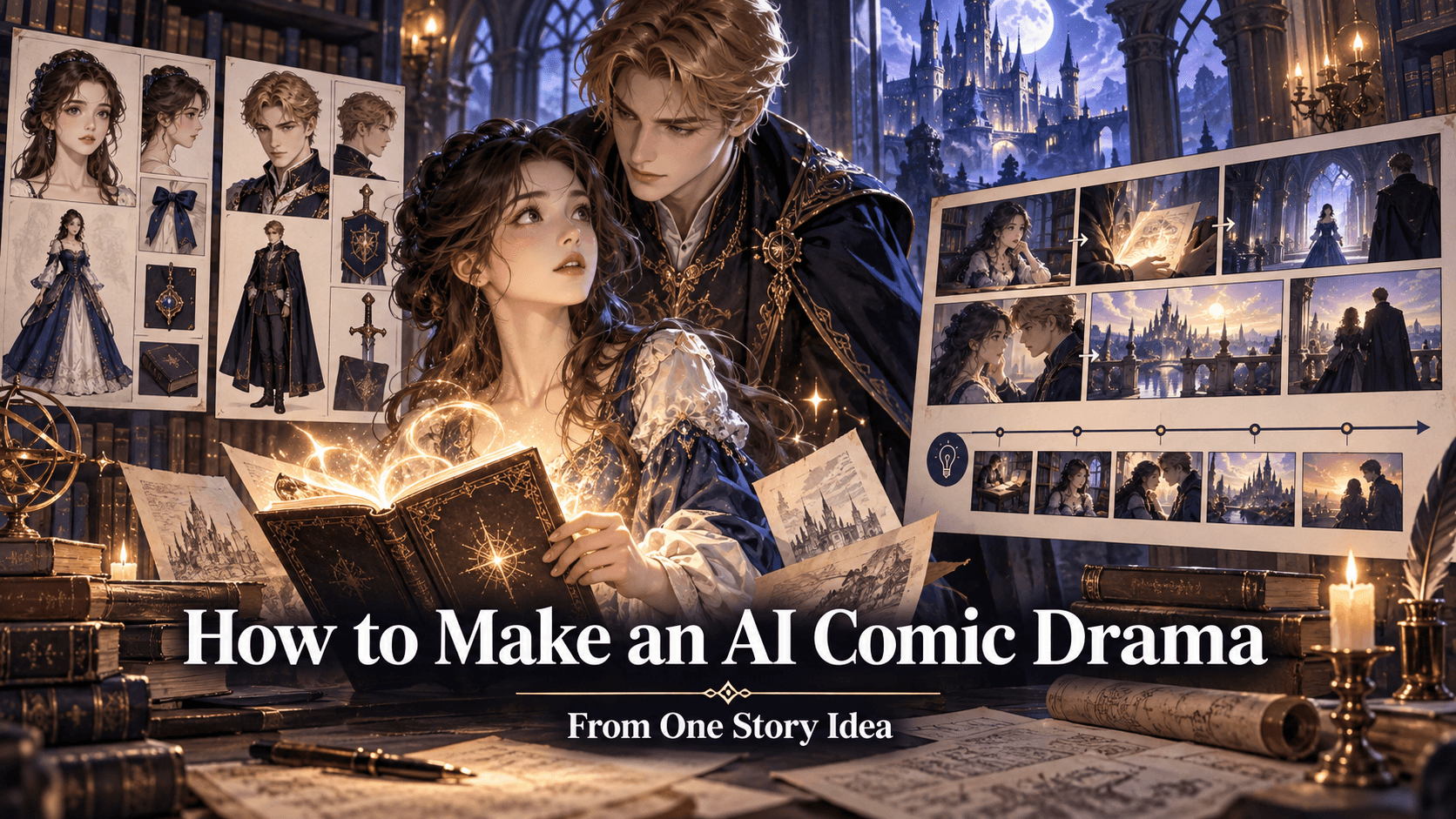
How to Turn a Written Story Into a Comic With AI
A polished result is not an accident and it is not just a long prompt. It comes from separating creative decisions from technical cleanup, then solving them in the right order. The goal here is a repeatable method for How to Turn a Written Story Into a Comic With AI, with clear checkpoints and room for creative judgment.
For story to comic AI, searchers usually want a usable result rather than a definition. Most weak results begin before generation. The creator has not decided what must remain fixed, what may change, and how the result will be evaluated. Writing those three lines first prevents expensive wandering.
Start With the Result You Actually Need
Separate exploration from production. Exploration asks, “Which direction feels right?” Production asks, “Can this exact direction survive the next scene, crop, panel, or animation?” Mixing the two leads to endless variations that never become publishable. For “How to Turn a Written Story Into a Comic With AI,” the highest-value constraint is the one implied by the title: solve that problem first, and treat extra decoration as optional.
Before opening a generator, write a miniature acceptance test. For this project, a strong result means:
- Reading order is immediate.
- Characters remain recognizable.
- Dialogue fits without crowding art.
- Camera choices serve the beat.
- Each panel changes the story.
Use these points as pass-or-revise gates. They stop surface polish from hiding a structural failure and make collaboration easier because every rejection names a visible problem instead of asking the model to “make it better.”
The Working Process
1. Reduce the premise to a clear conflict
Work from the final use backward. A vertical social image needs different spacing from a wide banner; a comic panel must leave room for text; an animation keyframe needs clean edges and a stable pose. Choose the format early so later crops do not destroy the composition.
2. Break the story into visual beats
Describe what a reviewer should be able to point at: the cut of a sleeve, the direction of a gaze, the distance between characters, or the source of a rim light. Broad praise words are not production notes and often compete with one another.
3. Assign one job to each panel
Treat the first approved asset as a master reference. Name the few traits that make it recognizable and repeat them consistently. When an iteration changes identity, discard the drift rather than absorbing it into the next prompt.
4. Write dialogue after the visual action works
Run a controlled experiment, not a slot machine. Keep the source and core brief fixed, vary one decision, and make three or four candidates. Eliminate broken anatomy, perspective, and hierarchy before judging decorative finish.
5. Generate and review panels as a sequence
Use a review pass that mirrors the audience experience, then zoom in for technical defects. A beautiful close-up can collapse into noise on a phone, while a strong thumbnail can still hide malformed fingers or broken seams.
6. Repair continuity and lettering before export
Once most of the image or page is approved, reduce the scope of every edit. Repair the faulty region, compare it with neighboring details, and keep the successful composition intact. Broad regeneration reopens solved problems.
A Realistic Example
Suppose the scene is “a courier discovers that the package is whispering.” Break it into beats: arrival, odd sound, denial, closer inspection, revelation, decision. Keep dialogue short because the visual change carries the story. Establish the courier’s coat, bag, hair, and height in a reference. Then check each panel for a new piece of information and remove any panel that merely repeats the previous one. This example is intentionally modest. A controlled, finishable project teaches more than a spectacular prompt with no continuity plan.
Topic-Specific Production Notes
The first technical decision
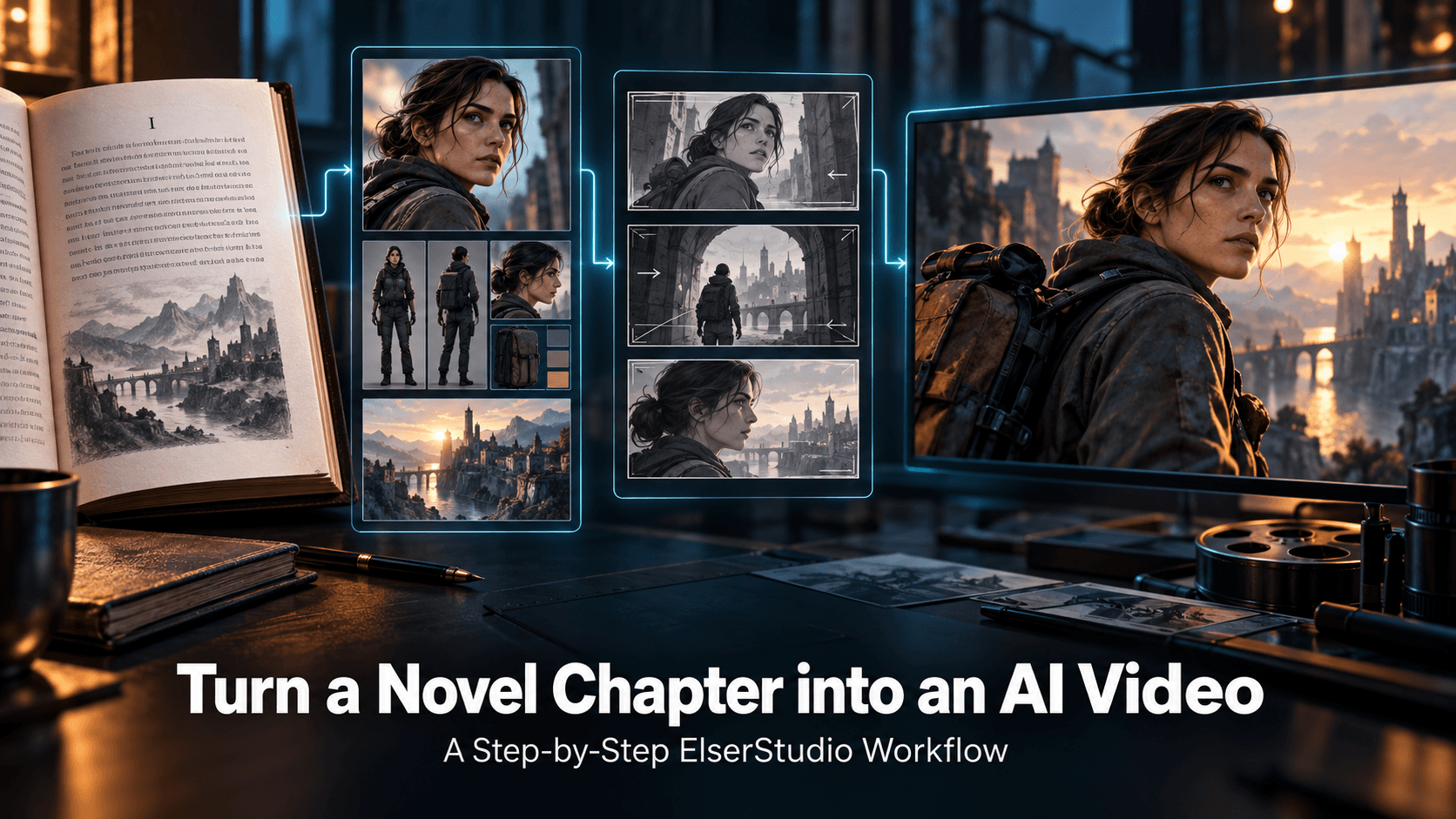
Adapt meaning rather than copying every sentence; prose interiority often needs a visual action, prop, or reaction. Lock this choice at the start of the production pass. It gives every later prompt and review a stable point of reference.
The detail most creators miss
Mark the turning points and allocate more panel space to decisions and revelations than to transitions. Turn the observation into one concrete constraint and keep it unchanged while testing other variables.
The final review that matters
Narration should add information the image cannot efficiently show, not describe the image twice. Judge the final asset against this requirement at both full resolution and publishing size.
Common Mistakes and Better Fixes
Starting from a weak source
Use clear lighting, sufficient resolution, and unobstructed key features. For this topic, ask whether the change advances “How to Turn a Written Story Into a Comic With AI” or merely adds novelty.
Letting the prompt contradict the image
Acknowledge the existing pose and camera instead of demanding impossible geometry.
Treating the first result as final
Plan a cleanup pass for small artifacts and presentation.
Where Elser AI Fits
Use the AI Comic Generator when the deliverable is sequential storytelling rather than a folder of unrelated illustrations.
The best conversion path is also the best creator experience: try one bounded task, inspect the output honestly, and register when you are ready to save history and carry the asset into the next stage. Do not scale a workflow until one example survives review.
Save the source, accepted prompt, aspect ratio, selected output, and important settings as one versioned bundle. That modest record makes successful decisions reusable and gives future model comparisons a fair baseline.
Quality, Safety, and Rights
Use source photos, characters, logos, and reference art only when you own them or have permission. Get consent before editing a recognizable person, particularly for clothing changes or public posts. Mark conceptual mockups clearly if viewers might mistake them for real products, events, or documentary images. Before commercial release, review the platform’s current terms and the copyright, publicity, trademark, and fan-art rules that apply to the project. Keep a provenance note for client work.
FAQ
Should I generate an entire comic at once?
For a short test, perhaps. For stronger control, approve the script and character references first, then review the sequence panel by panel and repair weak panels locally.
Do I need professional drawing or editing skills?
No. You do need a clear brief and a willingness to review details. Basic knowledge of composition, continuity, and file formats improves results more than advanced software knowledge.
How many versions should I generate?
Start with a small controlled batch—often three or four. If none solve the structural problem, revise the source or prompt before generating more.
Can I use the result commercially?
Possibly, but check the platform’s current terms and the rights attached to your source material, characters, brands, and references. Client work deserves a documented rights review.
Conclusion
Treat AI as a fast visual collaborator, not an authority. You remain responsible for direction, continuity, rights, and publication quality. With that division of labor, story to comic AI can shorten production without flattening the creative decisions that make the work yours.
Editorial note: Product pages and available AI models were checked on August 12, 2026. Interfaces, credits, model availability, and plan limits can change. Confirm the current options on Elser AI before beginning a time-sensitive or commercial project.