How to Storyboard Vertical AI Videos for TikTok, Reels, and Shorts
A horizontal storyboard squeezed into a vertical frame is not a vertical storyboard. The 9:16 format changes staging, movement, text placement, and even the amount of story a viewer can understand at once. For AI-generated video, planning matters even more because a weak composition can consume several costly retries.
The goal is not to fill every centimeter of a phone screen. It is to control attention in a narrow, moving frame.
Begin with the platform viewing experience
Vertical video is usually watched on a phone, often with interface elements covering parts of the frame and sound initially low or off. Exact overlays vary by platform and device, so keep important faces, actions, and text away from extreme edges and the bottom interaction area.
Create a safe composition zone in the center. Preview the draft at actual phone size. A subtitle that looks elegant on a desktop monitor may be unreadable on a six-inch display.
Build the hook as a visual question
The first shot should create immediate orientation or curiosity. Avoid starting with a slow logo reveal or a wide landscape whose subject is tiny in 9:16.
Useful hooks include:
- A character reacting before the cause is shown
- An object entering frame unexpectedly
- A clear transformation state
- A visual contradiction
- A short, specific promise in on-screen text
The hook must belong to the story. Random spectacle may earn a pause but weaken retention when the next shot cannot answer it.
Design in vertical layers
Think of the frame as top, center, and bottom zones. The face often belongs near the upper-center, the primary action in the center, and secondary information below. Use depth—foreground, subject, background—to prevent the composition from feeling like a narrow crop.
Vertical movement reads naturally: rising, falling, entering from above, or revealing from bottom to top. Horizontal chases need more planning because the subject quickly leaves frame. Track with the subject or stage motion toward and away from camera.
Convert beats into short shots
A storyboard maps framing, action, camera movement, dialogue, timing, and sound before generation. Each panel should answer:
- What does the viewer understand here?
- What changes during the shot?
- What motivates the cut?
For a 20-second story, four to six shots may be enough. Example:
- 0–2s: close reaction—the character hears a notification from an abandoned phone
- 2–5s: insert—the screen shows a live image of the same room
- 5–9s: medium shot—they look behind them
- 9–14s: slow push—the phone image reveals a figure approaching
- 14–20s: payoff—the room is empty, but the phone drops
This plan is easier to generate than one prompt asking for the entire sequence.
Storyboard captions and sound separately
Do not rely on generated video text for critical information unless the model has been tested for it. Add captions during editing for accuracy and accessibility. Keep lines short, use strong contrast, and time them to speech rather than leaving an entire paragraph on screen.
Plan sound in the board: dialogue, ambience, effect, music, and intentional silence. A vertical short can feel larger than its frame when off-screen sound suggests space.
Generate reference frames before expensive motion
Use rough drawings, photos, or AI images to test framing. Elser AI can generate storyboards and visual assets quickly in the browser. A storyboard does not need polished art; it needs clear camera decisions.
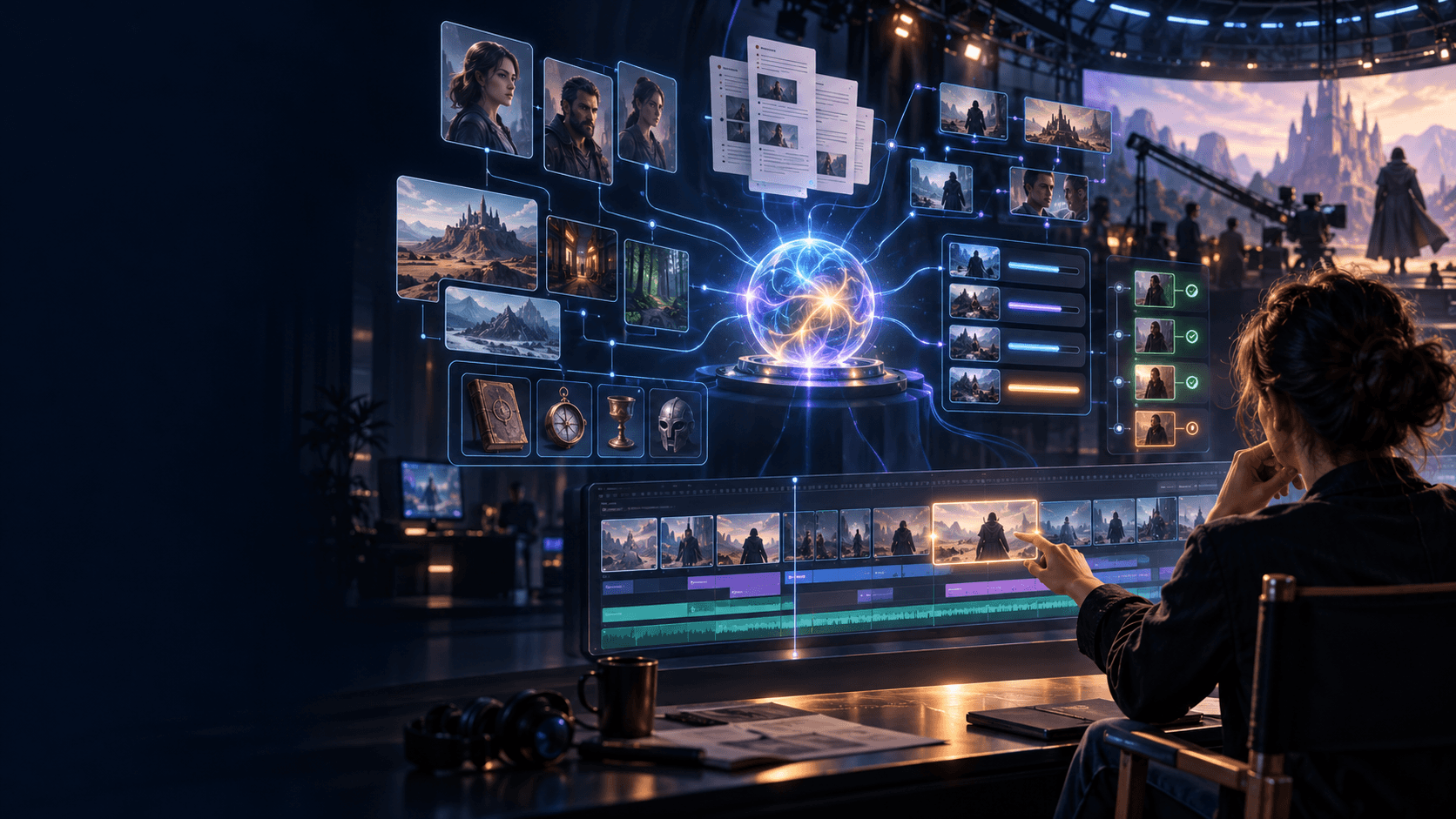
When a recurring character or location appears, use approved references rather than allowing each panel to redesign the story. For a multi-shot production, ElserStudio can connect script beats, World assets, optional guide boards, video generations, and the final composition.
Adapt—not crop—a horizontal idea
If the source concept was designed for 16:9, identify the essential relationship. Two characters facing each other may need over-the-shoulder coverage instead of a wide two-shot. A panoramic reveal may become a tilt or a sequence of details.
Preserve story information, not framing. Generate vertical source assets from the beginning whenever possible.
Test the edit without polish
Create an animatic with still panels, approximate durations, temporary voice, and basic effects. Watch it on a phone. If the story is confusing as an animatic, higher-quality video will not fix it.
Check whether the hook is honest, the subject remains readable, cuts feel motivated, and the ending lands before interface elements distract from it. Only then commit to final generations.
FAQ
What aspect ratio should Shorts, Reels, and TikTok use?
9:16 is the standard full-screen vertical format. Confirm current platform specifications before export.
How many storyboard panels does a short video need?
One panel per meaningful shot is a useful minimum. A 15–30 second narrative often needs roughly four to eight, depending on pace.
Should captions be included in generated footage?
Usually add them in editing for accuracy, readability, timing, and localization.
Can I crop a horizontal AI video to vertical?
Sometimes, but important action may leave the crop. Planning and generating vertically usually gives better composition.
Conclusion
Vertical storytelling rewards focus. Build a genuine hook, stage action for the narrow frame, reserve safe areas, plan captions and sound, and test the story as an animatic. The storyboard saves credits because it settles camera decisions before generation begins.