Define Your Character
Enter a description in the Prompt box or quickly select Tags (Gender, Style, Hair, etc.) to define your OC's look.
Create a character that's uniquely yours.

No output yet
Enter a description in the Prompt box or quickly select Tags (Gender, Style, Hair, etc.) to define your OC's look.

Drag and drop an image into the Upload Image area if you want the AI to follow a specific base or pose.

Select your preferred aspect ratio (e.g., 1:1) and click Generate to bring your unique character to life!
Turn your character idea into a visual design with Elser AI OC Maker. Describe your OC, customize details such as hairstyle, eyes, body type, clothing and accessories, or upload a reference image to guide the result. Whether you're creating an anime OC, fantasy character, role-playing persona or original character for a story, Elser gives you more control than a basic AI character generator.
A memorable original character is more than a random face and outfit. Elser's AI OC Maker lets you define the visual details that make your character distinct, then use AI to turn those choices into a complete character concept.

Start with a simple description or go into as much detail as you want. You can describe:

Don't want to write everything manually? Use Elser's character controls to quickly define your OC's appearance. Customize attributes such as Gender, Style, Age, Body, Hair, Eyes, Face, Skin, Top, Bottom, Set, Material and Accessories. You can combine tags with your written prompt to keep important character details consistent while still giving the AI room to interpret your idea.

Already have a sketch, pose, outfit reference or visual concept? Upload an image and use it as additional guidance for your character generation. A reference image can help when you want the AI to follow a particular visual direction, pose, silhouette or design idea instead of starting entirely from text.

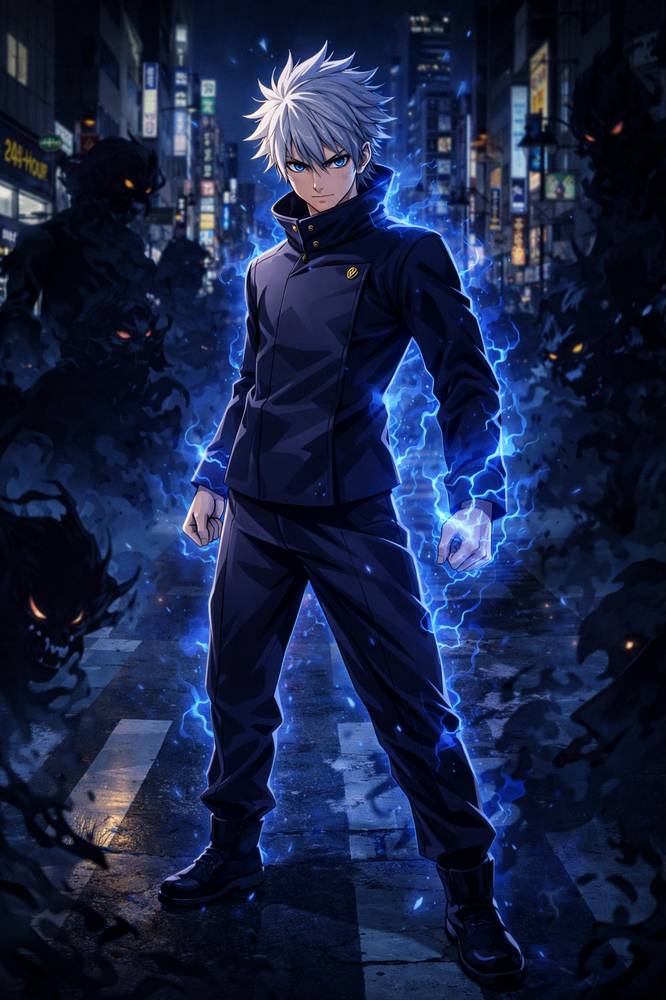
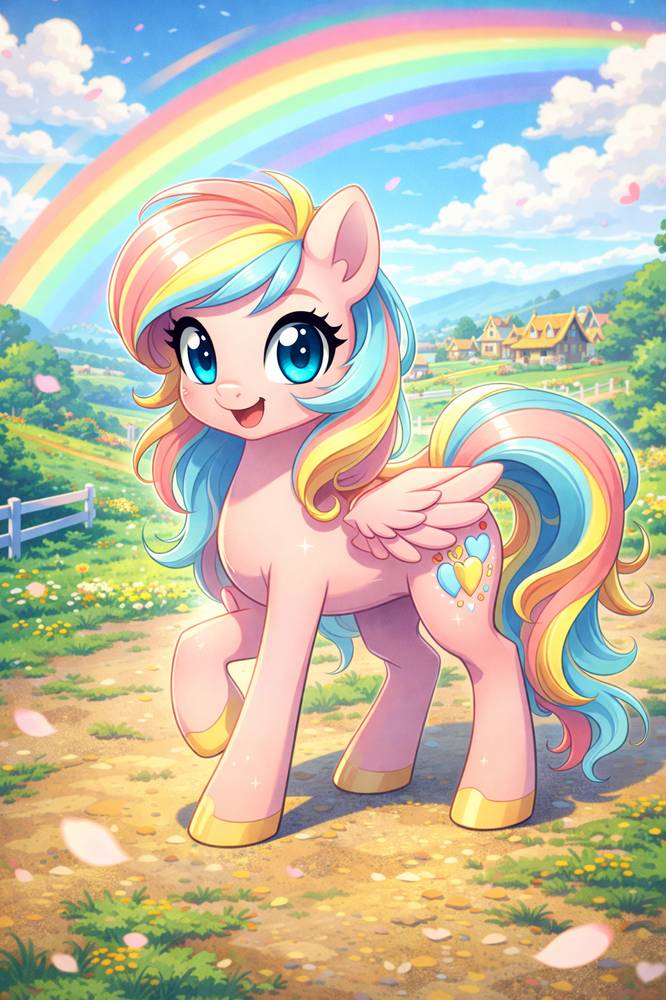
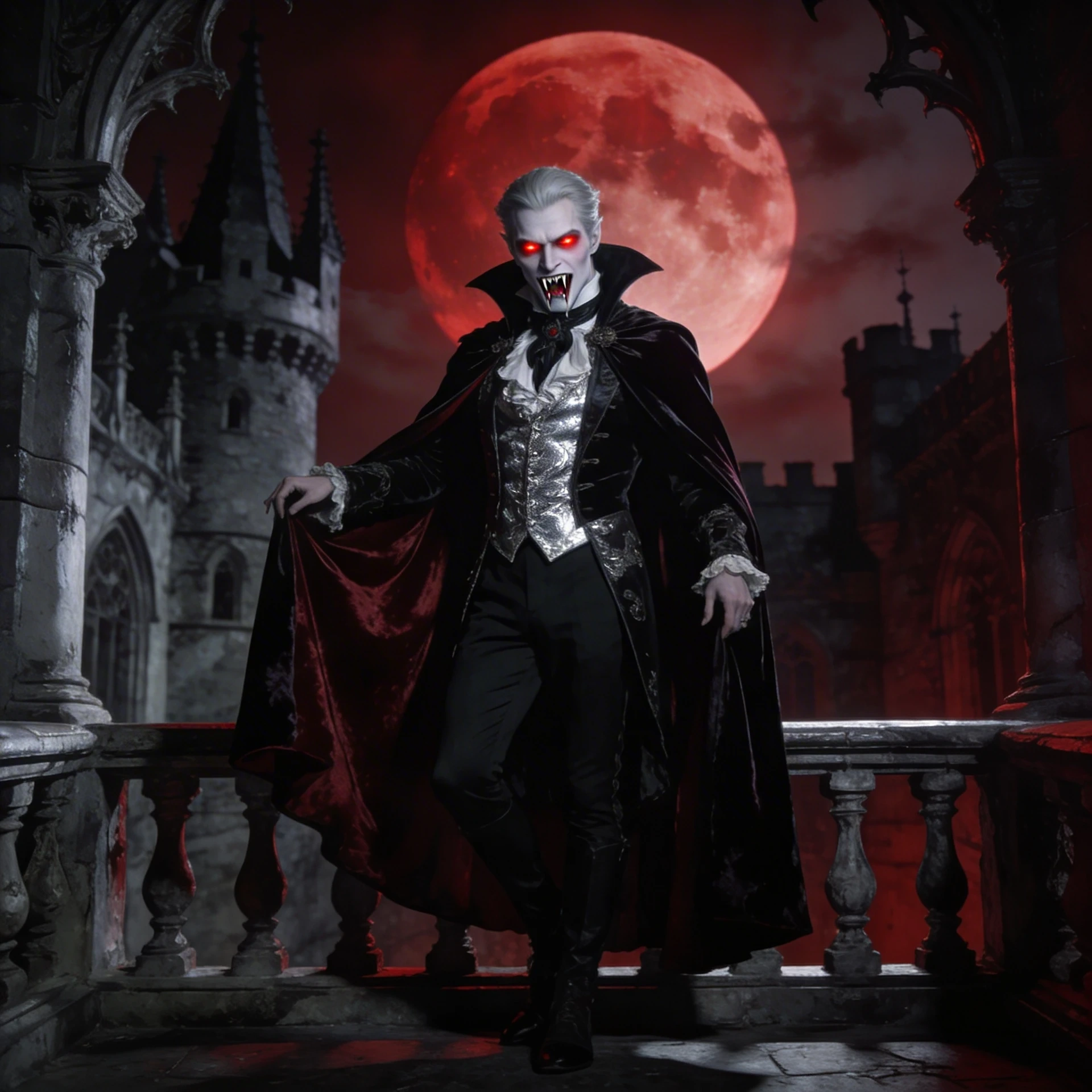
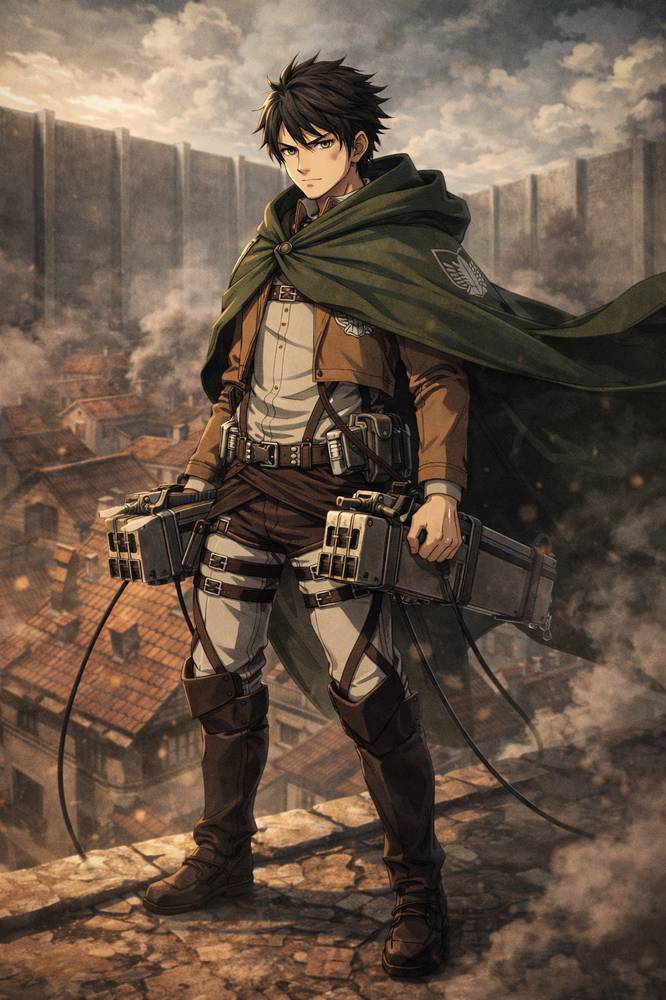
The same OC concept can look completely different depending on the visual direction. Experiment with styles such as Anime, Manga-inspired, Fantasy, Cyberpunk, Chibi, Game character, Cartoon and Stylized illustration. Generate different versions until the design fits the personality and world you have in mind.
Elser is designed for more than one type of character. Use the original character creator to explore OCs for stories, games, role-playing, social identities and visual projects.
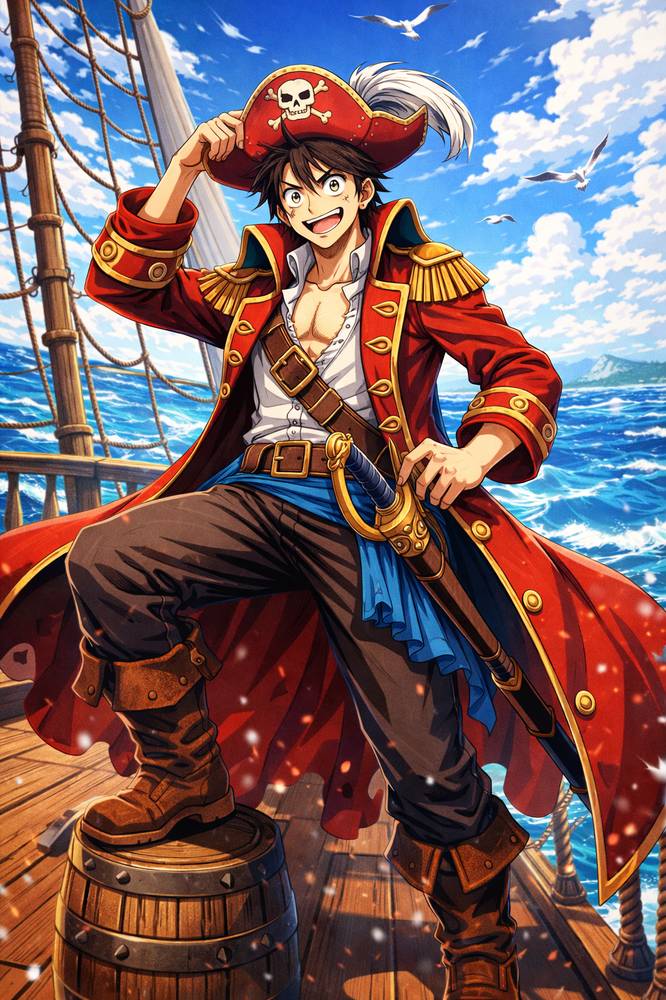
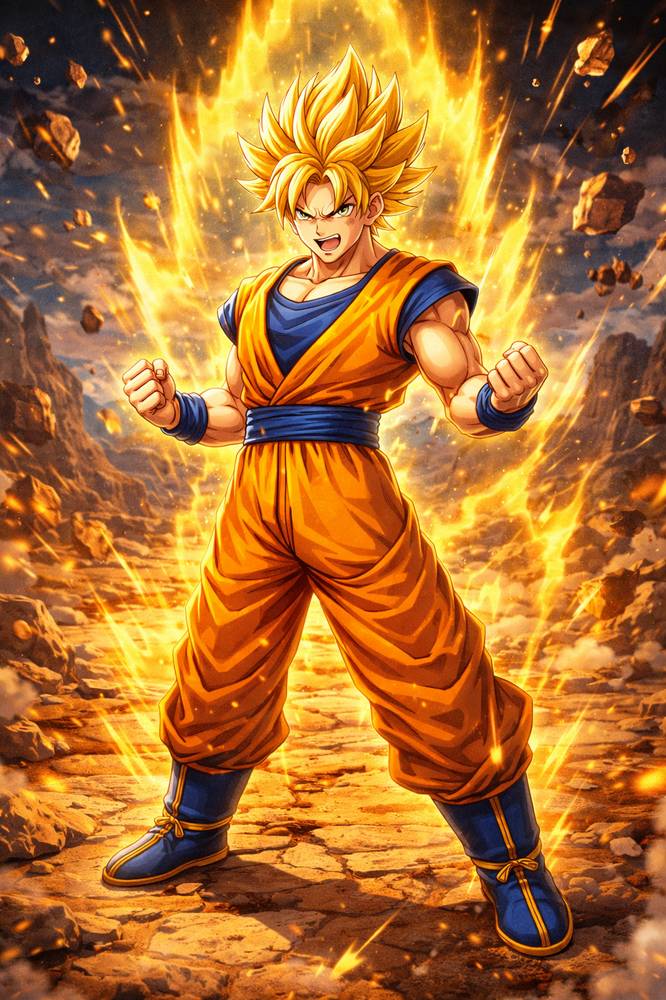
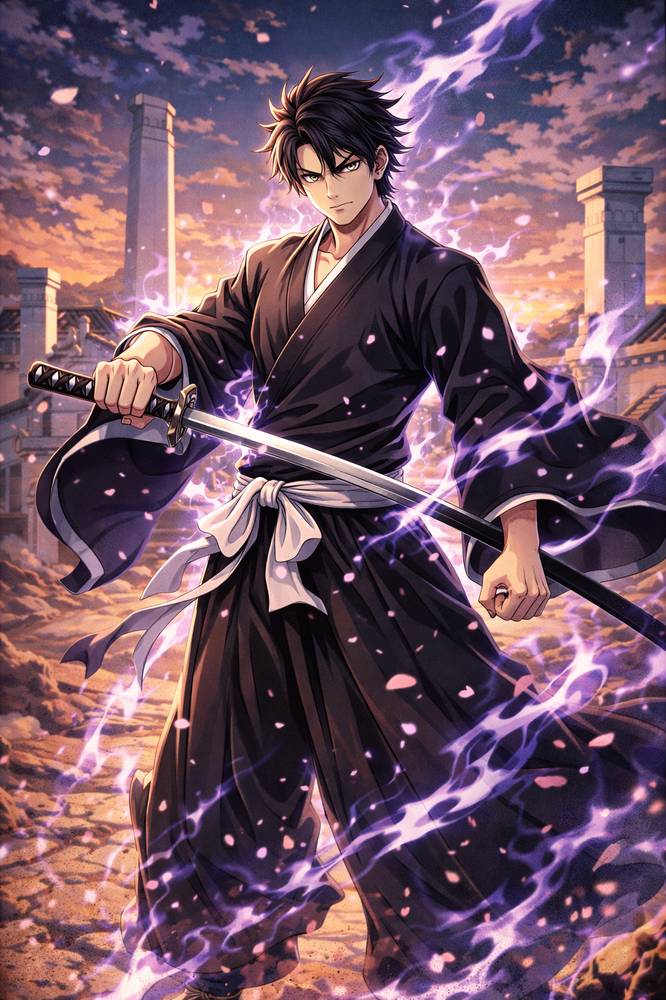
Design original anime characters with custom hairstyles, expressions, outfits and accessories.
Create characters for fantasy worlds, tabletop campaigns, role-playing projects and personal lore.
Writers can use the AI character creator to visualize characters before or during the writing process.
Create a visual identity for role-playing communities, character profiles or online creative spaces.
Create your original character in three simple steps.
Enter a description in the Prompt box or choose character tags to define the look you want. Add details such as style, age, body type, hair, eyes, face, skin tone, outfit, materials and accessories. You can combine a written prompt with tags for more specific creative direction.
Upload a reference image if you already have a pose, sketch, outfit or visual direction in mind. The reference gives the AI additional context while your prompt and character settings define how the final OC should develop.
Choose your preferred aspect ratio and generation settings, then click Generate. Review your result, adjust your prompt or character tags, and create another version until the design feels right.
Elser combines natural-language prompts with dedicated character attributes. Instead of asking AI to decide every visual detail, you can directly guide features such as hair, eyes, body, clothing, materials and accessories.
Start entirely from imagination or bring an existing visual concept. Prompt-based generation and reference images give you different ways to define the same character.
Elser is not only a general-purpose image generator. Its OC workflow is built around character creation, with dedicated templates and tools for anime characters, game-inspired OCs, fursonas and other character types.
Your first character design does not have to be final. Adjust individual attributes, change the style or refine your prompt to compare different interpretations of the same OC.
An OC can become more than a profile image. Use your character as the foundation for future illustrations, scenes, stories and other visual content inside Elser's broader creative ecosystem.
Looking for a more specific starting point? Explore Elser's dedicated OC Maker experiences for different styles, fandom-inspired aesthetics and character types.
Popular directions can include: Anime OC Maker · Fantasy OC Maker · Fursona OC Maker · Roblox OC Maker · Genshin OC Maker · One Piece OC Maker · Pokémon OC Maker · Chibi Character Maker
Choose a direction, customize the details and turn it into your own character.
An OC Maker is a tool for creating an original character, often called an OC. With an AI OC Maker, you can describe your character's appearance and style, customize individual traits and generate a visual character design without drawing everything manually.
OC stands for original character. It usually refers to a character created by you rather than an existing character from a game, anime, movie or other established work. OCs are commonly used in art communities, role-playing, writing, comics, games and fan communities.
Yes. With Elser, you can describe your original character using text, select appearance attributes and optionally upload a reference image. The AI then turns those inputs into a visual character concept that you can refine through additional generations.
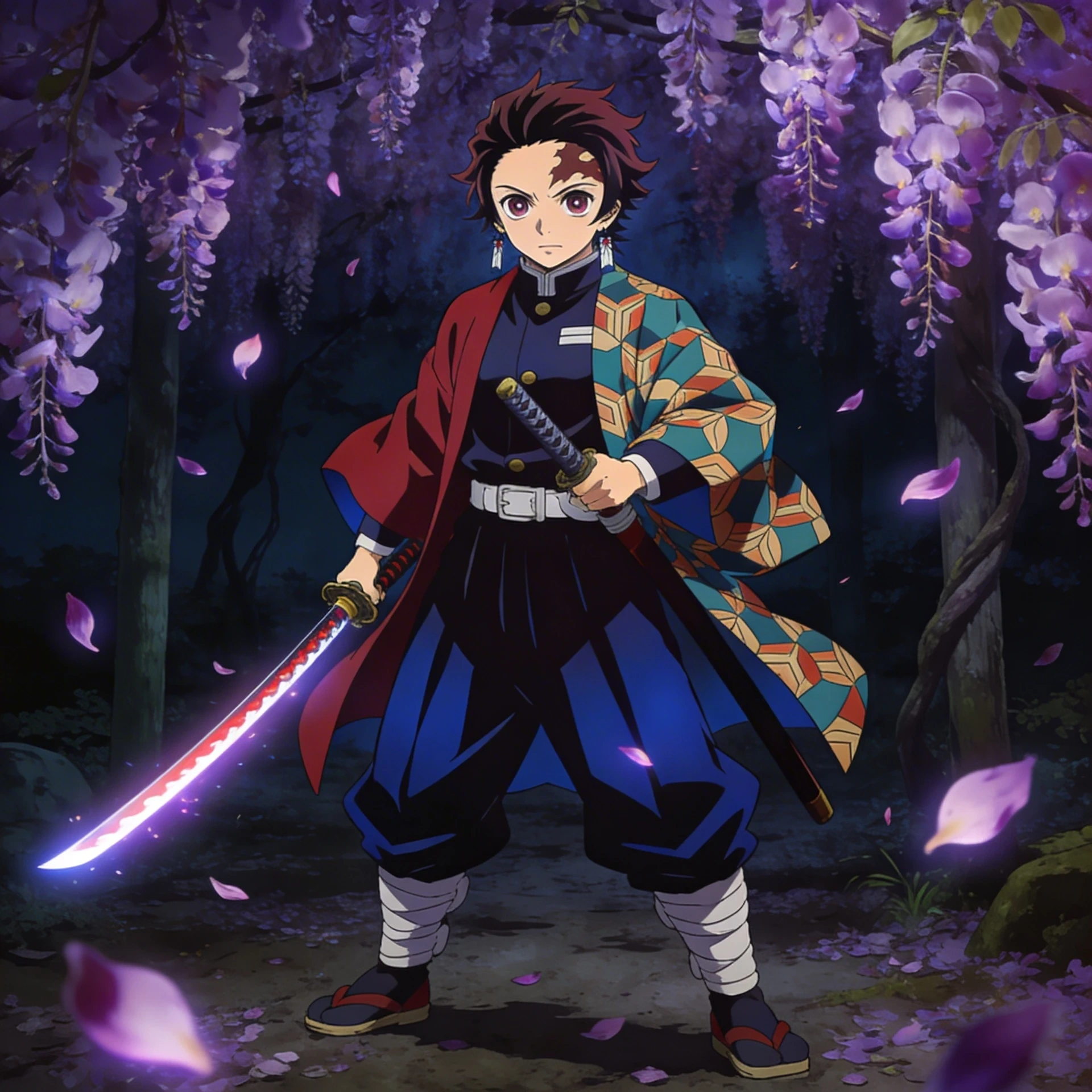
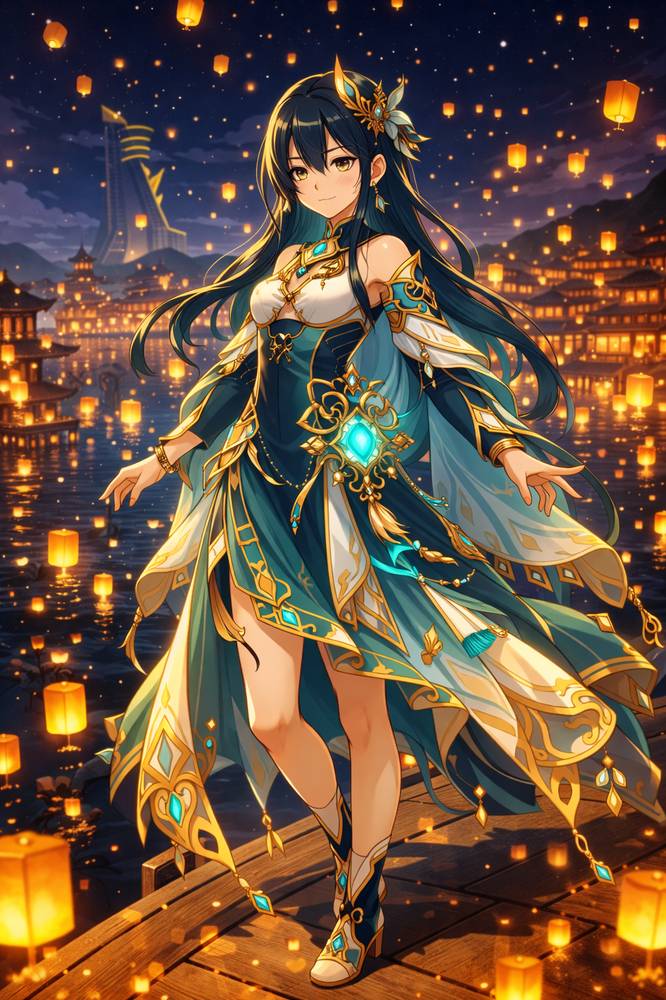
Yes. Elser can be used as an anime OC maker for creating original anime-inspired characters. You can define hairstyles, eyes, outfits, accessories, body features and other details, then experiment with different anime-inspired visual directions.
No. You can create a character by describing your idea and selecting visual attributes. Drawing experience can still help when developing detailed character concepts, but it is not required to start using the OC Maker.
Yes. Upload a reference image if you want to give the AI additional visual guidance. This can be useful for poses, sketches, clothing references, silhouettes or existing character concepts.
Avoid relying only on generic descriptions such as “beautiful anime girl” or “cool fantasy boy.” Instead, connect the character's role, clothing, props, colors and personality. For example, give the character a specific occupation, signature accessory or visual contradiction that makes the design easier to distinguish from a generic AI character.
Yes. Elser provides controls for multiple character attributes, including hair, eyes, body, face, skin, clothing, materials and accessories. You can combine these settings with your prompt to guide the final design.
Yes. Keep the main character concept consistent while changing individual details such as outfit, hairstyle, expression, accessories or visual style. This is useful for exploring alternate designs before choosing your preferred version.
Original characters can be created for stories and novels, role-playing, character sheets, comics, games, social profiles, personal art projects, worldbuilding and creative communities. The best workflow depends on what you plan to do with the character after generating it.
Start with an idea. Define the details that matter. Then use Elser AI OC Maker to turn your concept into an original character you can continue developing.