Best Image to Video AI Tools in 2026 (Tested by a Real Creator)
Let me be honest with you.
I tried my first AI video generator back in 2024 and it was… rough. I uploaded a nice photo of my dog, typed “dog runs happily on the beach,” and the AI gave me a three-legged slime monster melting into a sandcastle. Yeah, not great.
But fast forward to May 2026? Oh boy, things have changed.
We are officially living in the golden era of image to video AI. Today’s tools understand physics, facial expressions, camera movement, and even storytelling. You can literally turn images into videos with AI that look like they were shot by a Hollywood director. No, I’m not exaggerating.
I’ve personally spent the last two weeks testing over a dozen platforms. I threw everything at them: selfies, anime screenshots, product photos, old family pictures. My goal? To find the best image to video AI tools in 2026 for regular creators like you and me.
And spoiler alert: the winner isn’t the most famous one.
Let’s dive in.
What Makes a Great AI Image to Video Generator in 2026?
Before we get to the list, let’s talk criteria. Because not all tools are created equal.
Here’s what I looked for:
- Facial consistency – Does your character look the same from frame to frame? This used to be impossible. Now, the best tools nail it.
- Motion realism – No more limbs bending backwards or water defying gravity.
- Speed – I don’t want to wait 10 minutes for a 3-second clip.
- Control – Can I adjust camera pans, zooms, and motion brushes?
- Pricing – Is it fair? Or am I selling a kidney?
I also paid special attention to tools that work great for image to video AI for TikTok, because short-form content is brutal. If your video looks weird for even half a second, people scroll away.
Alright, enough setup. Here are the top tools.
1. Kling AI – The Physics King
Kling has been around for a while, but their 2026 update (version 3.5) is a monster. This thing understands gravity, fabric movement, and object persistence better than almost anything else.
I uploaded a photo of a glass falling off a table. Kling animated the shatter pattern so realistically that I actually flinched.
Best for: Realistic scenes, product demos, nature videos.
Pricing: Starts at $0.08 per second.
Cons: Can struggle with maintaining exact character faces across multiple clips.
If you want a kling ai image to video review, here’s the short version: it’s amazing for one-off clips, but less ideal for long stories.
2. Runway Gen-4.5 – The Pro’s Choice
Runway is like the Adobe of AI video. It gives you insane control: motion brushes, camera direction, even negative prompts.
I used it to animate a vintage car photo. I painted the wheels, said “rotate slowly,” and Runway delivered a perfect loop. No jitter. No distortion.
Best for: Commercial work, fine art, creators who love tweaking settings.
Cons: Expensive. Also, the learning curve is real.
If you’re looking for a runway alternative for image to video that’s more beginner-friendly and cheaper, keep reading. I found one.
3. Pika 2.0 – The Viral Machine
Pika is what you use when you want weird, wild, and wonderful. It’s less about realism and more about style. You can morph a banana into a spaceship. You can make a cat wear sunglasses and rap.
It’s incredibly fun, and TikTok loves it. For image to video AI for TikTok, Pika is a serious contender.
Best for: Memes, artistic transformations, social media trends.
Cons: Not great for storytelling or character consistency.
4. LTX Studio – The Newcomer with Hype
LTX Studio exploded in early 2026. It’s built for longer-form narrative content. You upload a series of images (like a storyboard), and LTX tries to connect them into a coherent video.
I tested it with a 5-image sequence. The transitions were smooth, but the character’s face changed slightly between shots. Still impressive for a newer tool.
Best for: Short films, music videos, brand stories.
Cons: Still maturing. Occasional glitches.
5. Elser AI – The Surprising Winner for Storytellers
Okay, here’s where things get interesting.
I almost skipped Elser AI because I hadn’t heard much about it. Big mistake. After spending a week with it, I genuinely think it’s the best image to video AI for creators who care about character consistency and workflow efficiency.
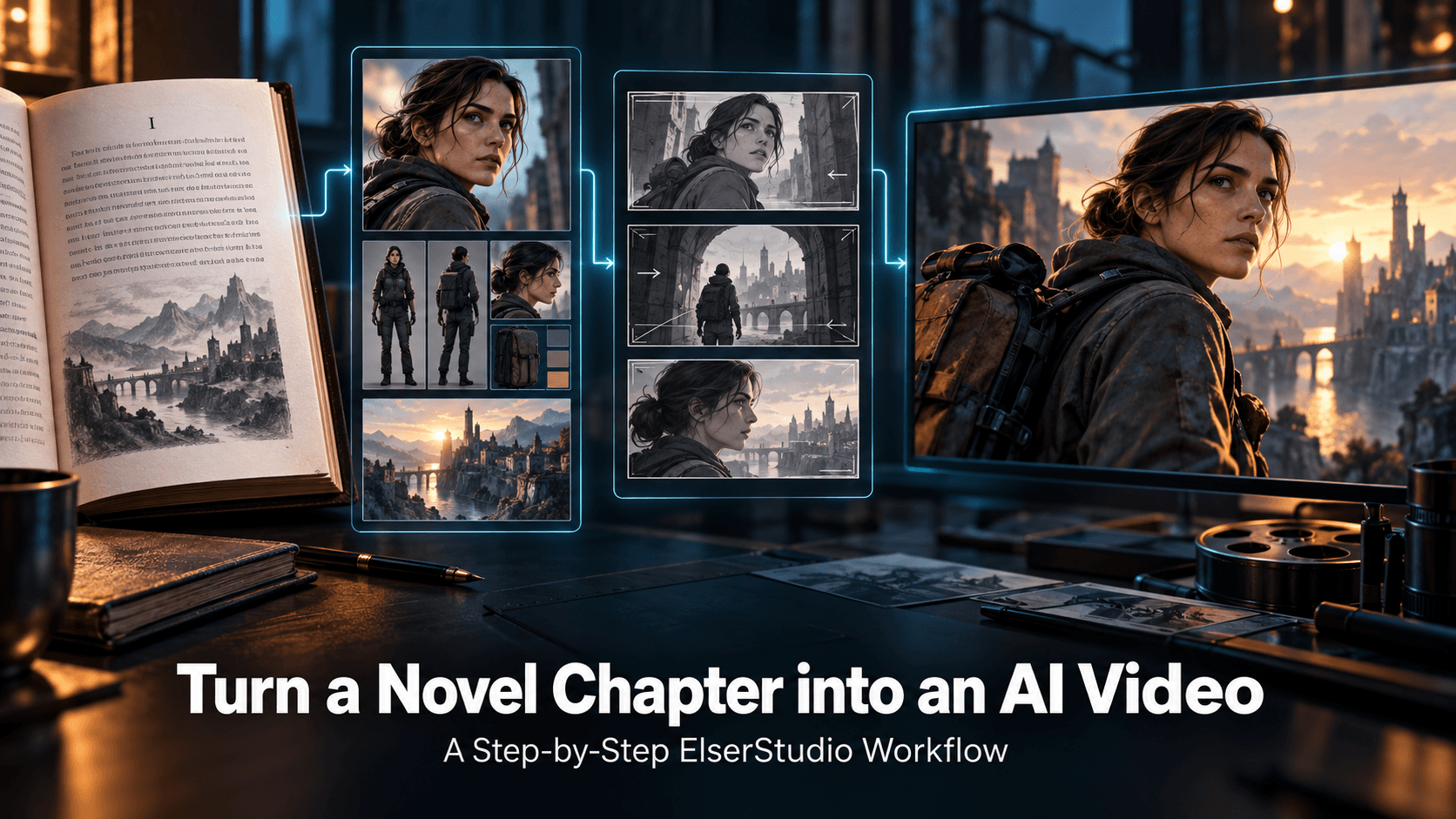
Here’s what makes Elser different: it’s not just an AI video generator from images. It’s a full pipeline. You can:
- Upload your character’s reference image (front, side, back).
- Write a script or let AI generate one.
- Break it into scenes with automatic storyboards.
- Generate each shot using your consistent character.
- Add voiceover, music, and transitions – all inside the same tool.
Most tools give you a cool 4-second clip and then say “good luck editing it together.” Elser actually helps you create cinematic videos from photos from start to finish.
I tested it with a simple test: I wanted to turn a single photo of a knight into a 30-second story. “Knight walks through forest, sees a dragon, draws sword.”
With Runway or Kling, I’d have to generate 6-8 separate clips, pray the knight looked the same, then jump into Premiere Pro or CapCut to stitch them.
With Elser, I uploaded the knight image once. The AI kept his face, armor, and even his sword design identical across all shots. The final video looked like one continuous scene, not a collage of disjointed clips.
And the best part? It took me 12 minutes from start to finish. That’s insane.
If you’ve been frustrated by tools that turn images into videos with AI but lose your character’s identity halfway through, you need to try Elser.
Best for: Story-driven content, YouTube videos, branded series, anime creators.
Cons: Slightly fewer motion control knobs than Runway (but improving fast).
Which Tool Should You Actually Use?
It depends on your goal.
- You make one-off TikTok memes? Go with Pika.
- You’re a professional filmmaker with a budget? Runway is solid.
- You want the most realistic physics? Kling wins.
- You want to tell a story, keep your character consistent, and not spend hours editing? That’s Elser AI.
And here’s the thing I learned the hard way: creating cinematic videos from photos is easy when you only need 3 seconds. But the moment you try to make a 30-second or 60-second video with a recurring character, most tools fall apart.
Elser doesn’t. It’s built for that exact pain point.
My Personal Workflow in 2026
These days, here’s how I work:
1. Brainstorm & script – I use ChatGPT for rough drafts.
2. Character & scene images – Midjourney or DALL-E 4.
3. Video generation – Elser AI for anything with a character or story. Kling or Runway for standalone nature or abstract clips.
4. Final export – Elser’s built-in editor handles music and transitions. No Premiere needed.
I’ve cut my video production time by about 70% . And the quality? My YouTube audience keeps asking if I hired an animator. Nope. Just AI.
Ready to Stop Fighting Your Tools?
Look, you didn’t get into content creation to wrestle with glitchy software and inconsistent character faces. You want to bring your ideas to life. Fast. Beautifully. Without losing your mind.
That’s exactly why I’ve switched most of my workflow to Elser AI. It’s the first tool that actually understands that best image to video AI isn’t about single clips – it’s about telling real stories.
And right now, Elser is offering a generous free trial for new users. No credit card required to start.
👉 Try Elser AI for free here and turn your first image into a cinematic video in under 10 minutes.
Trust me. Your future self will thank you when you’re not spending 3 hours trying to keep your main character’s face from melting.