10 GPT-6.1 Terra Use Cases for Designers, Marketers, and Content Teams
GPT-6.1 Terra becomes useful when an image or screen is part of a real decision. It can inspect visual material, combine it with written requirements, produce clear findings, and use configured tools in a controlled environment. That makes it relevant to creative operations as well as traditional software automation.
The following GPT-6.1 Terra use cases are framed as production workflows, not promises of perfect accuracy. Each needs representative testing, a verification step, and a clear boundary between what the model observed and what a person approved.
1. Campaign Asset Quality Assurance
Give Terra an approved layout specification and campaign images, then ask it to check crop safety, headline placement, logo clearance, visible disclaimers, contrast, and channel dimensions. Require evidence tied to each asset and a “not verifiable” state when the requirement is missing.
The model can accelerate first-pass review, but legal text, brand approval, and accessibility compliance still require accountable human sign-off.
2. Product Photo and Catalog Matching
OpenAI specifically identifies matching product photos to catalog entries as a Terra use case. A workflow can compare visible labels, colors, packaging, model identifiers, and accessories with structured product records.
Use three outcomes—match, mismatch, and human review—rather than forcing every image into a binary decision. The system should not infer hidden specifications from appearance.
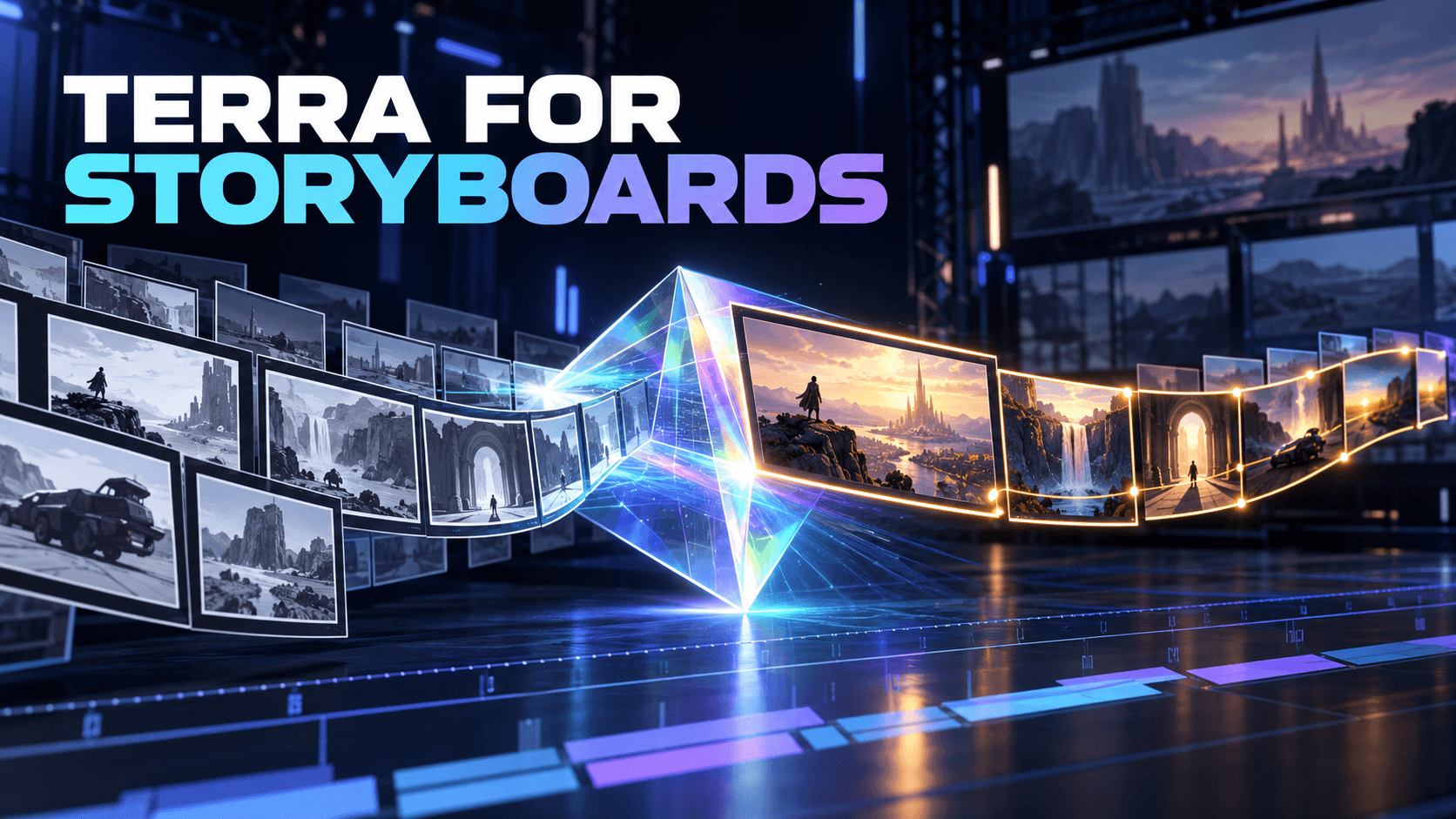
3. Storyboard Continuity Review
A contact sheet plus character, location, and prop references can support a continuity pass. Terra can flag changes in wardrobe, face design, recurring objects, screen direction, lighting, and scene geography. Frame numbers make the resulting notes actionable.
This method analyzes still frames, not the native video stream. It is most effective before expensive animation or generation, when corrections are still cheap.
4. Creative Brief to Review Checklist
Long briefs often hide acceptance criteria inside paragraphs and attachments. Terra's large context window can help turn those materials into a structured checklist covering deliverables, formats, brand constraints, mandatory content, and prohibited treatments.
Ask it to cite the source section for every requirement. A checklist without traceability can turn an interpretation into an invented rule.
5. Responsive Interface Comparison
Design and web teams can compare desktop, tablet, and mobile screenshots for information parity, clipped text, missing controls, touch-target problems, and unexpected state changes. Combine the screenshots with the intended user task, because a visual difference is not automatically a defect.
Use automated browser tests for measurable layout properties when possible. Terra adds value where interpretation is needed, not where a deterministic test already answers the question.
6. Visual Content Accessibility Review
Terra can support a preliminary review of visible contrast problems, text embedded in images, missing contextual explanation, confusing hierarchy, and content that may need a better alternative description. It can also draft candidate alt text grounded in the supplied image.
This is not a complete accessibility audit. Automated and model-based review cannot replace standards testing, assistive-technology testing, or feedback from people with disabilities.
7. Asset-Library Organization
Teams can classify assets by campaign, product, orientation, content type, dominant subject, or review status. Terra's image understanding can add descriptive metadata that a filename lacks.
Keep the label set controlled, flag ambiguous items, and preserve original files. If an automated action moves, renames, or deletes assets, require a reversible staging step and approval.
8. Screen-Based Content Operations
With computer use configured, Terra can help operate a browser or desktop interface: locate an asset, update a non-sensitive test field, check a publishing preview, or organize an approved set. The application must execute the actions and return screenshots for verification.
Restrict allowed domains and actions. Purchases, public publication, credential entry, account changes, and deletion should remain behind explicit user approval.
9. Revision Briefs for Visual Creators
Terra can turn screenshots, markup, and scattered reviewer comments into a consolidated brief. A useful note states the requested change, the visible evidence, the affected asset, and the test for acceptance.
When the revision calls for a new image, character, comic panel, or animated shot, a creator can move the approved brief into Elser AI. Elser AI is a separate creative platform; this workflow does not imply a built-in Terra connection.
10. Content Repurposing With Visual Context
A content team can combine an article, presentation screenshots, diagrams, and brand guidance to draft social captions, video outlines, email copy, or a visual summary. Terra's writing orientation helps translate the visual source into clear language.
The team should verify names, numbers, product claims, and quotations against the source. Visual understanding can organize content, but it does not make unsupported marketing language true.
How to Choose the First Use Case
Begin with a task that is frequent, reversible, and easy to score. Campaign QA or screenshot comparison is usually safer than autonomous publishing. Assemble examples that include ordinary cases, edge cases, and known failures.
Measure:
- Correctly identified issues.
- False positives and unsupported inferences.
- Time saved after human review.
- Token, image, tool, and infrastructure cost.
- Number of cases escalated.
- Severity of the worst missed problem.
A model can have a strong average score and still be unsuitable if it misses the one defect category the business cannot tolerate.
Workflow Boundaries to Preserve
Terra accepts image and text inputs and produces text. It does not natively accept video or audio according to the current model page. For video-related work, extract representative frames, a transcript, and production metadata. State that limitation in the report.
Computer use also requires more than prompting. The surrounding application controls the environment, permissions, action execution, and verification. Treat page text as untrusted and keep sensitive data away from screenshots when possible.
Frequently Asked Questions
Can Terra replace a designer or creative director?
No. It can accelerate inspection, organization, and revision drafting. Taste, accountability, brand judgment, and final approval remain human responsibilities.
Is Terra suitable for bulk image classification?
It can be, particularly when classifications require visual context. Compare it with lower-cost GPT-6 Luna on the same dataset because a focused, high-volume task may not require Terra for every item.
Can Terra publish content automatically?
It can participate in a computer-use workflow if the application provides the necessary tools. Public publication is consequential and should have explicit authorization, preview, and post-action verification.
Where Terra Delivers the Most Value
The strongest GPT-6.1 Terra use cases connect a visible artifact to a bounded decision: approve, revise, route, label, or escalate. Its value falls when evidence is missing, success cannot be measured, or the model receives broad authority without controls. Choose a narrow first workflow, prove it, and expand only after its failure modes are understood.