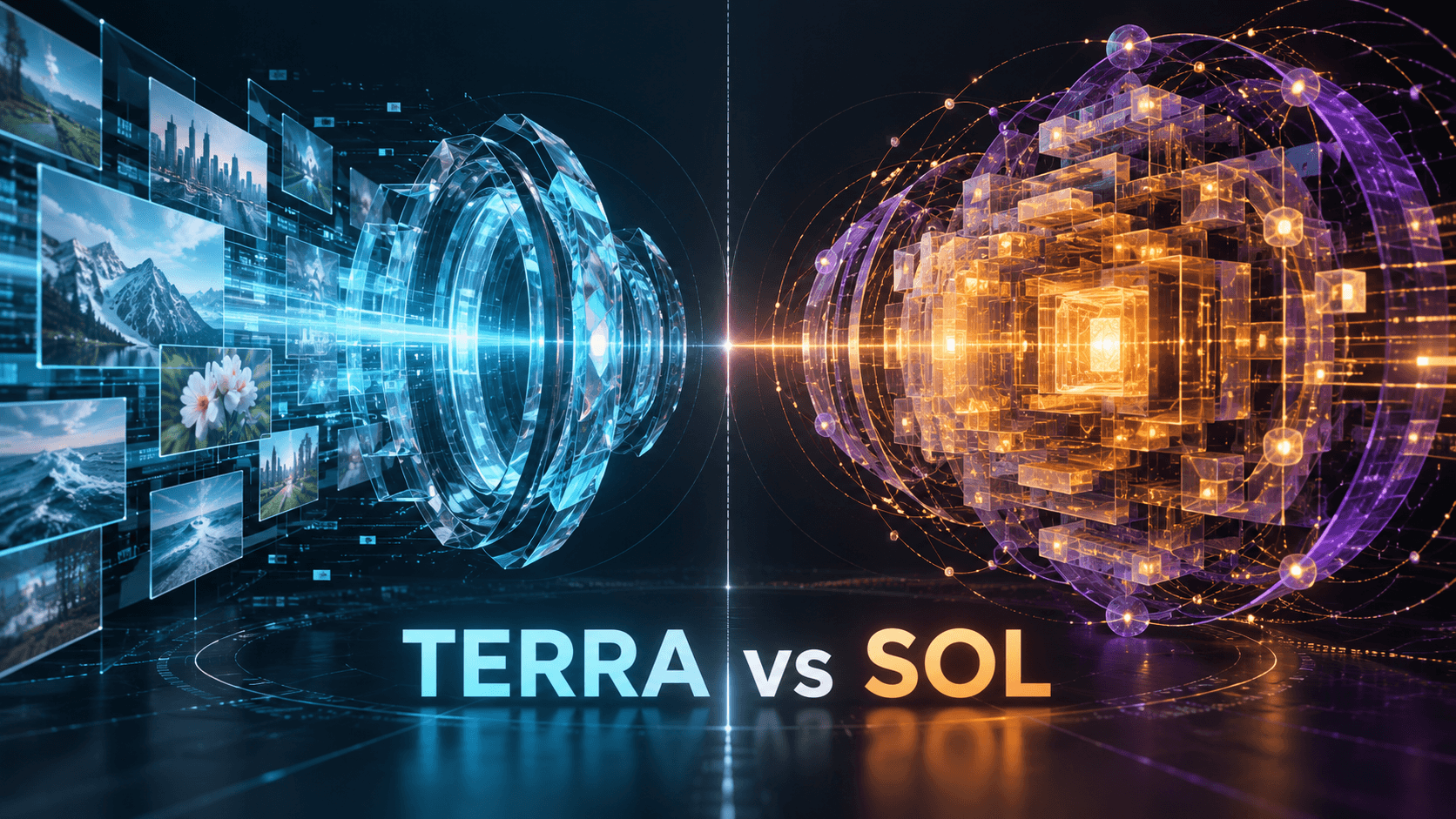
What Is GPT-6.1 Terra? Features, Pricing, Context Window, and Best Use Cases
GPT-6.1 Terra is an OpenAI model designed for fast visual reasoning, precise computer use, and clear natural-language writing. Its strongest role is not simply answering questions. Terra can inspect images and application screens, reason about what it sees, and—when connected to an appropriate tool environment—take controlled actions in browsers and desktop applications.
That combination makes the model relevant to teams working with product catalogs, campaign assets, interface testing, document-heavy operations, and visual production reviews. It also creates an important boundary: GPT-6.1 Terra analyzes images, but it is not itself a video-input or audio-input model. Choosing it well begins with understanding that distinction.
GPT-6.1 Terra at a Glance
According to OpenAI's current model documentation, GPT-6.1 Terra has the following specifications:
| Specification | GPT-6.1 Terra |
| API model ID | gpt-6.1-terra |
| Positioning | Fast, efficient visual reasoning and computer use |
| Context window | 1,050,000 tokens |
| Maximum output | 128,000 tokens |
| Knowledge cutoff | June 1, 2026 |
| Text | Input and output |
| Images | Input only |
| Audio and video | Not supported as direct model inputs |
| Default reasoning effort | Medium |
| Other reasoning levels | None, low, high, xhigh, and max |
| Fine-tuning | Not supported |
Terra supports streaming, function calling, and Structured Outputs. Through the Responses API, its listed tools include web search, file search, image generation, code interpreter, hosted shell, computer use, MCP, skills, and tool search. Tool availability, however, does not mean every application receives unrestricted access. Developers still need the correct API access, tool configuration, permissions, and execution environment.
What GPT-6.1 Terra Does Well
Visual reasoning over images and screens
Terra can inspect product photos, screenshots, diagrams, layouts, and other supported image inputs. A useful request gives the model a concrete visual question: identify mismatched catalog items, check whether important text is cropped, compare two interface states, or describe discrepancies between a storyboard frame and a reference sheet.
Visual reasoning is not the same as guaranteed visual truth. Small text, subtle defects, hidden layers, color-management differences, and ambiguous scenes can still cause errors. High-stakes decisions need a human review process and representative testing.
Computer-use workflows
With a properly configured computer-use integration, Terra can receive screenshots and request mouse or keyboard actions. OpenAI's computer-use guidance recommends an isolated browser or desktop, restricted network and action access, approval before consequential operations, and verification of the actual result.
This makes Terra suitable for bounded tasks such as checking a web flow, entering non-sensitive test data, sorting visible assets, or reviewing a campaign-management interface. It should not be given open-ended authority over purchases, account deletion, credential transmission, or other difficult-to-reverse actions.
Direct professional writing
Terra is also positioned for clear, natural writing. That is useful when a visual inspection must end in a readable deliverable: a QA report, revision brief, catalog note, shot-review summary, or client-facing explanation. The model can connect evidence from an image to a structured written output instead of treating analysis and communication as separate jobs.
What GPT-6.1 Terra Does Not Do by Itself
Terra's model page lists image as an input modality and text as its output modality. It does not directly accept video or audio as model inputs. If a team wants to review a video, it can extract selected frames, contact sheets, transcripts, or structured metadata and provide those materials to a suitable workflow. That is different from claiming the model watched and heard the original video.
Terra is also not an image or video rendering model by itself. The Responses API can expose an image-generation tool, but the generation is handled through a dedicated image model selected by the tool. Developers should describe that architecture accurately in product documentation.
GPT-6.1 Terra Pricing
Standard API pricing is currently listed per one million text tokens:
- Input: $1.00
- Cached input: $0.05
- 30-minute cache write: $1.25
- 12-hour cache write: $2.50
- Output: $5.00
Requests with more than 272,000 input tokens receive long-context pricing: input and cache rates are doubled, while output is charged at 1.5 times the standard output rate for the full request. Batch and Flex processing are listed at 50% below Standard, Fast mode at twice Standard, and eligible regional processing adds a 10% premium. Tool calls, image inputs, and hosted environments can add separate costs.
As a simple Standard-mode example, 100,000 uncached input tokens and 10,000 output tokens would cost approximately $0.15 before any tools or image charges: $0.10 for input and $0.05 for output.
Practical Use Cases
Terra is a strong candidate when the task combines visual evidence with a bounded decision or action. Examples include:
- Matching supplier product photos to catalog records.
- Reviewing screenshots for clipping, missing text, or layout inconsistencies.
- Interpreting technical drawings and turning observations into checklists.
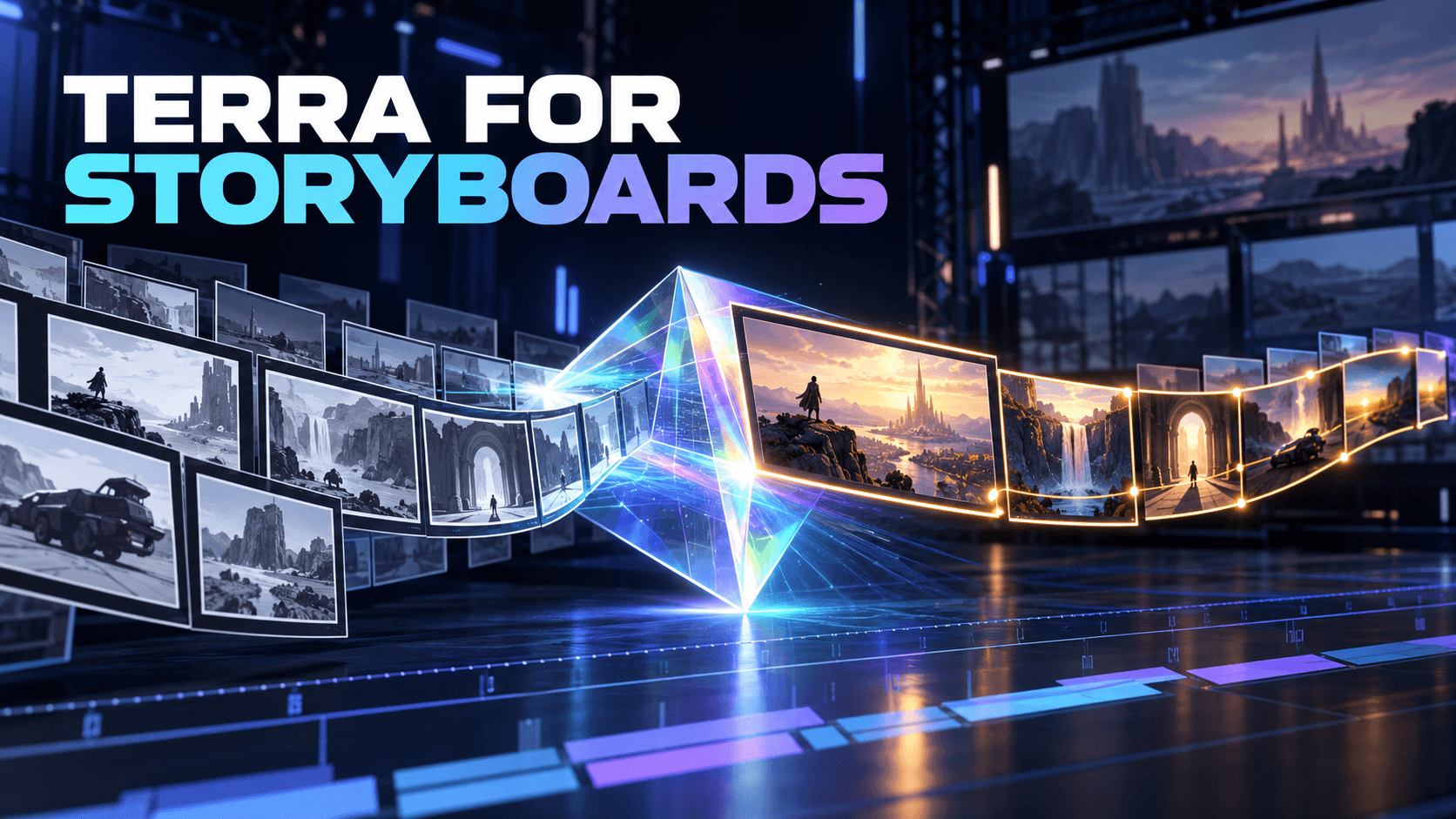
- Comparing storyboard frames with character and location references.
- Creating revision notes from campaign assets.
- Testing a controlled browser workflow with human approval gates.
- Drafting or revising long documents supported by images and files.
Creative teams should keep analysis and generation clearly separated. For example, Terra can review a storyboard contact sheet and produce a shot-by-shot issue list. A creator can then use a dedicated platform such as Elser AI to generate or animate revised visual assets. This is a complementary workflow, not a claim that Terra is built into Elser AI.
Who Should Consider Terra?
Terra is most compelling for teams that need stronger visual understanding and computer interaction than a basic text automation requires, but do not automatically need the highest-priced general model for every request. The only dependable way to choose is to build an evaluation set from real work. Measure visual accuracy, task completion, latency, cost, and the number of human corrections.
If a request is a very difficult reasoning problem, GPT-6 Astra or GPT-6.1 Sol may be a better starting point. If the workload is narrow, repetitive, and highly cost-sensitive, GPT-6 Luna may deserve evaluation. Model names are not substitutes for task-specific tests.
Frequently Asked Questions
Can GPT-6.1 Terra analyze video?
The model documentation does not list video as a supported direct input. A workflow can supply selected frames, transcripts, or other derived materials, but that should be described as frame or document analysis rather than native video understanding.
Does GPT-6.1 Terra generate images?
Terra outputs text. In the Responses API it can use an image-generation tool, which invokes a dedicated image model. Applications should distinguish tool-assisted image generation from Terra's own output modality.
Is GPT-6.1 Terra available in ChatGPT?
OpenAI says Terra is available in ChatGPT Work and Codex on eligible Plus, Pro, Business, Enterprise, and Edu plans, subject to rollout and administrator controls. The October 26 announcement states that it is not available in Chat. API access is governed separately; the model page currently lists no Free-tier API support.
Final Assessment
GPT-6.1 Terra occupies a useful middle ground for visual, screen-based professional work. Its value comes from combining image understanding, tool use, computer interaction, long context, and concise writing. It should be evaluated as an analysis-and-action model with explicit safeguards—not described as a native audio or video generator.