25 Viral Short Video Prompts for AI Creators: Hooks, Scenes, and Workflows That Actually Work
25 Viral Short Video Prompts for AI Creators
Short videos do not go viral because they are long, polished, or complicated. They go viral because they make someone stop scrolling.
That is the real challenge for AI creators. AI can now generate beautiful video scenes, animated characters, product clips, cinematic shots, music visuals, and image-to-video content. But a beautiful AI video is not automatically a viral short video. A viral short needs a hook, a clear visual idea, fast readability, emotional momentum, and a reason for the viewer to watch until the end.
Many AI creators make the same mistake: they generate a visually impressive clip, then try to turn it into content afterward. That usually produces videos that look good but feel vague. The better approach is to start with the short-form format first. Decide the hook, the visual payoff, the pacing, and the final loop before generating the video.
This is especially important in 2026 because AI video models are becoming more capable. Runway Gen-4 focuses strongly on reference-based consistency for characters, locations, and styles, which is useful for recurring short-form characters. Google’s Veo 3 and Veo 3.1 direction emphasizes high-quality video generation with native audio and stronger creative control, making sound and narrative timing more important in AI video workflows. Kling VIDEO 3.0 highlights motion control, references, storyboard logic, and consistency across multi-scene outputs.
But models are only part of the equation. Viral short videos still depend on creative structure.
A good AI short video prompt should not simply say “make this cinematic.” It should define the viewer’s first impression, the subject, the motion, the platform format, and the payoff. If you are creating for TikTok, YouTube Shorts, Instagram Reels, or X, your prompt should think like a creator, not just like a visual artist.
That is where Elser AI fits naturally into the workflow. You can register on Elser AI, create or upload your character, product photo, anime image, or visual idea, then generate multiple short-form variations from the same source. Instead of making one random AI clip, you can test hooks, pacing, character reactions, product reveals, and image-to-video styles until you find a video that actually feels shareable.
Below are 25 viral short video prompts designed for AI creators. Use them as starting points, but pay attention to the structure behind them.
How to Use Short Video Prompts Properly
The strongest AI short video prompts usually have five parts: platform format, hook moment, visual action, camera behavior, and stability control.
A weak prompt says:
“Create a viral AI video about a character.”
A stronger prompt says:
“Create a vertical 9:16 AI short video. In the first second, show a surprised anime character reacting to a glowing object on the table. Camera quickly pushes in, then slows down for the reveal. Keep the same character face, outfit, and anime style. Leave space at the top for captions.”
The second prompt is better because it tells the AI how the video should work as short-form content. It has a visual hook, an action, a camera plan, and a platform-aware layout.
For viral short videos, the first two seconds matter more than almost anything. If the opening frame is unclear, too slow, or visually generic, viewers leave. The prompt should be designed around immediate comprehension.
1. The “One Image Becomes a Video” Prompt
“Create a vertical 9:16 short video showing a single static image transforming into a cinematic animated scene. Start with the original image visible, then smoothly bring it to life with subtle motion, lighting, and camera movement. Keep the subject identity stable. The video should feel like a satisfying before-and-after transformation for TikTok or YouTube Shorts.”
This works well because transformation is instantly understandable. Viewers like seeing a clear before-and-after result, especially when the process feels magical but believable.
2. The AI Character Introduction Prompt
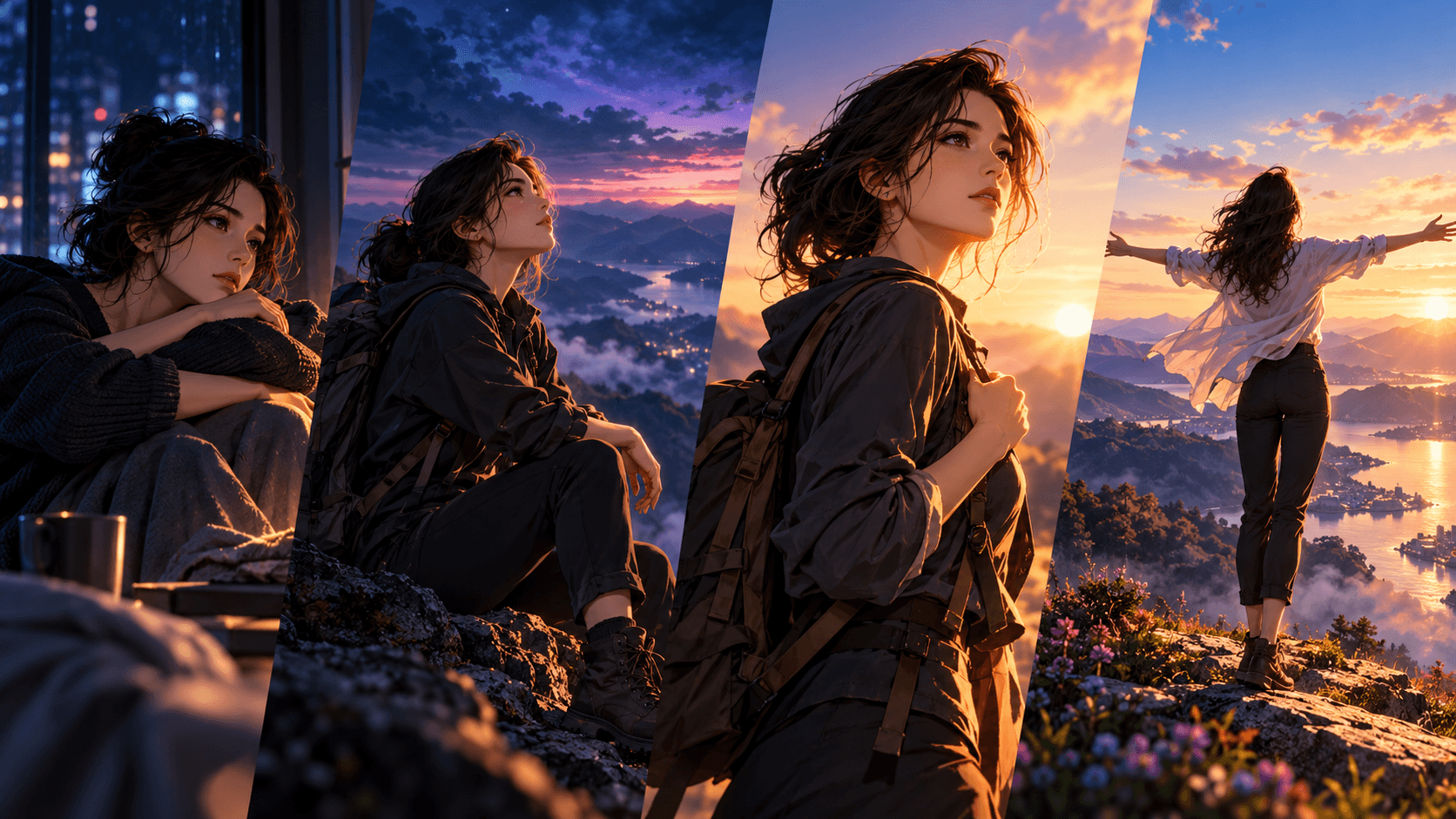
“Create a vertical AI short video introducing a recurring character. The character looks into the camera, makes a small expressive movement, and the background subtly comes alive. Preserve the exact face, hairstyle, outfit, body proportions, and visual style. Leave clean space for text overlay introducing the character’s name.”
This is useful for creators building anime hosts, mascots, virtual influencers, story characters, or branded personalities. If you want to build a series, start here.
3. The “Wait for It” Visual Reveal Prompt
“Create a short vertical video with a slow visual setup in the first two seconds, then a surprising reveal in the final moment. The camera starts close on a small detail, then pulls back to reveal the full scene. Keep motion smooth, subject stable, and the final reveal visually clear.”
This prompt works because short-form platforms reward curiosity. The viewer keeps watching because the first frame implies something is coming.
4. The Product Magic Reveal Prompt
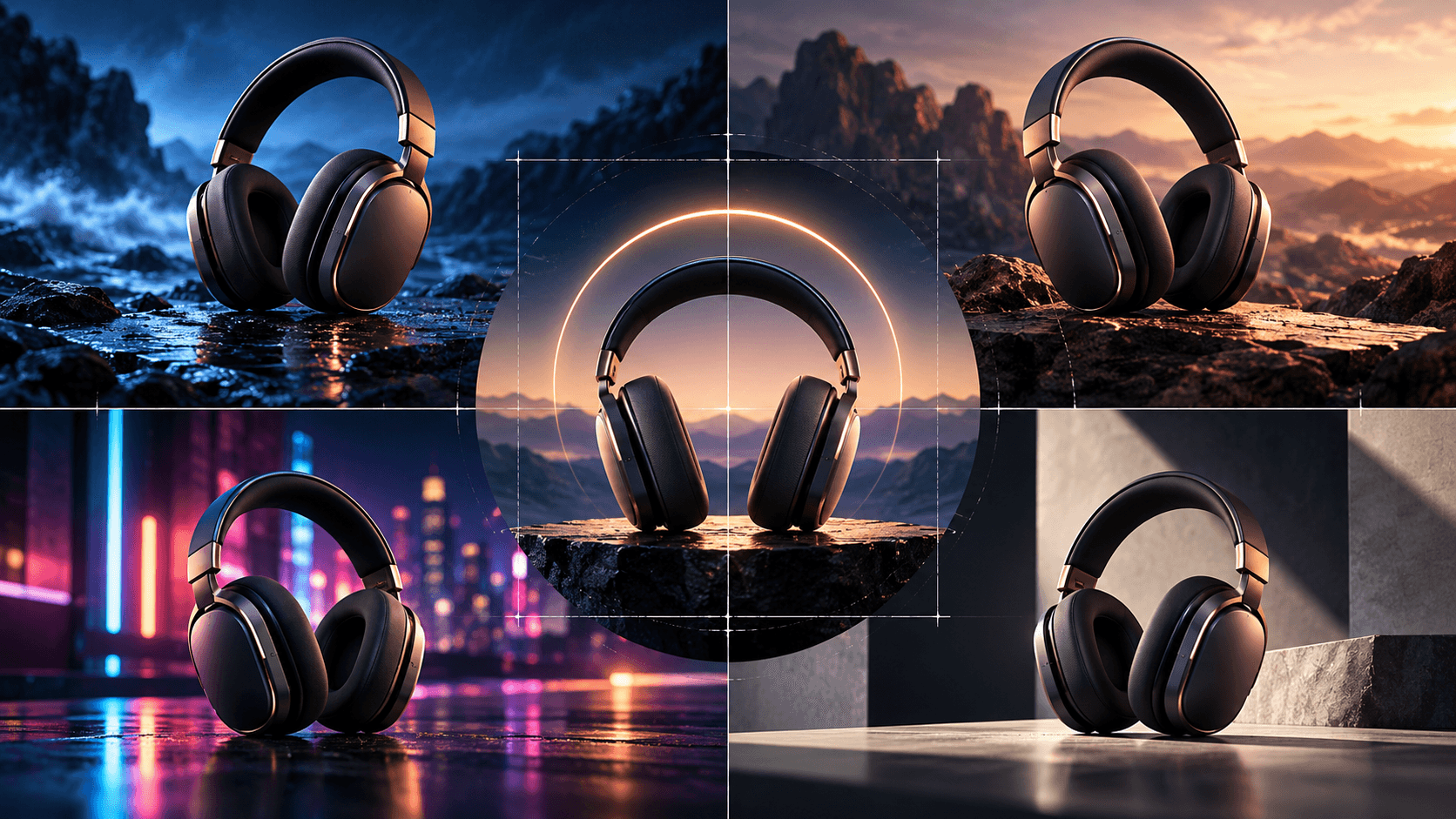
“Create a vertical short video where a product photo transforms into a polished product ad. Start with the product centered on a clean background, then add cinematic lighting, subtle motion, and a premium environment. Preserve the product shape, logo, label, packaging, and material exactly. Leave space for a short CTA.”
This is ideal for ecommerce creators and small brands. It turns one product image into a shareable ad-style clip.
5. The AI Anime Reaction Prompt
“Create a vertical anime-style short video showing a character reacting dramatically to something off-screen. Start with a calm expression, then shift to surprise with a quick camera push-in. Preserve the same anime face design, hairstyle, outfit, eye style, and color palette. Keep the motion expressive but controlled.”
Reaction videos are easy for viewers to understand. They also work well with captions, jokes, or trending audio.
6. The “This Changed Everything” Story Hook Prompt
“Create a cinematic vertical AI video that opens with a character discovering something that changes the story. The first frame should show curiosity, then the camera moves toward a glowing object, screen, letter, door, or mysterious light. Keep the character identity consistent and the reveal clear.”
This is good for AI storytelling, fantasy scenes, anime Shorts, and game-style teasers.
7. The Creator Workflow Prompt
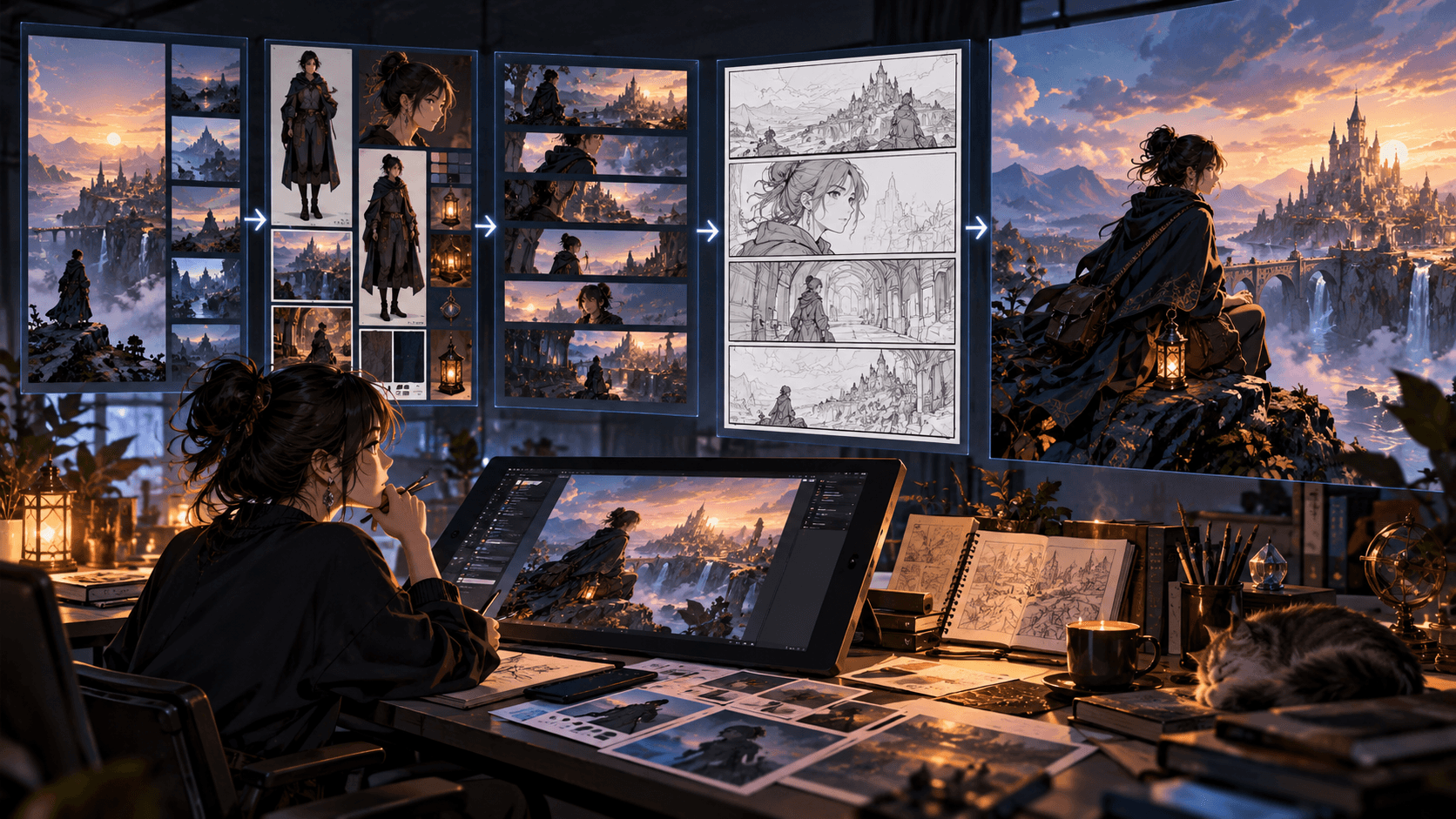
“Create a vertical short video showing a creator turning an idea into finished AI content. Show a quick sequence: prompt, image, video, final social post. Use fast but clean transitions, modern creator workspace visuals, and clear space for captions. The mood should feel productive and exciting.”
This type of content performs well for AI tool education, creator tutorials, and SaaS marketing.
8. The Viral Before-and-After Prompt
“Create a short vertical before-and-after video. The left side shows the original static image, and the right side reveals the AI-generated animated version. Use smooth motion, clear comparison, and polished lighting. Keep the subject consistent between both sides.”
Before-and-after formats are reliable because the value is instantly visible.
9. The “Three Versions from One Input” Prompt
“Create a vertical AI short showing one source image splitting into three different video styles: cinematic, anime, and product ad. Use a clean interface-style layout, smooth branching motion, and readable visual labels. Preserve the source subject across all versions.”
This is ideal for promoting creative platforms like Elser AI, because it communicates workflow multiplication.
10. The Cinematic Micro-Story Prompt
“Create a 10-second vertical cinematic micro-story. A character enters a quiet scene, notices something unusual, reacts emotionally, and the camera ends on the mysterious object. Use restrained motion, strong lighting, and clear story progression. Preserve character identity.”
This is great for creators who want AI videos to feel like mini films rather than random clips.
11. The Loop-Friendly Prompt
“Create a seamless vertical loop video where the final frame naturally returns to the first frame. Use subtle motion such as blinking, breathing, glowing light, moving clouds, or rotating product movement. Keep the subject stable and make the loop smooth.”
Loop-friendly videos can increase rewatch potential because viewers may not immediately notice the repeat.
12. The Text Overlay Hook Prompt
“Create a vertical short video with clean empty space at the top for text overlay. The subject should move subtly in the lower or center frame. Use strong visual contrast, simple background, and motion that does not cover the caption area.”
This is less glamorous but extremely useful. Many AI videos fail because there is nowhere to place text.
13. The AI Pet or Animal Character Prompt
“Create a vertical short video featuring a cute animal character doing one slightly human-like action, such as looking guilty, proudly presenting something, or reacting to a sound. Keep the animal recognizable, expressive, and charming. Use soft lighting and clear composition.”
Animal characters work well because they communicate emotion quickly and are highly shareable.
14. The Mini Tutorial Prompt
“Create a vertical short video that visually explains a simple three-step process. Use clean motion graphics, one main subject, readable spacing, and clear transitions between steps. The tone should feel helpful, fast, and creator-friendly.”
This is good for educational creators, product tutorials, and AI workflow content.
15. The Music Visual Hook Prompt
“Create a vertical music-driven AI video with rhythmic lighting pulses, subtle camera movement, and a strong central subject. The motion should feel synced to a beat, with space for artist name or track title. Keep the subject stable and avoid chaotic motion.”
This works for musicians, editors, and creators making visualizers or promotional music clips.
16. The “POV” Short Video Prompt
“Create a vertical POV-style AI video where the viewer feels like they are entering a specific moment: opening a door, walking into a neon street, discovering a hidden room, or approaching a product display. Use natural handheld motion and immersive framing.”
POV formats work because they place the viewer inside the action immediately.
17. The AI Fashion or Outfit Reveal Prompt
“Create a vertical short video showing a fashion outfit reveal. Start with a close-up detail, then pull back to reveal the full look. Preserve outfit design, colors, accessories, body proportions, and style. Use clean lighting and confident motion.”
This is useful for fashion, character design, virtual influencer content, and anime OC videos.
18. The “Wrong vs Right” Prompt
“Create a vertical educational short comparing a bad AI video result with a corrected version. Show the left side as unstable or inconsistent, and the right side as clean, stable, and polished. Use clear labels, smooth transition, and visual contrast.”
This is excellent for tutorial content because it teaches visually.
19. The AI Product Demo Prompt
“Create a vertical short video showing a product being used in a simple, believable way. Keep the product accurate, including logo, label, shape, color, and material. Use clean motion, realistic hands if visible, and a strong product-focused frame.”
This is better than a generic product beauty shot when you need to show use-case value.
20. The Anime Opening Moment Prompt
“Create a vertical anime opening-style shot. The character stands in dramatic light, hair and clothing move subtly, and the camera slowly rises from lower framing to the character’s face. Preserve anime style, outfit, and identity.”
This works well for anime creators building characters or series teasers.
21. The “AI Made This” Prompt
“Create a vertical short video that feels like a polished AI creation reveal. Show a simple prompt or source image becoming a finished animated video. Use sleek UI elements, glowing transitions, and clear final output. Keep the video creator-focused and modern.”
This is ideal for promoting AI workflows and creator tools.
22. The Emotional Close-Up Prompt
“Create a vertical emotional close-up where the character’s expression changes subtly from uncertainty to hope. Use soft lighting, slow camera push-in, and minimal background motion. Preserve facial identity and style.”
This works because emotional clarity can outperform visual complexity.
23. The Travel Moment Prompt
“Create a vertical travel short from a destination image. Add subtle motion such as clouds, waves, street lights, moving people silhouettes, or wind. Preserve the real location details and create a warm inviting mood.”
This is great for travel creators, hotels, and destination marketing.
24. The App or Tool Promo Prompt
“Create a vertical app promo short showing one clear transformation: messy workflow becomes organized, static image becomes video, or idea becomes finished content. Use clean UI visuals, fast transitions, and space for captions. Keep the message easy to understand in two seconds.”
This prompt is useful for SaaS, mobile apps, and AI creator platforms.
25. The Final CTA Reveal Prompt
“Create a short vertical video that builds toward a clear final call-to-action. Start with a visual problem, show a fast AI-powered transformation, and end with a polished result plus clean space for a CTA button or text. The final frame should feel satisfying and shareable.”
This is a strong ad-style structure because it connects problem, transformation, and action.
How to Turn These Prompts into a Content System
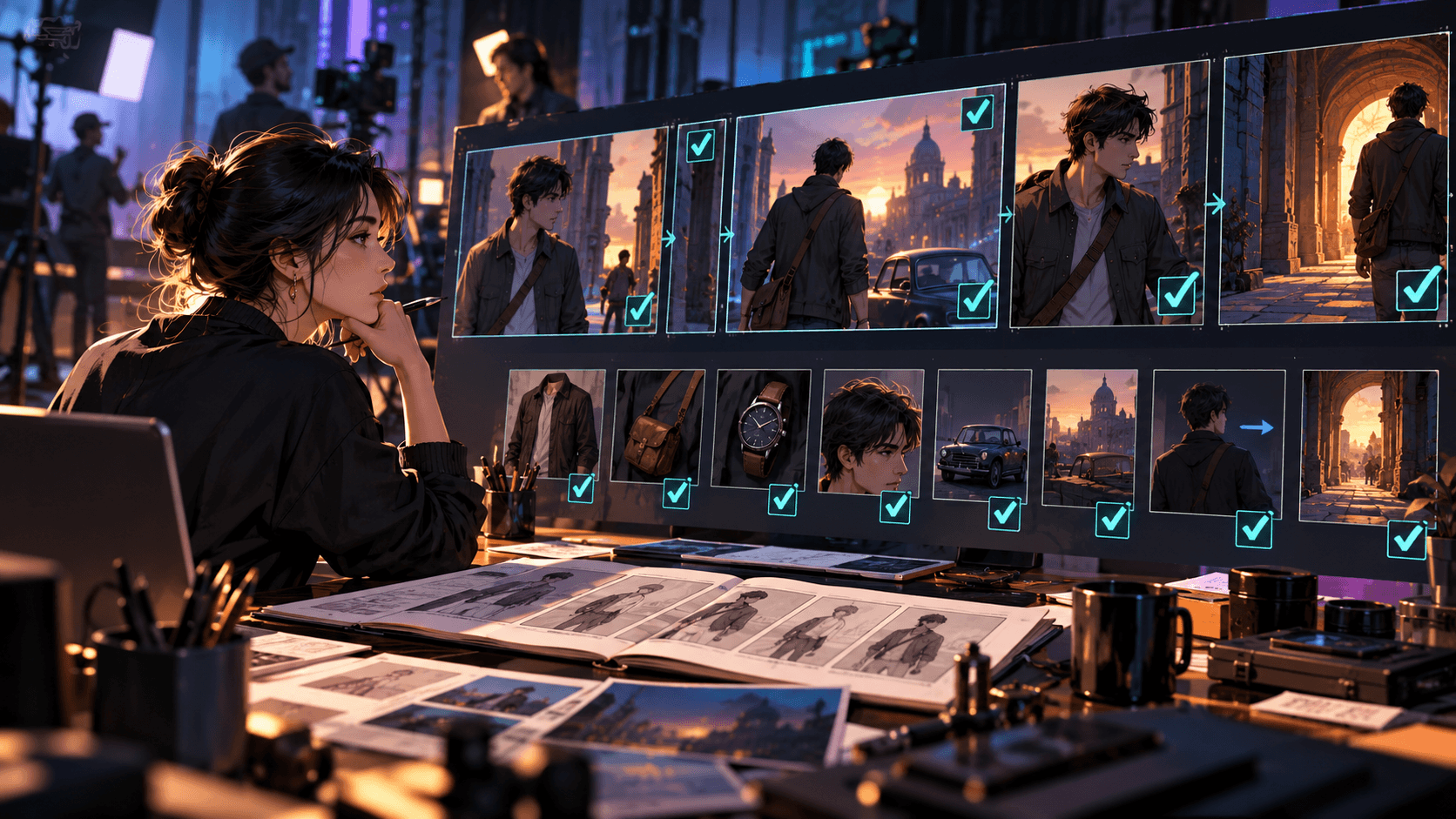
The smartest way to use these prompts is not to generate all 25 once. Instead, choose three formats that fit your creator identity. For example, an AI anime creator might use character introductions, emotional close-ups, and anime opening moments. A product creator might use product magic reveals, before-and-after comparisons, and CTA reveals. A tutorial creator might use wrong-vs-right, mini tutorial, and workflow prompts.
Once you find a format that works, repeat it with variations. Viral content often comes from repeatable formats, not completely new ideas every day.
Elser AI is useful because it helps you build that repeatable workflow. You can create or upload a character, product image, app screenshot, anime illustration, or visual reference, then test multiple short video directions from the same source. If you are serious about making AI videos for TikTok, YouTube Shorts, Instagram Reels, or creator marketing, register on Elser AI and start by generating three versions of the same idea: one emotional, one cinematic, and one direct-response version.
That gives you real creative data instead of guessing.
Final Thoughts
Viral AI short videos are not just about beautiful generation. They are about structure. A good short needs a fast hook, clear visual idea, controlled motion, platform-aware framing, and a satisfying payoff.
Use these 25 prompts as building blocks. Start with one source asset, generate multiple formats, test what feels strongest, and turn the best idea into a repeatable content series.
If you want to move from random AI clips to short videos that are actually built for sharing, start with Elser AI. Register, upload one image or idea, and create your first batch of short-form variations. The goal is not one perfect video. The goal is a system that helps you create more, test faster, and improve every week.