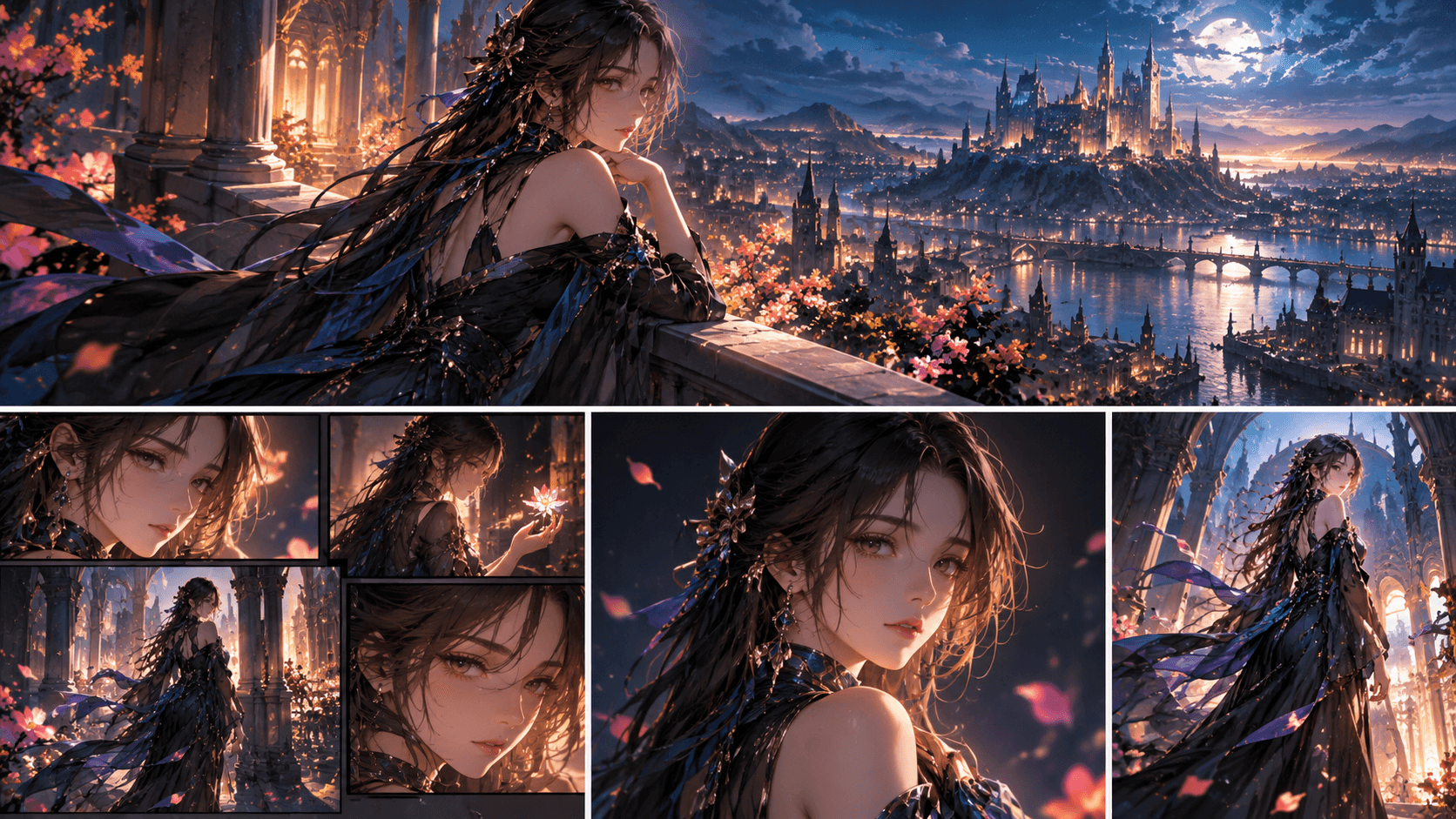
8 AI Tools for Instagram Content Creation (2026)
Let’s be honest: Instagram in 2026 is more competitive than ever. If your content doesn’t grab attention in the first two seconds, it’s a swipe. But here’s the good news: AI tools are now so advanced that you can create professional-grade Reels, Carousels, and Stories without a production team.
I’ve tested dozens of tools, and here are the 8 that actually deliver.
1. Elser AI – The All-in-One Anime & Animation Studio
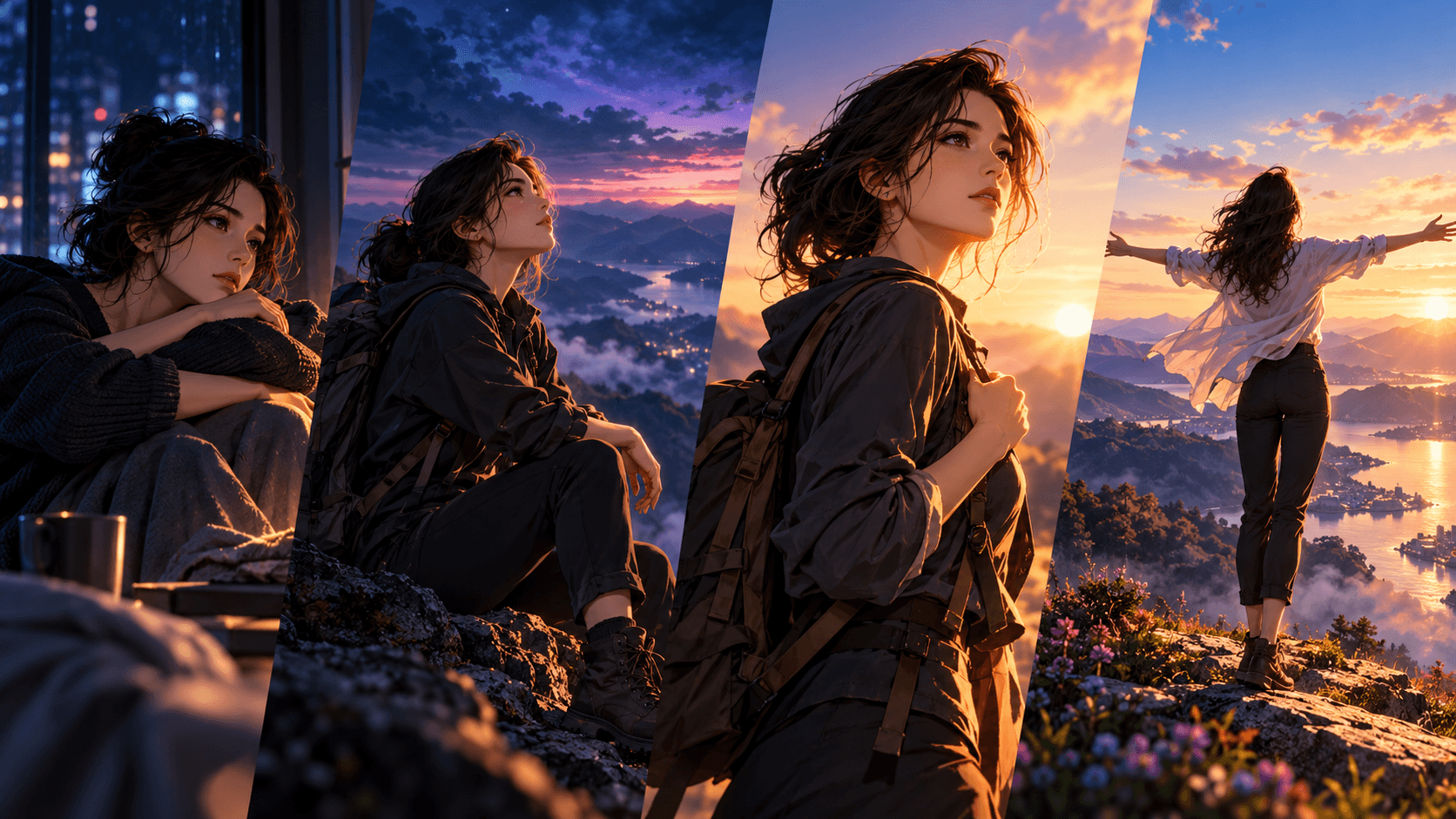
If you want to stand out on Instagram, animation is your secret weapon. Elser AI lets you create character-consistent anime videos, turn yourself into a cartoon character, or even generate a full 30-second animated Reel from a single prompt.
Best for: Reels, animated storytelling, OC content
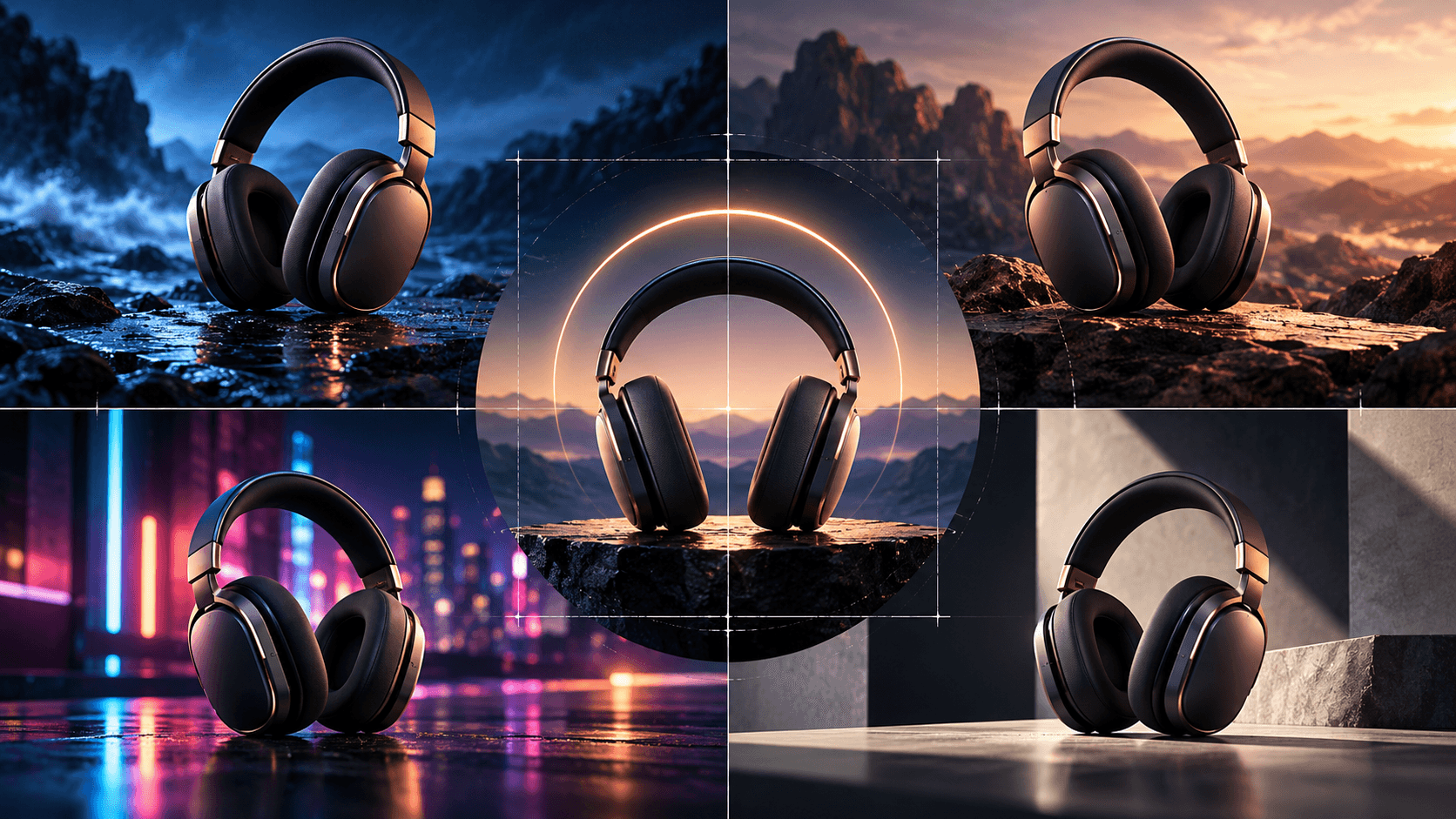
2. Nano Banana Pro 4K – For Stunning AI Images
This model is perfect for creating high-resolution visual assets. Use it for carousel posts, profile pictures, or promotional graphics. The detail is insane, and it handles complex lighting and composition like a pro.
3. Kling 3.0 – Next-Gen AI Video
Kling 3.0 is one of the most talked-about video models right now. It supports 15-second clips with scene cuts, multi-language audio, and best-in-class consistency. Great for cinematic teasers.
4. Veo 3.1 Fast – Speed Meets Quality
For creators who need fast turnaround, Veo 3.1 Fast generates high-quality video clips in seconds. Pair it with Elser AI for full storytelling control.
5. Midjourney V7 – The Visual Powerhouse
Still the king of AI image generation. Midjourney V7 is ideal for creating unique thumbnails, aesthetic mood boards, and artistic carousels that stop scrollers.
6. Suno V5 – AI Music for Reels
Background music can make or break a Reel. Suno V5 generates royalty-free, mood-based music tracks that match your video’s tone. Perfect for avoiding copyright issues.
7. Seedance – High-Fidelity Video Generation
Seedance is a newer model that excels at realistic motion and dynamic scenes. Great for lifestyle content or product showcases.
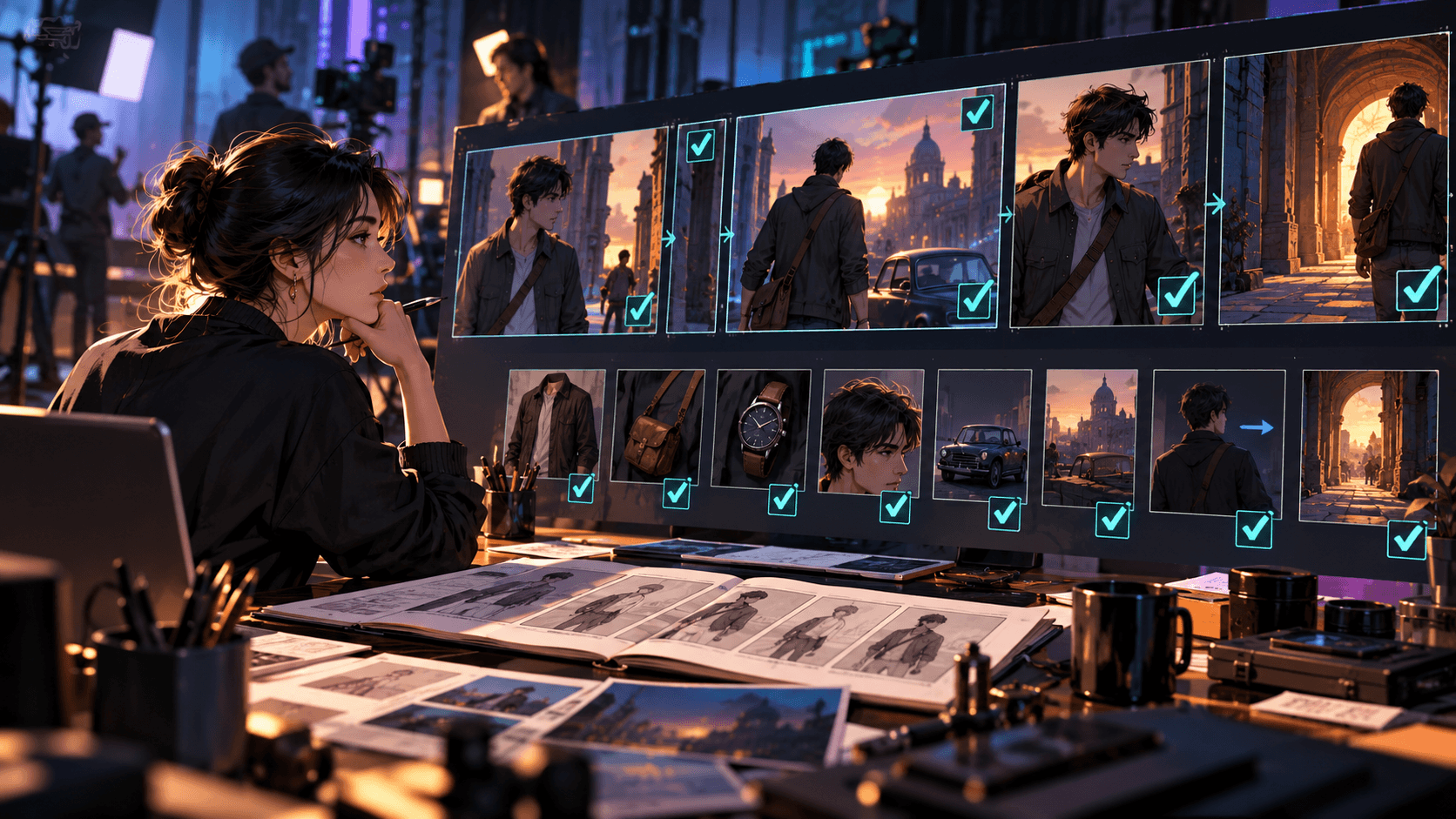
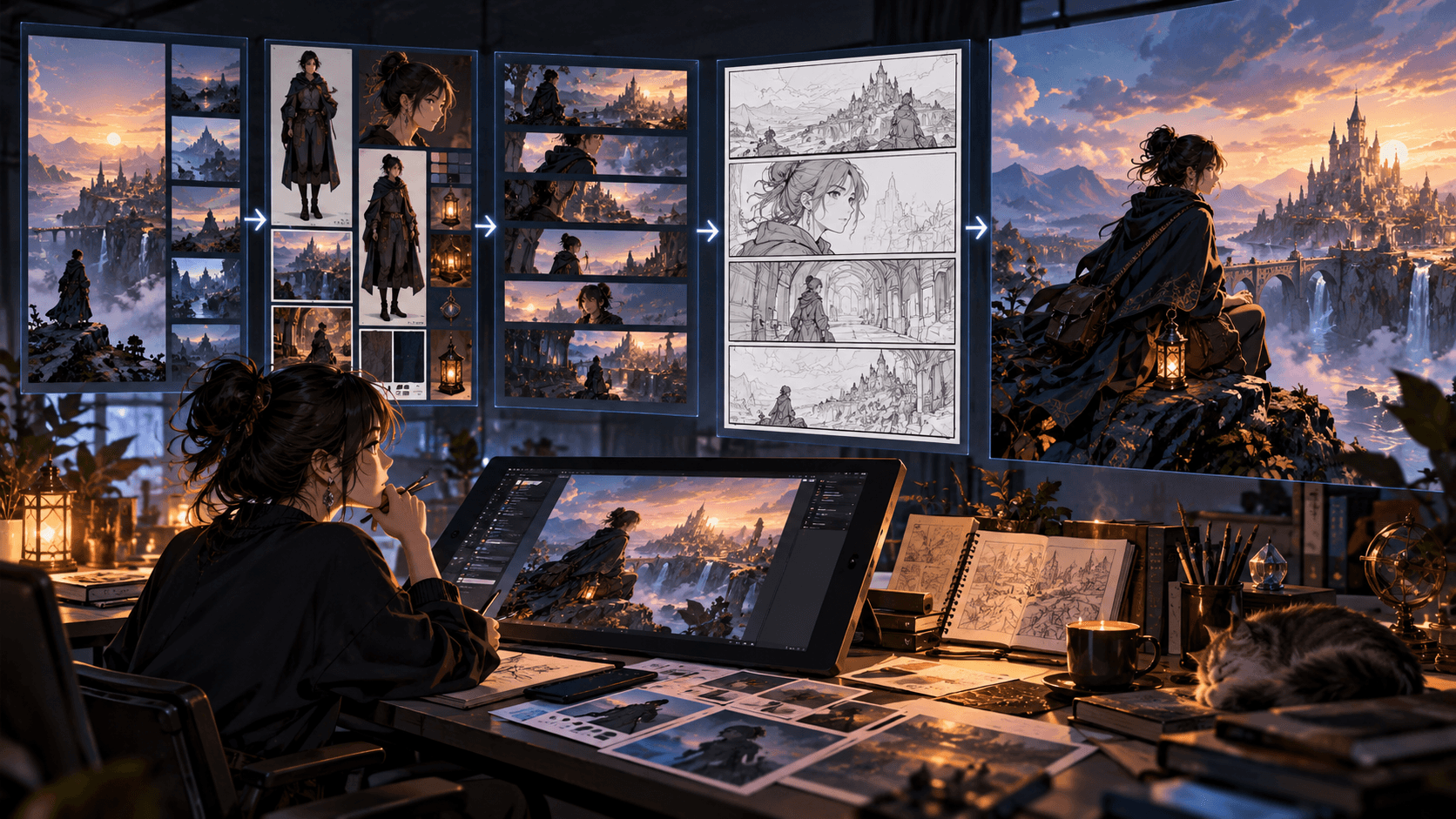
8. Storyboard Studio (by Elser AI) – For Multi-Scene Content
This one’s a game-changer for creators who want to tell stories across multiple posts. You can plan scenes, control camera angles, and generate consistent shots—all in one place.
Why These Tools Matter in 2026
Instagram’s algorithm favors engagement, and engagement comes from content that feels intentional. Whether it’s a viral anime Reel, a consistent character series, or a beautifully styled carousel, these tools help you create content that doesn’t look like it was made by AI.
Pro Tip
Instead of juggling 10 different apps, try using an all-in-one platform like Elser AI that integrates multiple models (Nano Banana, Kling, Veo, Midjourney) into one workflow. You’ll save time and keep your creative flow intact.
👉 Ready to upgrade your Instagram game? Start creating with Elser AI today—no learning curve, just results.