AI Movie Maker for Writers: From Manuscript to Watchable Scenes
Writers already know how a scene feels. The harder question is what a viewer must see.
ElserStudio helps bridge that gap. It is a local-first desktop AI film studio where a manuscript can become an editable script, a reusable visual world, a series of generated shots, and finally a cut you can watch.
You do not need to begin as a cinematographer. Begin as a storyteller: identify what changes, then choose the images that make that change understandable.
Bring the manuscript into a visual workspace
Paste a passage into ElserStudio or import a supported TXT, Markdown, or PDF file. The Story Script workflow can organize characters, locations, props, dialogue, and shots on the canvas.
This means you do not have to abandon the manuscript and start over in a blank prompt box. The original story remains part of the production.
Review the script before generation. AI may recognize the obvious actions but miss the real turning point. If a scene is about a daughter deciding not to trust her mother, the shot plan must show the evidence and decision—not only two people talking in a room.
Translate thoughts into behavior
Consider this line:
Arun realized the letter had been opened before he received it.
For a viewer, that realization needs evidence. Perhaps the wax seal is broken and pressed back together. Arun runs his thumb over the uneven edge, then hides the letter when someone enters.
Now the scene has filmable material:
- a character asset for Arun;
- a room or corridor;
- the letter as a recurring prop;
- an insert of the broken seal;
- a reaction and hiding action.
ElserStudio can keep those elements together in the project World and shot table. Your prose supplies the meaning; the visual plan supplies the evidence.
Build the cast and locations once
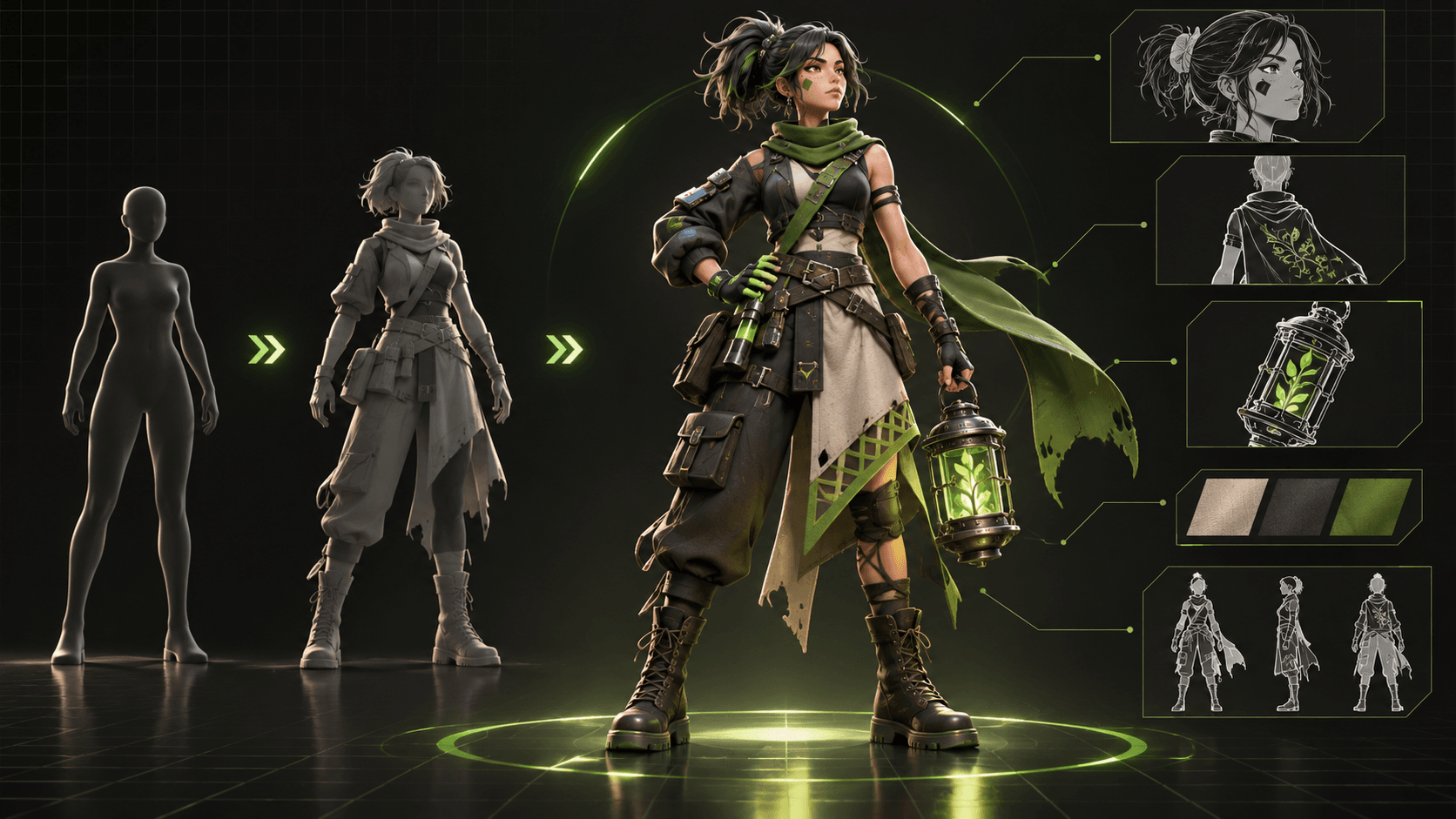
Create canonical character, location, prop, and voice assets. Review their references and descriptions before generating a large scene.
This is especially helpful for a novelist who thinks in relationships rather than prompt variations. Arun remains Arun across shots because the project keeps pointing to the same approved asset. The letter remains the same plot object. The corridor does not need to be reimagined from scratch for every camera angle.
AI output still needs review, but you now know what it should match.
Direct one shot at a time
A manuscript scene may contain a page of action and dialogue. Break it into shots with clear purposes.
For example:
- Arun receives the letter.
- Close insert of the broken seal.
- Arun recognizes the damage.
- Footsteps approach.
- He hides the letter and looks toward the door.
Attach the necessary World assets to each shot. Describe the starting position, action, and end point. Add framing, camera movement, duration, and sound. If an insert or two-character composition needs precision, use a guide board.
Generate the essential story shots before atmosphere. A beautiful corridor does not matter if viewers cannot see the broken seal.
Review the take as a writer and editor
When video results appear on the canvas, ask whether they communicate the intended beat. Did Arun actually notice the seal? Is his reaction too large for the tone? Does the letter change design? Does the shot end before the footsteps arrive?
ElserStudio lets you retry the individual shot while keeping the script, references, and other accepted clips in place.
Then connect the chosen videos to a Composition node. Arrange them on the local timeline and watch the scene at normal speed. You may find that one line is no longer necessary because the insert already communicates it. That is adaptation working properly.
Test the scene with someone who has not read it
Show the cut once without explanation. Ask the viewer what Arun discovered, what he decided, and what they expect behind the door.
If they cannot answer, find the missing visual beat. If they understand but feel nothing, examine performance, pacing, and sound. Do not immediately solve every problem by generating more footage.
The purpose of an AI movie maker is not to replace your judgment. It is to help your manuscript become material you can direct, watch, and revise.
Start with a scene you can finish
Choose 200–500 words with one location, one or two characters, and a clear turn. Complete the entire workflow: import, script, assets, shots, generation, review, composition, and export.
That finished minute will tell you which parts of your writing translate naturally and where the production needs more work.
Want to see a manuscript scene outside your imagination? Download ElserStudio and turn a short passage into a watchable local project.
FAQ
Do I need to convert my novel into a screenplay first?
Not for a small test. ElserStudio can help organize source prose into an editable script and shots. Longer projects benefit from increasingly formal screen adaptation.
Can ElserStudio create characters from my story?
It can help prepare character assets and references through the configured generation route. You review and maintain approved characters inside the project World.
Can I change only one bad shot?
Yes. Shots and generated video nodes remain separate parts of the project, so you can revise or regenerate a failing unit without rebuilding the whole scene.
Is the final edit stored locally?
ElserStudio is local-first, and its Composition workspace is used to arrange and export the selected clips locally.
Can I use the result commercially?
Commercial use depends on your rights to the manuscript and assets plus the current terms of the generation provider, voices, music, and software route you use.
Conclusion
For writers, the most useful AI movie maker is not the one that replaces the manuscript with a prompt. It is the one that helps the manuscript become a production. ElserStudio keeps the story, World, shots, footage, and edit connected—so you can keep writing like a storyteller while beginning to think like a filmmaker.