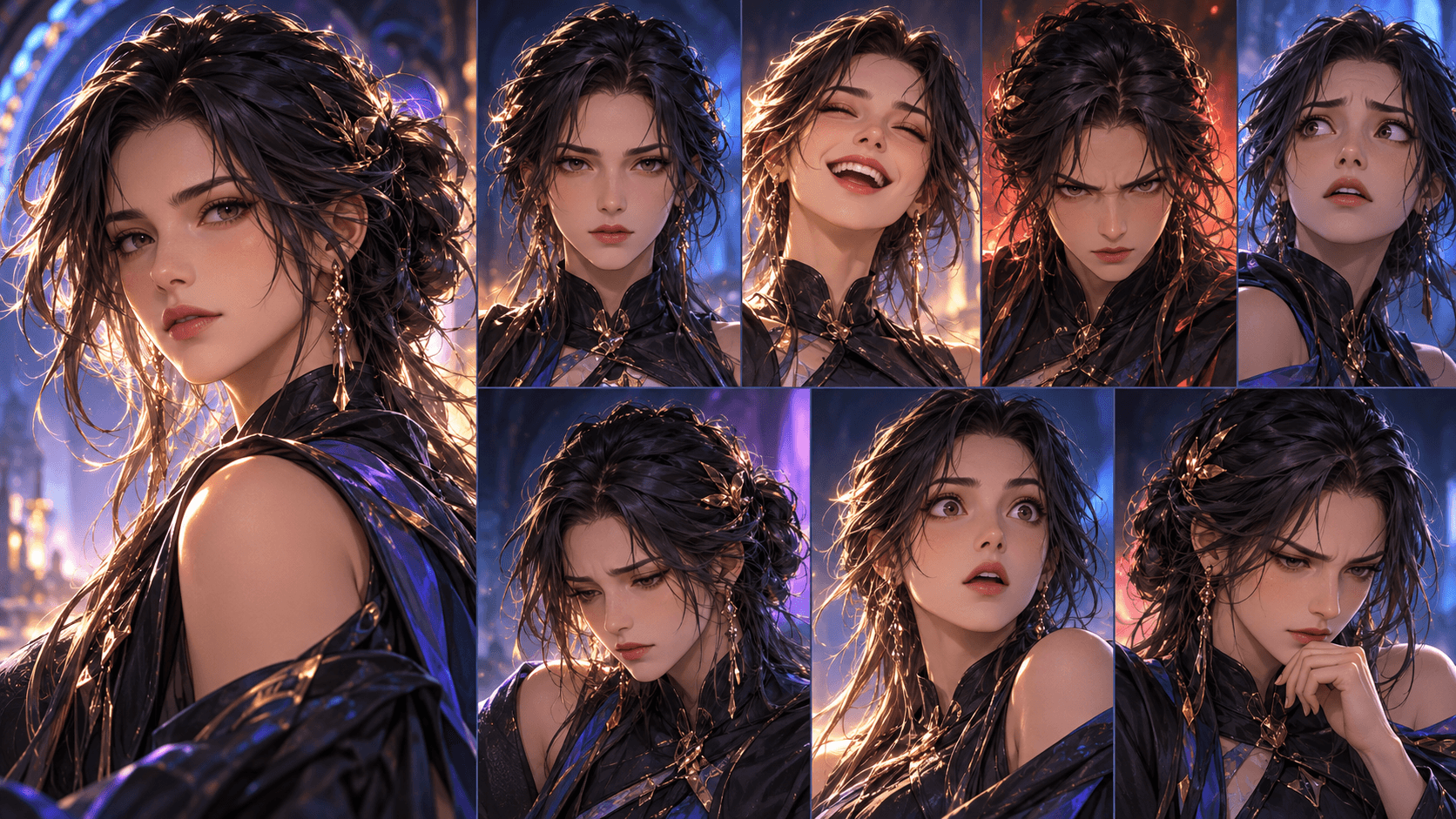
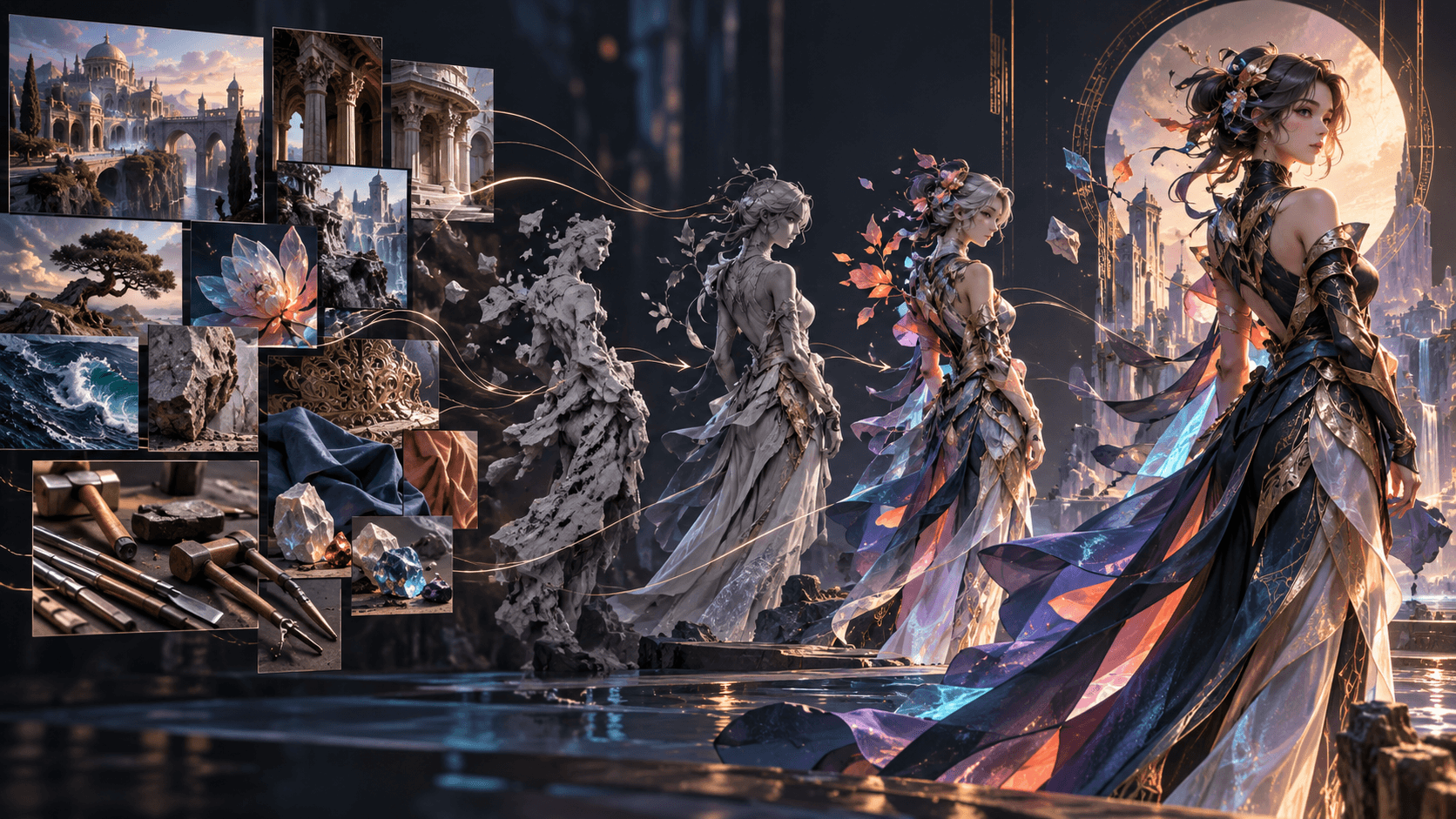
Is Elser AI the Best AI Comic Drama Generator? A Workflow Test
“Best” depends on the project. Elser AI should not be judged from one attractive image; its value proposition is the connected route from an idea or script to editable scenes, reusable characters, storyboards, generated video, audio and final editing.
This evaluation shows exactly what to test before registering or upgrading.
The Elser Workflow Under Test
The current public movie page describes:
- enter an idea or upload a script;
- edit the auto-segmented Storyline;
- configure aspect ratio, model, voiceover, shot duration and style;
- create characters in Character Settings;
- choose Auto Storyboard, Manual or Storyboard Studio;
- edit scenes, transitions and the final video before export. Elser’s Comic Generator also supports panel-by-panel scripts, dialogue placement and comic layouts, making it relevant for both static comics and animated comic-drama development.
Run a Five-Shot Elser Project
Create a 25-second scene with one original character, one location and one prop:
A night-shift librarian discovers that a returned book
contains a photograph taken tomorrow.
She checks the empty reading room, finds herself in the photograph,
and hears the return slot open behind her.
The five shots should be: establishing library, character close-up, photograph insert, over-shoulder empty room and final reaction.
Create an Elser AI account and use this exact small project. A complete test reveals more than experimenting with unrelated prompts.
Test 1: Idea and Script Control
Run the premise through Start from One Idea. Check whether Elser creates a usable scene sequence. Then write your own version and use the script-led path.
Score:
- Can you add, remove and edit scenes?
- Does the approved ending remain intact?
- Can you keep narration limited?
- Is scene segmentation useful for production?
Elser’s documented editable Storyline is a meaningful advantage if you want control between prompt and generation.
Test 2: Character Settings and Reuse
Build one librarian and save the asset. Test the character in a neutral portrait, side angle, fearful close-up and distant full-body shot. Score face, hair, costume, proportions and expression.
Then attach the character to multiple storyboard shots. Saved reuse reduces repeated setup, but do not treat it as a guarantee. Count how many frames require regeneration.
Test 3: Three Storyboard Modes
Run Auto Storyboard for a fast interpretation. Use Manual if your five scene divisions must remain dominant. Use Storyboard Studio to direct the photograph insert and final eyeline.
Ask whether you can catch narrative problems before spending on video. A beautiful storyboard that omits the photograph cannot support the story.
Test 4: Image and Video Production
Approve still composition before motion where possible. Generate one restrained performance shot, one prop interaction and one environmental motion shot.
Record model, duration, resolution, attempts and usable outputs. Credit consumption varies with current model and settings, so verify it in the live product. Compare cost per usable shot, not cost per click.
Test 5: Voiceover, Sound and Final Cut
Assemble the rough cut first. Add one voice line, room ambience, the book-slot sound and a music cue. Evaluate whether Elser lets you adjust timing, replace a scene and refine transitions without rebuilding everything.
Export the test format and inspect resolution, subtitle placement, sound levels and any plan-specific conditions.
Who Is Elser AI Best For?
Elser is a strong fit for creators who want a browser-based story pipeline rather than separate script, character, storyboard, generation and audio tools. It is especially relevant to solo anime, motion-comic and story-driven video creators.
It may be less suitable if you need deterministic frame-by-frame animation, a fixed studio pipeline with specialized external tools, or contractual guarantees that current generative models cannot provide.
A Practical Scorecard
| Category | Weight | | Script and Storyline control | 15% | | Character reuse | 20% | | Storyboard control | 20% | | Motion quality | 15% | | Voice and sound | 10% | | Editing and replacement | 10% | | Cost per usable scene | 10% |
Score your real test, not promotional examples.
Score Elser on a Real Production Brief
Feature lists are weak buying evidence. Use a brief that resembles your weekly work: a 45–60 second episode, two recurring characters, one speaking scene, one location change and one controlled action beat. Define acceptance criteria before opening Elser. The main character must retain five identity anchors, dialogue must remain editable, the storyboard must communicate geography, and the exported sequence must need no reconstruction in another editor.
Record the time spent on writing, character approval, storyboard repair, generation and final assembly. Also record how many times you regenerate a shot. A fast first result can be a slow workflow if every downstream correction requires starting over.
Test Correction Cost, Not Just First Output
Deliberately introduce four changes after the first rough cut: revise one line, swap a shot size, correct a costume detail and extend a reaction by one beat. Observe where each correction belongs in Elser. Text should be repaired in Storyline or captions; composition in the storyboard; character identity in Character Settings or asset selection; pacing in Final Cut. A platform is most valuable when corrections stay local.
Then create episode two using the same cast. This exposes whether character reuse and production settings actually reduce work. Compare the hero's face, silhouette, palette and signature object across both episodes. Elser documents saved character reuse, but you should validate it against your own style and tolerance for variation.
Evaluate the Full Workflow with Weighted Criteria
Use weights that match the project rather than a generic star rating:
| Criterion | Example weight | What to inspect in Elser | | Character repeatability | 25% | Saved cast across scenes and a second episode | | Story control | 20% | Idea mode versus Follow Your Script edits | | Storyboard control | 20% | Auto, Manual and Storyboard Studio corrections | | Motion quality | 15% | Identity and object stability during action | | Audio/editing | 10% | Voice, sound, sequence and timing changes | | Cost and speed | 10% | Accepted seconds per generation and revision |
Score the evidence, not the marketing label. A tool can be excellent for solo anime shorts and still be unsuitable for a team needing frame-exact compositing or a specialized enterprise approval chain.
Questions to Answer Before Registering or Upgrading
- Does the current live plan cover your expected generation volume?
- Which outputs and export options are available on that plan?
- Can your preferred style pass the five-shot consistency test?
- Will you use the built-in Final Cut or finish elsewhere?
- Do your source material, voices and references have clear usage rights?
- What percentage of generated shots are accepted without repair?
Elser's public page currently presents limited free generations and premium options, but product limits can change. Verify the live product and pricing rather than relying on a blog snapshot. Run the smallest meaningful pilot through Elser AI; the result will tell you more than a broad “best generator” ranking.
Compare Alternatives Fairly
Use the same script, aspect ratio, character brief and acceptance standard when testing another platform. Separate generation quality from workflow coverage: one specialist may create a stronger isolated clip but require several external tools for writing, boards, audio and assembly. Elser's value proposition is the connected path, so measure total accepted-episode time and correction cost. Publish your test date, plan, sample size and subjective criteria if you turn the comparison into a review; model behavior and product limits can change.
Repeat the comparison with a second genre before reaching a broad verdict. A dialogue-heavy romance and an effects-heavy fantasy battle expose different strengths. Report failures as specifically as successes so readers can decide whether your priorities match theirs.
FAQ
Does Elser AI include scripts and storyboards?
Yes. Current pages describe idea expansion, script following, editable scenes and Auto, Manual and Storyboard Studio paths.
Can I reuse characters?
The product page says created characters are saved for reuse across image, video and storytelling workflows. Review outputs for continuity.
Is Elser AI free?
Current public pages describe limited free testing and plan-dependent generations. Verify live pricing, credits and export conditions because they can change.
Conclusion
Elser AI earns consideration because its features are connected around a production sequence. The honest way to decide whether it is the best AI comic drama generator for you is to complete the same five-shot project from Story Draft to Final Cut. Run the Elser workflow test before committing a long series.