Best Free AI Music Video Generators in 2026: Turn a Song into a Visual Story
You do not need a film crew to turn a song into a visual story, but you do need a plan. The phrase “AI music video generator” covers several different tools: song generators, cinematic video models, talking avatars, audio-reactive visualizers, and editors. Very few platforms do all of those jobs equally well, and “free” almost always means limited credits, limited exports, watermarks, or a trial quota.
This guide focuses on tools that offer meaningful free or free-to-try access as of July 22, 2026, plus a workflow that lets you test an idea before paying. Plans change often, so verify the live pricing page before starting a commercial project. We use official product documentation for current availability and avoid claiming a hands-on benchmark that was not performed.
The best free AI music video options at a glance
- Adobe Firefly Free: best for daily experiments across image, video, and audio in an editing-friendly ecosystem.
- Runway Free: best for testing image-to-video and a broader creative workspace with a one-time credit allocation.
- Luma Free: best for draft exploration, with important watermark and non-commercial limitations on the free tier.
- HeyGen Free: best for short avatar-led singing or presenter clips.
- Google Gemini with Lyria 3: best for experimenting with music generation where the feature is available.
- Elser AI: best anime-focused workspace to explore character, music, lip sync, storyboard, and video tools together; check the current account offer before relying on a specific free quota.
For a finished music video, expect to combine at least two tools and a conventional editor.
What “free” means in 2026
Free AI video is compute-limited. Distinguish four access models:
Renewable free quota
Adobe currently advertises limited free daily generations across image, video, and audio. The exact number can vary, but the quota refreshes, making it suitable for steady experimentation.
One-time credits
Runway’s current Free plan includes a one-time allocation of 125 credits. Those credits do not renew. The plan supports selected tools, including Gen-4 Turbo image-to-video, and free outputs include a watermark.
Limited monthly or project quota
HeyGen advertises up to three free videos per month, with regional variations and limited access to premium features. This is useful for testing a singer, narrator, or animated portrait.
Draft or non-commercial tier
Luma documents a Web Free plan with limited monthly usage, draft resolution, lower priority, watermarks, and non-commercial use. That makes it good for motion tests, not automatically safe for a monetized release.
Read usage rights, not just the price label.
1. Adobe Firefly Free: best renewable creative sandbox
Adobe Firefly currently offers free daily generations across image, video, and audio. Its main advantage is workflow continuity. You can create concept frames, animate selected shots, generate sound effects, and move assets toward Photoshop, Premiere, or After Effects.
For a music video, use Firefly to develop the visual language: palette, location, wardrobe, props, and a few key shots. Daily limits encourage a disciplined process. Storyboard before generating instead of spending the quota on unrelated ideas.
Adobe’s own Firefly models and partner models can have different terms. Check which model generated each asset.
2. Runway Free: best one-time production test
Runway’s free account provides a limited, one-time credit deposit and selected model access. It is not enough for an unlimited music video, but it is enough to test whether your reference image animates well inside Runway’s workflow.
Create a five-second proof: one character, one camera move, one hook. Revise the art or prompt before spending credits on longer clips.
Runway’s paid environment extends well beyond generation, but do not write a budget based on old “unlimited” descriptions. Runway began replacing its Unlimited plan with a Max credit-based plan in 2026, with migration timing documented through September. Check the current plan before purchase.
3. Luma Free: best for draft motion exploration
Luma’s free web plan is built for limited exploration. Official support information lists draft resolution, lower-priority processing, watermarks, and non-commercial use. Those constraints are clear and useful: use the tier to solve movement and composition, not to publish a final sponsored video.
Luma’s current flagship video model is Ray3.2, with professional controls such as multiple keyframes and video modification on relevant paid workflows. A creator can plan motion with low-cost or free drafts, then decide whether the project benefits from upgrading.
For music videos, keyframes are valuable because major beats can align with visual states. Even if the final render happens elsewhere, draft motion can reveal whether the concept fits the song.
4. HeyGen Free: best for a singing face or host
HeyGen’s consumer Free plan currently offers a small monthly video quota and access to core avatar creation. Avatar IV is particularly relevant to anime, 2D, 3D, and non-human characters. You can upload audio and animate a portrait to speak or sing.
This is not a full cinematic video generator in the same sense as Veo or Kling. It is a specialist. Use the free quota for the chorus close-up, an intro spoken by the artist, or a recurring animated host. Then surround that shot with generated environments, cutaways, typography, and conventional editing.
HeyGen’s API is separate and no longer offers free API credits in 2026. A free web account does not imply free automation.
5. Google Lyria 3 in Gemini: best free music experiment where available
Google DeepMind’s Lyria 3 is its current music generation family. Google describes Lyria 3 as capable of text-driven music and, in some surfaces, image-to-music creation. Lyria 3 Pro supports longer, structurally controlled tracks and is available across several Google products, with some enterprise surfaces labeled public preview.
Gemini availability, regional rollout, track length, and quotas can vary. Use it to explore a musical idea or soundtrack, but verify the rights and product terms for the surface you use. Google applies SynthID watermarking to Lyria-generated music.
If you already own the song, you do not need an AI music generator. Spend your limited credits on visuals, lip sync, or sound design instead.
6. Elser AI: best anime-focused workflow experiment
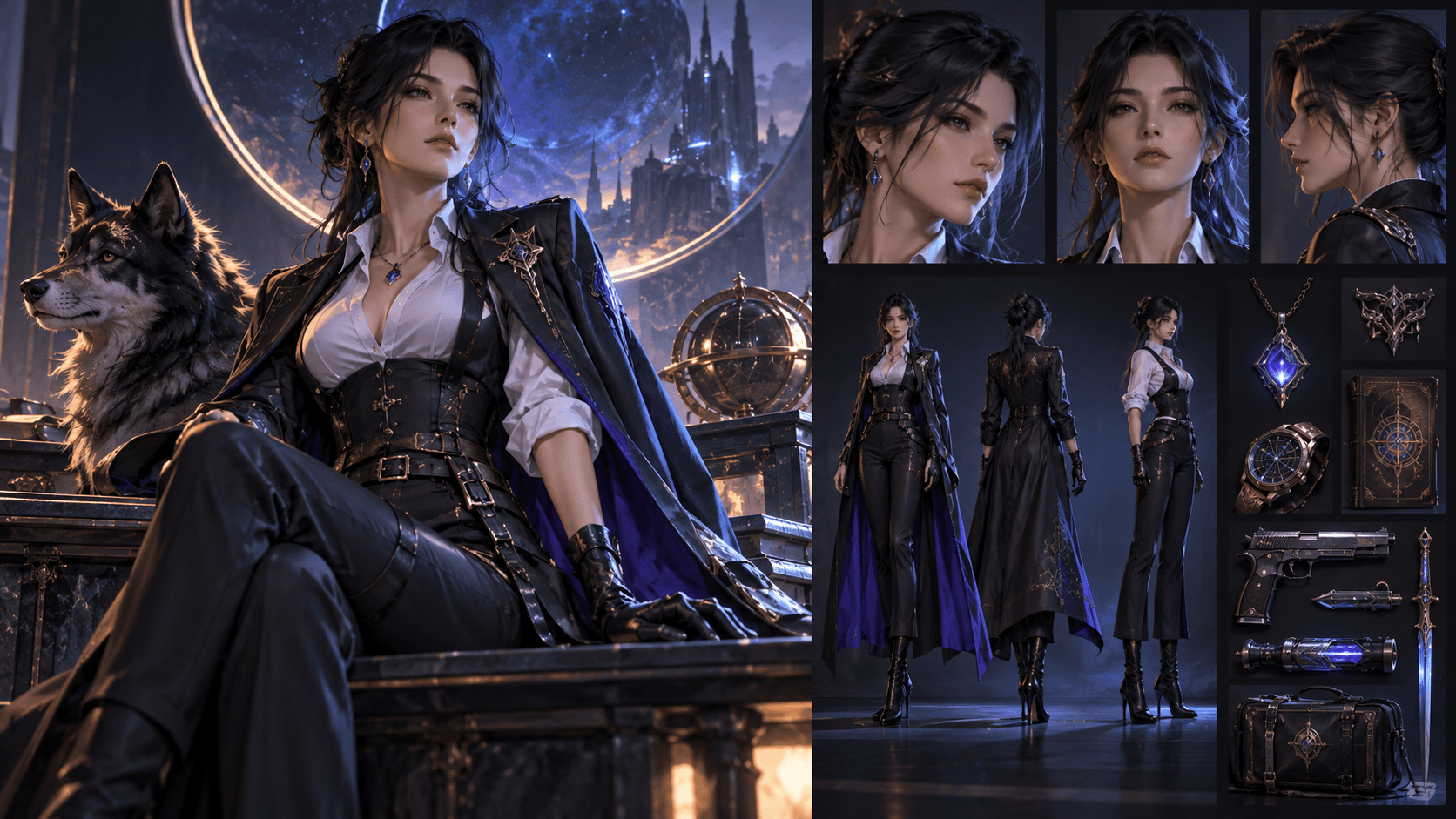
Elser AI brings together anime character generation, comics, storyboards, video animation, lip sync, voices, music, and sound effects. That makes it a natural place to explore an anime music video without assembling a dozen unrelated interfaces.
Use it for character sheets, visual beats, storyboard panels, selected animation, and audio-driven scenes. Check the current sign-up screen for live allowances.
The product mention is relevant when the project is anime-specific; it should not replace comparing outputs and terms for your own song.
A zero-budget music video workflow
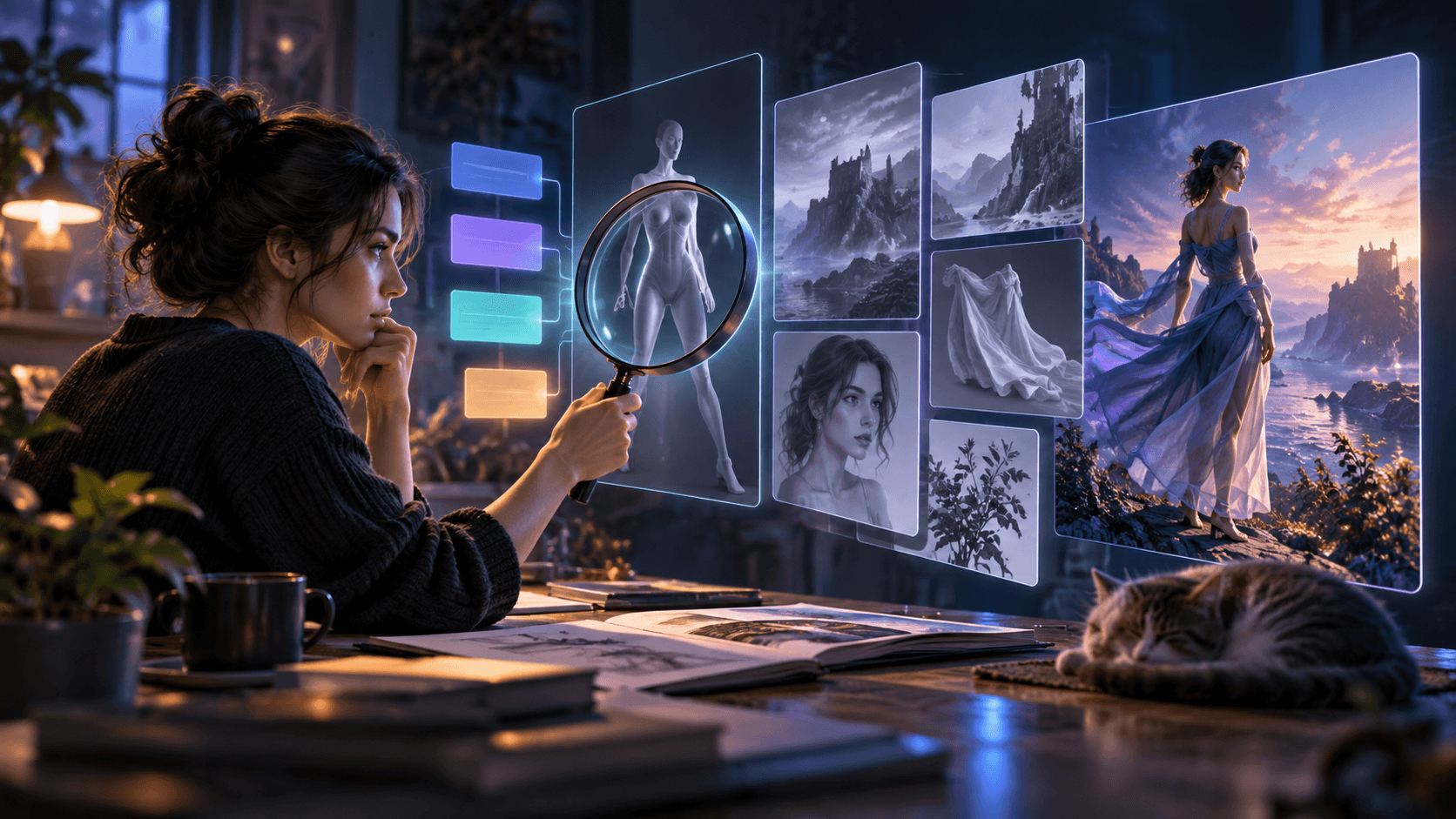
Step 1: map the song before generating
Create a timeline with intro, verse, pre-chorus, chorus, bridge, and outro. Mark changes in energy, important lyrics, instrumental hits, and emotional turns. Give each section a visual purpose.
A simple three-minute song does not need three minutes of generated motion. Reuse strong shots, introduce still-image parallax, typography, color changes, and rhythmic editing. Twenty to thirty good short clips can be more effective than one long synthetic sequence.
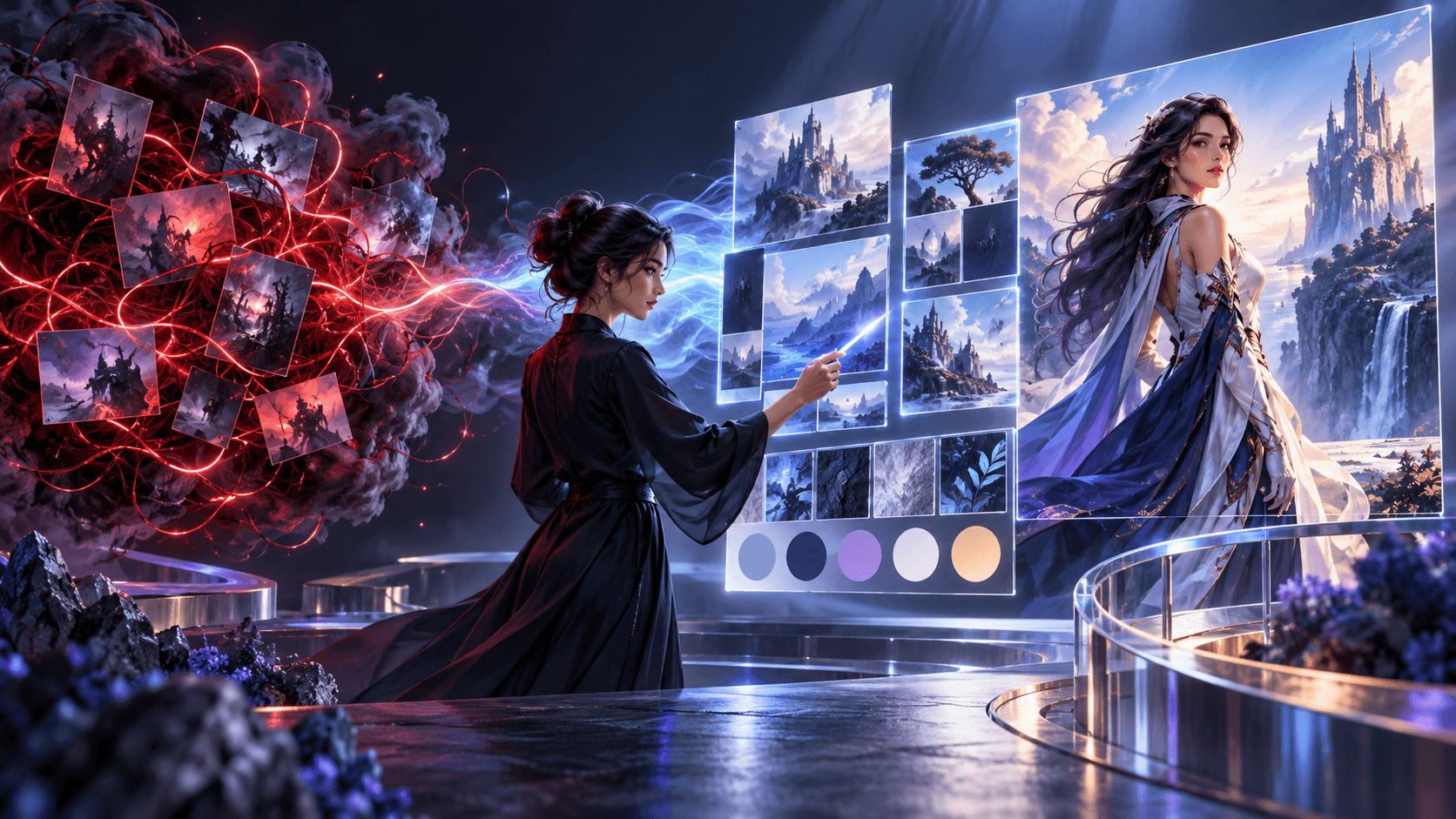
Step 2: choose one visual system
Write a visual bible:
- Character description
- Palette of four to six colors
- Two locations
- Wardrobe
- Lighting rule
- Camera rule
- Texture or animation style
Consistency beats variety. A music video looks intentional when different shots obey the same world.
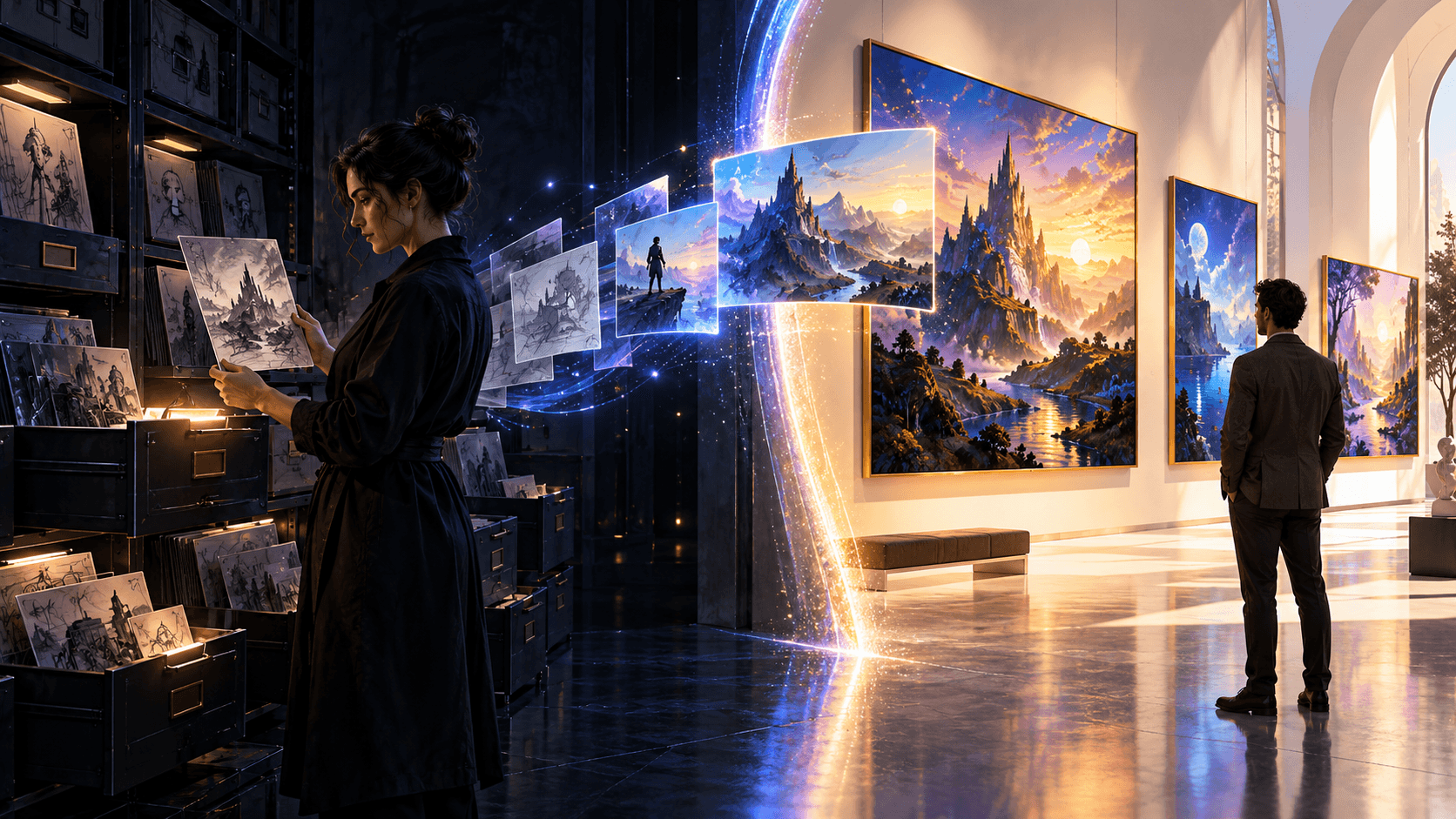
Step 3: create stills first
Generate a character sheet and storyboard before video. A still image costs less, is easier to correct, and gives image-to-video models a stronger anchor. Approve the face, outfit, and composition before adding motion.
Step 4: spend free credits on hero moments
Use your best tool for the moments viewers will remember: first reveal, chorus performance, dramatic transition, and final image. Fill other beats with edited stills, lyric typography, loops, and cutaways.
Step 5: separate lip sync from cinematic motion
Animate close-up singing in HeyGen Avatar IV, Hedra, or an equivalent specialist. Use a general generator for dance, travel, abstract imagery, and environmental motion. Composite or cut between them.
Step 6: edit with rhythm
Cut on musical phrases, not every beat. Let a shot breathe during a verse, accelerate during the chorus, and save the largest visual change for the bridge or final chorus. Add sound effects selectively; music videos still benefit from a door slam, breath, crowd cheer, or environmental texture when the arrangement leaves space.
How to compare free tools fairly
Use the same five-second test clip in every eligible product. Keep the reference, aspect ratio, and motion request consistent. Score:
- Character identity
- Motion quality
- Prompt adherence
- Visual artifacts
- Watermark and export restrictions
- Time to usable result
- Commercial usage terms
Do not rank a platform higher because it produced one lucky sample. Generate several variations within your available quota and record the approval rate.
Common free-workflow traps
Chasing every new model
Switching tools mid-project changes color, motion, and character design. Test widely for one day, then lock the stack.
Ignoring watermarks until export
Some free plans watermark outputs or restrict commercial use. Check before building the entire edit around a clip.
Generating long clips too early
Long generations consume more credits and create more opportunities for drift. Prove the shot with the shortest practical duration.
Assuming “free” includes the newest model
Runway’s Free plan, for example, includes selected models rather than unrestricted Gen-4.5 access. Product names in a platform’s marketing page do not mean every plan can use them.
FAQ
What is the best free AI music video generator?
Adobe Firefly is a strong renewable sandbox, Runway is useful for a one-time image-to-video test, Luma supports draft exploration with restrictions, and HeyGen is useful for short avatar performance. The best choice depends on whether you need cinematic shots, lip sync, or editing.
Can I generate a full music video for free?
You can produce a proof of concept or a resourceful finished video by combining limited generations with stills, loops, typography, and editing. A polished, fully generated three-minute video will usually exceed free quotas.
Can I monetize a video made on a free plan?
It depends on the platform and model. Runway states that users retain commercial rights to their generations, while Luma’s current Web Free plan is listed as non-commercial. Review the live terms for every tool and asset.
How do I make an anime music video with AI?
Create a character sheet, storyboard the song, animate short image-to-video shots, generate dedicated lip-sync close-ups, and assemble everything in an editor. An anime-focused workspace such as Elser AI can keep those stages connected.
Is Sora a free option in 2026?
No. OpenAI discontinued the Sora web and app experiences on April 26, 2026, and plans to discontinue the API on September 24, 2026. Do not build a new workflow around outdated Sora access guides.
Conclusion
The best free AI music video generator is not one website that magically completes a song. It is a small stack used with discipline. Adobe Firefly offers renewable experimentation, Runway offers a focused one-time test, Luma supports draft exploration, HeyGen handles avatar performance, and Elser AI connects anime-specific creative stages.
Storyboard first, spend free credits on hero shots, use specialist tools for lip sync, and edit everything with musical intention. A clear visual story will outperform a random collection of expensive generations every time.