Best Novel-to-Video AI Tools: What Writers Should Compare Before Choosing
The best novel-to-video tool is not necessarily the one that makes the most impressive five-second clip. Writers need to know what happens before and after that clip: how the story becomes shots, where characters are kept, whether a failed take can be replaced, and how the scene reaches a final timeline.
That is why ElserStudio approaches novel-to-video as a complete desktop project rather than a single generator. Before choosing any tool, compare the workflow you need to finish—not just the demo on the homepage.
Begin with your intended result
“Turn my novel into video” can describe several different projects:
- a visual mood board;
- a storyboard or pitch deck;
- a narrated book trailer;
- a single cinematic scene;
- an episodic comic drama;
- an animated short or series pilot.
A lightweight image-to-video tool may be enough for one atmospheric clip. A stock-video system can quickly build a narrated summary. A multi-shot adaptation needs a workspace for the script, cast, locations, shots, versions, and edit.
Write down the actual deliverable before comparing subscriptions.
1. Can the tool begin with your source story?
Writers should not have to reduce a chapter to one giant prompt before entering the product.
ElserStudio accepts pasted text and supported TXT, Markdown, and PDF files. It can organize that material into an editable script with characters, locations, props, dialogue, and shots. This gives you a production draft that can be corrected before generation.
When comparing tools, ask:
- Can I import the source format I use?
- Can I edit the generated script?
- Does the tool preserve scene and dialogue order?
- Can I change one shot without rebuilding the whole story?
Automation is helpful only when the result remains editable.
2. How are recurring characters and locations managed?
Novel adaptations repeat people and places. Look for more than a “consistent character” label. Where is the approved reference stored? Can several shots point to it? Can locations and props be reused too?
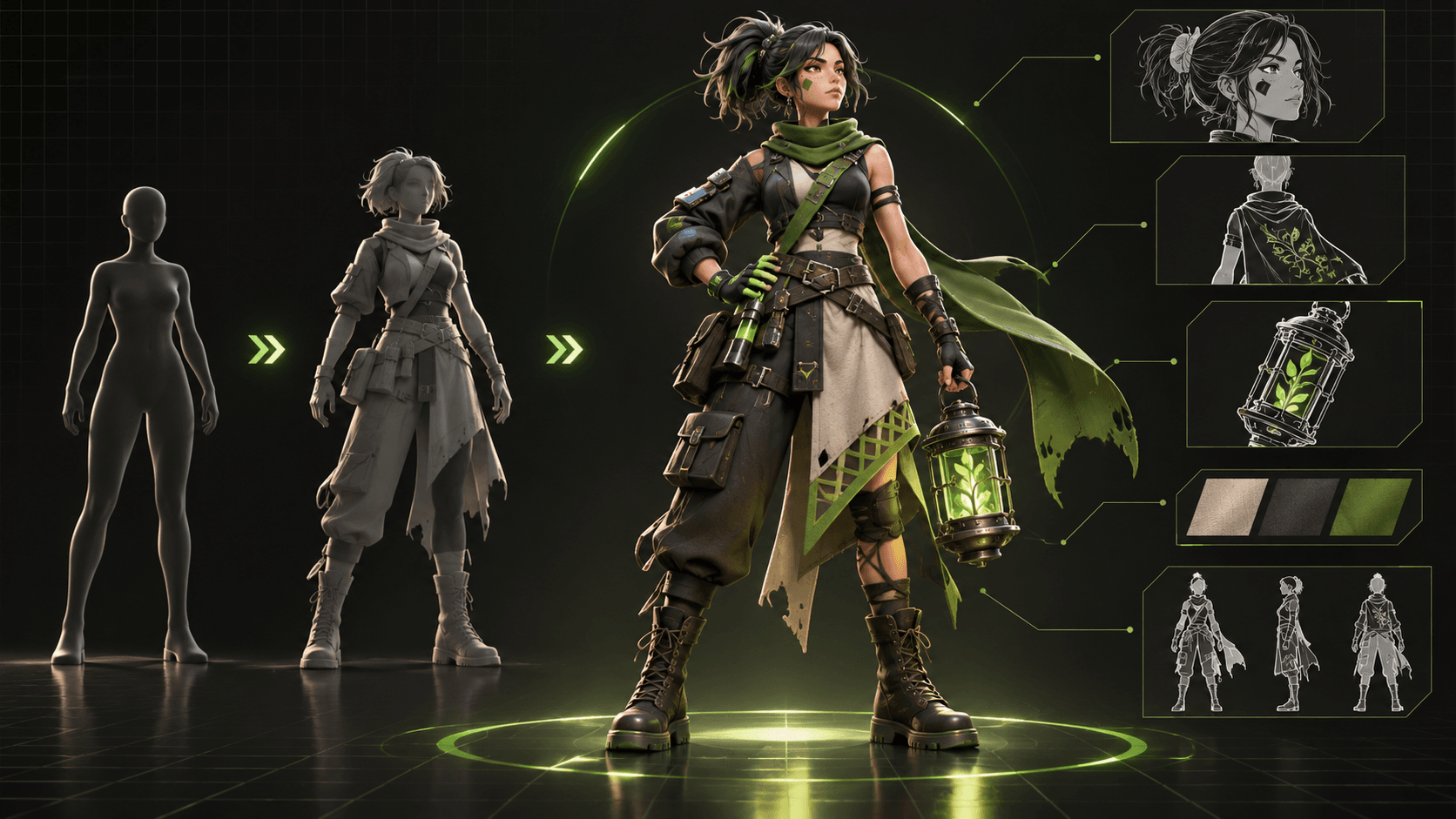
ElserStudio groups characters, locations, props, and voices inside a World. These canonical assets can be attached to scripts and shots across the project. This separates identity from shot direction: the character asset defines who the person is, while the shot defines what they do now.
No system should promise perfect consistency. The practical advantage is that you have a source of truth and can review output against it.
3. Does the product support real shot direction?
A novel-to-video workflow needs more than “generate scene.” You should be able to define the shot’s action, composition, duration, sound, and references.
ElserStudio gives each shot a visible place on the canvas and supports optional guide boards. The resulting video remains connected to the shot and assets that produced it. When one take fails, you can retry that unit rather than losing the whole sequence.
Test a tool with a difficult but compact scene: two recurring characters, one location, one important prop, and a reveal. See whether the product can keep those elements understandable across three shots.
4. Which models or providers can you use?
Some products are tied to one generation model. Others act as a production layer over configurable providers. Neither approach is automatically better.
A single integrated model may be easier to start with. A provider-based workspace can offer flexibility in quality, speed, style, and cost. ElserStudio supports cloud configuration and a local BYOK route, with generation running through the selected online provider while the project workspace remains local-first.
Check the current model availability and pricing inside any product before committing. Provider support changes faster than an article can remain current.
5. Can you review, edit, and export the result?
The work is not finished when clips appear.
ElserStudio lets you review video takes on the canvas, connect accepted results to a Composition node, arrange them on a timeline, and export the sequence locally. This is especially useful when the goal is a scene rather than a folder of clips.
For any tool, test whether you can:
- compare results and identify the approved take;
- trim clips and change their order;
- keep dialogue and sound aligned;
- replace one failed shot;
- export in the format your release needs.
If you must move everything into another editor, include that extra work in the comparison.
6. What remains local, and what is sent online?
“Local” can mean different things. ElserStudio keeps project records, the canvas, assets, and editing on your computer. Generation still uses a network-connected provider.
Before uploading an unpublished manuscript, read both the product’s terms and the provider’s data policy. Check account requirements, commercial-use terms, storage, deletion, and whether your own API key changes the data path.
A simple three-shot comparison
Use the same 200-word passage in every tool. Create:
- one establishing shot;
- one character action;
- one close-up containing the reveal.
Then score story fidelity, identity, shot control, accepted footage, editing time, and total cost. The best tool is the one that gives you the strongest finished sequence, not the highest number of features.
For writers who want a complete story-to-edit workflow, download ElserStudio and test the same passage on a local production canvas.
FAQ
What is the best AI tool for turning a novel into video?
It depends on the output. ElserStudio is designed for structured, multi-shot novel-to-video production. A simpler generator may suit one clip, while a stock-based service may suit narrated summaries.
Can any tool turn a full novel into a polished movie automatically?
No tool should be assumed to do that reliably. Long-form adaptation still needs script decisions, recurring assets, many reviewed shots, sound, and editing.
Is visual quality the most important comparison?
It is important, but production control matters too. A beautiful clip has limited value if the character cannot return consistently or the result cannot be edited into the story.
Does ElserStudio generate video locally?
The project and editing workflow are local-first; AI generation uses a configured online provider.
Should I test free plans only?
Free access can help you inspect an interface, but it may not include the models, resolution, rights, or credits required for a fair sequence comparison.
Conclusion
Choose a novel-to-video tool by following one scene all the way from manuscript to export. ElserStudio is built for creators who want those stages in one visible desktop project: source story, reusable world, directed shots, generated takes, and local composition. The right comparison is not which tool can start the fastest—it is which one helps you finish.