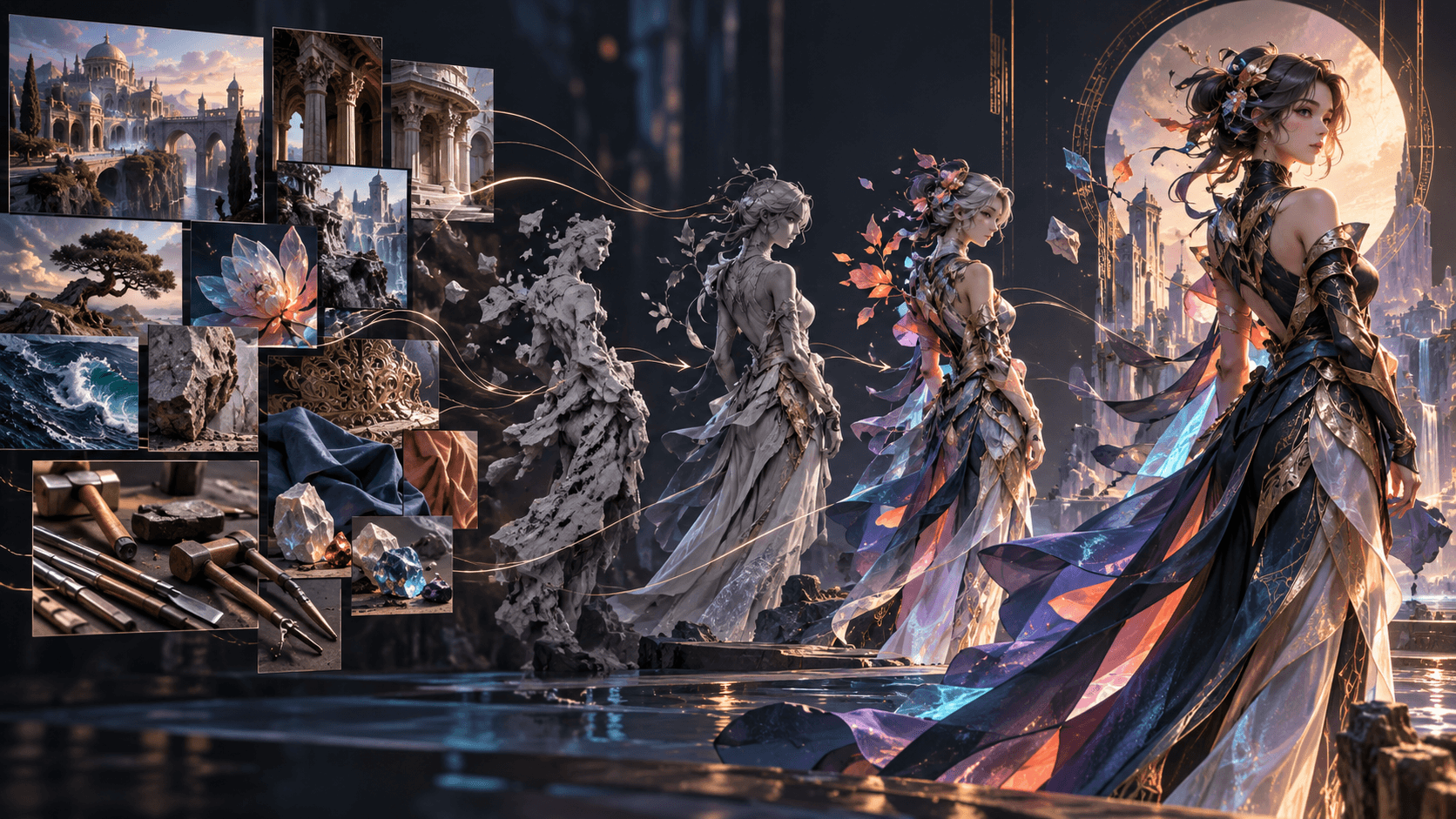
How to Create Consistent Characters with GPT Image 2.5
Character consistency is an asset-management problem as much as a prompting problem. Establish one canonical design, reuse it as a reference, repeat a small set of immutable identity anchors and change only scene-specific details.
Build the Canonical Reference
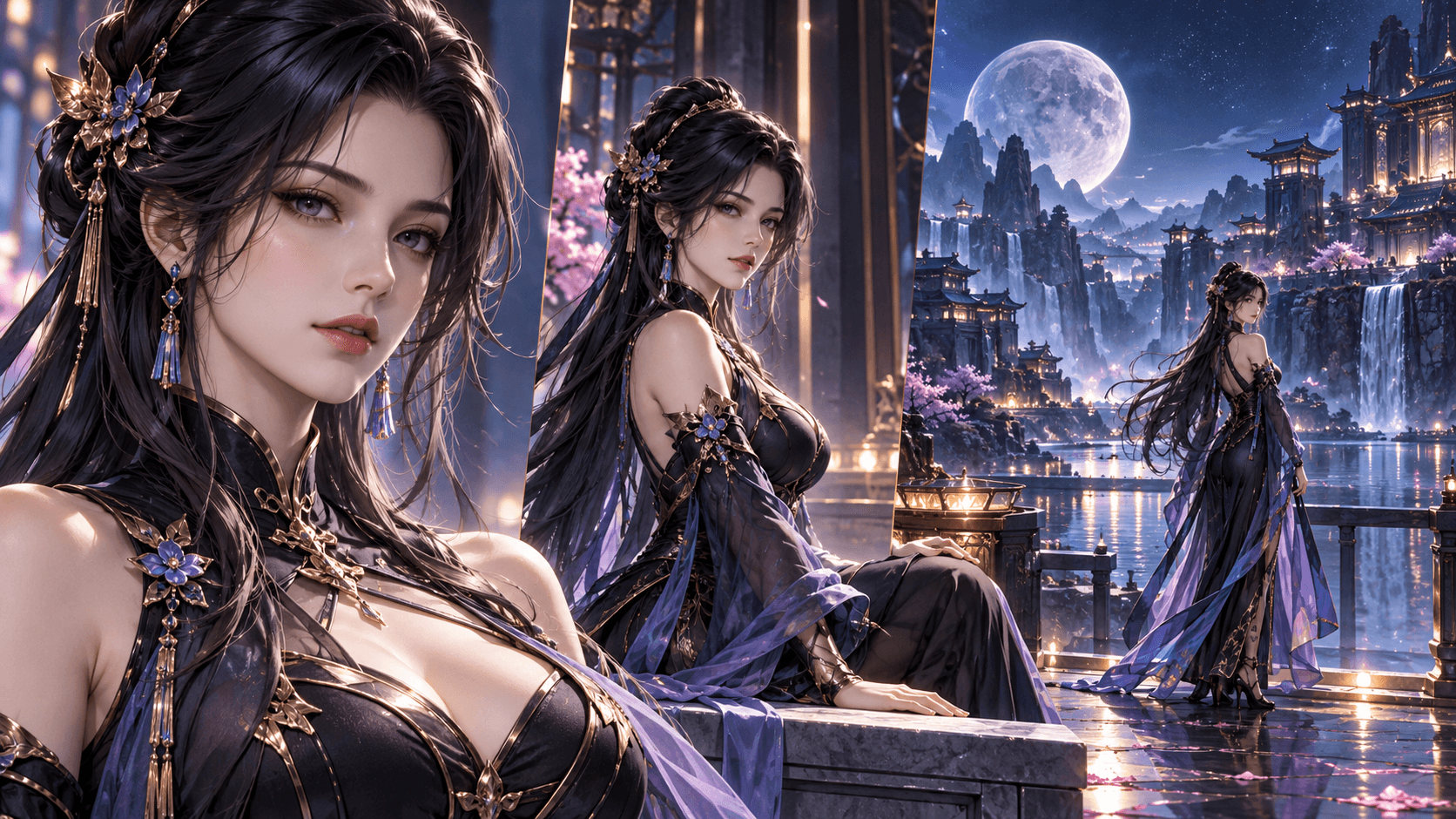
Generate neutral front, three-quarter and full-body views with simple lighting. Approve face shape, hair, eyes, proportions, costume construction and signature prop before dramatic scenes.
Separate Three Layers
Identity is permanent. Wardrobe belongs to an arc or timeline. Scene state covers temporary rain, dirt, injury and expression. Do not merge them into an ever-growing prompt.
Write an Identity Contract
Immutable: heart-shaped face, gray right eye, amber left eye, chin-length black bob, crescent scar below right ear.
Default: charcoal courier coat with one brass clasp; cracked blue compass.
Never add: earrings, long hair, high heels, eye-color swap.
Pass the approved image into new generations and repeat these anchors.
Change One Variable
For a wardrobe edit, protect identity, pose, framing and background. For a new scene, preserve character and change environment. Narrow requests reveal where drift begins.
Test Across Difficult Shots
Create a wide, medium, close-up, profile and action pose. Compare silhouette, facial landmarks, hairline, costume details and prop geometry. One flattering portrait does not establish reusable consistency.
Know the Limit
OpenAI acknowledges that recurring characters can still vary. No prompt guarantees perfect continuity. Save accepted outputs, inspect every generation and use compositing or manual correction when exact preservation is required.
Prepare for Elser Animation
Choose a clean keyframe with readable hands, silhouette and clothing. Save character notes and reference images. Then use a platform such as Elser AI for downstream character, storyboard and animation work. Continue using the same canonical reference rather than redesigning the cast in every scene.
Create Named Variants
Use BASE, FORMAL, INJURED or arc-specific names. A new camera angle is not a new character. Save a variant only when wardrobe, age, injury or timeline state changes intentionally.
Scene Prompt Template
Reference image 1 defines Mina's identity and default costume.
Preserve her face, mismatched eyes, short black bob, crescent scar, coat and compass.
Scene: Mina waits beside a rain-soaked station window, waist-up, looking left.
Change only expression and environment. No jewelry, hairstyle change, text or extra people.
Continuity Review
Place first, middle and last frames side by side. Check facial landmarks, silhouette, handedness, costume closures and prop condition. Classify drift before fixing it: identity needs a stronger canonical reference; clothing needs a named variant; composition needs a storyboard change; motion drift belongs downstream.
Production Ledger
Track asset name, reference file, approved views, immutable anchors, allowed variants and known weaknesses. This prevents a team from selecting an attractive but obsolete version. Preserve the exact prompt and settings for every accepted reference.
Common Failure Modes
Too many simultaneous changes weaken preservation. Dramatic light can disguise identity errors. Independent text-only generations reinvent the cast. Repeated edits accumulate drift. Generic descriptors such as “same girl” are weaker than a reference plus explicit anchors.
Consistency is also editorial. When a difficult action cannot preserve the design, simplify the shot, cut to a reaction or use an insert rather than accepting an identity change.
A Five-Scene Consistency Test
Do not begin a series after approving one portrait. Generate five deliberately different situations:
- Neutral waist-up dialogue frame.
- Full-body outdoor establishing shot.
- Profile close-up in low light.
- Seated pose interacting with the signature prop.
- Action setup with foreshortening but no heavy motion blur.
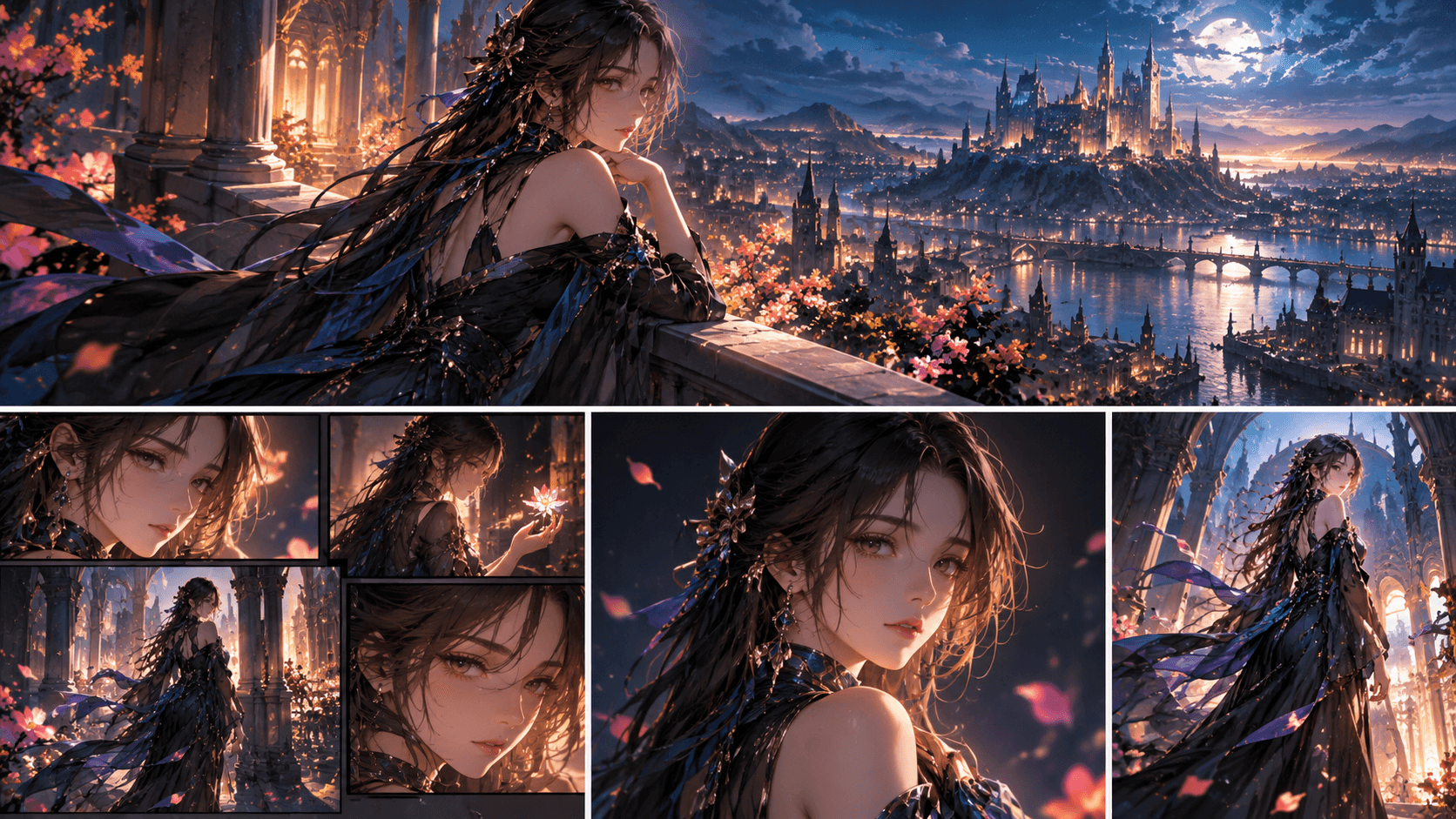
Use the same reference and identity block. Change only environment, pose and expression required by each shot. Place results in one contact sheet and score face shape, eye colors, hair silhouette, body proportion, costume construction and prop geometry.
If one category repeatedly fails, improve the canonical reference. For example, an asymmetrical scar may disappear because the reference never shows the correct side clearly. Add an approved side view instead of writing longer emotional prompts.
Choose Sunburst or Flare for Character Work
OpenAI positions both 2.5 models as improved in subject preservation. Sunburst is the quality-first candidate for a demanding canonical sheet or difficult identity edit. Flare is valuable for rapid pose exploration and routine scenes after it has passed the character's acceptance test.
Use the same prompt, references, output dimensions and explicit quality level in the first comparison. Repeat requests. A model that produces one accurate face and four drifting ones is less useful than one with slightly less polish but reliable acceptance.
Manage Costume and Timeline Changes
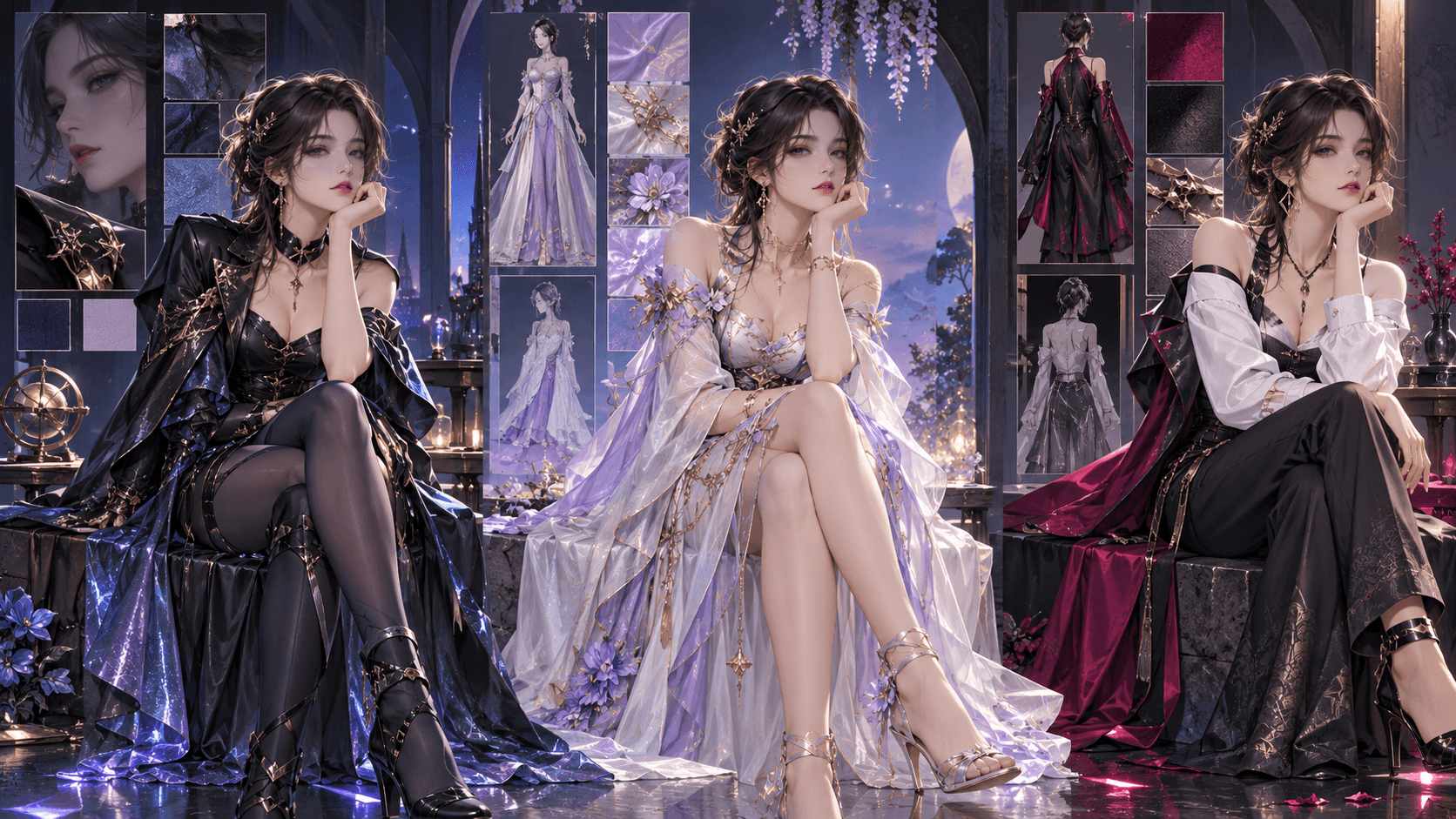
Create variants from the approved base, not from the most recently generated dramatic scene. Each variant inherits identity and changes only named elements. Store why and when the variant applies:
Mina_BASE_ARC01 — charcoal courier coat, intact compass.
Mina_INJURED_EP06 — same outfit, torn right sleeve, bandage on left palm.
Mina_WINTER_ARC02 — dark green wool coat, same brass clasp and compass.
Temporary expression, rain or dust belongs in the scene prompt. If you save every temporary condition as a new canonical asset, nobody knows which reference should lead.
Keep Location and Character Continuity Separate
A character can be accurate while the scene still feels inconsistent because scale, light or color changes. Preserve the character through the identity reference; preserve the world through a location or style reference. Assign the images different roles and say which one controls lighting.
When moving a character between locations, request believable integration without allowing the environment reference to redesign the face or clothing. Review contact shadows, gaze direction and relative scale as well as identity.
Repeated Edits and Drift Control
Every edit creates another opportunity for deviation. Keep an immutable canonical source and branch variants from it. After each approved edit, compare against the base. If drift appears, return to the last accepted version rather than trying to correct several generations of accumulated change.
OpenAI notes that generative edits do not guarantee pixel-identical preservation. Use manual compositing for elements that must remain exact. In a comic or animation, an editor may also choose an insert shot, silhouette or off-screen action when a complex pose repeatedly breaks identity.
Prepare a Character for Animation
An attractive illustration is not automatically animation-ready. Approve readable hands, unobstructed face, clear clothing layers, coherent prop attachment and a background that allows movement. Create a neutral keyframe and at least one expression reference. Avoid heavy bloom or motion blur that hides the design.
When passing the character to Elser AI, retain the canonical sheet, named variants and identity contract. Use the same approved asset wherever the Elser workflow accepts references. Then review Storyline, Character Settings, storyboard and generated motion as separate continuity gates. The GPT Image 2.5 model produced the upstream still; Elser handles downstream production. Do not conflate the two products or claim a native integration without current confirmation.
A Continuity Approval Form
For every hero shot, answer:
- Is this the correct named variant for the episode state?
- Are immutable facial and body anchors present?
- Are costume fasteners, colors and signature prop correct?
- Did the environment alter identity or scale?
- Is the image safe to pass into motion generation?
- Does the file retain prompt, model, settings and reference provenance?
Reject or repair before animation. Motion makes unnoticed still-image errors more expensive.
Test Expressions Without Redesigning the Face
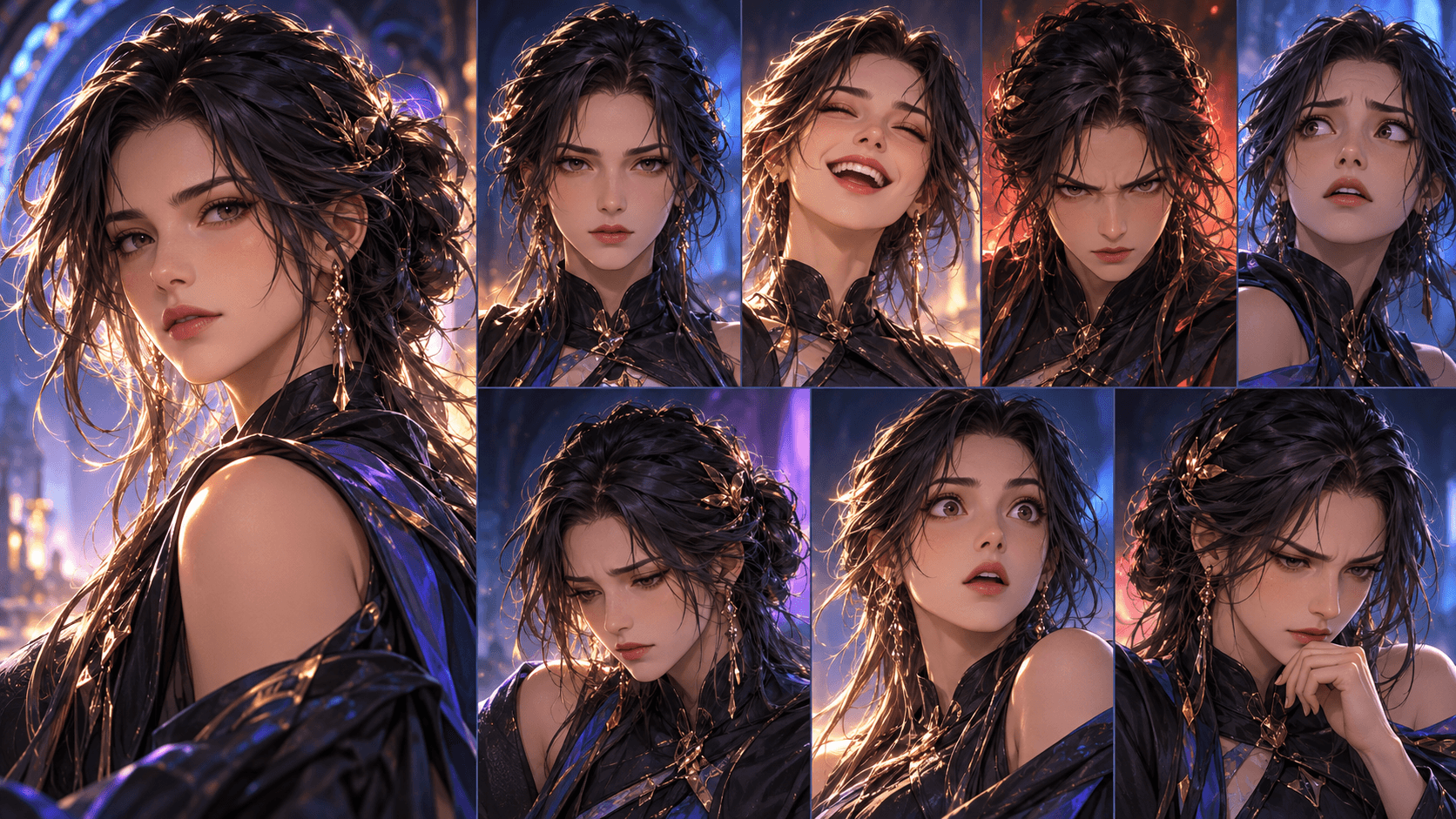
Build a small expression set from the neutral canonical image: concern, restrained anger, relief and surprise. Describe visible changes such as eyebrow angle, gaze and mouth tension instead of asking for a completely different “vibe.” Preserve head shape, eyes, nose, hairstyle and camera position.
Extreme expressions are useful only if the series style allows proportion changes. If the model enlarges eyes, changes age or adds dramatic makeup, return to the neutral source and narrow the instruction. Store approved expressions as references, but keep the neutral sheet as the identity authority.
Collaborating Across a Team
Give writers the identity contract, artists the canonical sheet and editors the named variant list. Require scene briefs to identify the asset version. Reviewers should report drift using concrete fields—wrong eye color, missing clasp, flipped scar—instead of general comments.
At arc boundaries, create a contact sheet of representative approved frames. This makes gradual change visible and gives new collaborators a fast, evidence-based baseline.
FAQ
Should I repeat the whole prompt?
Repeat critical visual anchors, not irrelevant biography.
Is Sunburst always better for characters?
It is the quality-first candidate; test Flare when speed matters and the same identity standard is met.
Can I guarantee a character across 100 scenes?
No. Use references, variants, naming and human continuity checks.
Conclusion
Consistency comes from a canonical asset, controlled variation and evidence-based review. Treat every accepted character image as part of a versioned production system, not an isolated generation.