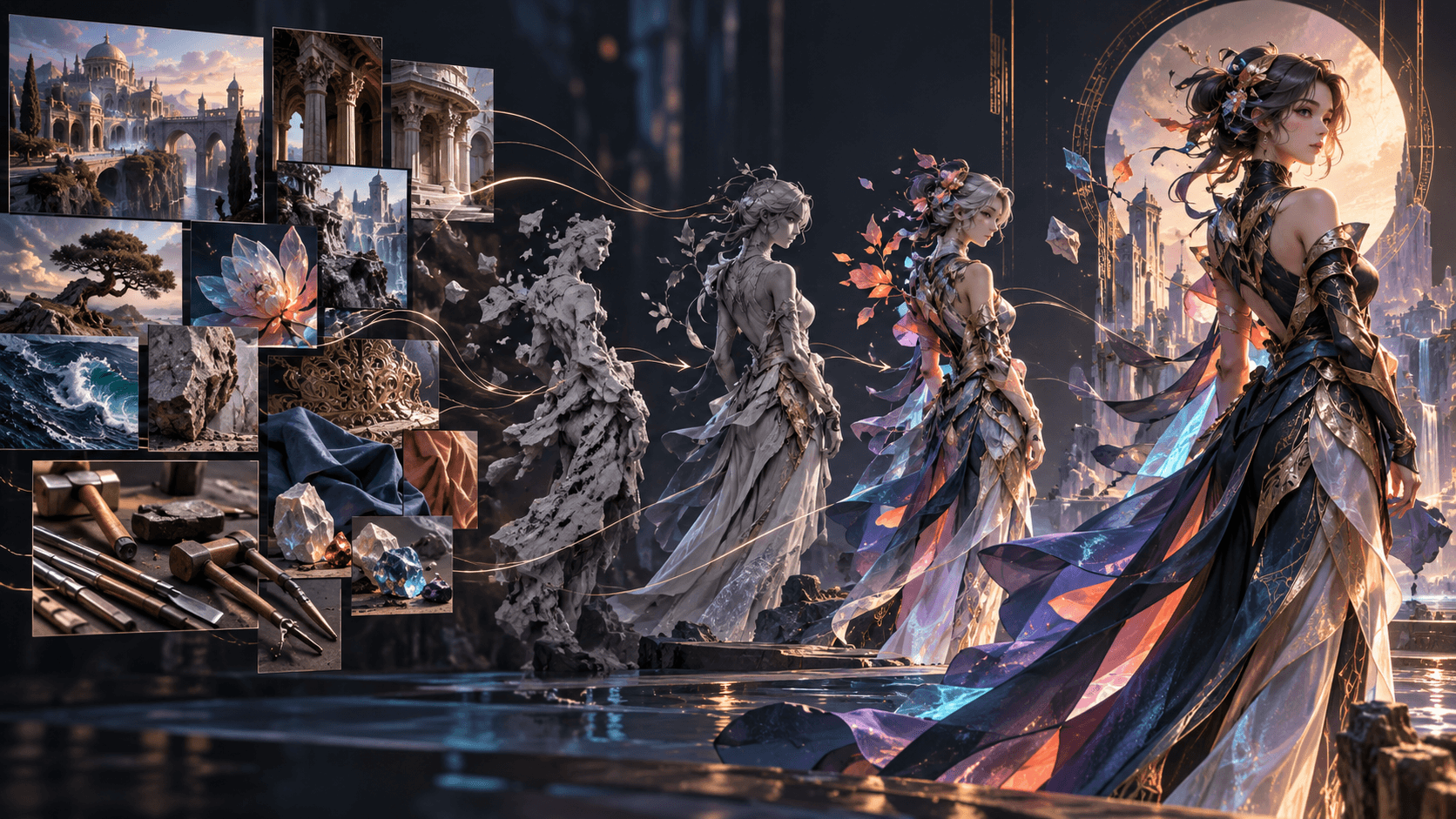
GPT Image 2.5 Anime Prompt Guide: Characters, Scenes and Keyframes
Good anime prompts define visual production choices: character silhouette, costume logic, shot purpose, environment, light and constraints. Avoid relying on a franchise name or a pile of style adjectives. Create original characters and a repeatable visual language.
Character Design Prompt
Purpose: canonical character sheet for an original fantasy anime.
Character: 22-year-old sky courier, athletic build, short silver braid, dark teal flight coat, orange safety harness, brass compass on left hip.
Views: front, three-quarter and side; neutral expression; full body and feet visible.
Style: clean cel shading, precise linework, restrained palette.
Constraints: same proportions and clothing in every view; plain light background; no text or watermark.
Environment Prompt
Describe architecture, scale, weather, period and palette. Include a clear foreground, middle ground and background if the frame will support animation.
Dialogue Keyframe
Use an eye-level medium shot, readable gaze and intentional negative space. Keep hands visible only if their action matters. State which character is speaking and where the listener sits off-screen.
Action Keyframe
Show one physical decision, not the entire battle. Define start position, direction, prop and consequence. Avoid motion blur that destroys the approved design.
Maintain the Character
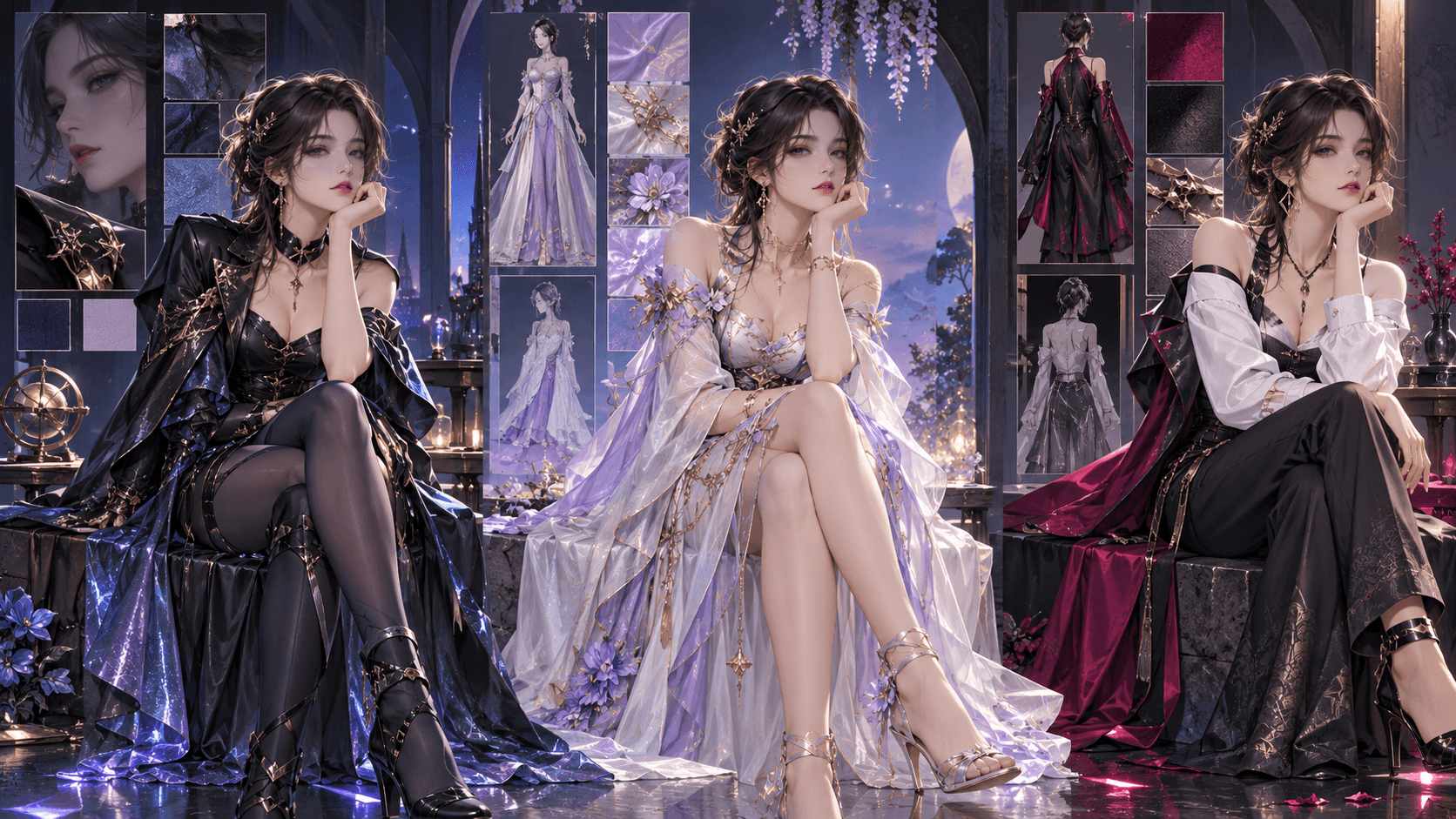
Reuse the canonical image, repeat immutable anchors and place temporary states after the identity block. Save costume variants rather than silently changing clothes.
Choose the Model
Use Flare for rapid composition and pose exploration. Test Sunburst for final key art, difficult reference edits or identity-sensitive frames. Compare with fixed settings.
Animate with Elser AI
Once character and keyframes are approved, Elser AI can support the next production stages—story, characters, storyboard, video, voice, music and editing. Treat GPT Image 2.5 as the still-image stage unless Elser's live interface explicitly confirms native support.
Build a Visual Bible
Define line weight, shading, palette, material treatment, eye proportions and background density. Add three prohibited tendencies. A visual bible should contain approved examples and observable rules, not only “cinematic anime.”
Five Useful Shot Prompts
For an establishing shot, describe geography and scale. For dialogue, define eye line and speaking character. For an insert, isolate the story object. For action setup, show direction and starting position. For reaction, specify the new emotion and the event being observed.
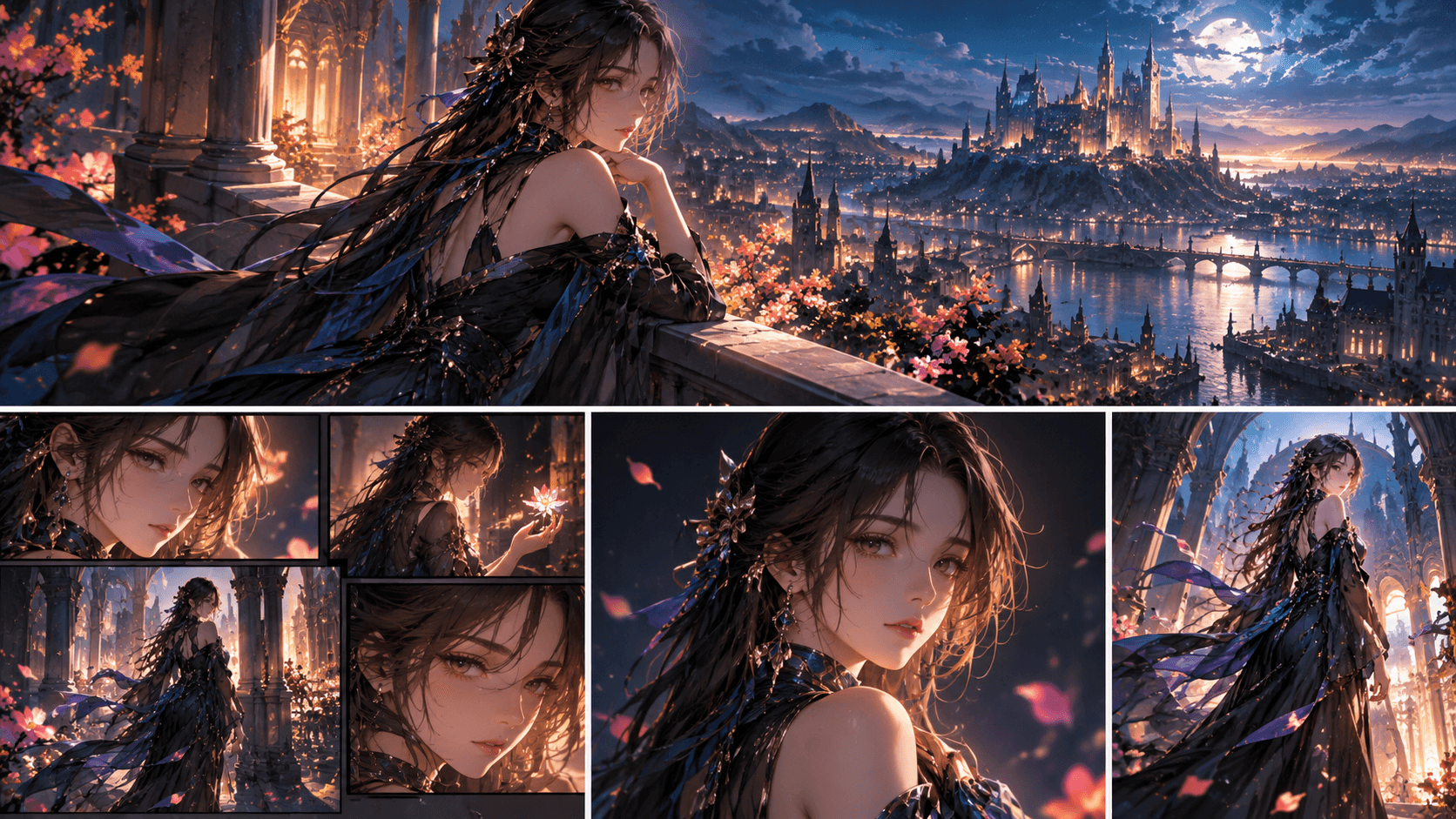
Landscape anime keyframe. The sky courier braces on the left edge of a suspended bridge, left hand gripping the cable and right hand reaching for the brass compass. Wind pushes coat and braid toward frame left. Destination tower visible at frame right. Preserve canonical face, harness and compass. No motion blur, text or extra characters.
Storyboard Continuity
Keep screen direction, time of day, costume state and prop ownership stable. Generate the still sequence before motion. If the audience cannot understand action from keyframes, animation will not repair geography.
Originality and Rights
Use genre vocabulary without reproducing protected characters, logos or signature designs. Document references and commercial rights. An original design is easier to reuse as a long-term Elser character asset than an imitation that creates legal and brand risk.
Anime QA
Check hands, eye colors, hair shape, costume layers, object geometry, background perspective and negative space. Review at phone size if the destination is vertical short-form video.
Prompt an Original Anime Cast
Give each major character a different visual function. The protagonist needs an identifiable silhouette and prop. The rival should contrast in shape or palette without looking imported from another series. Supporting characters need fewer details but should remain readable at the intended shot size.
Avoid “beautiful anime girl” or “cool anime boy” as the design core. Specify age range, build, face shape, hair construction, outfit function, materials and one story-linked imperfection. Visual facts are more reusable than personality adjectives.
Original anime rival character, 27-year-old aerial cartographer.
Tall narrow silhouette, long dark-red hair tied low, angular brows, pale gray eyes.
Practical cream survey coat with ink stains, black climbing gloves and folding brass map frame.
Calm expression, no armor, crown, magical aura, logo or text.
Neutral full-body reference on a simple background, front and three-quarter views consistent.
Environment Prompts by Narrative Job
An establishing environment must explain geography. Name entry, destination, hazard and scale. A dialogue background should be simpler and preserve room for faces. An action environment needs stable landmarks that maintain screen direction. A reveal environment should frame the newly important object or location.
For a floating-city bridge, define tower positions, cable direction and height before describing clouds. Decorative particles cannot compensate for unclear geography.
Keyframe Sequence Example
Build a five-frame scene rather than generating unrelated illustrations:
- Wide shot: courier enters the bridge from frame left; destination tower at right.
- Medium: cable begins to split behind her left hand.
- Insert: compass needle points backward toward the city.
- Close-up: she understands the tower is a decoy.
- Wide reversal: she turns back while the rival blocks the entrance.
Repeat the cast and location references. Add only the new action and emotional state. The sequence should communicate cause and effect when viewed without captions.
Dialogue and Lip-Sync Preparation
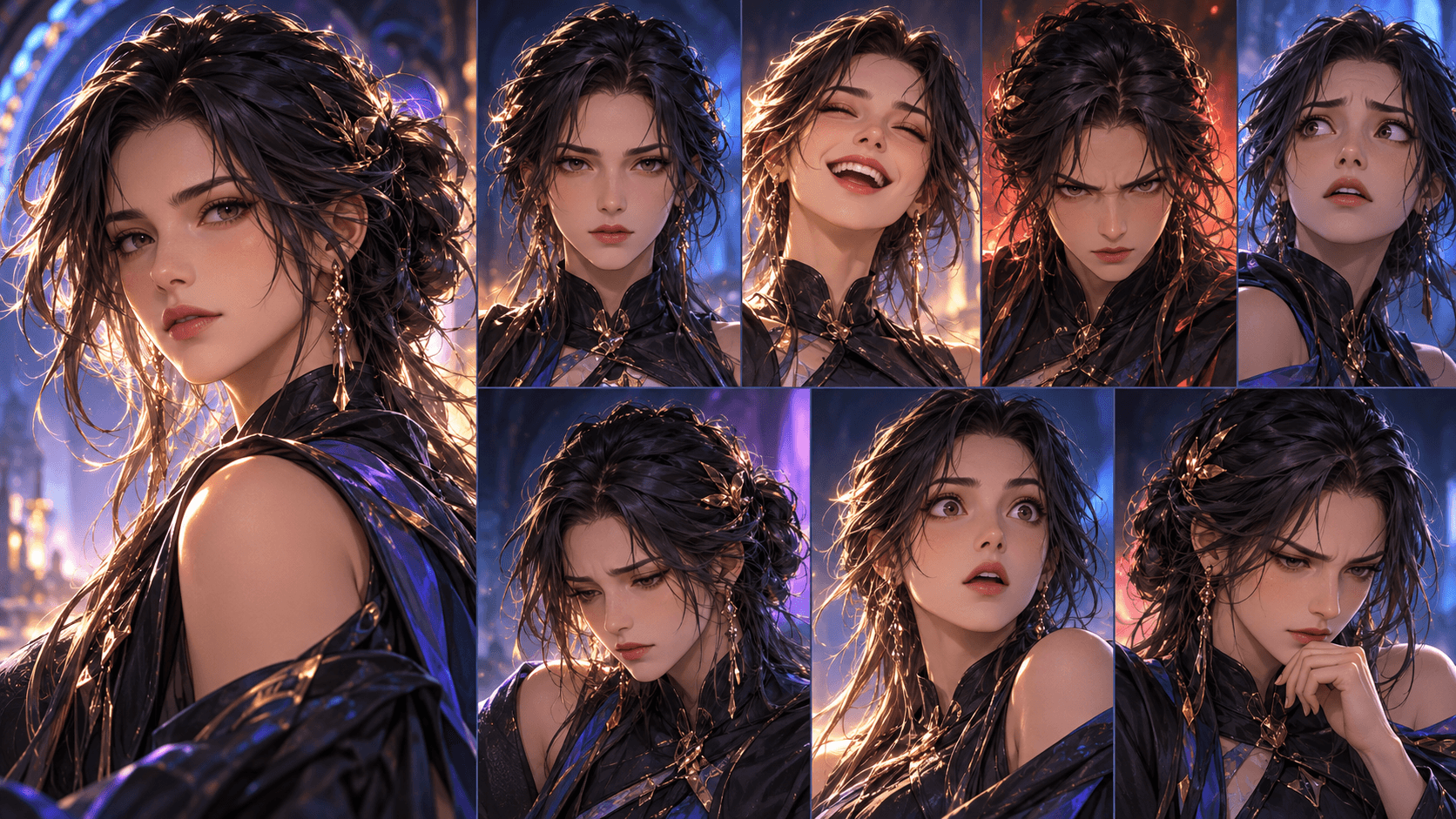
For a speaking keyframe, keep the mouth naturally relaxed rather than locked in an extreme expression. Use a clean three-quarter or near-frontal angle, unobstructed jawline and stable light. Define where the listener is so eye lines match the reverse shot.
Keep dialogue short enough for the eventual shot duration. Image generation does not perform lip sync; it only prepares the visual asset. Elser or another animation workflow must handle voice, timing and motion later.
Action Without Losing the Design
Complex combat prompts often create extra limbs, props or costume changes. Break choreography into intention, attack, counter and consequence. Each keyframe should show one dominant action. Preserve weapon ownership and body direction. Save large effects for the decisive beat so the character remains legible.
When the still sequence is approved, create motion prompts from the difference between adjacent frames. “She takes two steps, catches the cable and looks down” is more controllable than “epic dynamic anime action.”
Typography and Posters
GPT Image 2.5 can render text, but OpenAI still lists exact text placement and clarity as possible limitations. Keep titles short, quote exact wording and reserve negative space. For final release artwork, consider generating a clean background and adding typography in a design application so spelling, localization and accessibility remain editable.
Model and Quality Decisions
Use Flare for exploratory outfits, poses and storyboard alternatives when speed matters. Use Sunburst for the approved character sheet, difficult preservation or final key art when testing demonstrates a benefit. Low quality can serve thumbnails; medium is a reasonable benchmark; higher levels should solve a visible failure.
Never change model, quality and prompt at once during comparison. Save the complete recipe for every approved keyframe.
Elser Production Handoff
Export the final images in the aspect ratio required by the story. Retain a character sheet, style bible and shot list. In Elser AI, begin from the idea or prepared script, create the recurring cast, build the storyboard and generate motion only after still continuity is approved. Add voice, music, sound and final timing at the end.
As of the verification date, public Elser material confirms GPT Image 2 rather than GPT Image 2.5. Phrase the workflow accurately: original stills created with GPT Image 2.5, then animated or assembled with Elser where asset upload is supported.
A Small Pilot Before a Full Episode
Test one conversation and one action beat. The conversation reveals facial consistency, eye lines and background stability; the action reveals pose, prop and geography problems. If both sequences work as still images, move them into the Elser storyboard and motion workflow.
Keep a rejected-frame folder with reasons. Patterns such as disappearing accessories, inconsistent bridge direction or unreadable hands tell you whether to revise the character reference, environment prompt or shot design. Generating more variations without diagnosis usually repeats the same failure.
Before scaling, export the pilot at its real delivery size and review it on the intended device. Fine costume lines, facial details and title-safe space can behave differently after compression and mobile presentation.
FAQ
Can I name a living artist or franchise?
For durable commercial work, describe original visual properties and confirm rights instead of depending on imitation.
What aspect ratio should I use?
Match distribution: portrait for vertical shorts, landscape for widescreen, square for flexible social assets.
How do I stop extra accessories?
List the exact costume and explicitly exclude jewelry, extra weapons, text and logos.
Conclusion
Anime prompts become reliable when they behave like shot briefs. Approve an original character system first, then build environments and keyframes around story actions. That produces assets ready for a real animation pipeline.