GPT Image 2.5 Image Editing Guide: References, Precise Changes and QA
Reliable image editing begins by separating one requested change from everything that must remain stable. GPT Image 2.5 Sunburst and Flare both accept image inputs; Sunburst is the quality-first choice for demanding edits, while Flare is the speed-first candidate.
The Controlled Edit Contract
Write four blocks: change only, preserve, integrate, exclude. For example: replace only the coat; preserve identity, pose and framing; match existing shadows; add no jewelry, text or watermark.
Identity-Preserving Edits
Use the approved person as the first reference. State immutable face, hair, proportions and expression. Assign separate clothing or style references explicit roles. Inspect the whole person after the edit.
Product and Label Edits
Protect geometry, label spelling, cap shape and reflections. For transparent cutouts, request a transparent background through the API and return PNG or WebP. Verify alpha rather than accepting a drawn checkerboard.
Background Replacement
Describe the new environment's perspective, light direction and contact shadows. Preserve subject scale and camera position. If the subject looks pasted in, the integration instruction—not more adjectives—is usually missing.
Object Removal
Name one object and say what should fill the area naturally. Protect adjacent hands, shadows, surfaces and composition. Narrow edits are easier to verify.
Multi-Reference Compositing
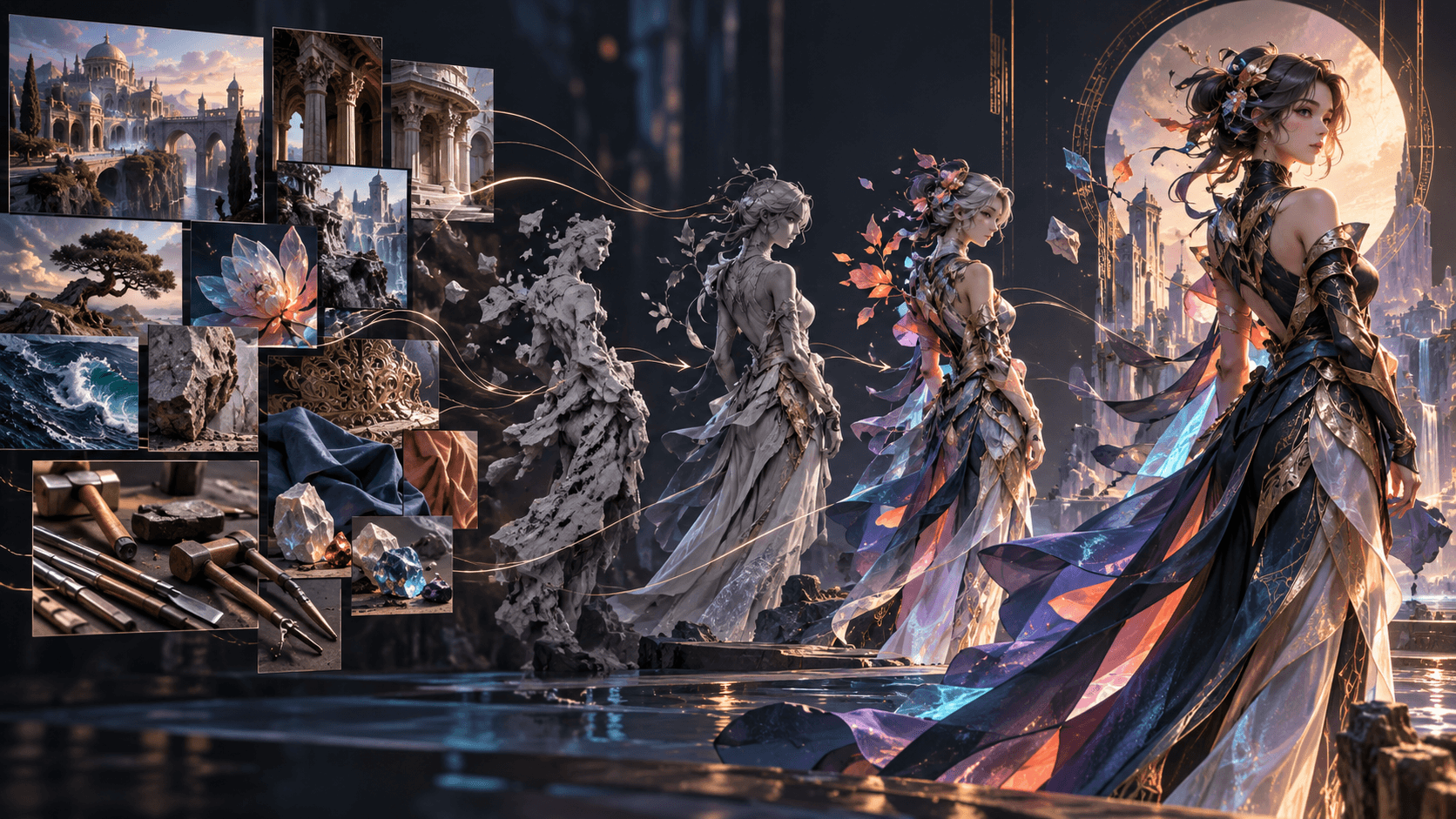
Number each image and define whether it supplies identity, clothing, background or style. Avoid “blend everything.” State which input has priority when references conflict.
Repeated Edit Drift
Pass the approved output into the next turn, request one change and restate protected details. OpenAI warns that repeated edits can still alter them. Use traditional compositing when a region must remain pixel-identical.
Edit QA Checklist
- Requested change is complete.
- Protected face, product or layout remains correct.
- No extra text or objects appeared.
- Light and shadows integrate naturally.
- Hands and contact points remain plausible.
- File format and transparency are correct.
From Edited Still to Elser
Once an image passes QA, save its model, prompt, references and rights record. A platform such as Elser AI can use approved visual assets in a broader character, storyboard and animation process where uploads are supported. Describe this as a workflow handoff, not an unverified native GPT Image 2.5 integration.
Prepare Inputs Before Editing
Use the highest-quality source that accurately represents what must be preserved. Crop only when the crop does not remove context needed for lighting, perspective or scale. Remove accidental duplicates and number every reference. Confirm that you have permission to use faces, products, artwork and brand assets.
Write an edit brief before opening the model:
Goal: replace the jacket.
Primary source: image 1 defines identity, pose and scene.
Secondary sources: images 2–4 define jacket, shirt and boots.
Protected: face, hair, body, hands, museum, camera, light.
Acceptance: garment geometry is plausible; identity unchanged; no new accessories.
Edit Patterns That Work
Change clothing, preserve identity
Name the protected facial features, proportions, pose and expression. Request natural fabric behavior and lighting integration. Prevent the model from borrowing the clothing reference's body or background.
Combine a subject and scene
Specify which image supplies the subject and which supplies the destination. Define placement, scale, contact with the ground and matched color temperature. Review whether the subject's light direction agrees with the scene.
Turn a sketch into a render
Protect layout, perspective and proportions. Add material, lighting and environmental specifications. Say not to add new elements or text if fidelity to the drawing matters.
Create a localized variant
Reserve clean space and replace only the required copy. Text can still fail, so verify every character. For legal or frequently updated copy, add typography after generation.
Multi-Turn Editing Without Losing the Original
Keep the original and every accepted intermediate file. Never overwrite the only approved version. Request one coherent change per turn and compare first, middle and final versions side by side. If identity or geometry begins to drift, return to the last accepted state rather than correcting a correction indefinitely.
Use a version name such as hero-coat-v03-approved.png and store prompt plus parameters next to it. An edit history makes team review possible and limits accidental regression.
Choose Quality by the Smallest Important Detail
Draft composition at low or medium, but evaluate higher settings when the acceptance criterion involves small text, skin detail, product edges or intricate material. A higher setting does not guarantee a better edit. Hold all other variables fixed and inspect whether the failed requirement actually improves.
Failure Diagnosis
If the subject changes, strengthen the identity block and reduce simultaneous edits. If the object floats, specify contact point, scale and shadow. If colors contaminate the whole scene, say the reference supplies object design only. If text duplicates, quote exact wording and prohibit extra copy. If the background is a checkerboard, request transparent API output rather than a visual transparency pattern.
Ethical Editing
Do not create deceptive depictions of real people, falsify evidence or remove material disclosures. Obtain consent for identity-sensitive work, preserve provenance and disclose synthetic alterations where the context requires it. A technically successful edit can still be inappropriate to publish.
End-to-End Product Edit Example
Imagine a skincare brand needs the same bottle moved from a bathroom photograph into a clean editorial scene. Begin with the original product photograph as image 1 and a lighting reference as image 2. Do not use a competitor's campaign as an unlicensed style shortcut.
The first edit isolates the bottle:
Extract only the bottle from image 1 onto a fully transparent background.
Preserve bottle proportions, pump geometry, label spelling and finish exactly.
Centered product, crisp natural edge, no halo or shadow.
No backdrop, checkerboard, new text, logo change or restyling.
Request transparent PNG or WebP through the API and inspect the alpha channel. The second edit places the approved cutout:
Place the approved bottle on a pale limestone shelf in soft morning light.
Preserve product geometry and label exactly. Match contact shadow and reflection to the shelf.
Image 2 supplies lighting softness and color temperature only; do not copy its objects or layout.
No hands, flowers, water splashes, extra text or watermark.
Compare the original and result at 100% magnification. The scene can be attractive while the cap, label or container width has drifted. Reject based on the predefined product contract, not overall aesthetics.
End-to-End Character Edit Example
For a recurring original character, establish identity in neutral light first. When moving the character into a winter scene, separate wardrobe from environment:
Image 1 defines identity, pose and framing. Image 2 defines the winter coat only.
Replace only the clothing with the dark green wool coat from image 2.
Preserve face, skin tone, eye colors, short black bob, crescent scar, body proportions,
expression, hands and camera position. Fit the coat naturally to the existing pose.
Keep the station background but change weather to light snowfall and colder ambient light.
Do not add a hat, scarf, jewelry, text or additional people.
This is already two related changes—clothing and weather. If the result drifts, split them into separate edits and approve the coat before changing weather.
When to Stop Editing Generatively
Move to a conventional editor when the remaining change is deterministic: correcting final legal copy, restoring a pixel-locked logo, aligning an element to an exact grid or adjusting one known color value. Generative editing is valuable for semantic change; it is not always the most reliable tool for production finishing.
Maintain a layered source file when future localization or compliance updates are expected. The generated image can provide the visual base while exact text, logos and required marks remain editable.
Team Review Handoff
Give reviewers a before/after pair, edit brief, protected-detail checklist and intended channel. Ask them to mark identity, factual, legal and visual problems separately. “I don't like it” is hard to fix; “the pump became taller and the label lost a letter” maps to a concrete action.
Approve both the asset and its allowed uses. A crop that works on a product page may be unreadable as a mobile ad or unsafe as an animation reference.
FAQ
Which model is better for editing?
OpenAI positions Sunburst for workflows where editing precision matters most. Test Flare when speed matters and its quality passes.
Can an edit preserve pixels exactly?
Do not assume so. Composite locked regions conventionally when exact preservation is mandatory.
Can I use several references?
Yes; assign each a numbered purpose and define priority.
Conclusion
Successful editing is constrained change. Make one request, protect everything else, inspect the complete output and retain an audit trail. That discipline matters more than repeatedly asking the model to “keep it the same.”