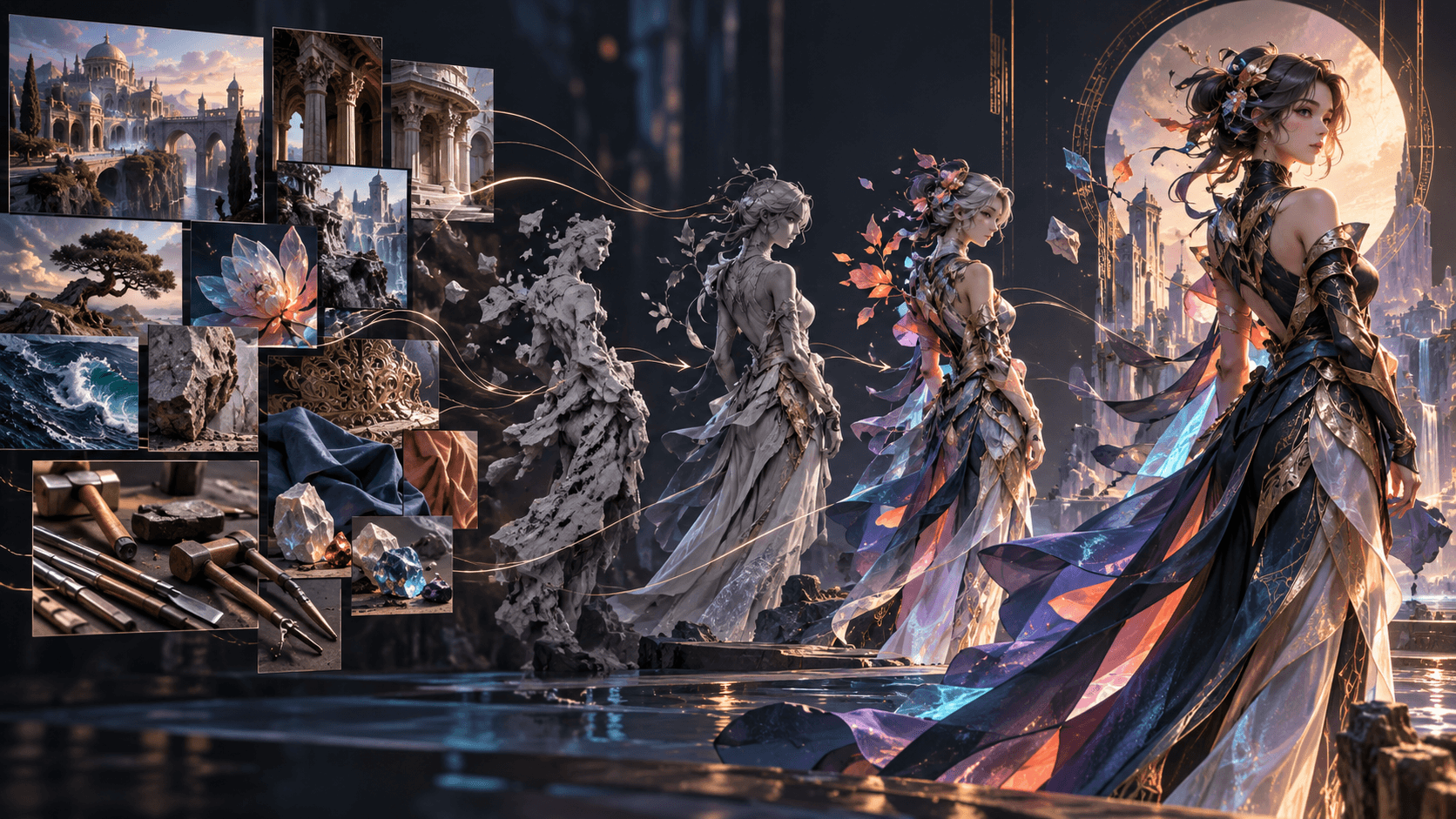
GPT Image 2.5 Prompt Guide: How to Write Better Image Prompts
A strong GPT Image 2.5 prompt is a readable production specification. It states what the image is for, what must appear, how the scene is composed, how it should look and what must not change. Long adjective lists are less useful than visible, testable instructions.
OpenAI's official guidance recommends beginning with the intended result, then describing subject, composition, style and constraints. For edits, separate the requested change from protected details. Refine one thing at a time and inspect each result.
The Five-Part Prompt Structure
1. Purpose
Name the deliverable: ecommerce hero image, vertical anime keyframe, editorial diagram or transparent cutout. Purpose helps resolve ambiguous choices.
2. Subject
Describe visible identity, materials, clothing, pose and action. Prefer “full body visible, feet included, looking down at the open book” over “dynamic confident pose.”
3. Composition
Specify shot size, viewpoint, relative placement and negative space. Camera terms are visual cues, not guarantees of exact optical simulation.
4. Style and lighting
Name the medium and concrete appearance: cel-shaded anime, uncoated-paper editorial illustration, realistic studio photograph. Describe direction, color and softness of light.
5. Constraints
List required text, exclusions and details to preserve. Constraints should be observable: “one person,” “label unchanged,” “no extra text,” “transparent background.”
Generation Prompt Example
Purpose: 9:16 opening keyframe for an original supernatural anime short.
Subject: A young archivist with a short auburn bob, round black glasses and a navy work coat. She holds a sealed paper envelope with a red wax moon emblem.
Composition: Full body, feet visible, low eye-level camera. Character on left third; endless archive shelves recede behind her. Clean dark space at upper right for later title placement.
Style: Detailed hand-painted anime background, restrained cel shading, natural proportions.
Lighting: One warm desk lamp against cool blue moonlight from high windows.
Constraints: One character only. Envelope and emblem clearly visible. No text, logo, watermark, modern electronics or glowing eyes.
Set model, size, quality and background as API parameters instead of burying them in prose when using the API.
Editing Prompt Formula
Use: change + protected details + integration requirements + exclusions.
Change only the character's navy work coat to the beige field jacket in image 2.
Preserve her face, glasses, hairstyle, body proportions, pose, hands, envelope and exact framing.
Match the jacket to the existing moonlight, desk-lamp shadows and body geometry.
Do not change the background, camera angle, wax emblem or image style. Add no text, jewelry or watermark.
Review the entire output. Repeated edits can change supposedly protected details, so restate critical anchors at every step.
Assign Roles to Reference Images
Number each input and define its job:
Image 1: identity and pose reference.
Image 2: clothing reference only.
Image 3: lighting and color reference only.

Preserve the person and framing from image 1. Replace only the clothing using image 2. Apply the cool-window and warm-lamp relationship from image 3 without copying its room or objects.
This is clearer than “use these as inspiration,” which leaves the model to decide which details matter.
Prompting Exact Text
Put required copy in quotation marks and specify location, type treatment and exclusions:
Poster text, exactly once: "THE LAST ARCHIVE"
Typography: condensed uppercase sans serif, wide letter spacing, white.
Placement: upper-right negative space, aligned left.
No subtitle, credits, logo, watermark or additional lettering.
Check every character. Official documentation notes that text rendering can still struggle, especially with small type, dense information or multiple fonts. For business-critical copy, generate the image with reserved space and add final typography in a design tool.
Character Consistency Prompts
Create a canonical reference before generating scenes. Define a small set of identity anchors: face shape, hair, eye color, proportions, signature clothing and one prop. Reuse the approved image as a reference and repeat the anchors.
Do not overload every prompt with biography. Only visual facts affect the image. Put scene state—rain, dirt, temporary damage—after the stable identity block so it does not replace the canonical design.
Choosing Sunburst or Flare
Start with Flare when speed matters. Use Sunburst when the workflow has demanding quality or editing requirements. Hold the prompt, inputs, size and quality fixed for comparisons.
Do not compensate for an ambiguous prompt by immediately selecting max quality. First ask whether the result is wrong because the instruction is unclear or because rendering fidelity is insufficient.
Troubleshooting by Failure Type
Missing object
State its location, relationship and visibility: “the cracked compass is in her right hand, unobstructed, facing camera.” Remove competing objects.
Wrong composition
Reduce scene complexity. Specify subject position, shot size and negative space. Ask for one camera concept rather than several movements or lenses.
Identity drift
Use the approved reference, repeat immutable anchors, request one change, and explicitly protect face, proportions, hair and pose.
Unwanted text
Request “no text, letters, numbers, logos, signs or watermark.” Inspect background objects that might invite signage.
Edit changes everything
Lead with “change only X.” List preserved identity, geometry, layout, light and labels. If an area must remain pixel-identical, composite it outside the generative step.
Prompt becomes too long
Remove backstory and synonyms. Organize requirements into labeled blocks. A maintainable prompt is easier to debug than a poetic paragraph with repeated ideas.
A Deliberate Iteration Loop
- Generate a baseline with an explicit model and quality.
- Compare the result to a written acceptance checklist.
- Identify one failure category.
- Change one instruction or parameter.
- Pass the approved result into the next edit.
- Record prompt and settings for accepted assets.
Changing five variables makes learning impossible. Narrow iterations also reduce the chance that a successful detail disappears.
From Still Image to Elser Animation
If the intended deliverable is animation, prompt for a usable keyframe: clear silhouette, readable hands, uncluttered foreground, stable costume and room for movement. Then use the rights-cleared image in an animation workflow such as Elser AI, where character, storyboard, video, audio and editing steps can continue.
Do not claim GPT Image 2.5 is generated inside Elser unless its current product interface confirms native availability. Describe the handoff accurately: the still was created or edited with GPT Image 2.5, then imported into Elser for downstream production where supported.
Prompt Templates by Use Case
Product hero image
Purpose: Ecommerce hero image for a reusable steel bottle.
Subject: Preserve the exact bottle geometry, cap, matte sage finish and label from image 1.
Composition: Centered three-quarter view on pale stone, generous space above, complete product visible.
Lighting: Large softbox from upper left, controlled contact shadow, realistic reflection.
Constraints: No label changes, dents, droplets, hands, props, text or watermark.
Editorial diagram
Define a small number of labeled elements, their hierarchy and reading order. Generate the visual structure first if exact copy is extensive, then add final typography outside the model. A diagram that is visually beautiful but factually ambiguous is not successful.
Transparent asset
Prompt for an isolated centered subject with crisp edges and no shadow or scenery. In the API, also set transparent background and PNG/WebP. Check actual alpha data.
Cinematic environment
Specify location, time, weather, scale, foreground/middle/background and the narrative focal point. Replace vague “epic” language with spatial relationships.
Build an Acceptance Checklist Before Prompting
Write five to ten pass/fail requirements before generating. For a character keyframe, this might include correct eye colors, visible compass, one person, no text, clear right-hand grip and empty title space. Review against the list rather than deciding whether the image merely feels good.
Record accepted prompt, model, snapshot, parameters and references. This transforms a successful image into a reusable recipe and makes later drift diagnosable.
FAQ
Do longer prompts produce better images?
Not automatically. Include useful visible requirements and remove contradictory or irrelevant detail.
Should parameters go inside the prompt?
When using the API, set model, quality, size, format and background through their parameters. Use the prompt for visual content and constraints.
How many changes should one edit request contain?
Prefer one coherent change. Narrow edits make failures easier to diagnose and protected details easier to review.
Can GPT Image 2.5 keep a character perfectly consistent?
It can preserve subjects, but official documentation still acknowledges possible consistency issues. Use references, repeat anchors and inspect every output.
Which model is best for prompt testing?
Flare is the usual speed-first choice. Use Sunburst where the actual requirement is demanding quality or precise editing.
Conclusion
Reliable GPT Image 2.5 prompts describe a deliverable, not a dream. Define purpose, subject, composition, appearance and constraints. For edits, say exactly what changes and what remains protected. Give every reference a role and iterate one variable at a time.
The model matters, but prompt clarity and review discipline determine whether an attractive generation becomes a usable production asset.