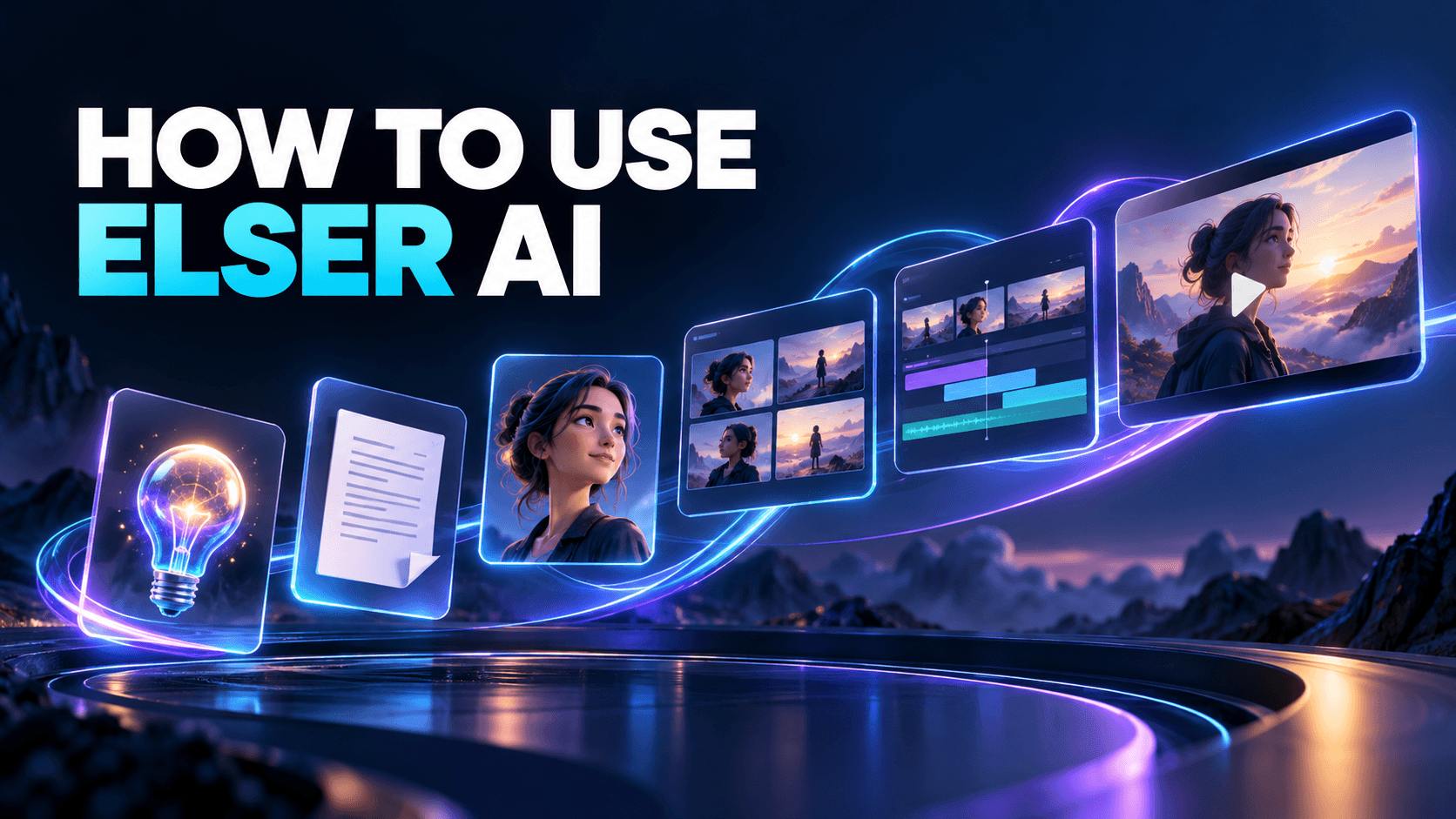
How to Create an Anime with AI: 5-Step Beginner Tutorial
If you want to create an anime with AI, the hardest part is usually not getting one good-looking frame. It is turning one idea into consistent characters, clear shots, and a finished scene. That is why anime creation works much better as a workflow than as a single prompt.
For a beginner project, the goal should not be a full episode. The goal should be one small piece of finished anime-style content: a teaser, a character reveal, a short fight moment, or a one-scene emotional beat. Once you treat the process like a production pipeline, the whole task becomes much easier to control.
Quick Answer
The basic workflow is:
1. define the story idea
2. create the main character
3. plan the shots
4. generate key scenes
5. animate and polish
What You Need Before You Start
For a first anime project, prepare:
- one short scene idea
- one or two main characters
- a simple style direction
- a rough shot list or beat list
- a realistic target length
If the scope is too big, the project becomes much harder to finish. A 15-second or 30-second scene teaches you more than an unfinished five-minute concept.
Step 1: Start With the Story Beat
Do not start with effects. Start with a small scene. A teaser, one-shot emotional beat, or short fight clip is a much better first project than a full episode.
Good starter scenes usually have:
- one clear subject
- one emotional tone
- one simple action
- one clean ending beat
That gives your prompts structure before visuals even begin.
Step 2: Create the Character First
Anime workflows break fast when the character changes from shot to shot. That is why an [AI anime generator] or [anime OC maker should come before animation, not after it.
Try to lock:
- hairstyle and face shape
- outfit silhouette
- color palette
- emotional tone
- any signature prop or pose
That small amount of character discipline makes later scene generation much easier.
Step 3: Plan the Scene With a Storyboard
Even a rough six-shot plan helps. Use an [AI Storyboard Generator] to decide what the viewer sees, how the camera moves, and what the emotional beat of each moment should be.
For a short anime scene, a useful sequence might be:
1. establishing shot
2. character intro shot
3. action or reaction beat
4. close-up emotion beat
5. ending shot
That is enough to create structure without overcomplicating the project.
Step 4: Generate the Key Frames
Pick the strongest stills first. The goal is not more images. The goal is the right images. If the frame already feels cinematic, readable, and emotionally correct, the later motion step becomes much easier.
Ask:
- does the frame match the story beat?
- does the character still look like the same person?
- does the camera angle support the scene?
- does the color and lighting still fit the mood?
Step 5: Animate and Polish
When your shots are ready, move them into an [AI image animator] workflow. Final polish often comes from pacing and sound more than from more generation.
At this stage, focus on:
- cut timing
- transition rhythm
- motion restraint
- scene order
- music and atmosphere
If you want the final scene to feel more complete, an [AI sound effect generator] can help add impact and atmosphere without overloading the visuals.
Common Mistakes to Avoid
- starting with random effects instead of a scene
- changing the character design too much between shots
- skipping the storyboard step
- trying to animate long scenes before testing short ones
- adding too much motion to every shot
Best Anime Projects to Start With
If you are new to AI anime creation, these formats are usually the easiest:
- OC reveal video
- short teaser trailer
- one-scene emotional monologue
- short fight test
- music-video style montage
Each one is small enough to finish, but large enough to teach real workflow lessons.
Why Elser AI Works Well for This Workflow
Elser AI fits this workflow because the process can move from anime character creation to storyboard planning to final scene motion in one creator-focused system. That is more useful than treating anime generation as a collection of unrelated prompts.
FAQ
What is the easiest anime project to make with AI?
A short teaser, OC reveal, or one-shot emotional scene is usually easiest.
Do I need drawing skills?
No. Good references and clear shot planning matter more for most beginner workflows.
Why do AI anime scenes feel inconsistent?
Usually because character setup and storyboard logic were weak before animation started.
Can I turn a simple idea into an anime short with AI?
Yes, but it works best when you go from idea to character to storyboard to key frames instead of expecting one prompt to produce a finished short.
If you want a connected anime workflow, start with [Elser AI] and build the scene around one strong character and one clear storyboard.