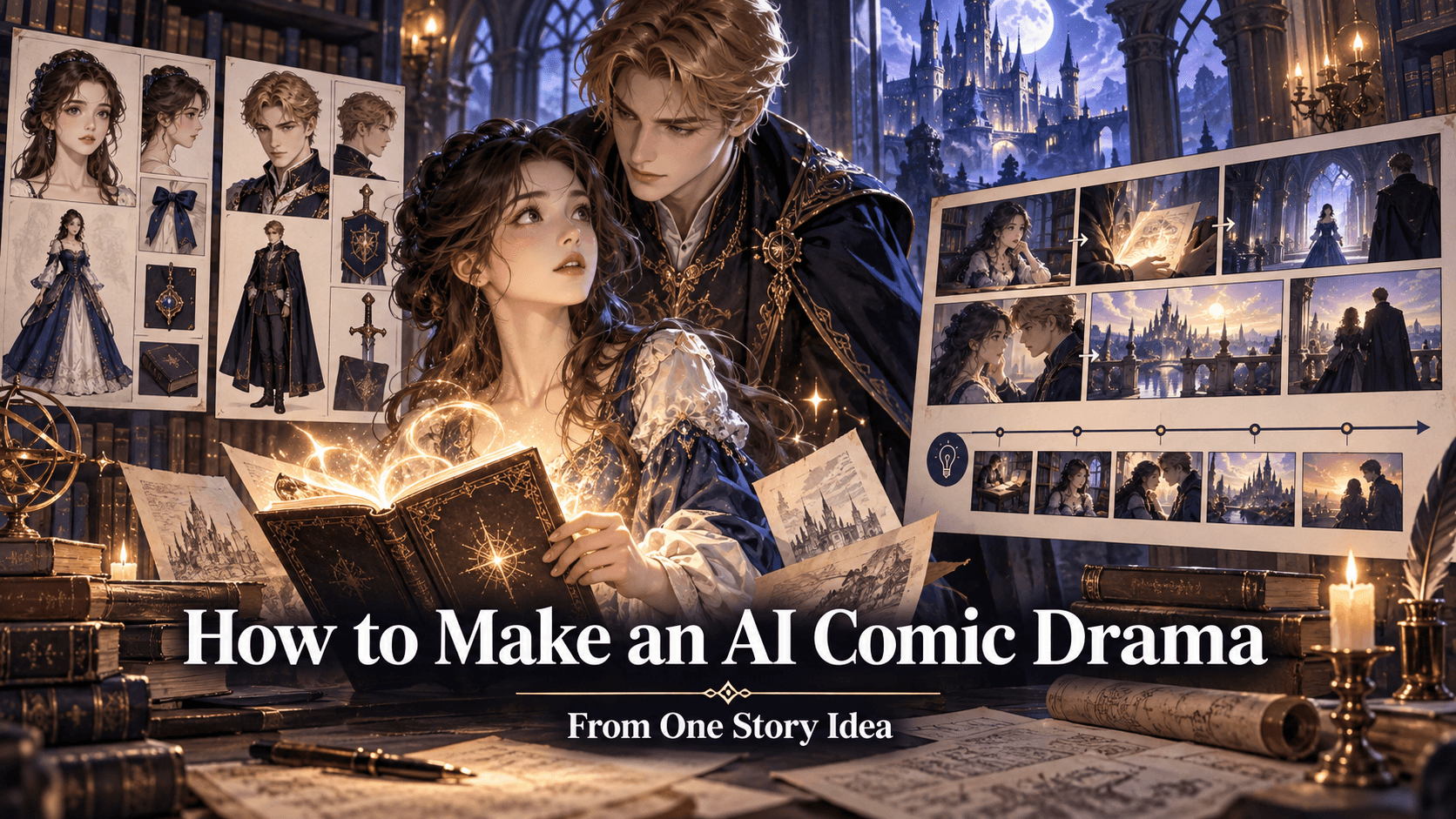
How to Make a 30-Second Anime Short with AI: A Practical Beginner Workflow
Thirty seconds sounds tiny until you try to fill it.
It is long enough to introduce a character, establish a problem, deliver a turn, and end on a memorable image. It is also short enough that a solo creator can finish it without disappearing into an endless production.
That makes a 30-second anime short one of the best first AI animation projects.
The mistake most beginners make is opening a video generator before they have decided what happens. They generate a beautiful clip, then another, and eventually discover that the shots do not belong to the same story.
A better process starts with structure. In this guide, we will create a complete short using six shots, one central character, one location, and one simple emotional change.
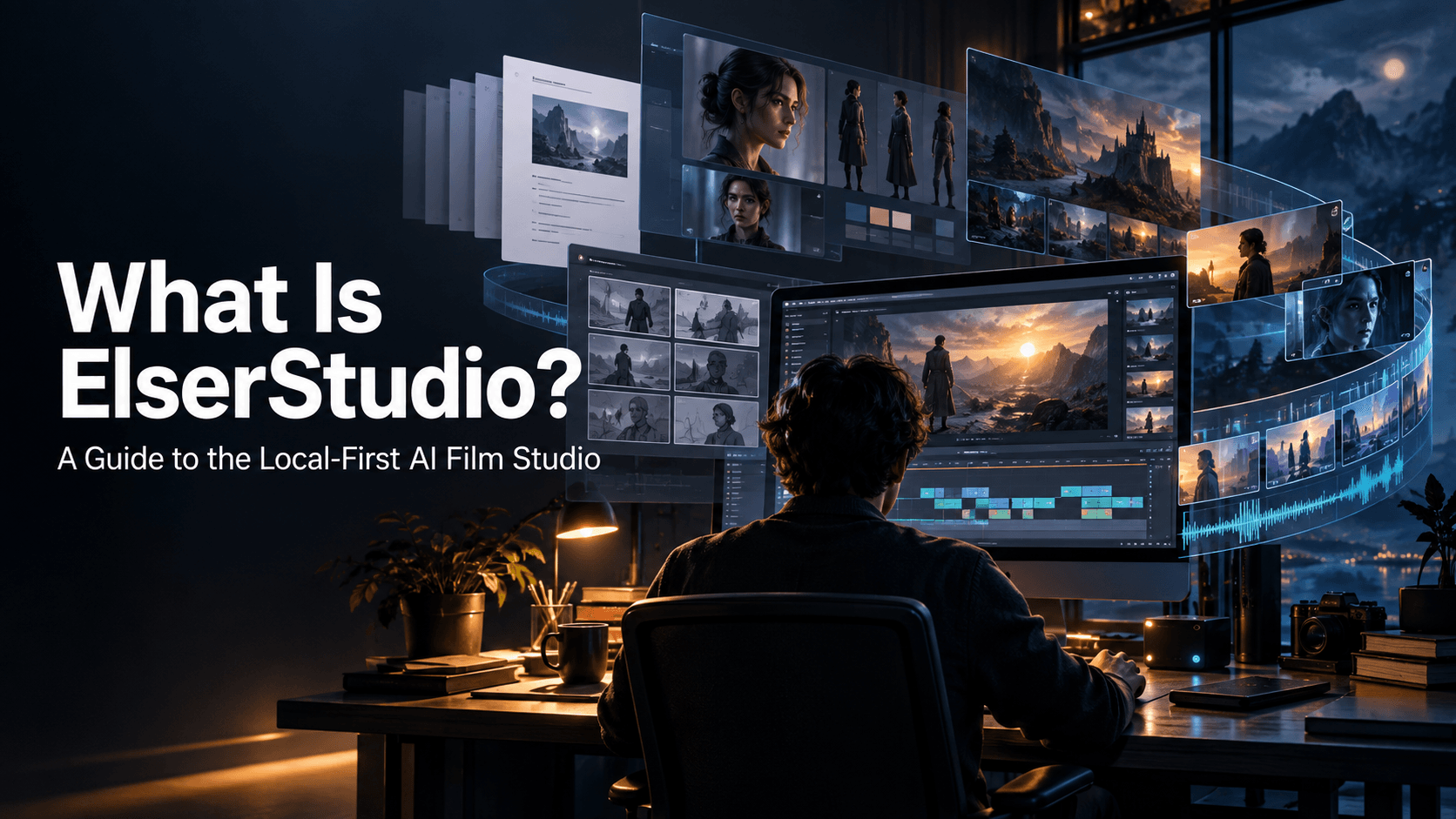
Elser AI is particularly suitable for this workflow because it combines script generation, character design, storyboarding, animation, voice, music, sound effects, and lip sync. Its animation tools are designed to move from an idea to a finished story rather than stopping after one clip.
The Story We Are Making
Here is the concept:
A young delivery witch races through a rainy city to deliver a mysterious parcel. She arrives late, opens the door, and discovers the package was a birthday cake for her.
It has one protagonist, one goal, one obstacle, and one emotional reversal. Most importantly, it can be understood without a paragraph of exposition.
Our timeline:
Time Story beat
0–4 seconds Establish the rainy city
4–9 seconds Introduce the witch and parcel
9–14 seconds Show the urgent flight
14–19 seconds She reaches the destination
19–25 seconds The door opens and tension pauses
25–30 seconds Birthday reveal and reaction
That is already enough to begin planning.
Step 1: Write for the Screen, Not the Backstory
A short film is made of visible actions. “She feels lonely because nobody remembered her birthday” is useful for the writer, but it cannot be photographed directly.
Translate that idea into something visible:
- She checks her silent phone.
- She sees a birthday banner inside.
- Her tense shoulders drop.
- She smiles while trying not to cry.
For a 30-second AI anime short, write no more than six story beats. Each should contain one primary action.
A workable micro-script looks like this:
Shot 1: Rain falls over a neon city. A small flying figure approaches.
Shot 2: Mina, a young witch in a yellow raincoat, grips a cake-sized parcel while riding a broom.
Shot 3: Wind pushes her sideways. She protects the parcel and dives between buildings.
Shot 4: Mina lands outside a warm apartment, soaked and breathless.
Shot 5: The door opens. Friends shout, “Surprise!”
Shot 6: Mina looks at the parcel, realizes it is for her, and laughs.
The script is simple because the visuals are doing the work.
Step 2: Create a Character the Model Can Remember
Complex design is not always good design.
AI video models are more likely to preserve a character with a clear silhouette, controlled palette, and a few distinctive features than one covered in tiny ornaments.
For Mina, define:
- Short dark-purple hair
- Amber eyes
- Yellow hooded raincoat
- Navy dress
- Brown ankle boots
- Red delivery satchel
- Small wooden broom
The yellow coat and red satchel provide two recognizable visual anchors. Avoid changing them during the short.
Create a front portrait, three-quarter portrait, and full-body reference. Keep the expression neutral and make sure the clothing is unobstructed. Approve the design before generating scenes.
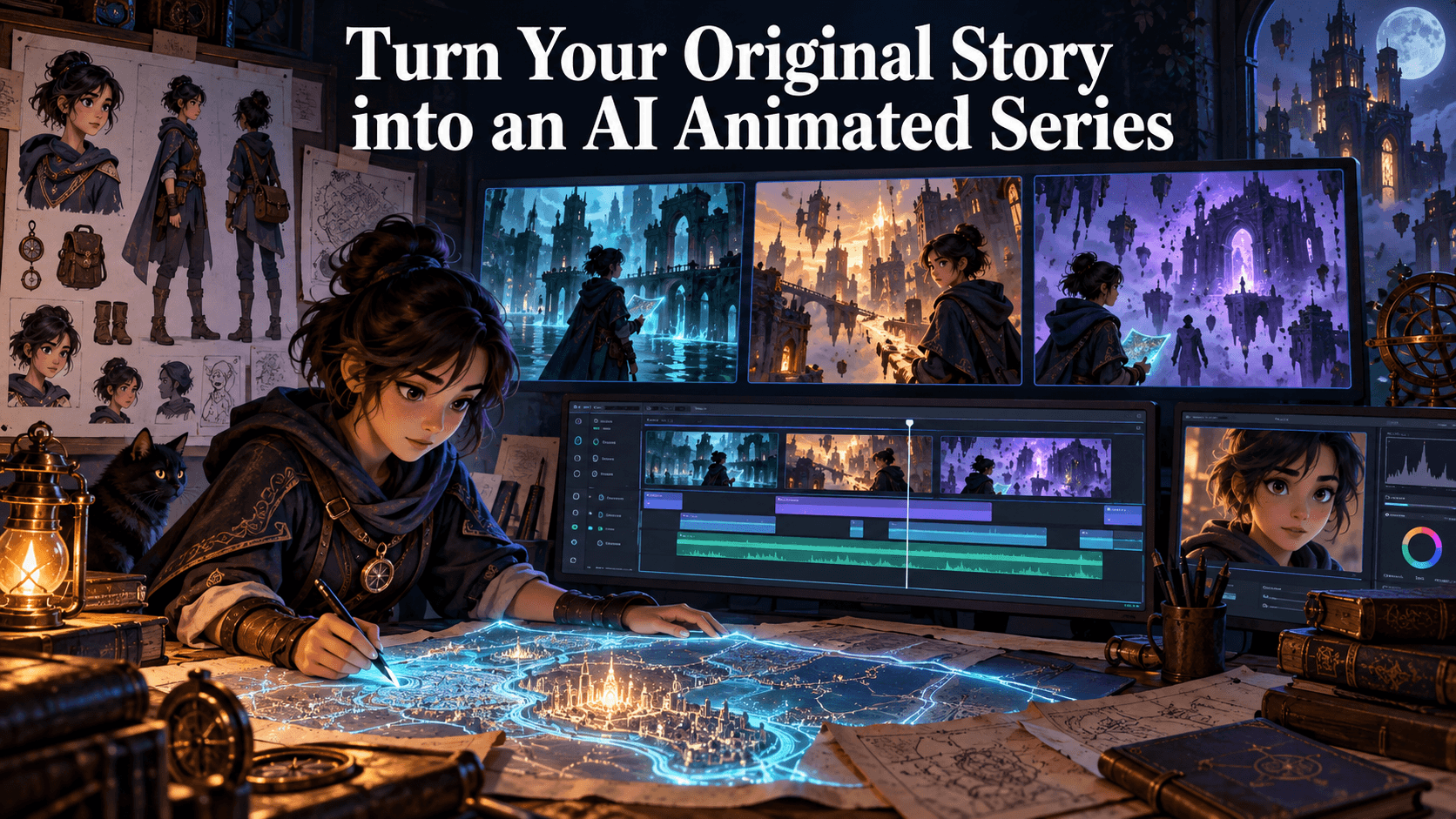
Elser AI’s character-centered workflow lets creators establish an OC and reuse it through storyboards and video production, reducing the need to reconstruct the identity in each prompt.
Step 3: Build a Storyboard Before Spending Video Credits
A storyboard is not decorative pre-production. It is where you catch expensive mistakes cheaply.
Create one panel for each shot and inspect:
- Is Mina recognizable in every panel?
- Does the apartment appear on the correct side?
- Is the parcel always the same size?
- Does the rain continue logically?
- Are the shot sizes varied?
- Can the viewer understand the surprise?
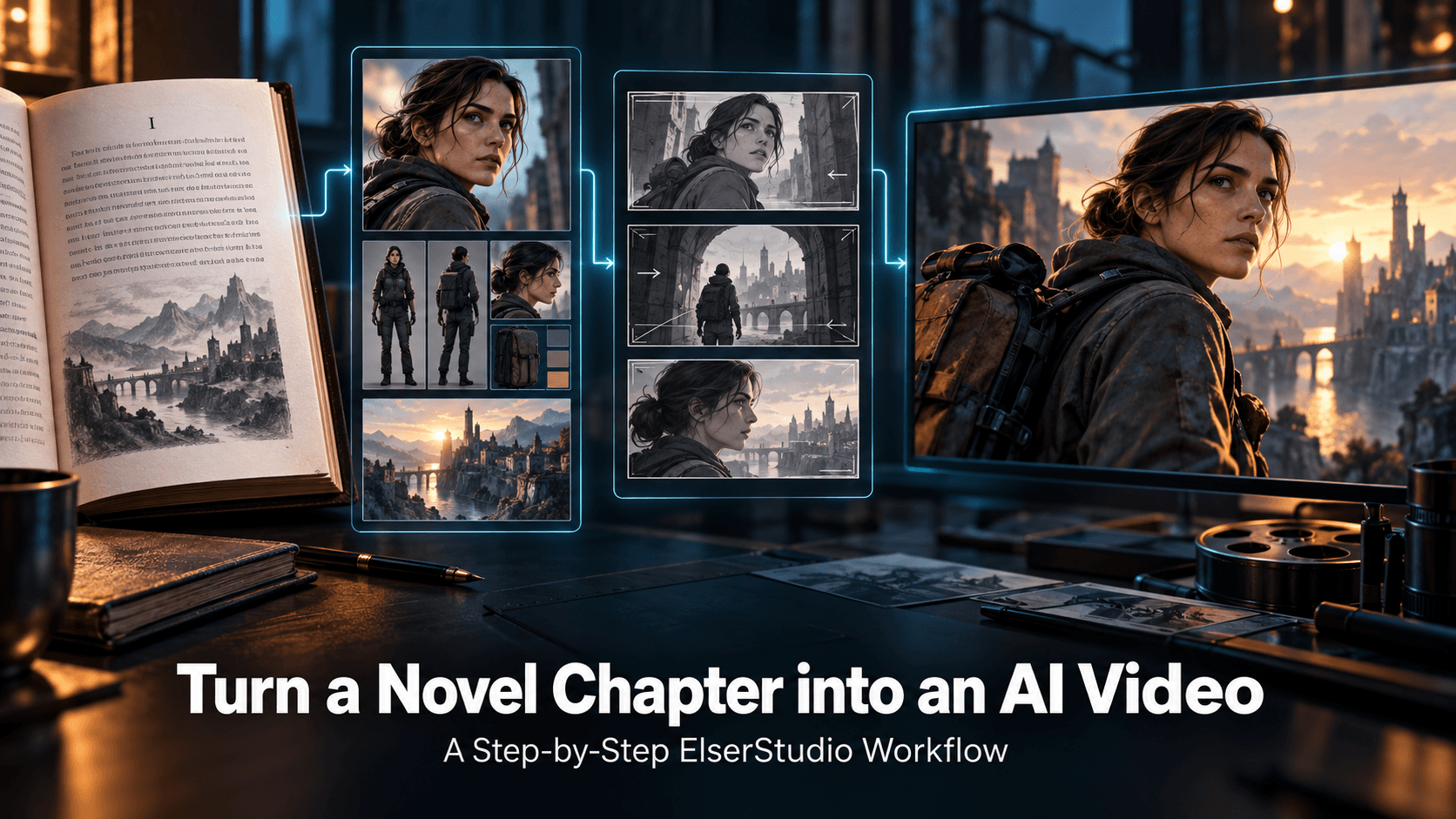
Elser AI’s Storyboard Studio can turn a script or scene description into panel layouts, shot suggestions, camera angles, and visual direction. (Anime & Video Production)
A useful shot pattern is:
1. Wide establishing shot
2. Medium character introduction
3. Dynamic tracking shot
4. Full-body landing shot
5. Over-the-shoulder reveal
6. Close-up reaction
This creates visual rhythm. Six close-ups in a row would make the city and action feel strangely small.
Step 4: Generate Approved Still Frames
Before animation, generate the key image for every shot.
This is one of the most effective ways to improve character consistency. A still frame gives you time to correct the face, costume, composition, and environment without also worrying about movement.
Use a consistent prompt framework:
[Shot size and camera] + [locked character description] + [action] + [location] + [lighting and weather] + [anime style] + [continuity restrictions]
Example:
Medium tracking shot of Mina, a young witch with short dark-purple hair and amber eyes, wearing the same yellow hooded raincoat and red delivery satchel, riding a small wooden broom while protecting a square parcel. Rainy neon city at night, blue and magenta reflections, hand-drawn 2D anime, clean outlines, flat cel shading, stable facial design, no costume change.
The phrase “same” only helps when the model has an actual reference. Attach Mina’s approved character image rather than expecting the model to remember a previous prompt.
Step 5: Choose the Right Model for Each Shot
You do not need to use the same model for all six shots.
For this short:
- Use Veo for the rainy city establishing shot.
- Use Kling for broom movement and the landing.
- Use Seedance if you have motion, music, or visual references to combine.
- Use a controlled image-to-video mode for the final facial reaction.
Seedance 2.0 supports text, image, video, and audio references. Kling 3.0 emphasizes multi-shot storytelling and element consistency. Veo 3.1 provides camera controls, first-and-last-frame guidance, scene extension, and video with audio. (seed.bytedance.com)
Inside Elser AI, this model choice becomes part of one project rather than three separate subscriptions and file systems.
Step 6: Animate One Action at a Time
A video prompt should describe what changes during the shot.
Do not repeat every visual detail already present in the input image. Focus on motion:
Camera tracks beside Mina as she flies forward. Strong wind pushes her gently to the right; she leans into it and tightens both arms around the parcel. Rain moves diagonally. Hair and coat react naturally. Keep face, costume, parcel, and broom unchanged.
That prompt separates movement from identity.
For a five-second shot, one character action and one camera action are usually enough. “She flies, turns, waves, drops the parcel, catches it, dives, and smiles at camera” is not ambition. It is six opportunities for failure.
Keep important actions away from the cut. Give the movement half a second to begin and settle. This makes editing much easier.
Step 7: Record the Voice Before Lip Sync
Our short only needs one spoken moment:
“Wait… this is for me?”
Record or generate the line before applying lip sync. The performance determines timing, so the visual should follow the approved audio rather than forcing dialogue into a pre-existing duration.
A good line for lip sync should have:
- Clean audio
- Little background noise
- Natural pacing
- A short pause before or after
- Clear emotion without exaggerated speed
Elser AI combines voice cloning and lip sync with its animation workflow. This allows creators to establish a recurring character voice and synchronize it with the visual scene. (elser.ai)
Only lip-sync the close-up in which Mina speaks. The friends can shout from off-screen. This saves processing and avoids asking the model to synchronize several small faces at once.
Step 8: Add Music and Sound in Layers
Sound makes a short feel larger than its runtime.
Use four layers:
1. Atmosphere: rain and distant traffic
2. Movement: broom rush and coat flutter
3. Story effects: landing, door opening, party popper
4. Music: tense rhythm shifting into a warm birthday theme
Do not make every sound loud. The dialogue must remain intelligible, and the surprise should have space to land.
The music should change at the reveal. Even a simple harmonic shift tells the audience that the emotional meaning has changed.
Elser AI includes music and sound-effect generation, so creators can produce effects for wind, rain, footsteps, doors, and other scene-specific sounds alongside the animation.
Step 9: Edit for Clarity, Not Maximum Speed
Thirty seconds does not require frantic editing.
Watch the film without sound. If the story is unclear, music will not repair it. Then listen without watching. If the emotional turn is missing, adjust the score and effects.
A useful first edit might be:
- Shot 1: 3.5 seconds
- Shot 2: 4.5 seconds
- Shot 3: 5 seconds
- Shot 4: 4 seconds
- Shot 5: 5 seconds
- Shot 6: 8 seconds
The reaction receives the most time because it carries the meaning of the film.
Cut on movement where possible. If Mina flies out of frame to the right, begin the next shot with movement continuing in the same direction. That tiny continuity choice makes separate AI clips feel intentionally connected.
Step 10: Perform a Continuity Check
Before export, inspect the short frame by frame.
Check Mina’s:
- Face and apparent age
- Hair length and color
- Coat design
- Satchel position
- Body proportions
- Broom shape
- Voice
Then inspect the world:
- Rain direction
- Time of day
- Lighting color
- Apartment exterior
- Parcel dimensions
- Screen direction
Regenerate only the broken shot. Do not replace a working sequence because one accessory changed color.
Common Mistakes
Starting with video generation:
Fix the script, character, and storyboard first.
Using text alone for recurring characters:
Attach approved references to every important generation.
Putting dialogue in wide shots:
Use medium shots and close-ups when lip movement matters.
Making every shot dramatic:
A film needs quieter shots so the peak feels meaningful.
Changing models without visual rules:
Keep the same character references, palette, aspect ratio, and style prompt.
Using copyrighted characters without permission:
Create an original character or use material you are authorized to adapt.
Final Result
A strong 30-second anime short does not need a complicated mythology or ten locations. It needs one readable character, one understandable desire, one change, and a final image worth remembering.
The technology can generate the frames, movement, voice, music, and effects. Your job is to decide what each shot means.
That is the useful relationship between a creator and an AI animation platform: the tool handles production complexity while the creator remains responsible for intention.