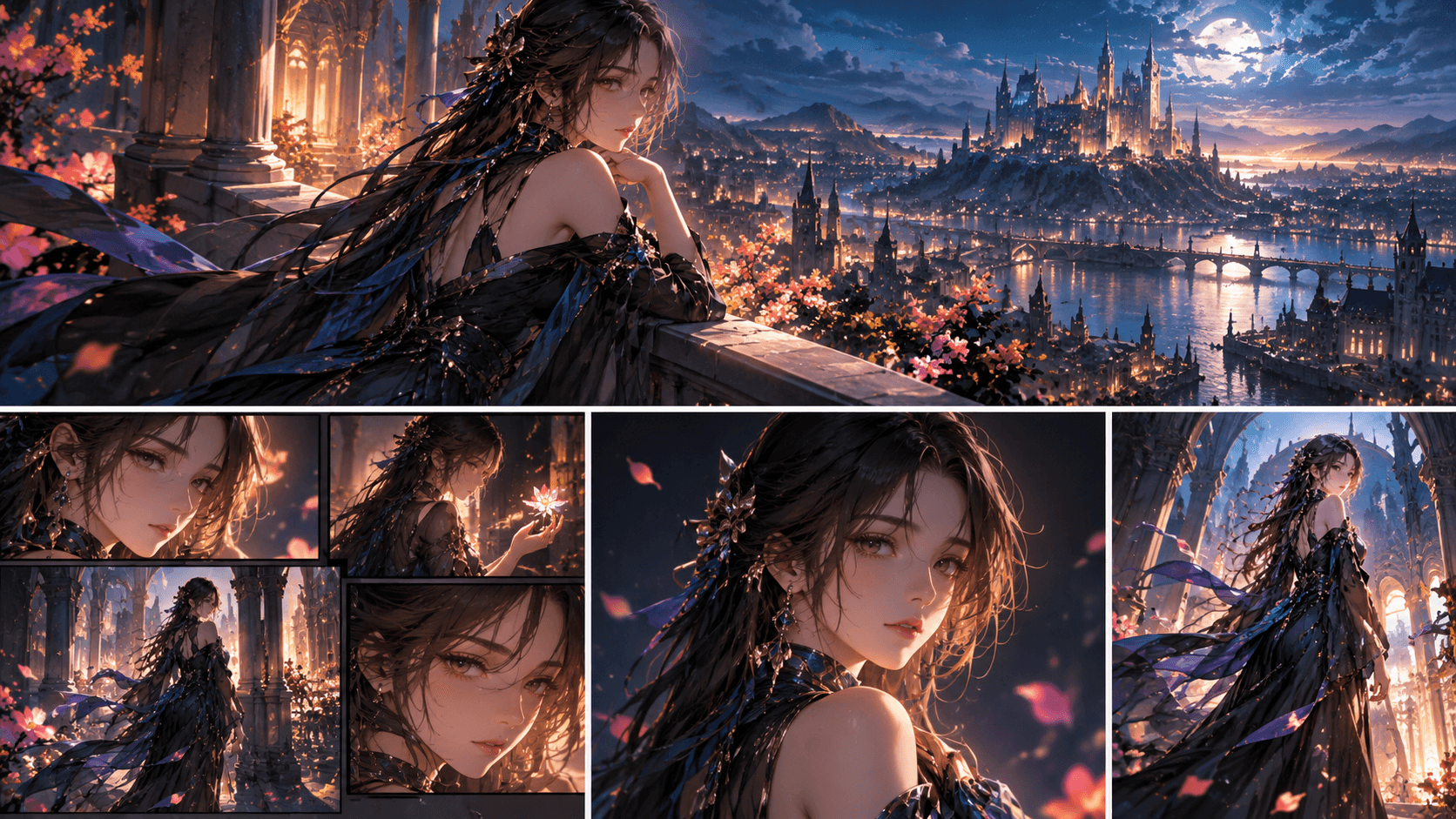
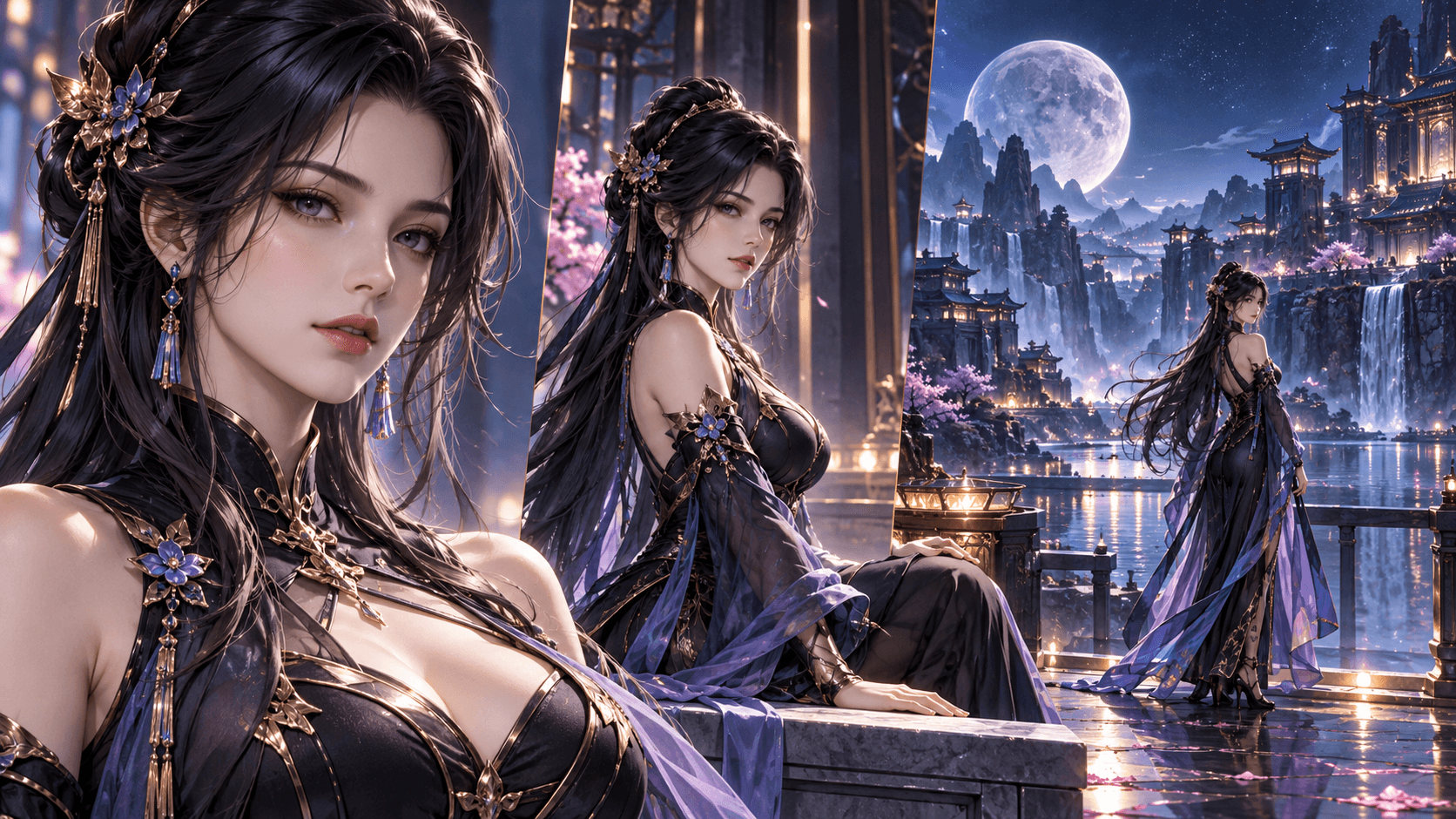
2026년 애니메 OC를 만드는 방법: 획일적인 이차원 아내에서 잊지 못할 주인공으로
솔직히 말할게. 2026년 트위터에 게시된 90%의 애니메이션 오리지널 캐릭터는 다 보자마자 잊혀져버린다. 그들은 큰 눈과 작은 코를 가지고 있으며, 머리카락 색이 화려하지만 개성은 전혀 없다. 그것들은 각종 클리셰가 담긴 소재 더미에서 꿰맨 것처럼 보인다.
대부분의 사람들이 인공지능을 잘못 사용하고 있기 때문입니다. 그들은 '애니메이션 소년'이라고 입력한 뒤 생성을 클릭한 후, 나온 결과가 지루하다고 불평합니다. 인간 예술가에게 그냥 '애니메이션 작품을 그려달라'고 해서 걸작을 기대하지 않는 것과 같지 않나요? 그렇다면 왜 인공지능에게 기적을 기대할까요?
이 가이드에서 정확히 어떻게 만들어야 하는지 보여드리겠습니다 애니메이션 오리지널 캐릭터 이것은 기존의 틀을 깨고 있습니다——최신 인공지능 기술을 채택하고, 팬들을 위해 맞춘 전용 템플릿을 적용했으며, 그리고 애니메이션 캐릭터가 진정으로 돋보이는 부분에 대한 깊은 이해를 바탕으로 했습니다.
스타일로서의 '애니메'의 문제점
“애니메이션”은 단일한 스타일이 아닙니다. 수십 가지의 하위 스타일을 가진 매체로, 각각 고유한 규칙을 가지고 있습니다:
- 소년 만화(《나루토》《원피스》《귀멸의 칼날》): 과장된 표정, 역동적인 액션 선, 간결한 색상 배치.
- 소녀 회화풍(《미녀 전사 세일러 문》《후르츠 바스켓》): 큰 반짝이는 눈, 흩날리는 긴 머리, 꽃 배경과 부드러운 선.
- 청년 만화(《베르세르크》《빙랜드 사가》):인물 비율이 사실적이고, 그림자 묘사가 섬세하며, 색조가 부드럽고 종종 혈혹 장면이 등장한다.
- Q판(모든 코미디 파생 작품): 세 머리 비율, 머리가 다소 크고 얼굴 특징이 매우 간결하다.
- 지브리 스튜디오: 부드러운 수채화 질감, 온화한 표정, 자연 요소가 가득한 배경.
- 트리거 스튜디오(《킬라킬》《사이버펑크: 엣지러너》): 뾰족한 각지, 극한 시점, 네온 톤, “압축과 신장” 애니메이션 물리 법칙.
만약 당신이 일반적인 '애니메이션' 프롬프트를 사용한다면, 인공지능은 이 모든 내용을 평균적으로 합쳐줄 것입니다. 당신은 평범하면서도 불쾌한 골짜기 효과가 나타나는 얼굴을 얻게 될 것인데, 그 얼굴은 특정 애니메이션 작품에 속하지 않습니다.
이것이 바로 애니메이션 OC 제작을 배우는 첫 번째 단계가 당신이 마음에 드는 구체적인 애니메이션 하위 장르를 선택하고 고수해야 하는 이유입니다.
1단계: 당신의 우주 템플릿을 선택하세요 (이 단계를 건너뛰지 마세요)
에 엘서 AI, 당신은 애니메이션을 위해 특별히 제작된 10여 가지 템플릿을 사용할 수 있습니다. 각 템플릿은 특정 애니메이션 에피소드나 제작 스튜디오에 맞춰 AI의 내부 가중치를 조정합니다.
다음은 치트시트입니다:
소년 액션 소재:
- 나루토 오리지널 캐릭터 제작기:느슨한 선 예술, 샌들, 이마 보호대, 과장된 눈물 자국.
- 《원피스》 오리지널 캐릭터 제작기과장된 키, 가는 허리, 커다란 손과 발, 이를 드러내며 웃다.
- 드래곤볼 오리지널 캐릭터 메이커: 근육 선, 스파이크 헤어스타일, 광환 효과, 극소화된 배경 디테일。
- 귀멸의 칼날 오리지널 캐릭터 제작기:그라데이션 눈동자, 체스판 패턴, 흘러내리는 하오리, 물과 불의 특수 효과.
- 주술회전 OC 제작기: 굵은 선, 도시 풍경, 영역 전개 배경, “주력” 소용돌이.
- 《사신》 오리지널 캐릭터 제작기: 길고 휘날리는 코트,참백도 디자인,허 가면,영자 특수 효과。
판타지/일상 장르에 적합:
- 원신 오리지널 캐릭터 제작기: 세릴루화풍, 원소 광효, 정교한 의상 계층 표현, 지역 특색 건축.
- 포켓몬 오리지널 캐릭터 메이커: 스기모리 수채화 스타일, 간결한 윤곽선, 파트너 포켓몬 크기 조정
- 쿠키런 킹덤 OC 제작기: 치비-라이트, 아이스팅 질감, 사탕 테마 액세서리.
- 《블루이》 오리지널 캐릭터 메이커: 간결한 디자인, 선명한 색감, 호주 정글 배경 (맞아요, 성인들도 자녀를 위해 《블루이》 오리지널 캐릭터를 만들어요.)
어두운/성인용 콘텐츠에 적합합니다:
- 《진격의 거인》 OC 제작기: 거친 질감, 입체 기동 장치, 제복 파손 효과, 거인 증기 효과.
- 체인소맨 OC 메이커: 거친 선화, 튀는 혈흔, 악마 캐릭터 디자인, 지저분한 도시 거리 풍경.
- 《왕국 기사단 헬싱》 오리지널 캐릭터 생성기(《헬라 인》 스타일): 짙은 빨강/검정 색상 구성, 빅토리아풍 장식 세부 사항, 괴물화 변형.
마음대로 고르지 마세요. 당신이 이야기하고 싶은 이야기를 잘 구상하세요. 비극적인 색채를 띤 복수 이야기는 《진격의 거인》이나 《검풍전기》 스타일에 어울립니다. 가볍고 즐거운 모험 이야기는 《원피스》나 《포켓몬》 스타일에 어울립니다. 시각적 언어와 감정적 톤을 맞춰주세요.
2단계: 실루엣 우선법 (애니메이션 버전)
애니메이션 캐릭터는 식별도가 매우 높은 독특한 실루엣으로 유명하다. 아무리 그것들을 순수한 검은색으로 칠해도 각각의 차이를 구분할 수 있습니다.
한번 해보세요: 엘서의 포즈 툴에서 실루엣을 그려보세요. 특정 특징을 터무니없을 정도로 과장해 보세요.
제 작품 속 예시:
- 저 《블리치》 OC 제작 템플릿을 사용해서 내 캐릭터를 위해 그녀 키의 두 배나 긴 잔박칼을 만들어 땅에 끌고 다니게 했어요. 이 실루엣은 '소녀+말도 안 되게 긴 칼'이 됐는데—한눈에 알아볼 수 있었어요.
- 어떤 친구가 《원피스》 오리지널 캐릭터 제작 툴을 사용해 자신의 오리지널 캐릭터에 루피처럼 늘어나는 목을 만들었는데, 한쪽 면만 늘어날 수 있었어. 이 스타일의 윤곽은 비대칭이고 기괴했지만, 오히려 이 캐릭터의 상징이 됐어.
- 《체인소맨》 OC 제작 프로젝트에서 나는 전체 상반신이 거대한 한 개의 눈으로 이루어진 악마를 디자인했다. 그것의 실루엣은 그저 “다리를 가진 거대한 구체”일 뿐——무섭고 독특하다.
인체 구조를 깨는 것을 두려워하지 마세요. 애니메이션은 원래부터 계속 그렇게 해왔거든요.
3단계: AI 팔레트 도구를 사용하여 색채 심리학을 배우기
색상은 개성을 표현하는 두 번째로 빠른 방법입니다——하지만 대부분의 사람들은 색상을 고를 때 그냥 마음대로 고르거나(예: “빨간색이 멋져 보여”), 미리 만들어진 캐릭터를 그대로 베낀다.
엘서는 색상 생성기를 하나 보유하고 있습니다. 이 도구는 당신의 OC 성격을 묘사하는 형용사 세 개를 제공하도록 요청한 뒤 색상 심리학을 기반으로 색상 팔레트 세트를 추천해드립니다.
예시: 나는 《주술회전》 오리지널 캐릭터 생성기의 캐릭터에 “신비롭고, 슬프고, 보호본능이 넘치는”을 입력했고, 인공지능이 제시한 조언은 다음과 같습니다:
- 짙은 보라색 (신비로운)
- 저채도 파란색 (우울)
- 은 (방어/방어갑)
나는 전혀 추측할 필요가 없어요. 이 AI가 나에게 *특별한 의미를 지닌* 색상 팔레트를 만들어줬어요. 그 후 이 색들을 '주색, 보조색, 강조색'으로 고정하고 '색상 일관성' 기능을 활성화해 매번 생성되는 콘텐츠가 이 색상 팔레트의 범위를 벗어나지 않도록 했어요.
단계 4: 기본 6가지 외의 이야기를 전할 수 있는 표현 방식
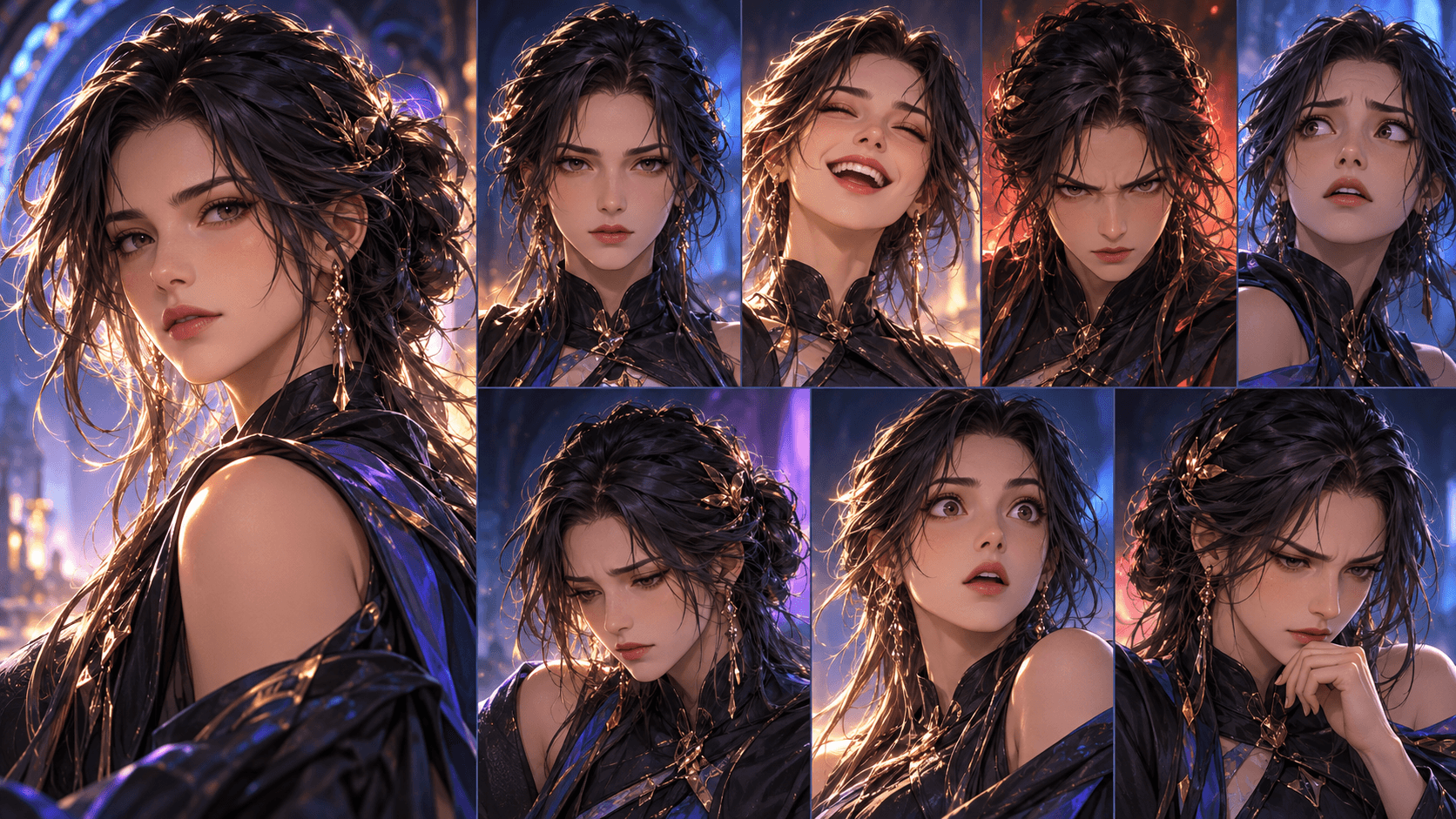
대부분의 애니메이션 OC 제작 도구는 단지 6가지 표정만 제공합니다: 기쁨, 슬픔, 분노, 놀람, 평온, 울음. 이것은 참고 표로는 물론 문제가 없지만, 스토리 창작에는 턱없이 부족합니다.
나는 엘서의 '표정 슬라이더'를 사용해 *미세 표정*을 생성합니다:
- 은은한 뿌듯함이 담긴 미소 (순수한 기쁨이라기보다는 — 자기만족스러운 마음이 숨어있어)
- 지칠대로 지친(반쯤 감은 눈, 다크 서클——전후 장면에서 사용)
- 정욕이 두근거리다 (그래, 진심으로——연애 소설을 대상으로; 인공지능은 볼이 붉어지고 동공이 확대되는 방식으로 이런 장면을 적절하게 처리합니다)
- 광기 어린 태도 (눈을 크게 뜨고, 비대칭적인 미소 — 악당의 감정 붕괴 장면에 사용)
- 정서 공허(정서가 무미건조하고 눈빛이 흐릿해짐—주로 외상 반응에서 흔히 나타남)
프롬프트를 조합하여 이러한 효과를 만들 수 있습니다. “분노”와 “슬픔”을 각각 50%의 강도로 결합하면 “쓰라린” 감정을 얻을 수 있는데, 이는 배신을 당한 경험이 있는 캐릭터를 표현하는 데 매우 적합합니다.
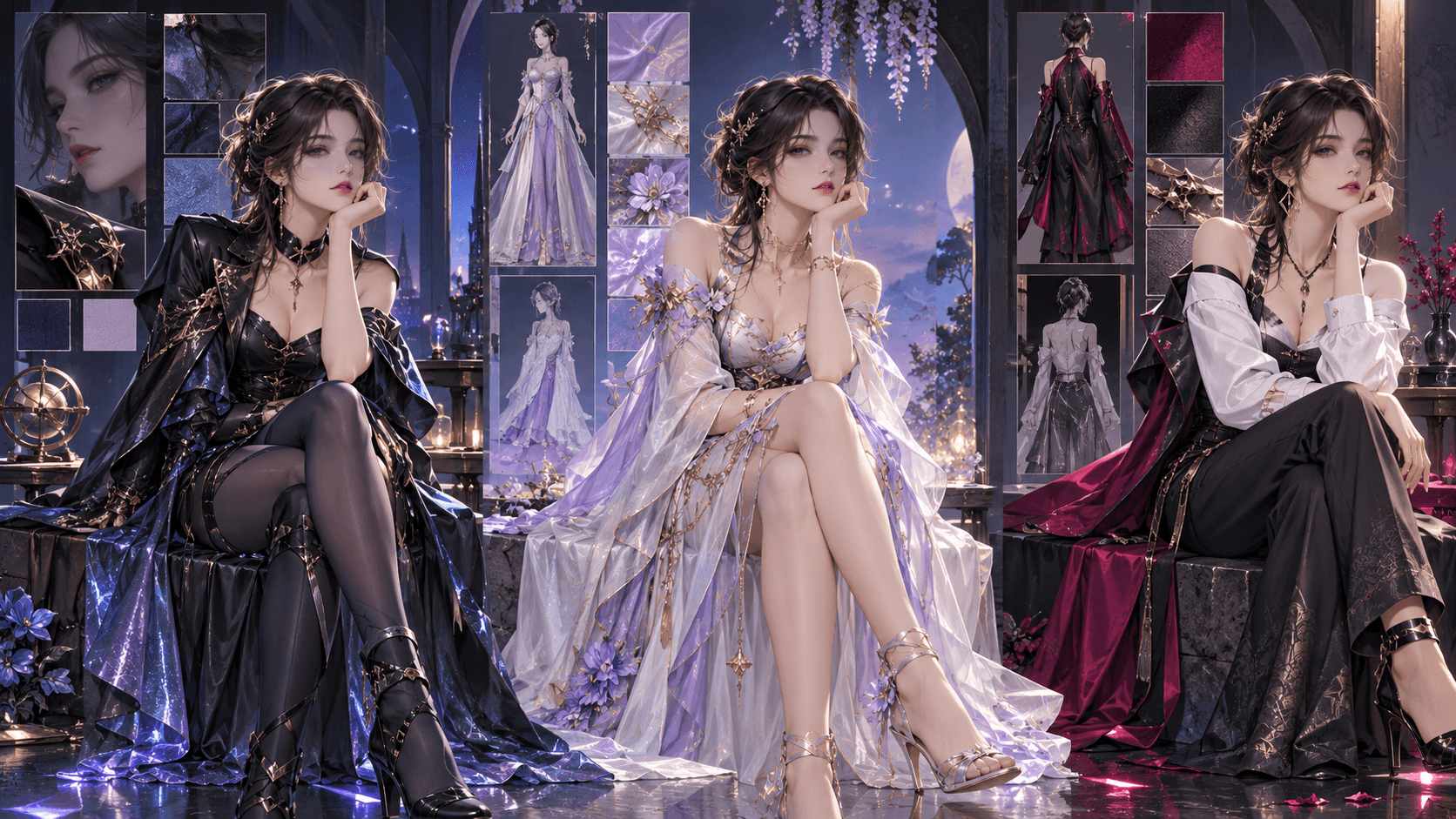
단계 5: 회전 테스트 (당신의 오리지널 캐릭터에 3D 제작 능력을 부여하기 위해)
이것이 대부분의 애니메이션 OC가 실패하는 부분입니다. 정면에서는 보기 좋지만, 뒤에서나 측면에서 보면 완전히 어울리지 않습니다.
당신의 캐릭터를 잠금한 후, 생성해 주세요:
- 순수 측면 실루엣(좌측 및 우측) —— 코뼈와 턱이 정렬되었는지 확인해 주세요.
- 뒷면 뷰 — 헤어 파트가 앞면 뷰와 일치하는지 확인하세요. 앞면이 왼쪽 파트라면, 뒷쪽 머리는 오른쪽으로 흘러내려야 합니다.
- 45도 탑다운 시점 — 인공지능에게 가장 어려운 시점입니다. 만약 이 시점에서 캐릭터가 마치 다른 사람으로 보인다면, 돌아가서 '머리 모양' 슬라이더를 조정하면 됩니다.
나는 온 오후를 다 써서 《귀멸의 칼날》 OC 캐릭터 생성기에서 한 캐릭터를 조정했는데, 그녀의 뒷머리 스타일이 완전히 달랐다는 것을 알게 됐다. 나는 '비대칭 헤어스타일' 슬라이더를 0으로 맞추고 '헤어 길이 일관성' 옵션을 잠근 뒤 해당 캐릭터를 다시 생성할 수밖에 없었다.
단계 6: 당신의 오리지널 애니메이션 캐릭터 애니메이션 제작하기 (2026년 주력 신규 기능)
이것은 여전히 마법 같은 느낌을 주는 부분입니다. 자신만의 오리지널 애니메이션 OC를 확정하면 Elser가 짧은 동적 순환 애니메이션 클립을 생성해 줄 수 있습니다.
나는 그런 거칠고 서툰 변형 효과에 대해 말하는 게 아니에요. 유려한 움직임의 질감을 가진 진정한 2~3초 애니메이션을 말하는 거예요. AI는 당신의 캐릭터의 고정된 비율을 분석하고 두 자세 사이의 보간 전환을 생성합니다.
나는 나루토 고유 캐릭터 생성기로 만든 내 캐릭터의 인장 제스처 시퀀스를 완성했어. 양손이 멈춰있는 프레임과 양손으로 양인장을 지은 프레임을 각각 하나씩 만들고 AI로 중간 전환 프레임을 보완했어. 최종적으로 1초 길이의 반복 애니메이션을 만들었고, 이는 내가 직접 만든 캐릭터가 닌자술을 사용하는 과정을 보여줘. 나는 이 애니메이션을 트위터에 올렸는데, 누군가가 애니메이터를 고용했는지 물어봤어.
《원피스》 커스텀 캐릭터 제작 툴의 캐릭터에게는 기어 세컨드 스타일의 증기 폭발 효과를 생성할 수 있습니다. 《진격의 거인》 커스텀 캐릭터 제작 툴의 캐릭터에게는 입체 기동 장치의 휘날리는 궤도를 생성할 수 있습니다. 움직임 테스트로 설계 결함을 드러낼 수도 있습니다—회전할 때 머리카락이 몸과 관통하는 현상이 발생한다면, 머리카락을 짧게 줄여야 합니다.
단계 7: 배경 스토리에 자연스럽게 녹여내어 딱딱하게 정보를 나열하지 않도록 하세요
최악의 애니메이션 OC는 종종 5000자에 달하는 배경 스토리를 가지고 있지만, 이 배경 스토리는 시각적인 존재감이 전혀 없습니다. 당신의 캐릭터 디자인은 단 한 줄의 대사도 없이도 캐릭터의 배경 스토리를 보여줄 수 있어야 합니다.
자기 마음속으로 물어봐: 만약 내가 모든 글을 지운다면 주변 사람들이 내 OC의 비참한 과거를 알아맞힐 수 있을까?
- 상처가 아주 뚜렷하다. 그 굳은살은? 오랜 시간 검술을 연습하는 캐릭터의 손에는 굳은살이 가득 차 있을 텐데. 나는 이를 표현하기 위해 '손 세부 묘사' 생성 기능을 추가했다.
- 초라한 옷차림은 이 사람이 가난하거나 방금 전투를 겪었음을 나타냅니다. 하지만 보수한 옷은 그가 가난하지만 자신의 물건을 아낀다는 것을 암시하는데—이는 완전히 다른 성격의 소유자입니다.
- 보석 조합이 어울리지 않는다—한 손에는 금 반지를 끼고 다른 손에는 값싼 줄 엮은 팔찌를 끼고 있다는 점은 이중 충성심을 가지거나 사랑하는 사람을 잃었음을 암시한다.
저 <블리치> 오리지널 캐릭터 제작 템플릿을 사용해 제 캐릭터를 위해 금이 간 뒤 다시 붙인 부부장 배지 하나를 디자인했어요. 한 글자도 적지 않았는데도 그것만으로 한 번의 임무 실패 스토리를 다 풀어냈어요.
흔한 애니메이션 오리지널 캐릭터 오해 (그리고 AI가 이 오해들을 어떻게 바로잡는지)
오류: 천인일면 증후군. 모든 캐릭터가 다만 머리 스타일만 다른 동일한 사람으로 보입니다.
AI 사진 보정: "얼굴 다양성" 슬라이더를 사용하세요. 이 슬라이더로 코뼈를 넓히고 턱선 모양을 조정하며 두 눈 사이 간격을 바꿀 수 있습니다. 동일한 기본 프롬프트의 10가지 변형을 생성한 후, 다른 당신의 OC와 가장 닮지 않은 것을 고르세요.
오류: 과도한 디자인입니다. 지나치게 많은 벨트, 지퍼 및 액세서리가 사용되었습니다. 해당 캐릭터의 시각적 효과가 지저분하게 느껴집니다.
AI 복원: “복잡도” 슬라이더를 사용하세요. 소년 만화는 30~40%로 설정하고, 소녀 만화는 20%로 설정하며, 청년 만화는 60%로 설정하세요. 낮은 파라미터로 시작하여 점차 세부 사항을 추가하세요.
오류: 정적 자세. 이 캐릭터는 항상 단지 팔을 몸 양쪽에 늘어뜨린 채 서 있습니다.
AI 복원: 「동작 자세 라이브러리」를 사용 — 200가지가 넘는 미리 설정된 자세(달리기, 점프, 방어, 주문 시전, 추락, 비행, 앉은 자세, 기대기). 당신의 OC에 대한 다섯 가지 서로 다른 동작 자세를 생성하여 역동적임을 보여주세요.
오류: 세계관을 무시했습니다. 이 캐릭터는 다른 드라마에 속한 것처럼 보입니다.
AI 복구: 동인 커뮤니티 템플릿을 통일하여 사용하세요. 《나루토》 원작 캐릭터 메이커와 《원신》 원작 캐릭터 메이커를 혼용하지 마세요 — 두 제품의 미술 스타일이 충돌합니다. 하나의 세계관을 정하고 고수해 주세요.
2026년 유행 트렌드: “반애니메이션” 애니메이션 오리지널 캐릭터
올해에는 애니메이션 제작의 일반적인 정형화된 패턴을 일부러 깨는 이상한 트렌드가 생겨났다. 모두 다음 요소를 사용하여 OC를 생성합니다:
- 애니메이션 스타일 얼굴형의 사실적인 피부 텍스처 (기이하지만 잊지 못할)
- 비대칭 양안 (한쪽은 정상이고, 다른 한쪽은 추상 기호)
- 결손된 사지가 비인간 부속지로 대체됩니다 (촉수, 나뭇가지, TV 스노우 화면)
- 의도적으로 충돌감을 연출하는 색상 조합(형광 녹색과 차분한 갈색)
표준 애니메이션 작품에 지루해졌다면, Elser에서 사용할 수 있는 Weirdcore OC Maker 템플릿을 시도해보세요. 이 템플릿은 고장 난 질감, 불가능한 기하학적 형태, 꿈의 논리적 비율을 가진 캐릭터를 생성해줍니다. 그것들은 전통적인 의미의 “애니메이션” 스타일은 아니지만 매우 매력적입니다.
당신의 애니메이션 OC가 완성되었다고 판단하기 전 최종 확인 체크리스트
[] 실루엣은 고유한 것입니다 (이것을 검은색으로 칠해 테스트할 수 있습니다)
[] 색상 구성표에는 의미가 있습니다 (무작위가 아닙니다)
[] 표정에는 최소 두 개의 미세 표정이 포함됩니다
[] 후면 뷰는 정면 뷰와 일치합니다
[] 이 캐릭터는 적어도 하나의 동작 자세가 괜찮아 보입니다
[] 해부학적 오류 없음 (손, 발, 사지 겹침 여부 확인)
[] 이 디자인은 글자를 사용하지 않고도 뒤에 숨겨진 이야기를 암시할 수 있다
[] 너는 그들을 볼 때 진심으로 흥분한다
너의 애니메이션 오리지널 캐릭터가 너를 기다리고 있어
2026년에는 애니메이션 오리지널 캐릭터(OC)를 창작하는 법을 배우는 게 그 어느 때보다 쉬워졌지만, 인공지능이 엄청 많은 선택지를 제공하기 때문에 망치기도 훨씬 쉬워졌습니다. 핵심은 제한을 정하는 것입니다. 당신의 세계관을 제한하세요. 당신의 색 구성표를 제한하세요. 캐릭터 비율을 제한하세요. 이러한 제한 범위 내에서 창작하여 독특한 작품을 만들어보세요.
엘서 AI 시중에서 가장 애니메이션 특색이 돋보이는 전용 템플릿을 제공해 드립니다—《드래곤볼》《귀멸의 칼날》《단방론포》부터 ENA까지. 더 이상 획일적인 보편적인 2차원 소녀 이미지를 생성하지 말고, 다음 최고의 애니메이션 주인공을 만들어보세요. 무료로 가입하기만 하면 최초 50회 생성 한도를 받으실 수 있습니다.