How to Turn a Novel Chapter into an AI Video with ElserStudio
There is a wonderful moment when a scene that has lived only in your head finally starts to move. The difficult part is getting there without losing the character, mood, or small story details that made the chapter worth adapting in the first place.
ElserStudio is designed to make that transition easier. It lets you bring a chapter into a desktop production canvas, turn the prose into an editable script and shot plan, prepare recurring characters and locations, generate individual shots, and assemble the results into a finished scene.
Here is how that workflow looks in practice.
Choose one chapter with a visible turning point
Start with a chapter that contains an action or discovery an audience can understand on screen.
For example: a courier arrives at an empty railway station, recognizes a suitcase belonging to her missing brother, and hears someone call her name from the dark platform.
That chapter already contains three strong visual beats:
- The courier enters the station.
- She discovers the suitcase.
- She reacts to the unseen voice.
You do not need to adapt every sentence. The goal is to preserve the chapter’s dramatic movement. Internal thoughts can become gestures, staging, dialogue, or sound. Description can guide the location and lighting without requiring a shot for every detail.
Import the story into ElserStudio
Create a new project and begin with the Story Script action on the canvas. You can paste the chapter or upload a supported TXT, Markdown, or PDF file.
ElserStudio can use that source to prepare a script containing the characters, locations, props, dialogue, and proposed shots. Treat this as a working production draft rather than an untouchable answer. Read it carefully and correct anything that changes the plot.
Check that:
- the scene order matches the chapter;
- the correct character performs each action;
- important dialogue remains intact;
- the suitcase is identified as a recurring prop;
- the voice is off-screen if the mystery depends on it;
- the final shot ends on the intended question.
Because the script stays editable, you can simplify an overloaded shot before spending anything on generation.
Turn recurring story details into World assets
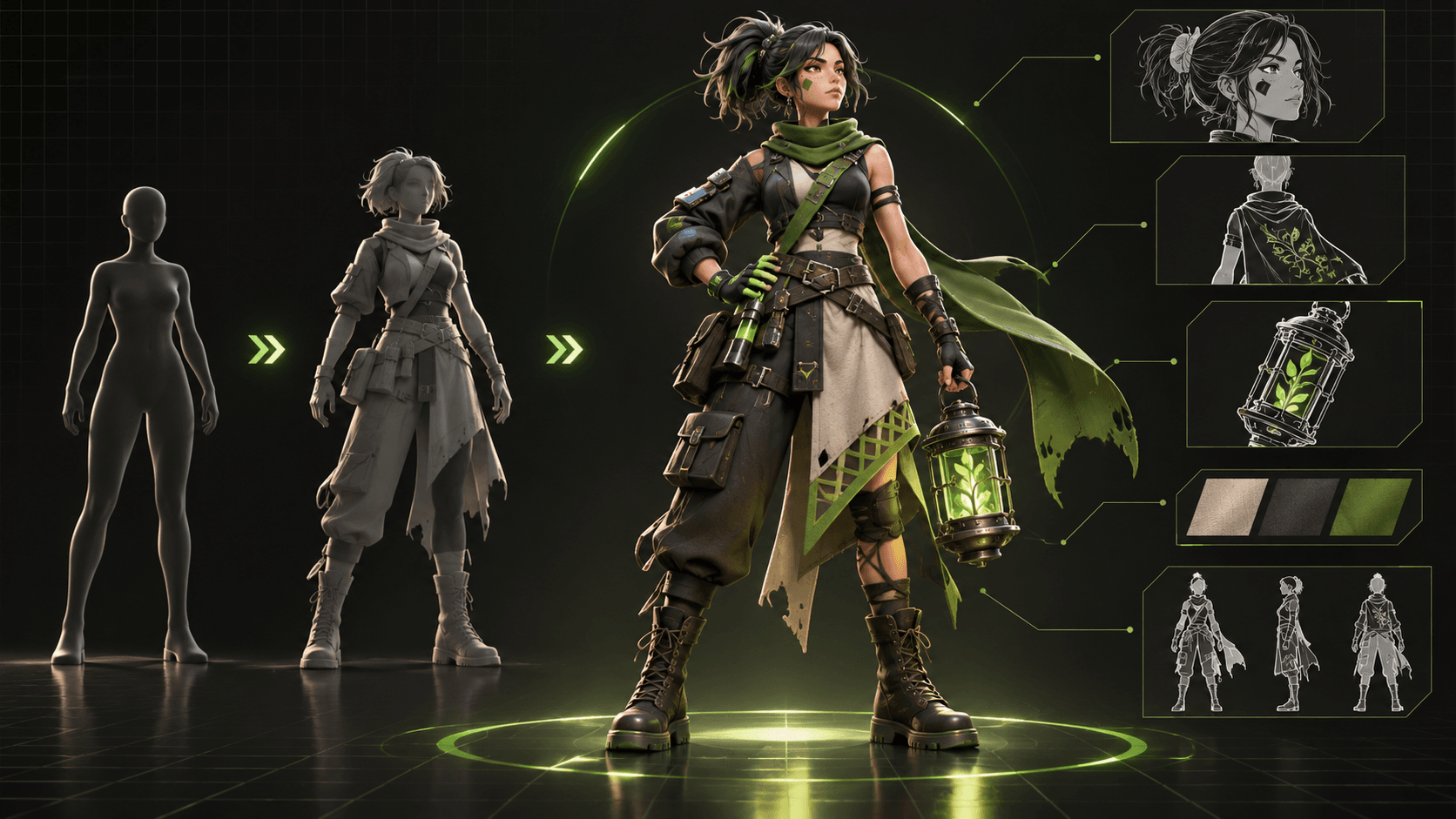
Next, choose Prepare Assets from the script. ElserStudio can organize the characters, locations, and props inside a World so they can be reused across the project.
For this scene, you might create:
- Mara, the courier;
- the abandoned station;
- her brother’s suitcase;
- a voice profile for Mara;
- a separate voice profile for the unseen speaker.
Open each asset and review its canonical reference, description, and base prompt. Mara’s identity should focus on what viewers need to recognize: face, hair, coat, satchel, and perhaps a red scarf that remains visible in dark lighting. The station asset should establish the platform, benches, departures board, and overall architecture.
The purpose is not to write the longest possible description. It is to create a stable visual foundation that several shots can share.
Shape the chapter into camera-ready shots
Now refine the shot table. Give each shot one main task.
Shot 1: Arrival
Wide or medium-wide view. Mara walks into the deserted station and slows as she notices how quiet it is. This establishes the character and location.
Shot 2: Discovery
Mara sees the suitcase beneath the departures board. You might begin with her gaze, then cut to the object, or keep both visible in the composition.
Shot 3: Reaction
The unseen voice says her name. Mara turns toward the dark platform. The shot ends before revealing the speaker.
Inside ElserStudio, attach the correct character, location, and prop references to each shot. Add the action, framing, camera behavior, duration, resolution, and sound direction. If a composition is difficult to explain in words, add an optional guide board.
A useful shot prompt describes what happens from beginning to end. “Mara stands in a mysterious station” is a mood. “Mara enters, notices the suitcase, and stops two steps away” is filmable action.
Generate a small sample before the whole chapter
Choose the most representative two or three shots and generate them through your configured provider. ElserStudio keeps the resulting video nodes beside the production materials on the canvas, while task history shows progress and failures.
Review the actual motion, not just the opening frame. Is Mara still recognizable at the end? Does the suitcase keep its design? Did the shot perform the action, or only create atmosphere? Does the voice arrive at the correct moment?
If a result fails, change one meaningful variable. Simplify the action, strengthen the reference, adjust the shot duration, or use a clearer angle. Avoid rewriting everything at once, because you will not know what improved the result.
Assemble the scene locally
Once you have acceptable takes, add a Composition node and connect the selected clips. Arrange them in story order on the timeline.
This is where the chapter begins to feel like a scene. Trim pauses, listen to the rhythm, and make sure the cut from Mara’s gaze to the suitcase is understandable. Let the final reaction breathe long enough for the unseen voice to matter.
Watch the sequence without rereading the novel. A new viewer should understand that Mara came to an empty station, recognized something personal, and now knows she is not alone. If one of those facts is missing, add or repair the specific shot that should communicate it.
Expand only after the first sequence works
A longer chapter may contain several locations or conversations. Treat each as its own small sequence. Reuse the approved World assets and keep a continuity note for costume, prop state, time of day, and what each character knows.
This makes later scenes easier to build because you are not redesigning the story world every time. The visual decisions made in the first sequence become the foundation for the next one.
Have a chapter you can already picture? Download ElserStudio and turn a short passage into your first local video project.
FAQ
Can I import a PDF novel chapter?
ElserStudio currently lists TXT, Markdown, and PDF as supported story-import formats. Always check the imported text, especially if the PDF uses columns or complex formatting.
Will ElserStudio automatically make the entire chapter?
It helps break the chapter into production elements and generate shots, but you still review the adaptation, references, takes, and edit.
How many shots should I make first?
Two or three representative shots are enough for the first test. Complete the entire story-to-edit loop before scaling.
Can I keep the same character in later chapters?
Yes. Reusable World assets are designed to carry characters, locations, props, and voices across scripts and shots, although generated results still need review.
Do I need adaptation rights?
Yes. Use a novel you wrote, licensed material, or another source you have permission to adapt.
Conclusion
Turning a novel chapter into AI video works best when the chapter becomes a sequence of clear production decisions. ElserStudio keeps those decisions connected—from the original text and recurring characters to the generated clips and local timeline—so you can focus on making the scene feel like your story.