How to Turn Your Original Story into an AI Animated Series
The first episode of an animated series is not only a story. It is a promise that the characters, world, and visual language can return next week.
That is where a project-based tool matters. ElserStudio gives creators a local desktop canvas for the entire series workflow: source stories, scripts, recurring characters, locations, props, shots, generated video, voices, and episode compositions.
Instead of recreating the show in a new prompt every time, you build a world that later episodes can reuse.
Define what repeats and what changes
Begin with one sentence that describes the series:
A young mapmaker enters one disappearing district every week and must recover a lost memory before midnight.
Now define two layers.
The repeatable layer includes the mapmaker, her tools, the city, the midnight rule, and the visual tone. The changing layer includes each district, the memory she seeks, the person affected, and how the season’s mystery develops.
This balance makes the series recognizable without making every episode identical.
Develop the pilot on the ElserStudio canvas
Write a short pilot outline or import an existing script. ElserStudio can organize it into scenes, dialogue, characters, locations, props, and an editable shot table.
Keep the pilot contained. Introduce the mapmaker, demonstrate the midnight rule, resolve one local problem, and leave one larger question. Do not explain the complete mythology in episode one.
Because the script remains on the canvas, it can grow alongside the visual production. If the generated sequence reveals that a scene is too complicated, revise the shot structure without losing the rest of the project.
Create the series bible as reusable assets
Inside the project World, prepare the elements that will return:
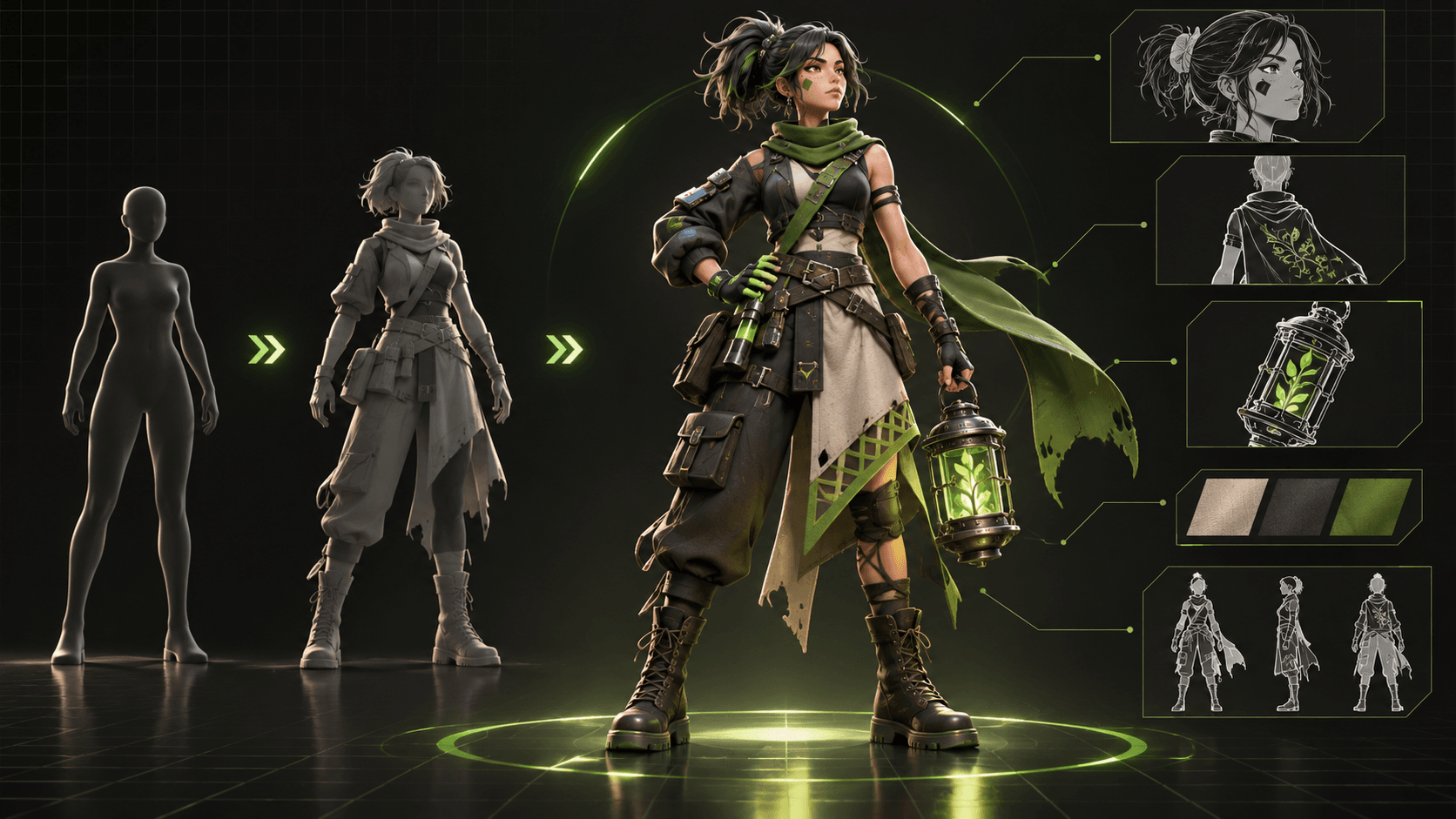
- the protagonist’s canonical character sheet;
- recurring allies or rivals;
- the city hub and workshop;
- the mapmaking tools;
- voice profiles;
- recurring symbols, costumes, and color rules.
Review every asset before producing a whole episode. The protagonist should have a recognizable silhouette and a practical outfit that remains readable across wide and close shots. A recurring room needs a stable layout. Important props need consistent shapes.
ElserStudio lets scripts and shots reference those World assets directly. If the protagonist loses a glove in episode two, update the continuity state deliberately rather than letting the change appear randomly.
Turn the pilot into manageable shots
Give every shot one narrative job. An example opening sequence might be:
- Wide shot: the district begins fading at its edges.
- Medium shot: the mapmaker enters and unfolds her glowing map.
- Insert: one street is missing from the page.
- Character shot: a child recognizes the missing street name.
- Motion shot: the pair run toward the disappearing district.
Attach the correct characters, locations, and props. Add action, framing, duration, style, and sound direction. Use an optional guide board if the animated composition needs precise staging.
Generate the hardest recurring situations first. If the show depends on the mapmaker and child appearing together, test that interaction before filling the episode with landscapes.
Review for series consistency, not only beauty
Play the generated videos on the canvas. Compare the character with the approved sheet. Check whether the map is still the same object. Listen to voice continuity. Make sure the character enters and exits the location in a way the next shot can follow.
A visually attractive take may still be wrong for the show. ElserStudio makes it easier to keep the production context nearby, so you can compare the output with the World asset and shot intention instead of relying on memory.
Edit the pilot locally
Connect accepted videos to a Composition node and arrange them on the timeline. Trim the clips, refine the order, and listen to the full scene.
Review the pilot at three levels:
- Story: Can viewers explain what happened?
- Series: Do they understand what could happen next week?
- Production: Can you afford to repeat this quality and workload?
The third question matters. If every ten-second shot requires many attempts, a weekly schedule may need shorter episodes, simpler actions, or a more limited visual style.
Carry the World into the next episode
When the pilot works, reuse its accepted assets and production rules. Create a new Episode and Shots without redesigning the protagonist or workshop. Keep a short record of what changed in the story and which generation patterns worked best.
This is how an AI animated series becomes sustainable: not by generating everything at once, but by letting each completed episode improve the next one.
Ready to build a show around your original characters? Download ElserStudio and create the first episode in a local, reusable production World.
FAQ
Can one person make an AI animated series?
A solo creator can develop a pilot or small series, but writing, visual review, sound, editing, and publishing still take time. Keep the scope repeatable.
Does ElserStudio store characters for later episodes?
Yes. Character, location, prop, and voice assets can be stored in a World and referenced across scripts and shots.
Can I use my existing character art?
You can add source references to canonical assets, provided you own or have permission to use the artwork.
Should I generate a full season before publishing?
Finish and review a pilot first. It will reveal the true visual, editorial, and financial workload.
Does ElserStudio replace animation software completely?
It provides an integrated AI film workflow, including generation and local composition. Highly specialized frame-by-frame animation or advanced finishing may still require other tools depending on the project.
Conclusion
An animated series needs a world that remembers itself. ElserStudio provides a local workspace where characters, places, scripts, shots, and edits can stay connected across episodes. Build the pilot, learn from the cut, and let the same World make episode two easier to produce.