What Is AI Video Editing? A Complete Guide for Creators
What Is AI Video Editing?
AI video editing is the use of artificial intelligence to help create, arrange, modify, enhance, or finish video content. It can include automatic cutting, caption generation, background removal, scene extension, color adjustment, sound cleanup, voice syncing, visual effects, video generation, clip selection, resizing, and even turning images or prompts into new video scenes.
In traditional editing, a human editor manually reviews footage, chooses the best clips, cuts them together, adds music, places captions, adjusts color, and exports the final video. AI video editing does not remove that process completely. Instead, it speeds up many parts of it and makes video creation more accessible to people who do not have advanced editing skills.
For modern creators, AI video editing often means more than editing existing footage. It can also mean generating missing shots, animating still images, creating product videos from photos, turning storyboards into video clips, adding subtitles, repurposing long videos into short clips, and building multiple ad variations from one asset.
This is why AI video editing is becoming important for YouTube creators, TikTok editors, marketers, educators, musicians, ecommerce sellers, anime creators, app teams, and small businesses. The challenge is no longer only “how do I cut this footage?” The challenge is “how do I turn an idea into finished video content quickly and consistently?”
What AI Video Editing Can Do
AI video editing tools can support different parts of the creative process. Some tools focus on editing existing video. They can detect scenes, remove silence, generate captions, reframe horizontal footage into vertical format, clean audio, suggest cuts, or create social clips from longer recordings.
Other tools focus on generating new video content. They can create scenes from text prompts, animate images, generate product ads, create character clips, or extend visual ideas into motion. In this broader sense, AI video editing is not only post-production. It becomes part of production itself.
For example, a creator might start with a product photo. AI can turn that photo into a short video ad. Then the creator edits the clip with captions, music, and CTA text. A musician might start with cover art, use AI to animate it, add lyric text, and export a music visualizer. An anime creator might generate several character shots, edit them into a YouTube Short, add voice, and finish with subtitles.
AI video editing can also help with repurposing. A long tutorial can become several Shorts. A product video can become a TikTok ad, Instagram Reel, and website hero clip. A landscape video can be reformatted for vertical platforms. A finished AI animation can be cut into a teaser, trailer, and social post.
AI Video Editing vs AI Video Generation
AI video editing and AI video generation are related, but they are not exactly the same.
AI video generation creates new video content from prompts, images, or references. AI video editing modifies, organizes, or finishes video content. In practice, the two often work together.
For example, if you use Elser AI to create an anime character clip from an image, that is AI video generation. When you cut that clip together with voice, music, captions, transitions, and a final CTA, that is AI video editing.
A product marketer might generate three product video shots with Elser AI: clean hero shot, lifestyle shot, and final CTA shot. Then they edit those shots into a 15-second ad. A comic creator might animate three comic panels, then edit them with sound effects and captions. A teacher might generate an animated diagram, then edit it into a lesson video.
The best workflow treats generation and editing as connected steps. Generation creates the raw visual material. Editing turns that material into communication.
Why Editing Still Matters in AI Video
Some creators assume AI video generation means editing is no longer necessary. This is a mistake. AI clips rarely become finished content by themselves. They need pacing, structure, sound, captions, and context.
A generated clip might look beautiful but start too slowly. It might have two strong seconds in the middle and weak motion at the end. It might need a caption to explain the idea. It might need music to feel complete. It might need trimming to fit TikTok, YouTube Shorts, or Instagram Reels. It might need a title card, logo, or product CTA.
Editing is where the video becomes intentional. It decides what the viewer sees first, how long they stay, where attention goes, and what action they take afterward.
For AI-generated videos, editing also helps hide imperfections. If a hand looks strange for half a second, you may cut before it appears. If a transition is awkward, you can use a cutaway. If lip sync is strongest in one section, you can keep that part and replace the weaker section with a reaction shot or background visual.
AI video generation creates options. Editing chooses the final experience.
Common AI Video Editing Workflows
One common workflow is the short-form content workflow. A creator starts with a hook idea, generates a visual clip, adds voiceover or captions, cuts the video tightly, and exports in 9:16 for Shorts, TikTok, or Reels. In this workflow, AI helps with both generation and editing, but the creator still controls pacing.
Another workflow is product video editing. A seller uploads a product image, creates several AI-generated video clips, chooses the best version, adds benefit captions, inserts a CTA, and exports multiple ad formats. This is useful for ecommerce, Shopify, TikTok Shop, and paid social campaigns.
A third workflow is anime or character video editing. The creator generates character close-ups, reaction shots, dialogue clips, and environment shots. Then they edit them like a short scene. Character consistency, shot order, and voice timing become important.
A fourth workflow is music video editing. The creator generates visuals for intro, verse, chorus, bridge, and outro, then edits them to rhythm. Some shots may include lip sync, while others are atmospheric or abstract.
A fifth workflow is educational video editing. A teacher or course creator generates visual explanations, diagrams, or character-led scenes, then edits them with narration, labels, and captions.
In all these cases, AI helps accelerate production, but the final video still depends on structure.
How Elser AI Fits into AI Video Editing
Elser AI is especially useful at the generation and visual iteration stage of AI video editing. Many creators already have assets but do not have enough motion content. They may have product photos, character images, comic panels, app screenshots, storyboards, or illustrations. Elser AI can help turn those assets into video clips that can then be edited into final content.
For example, you can use Elser AI to create:
product video shots from photos
anime character scenes
image-to-video clips
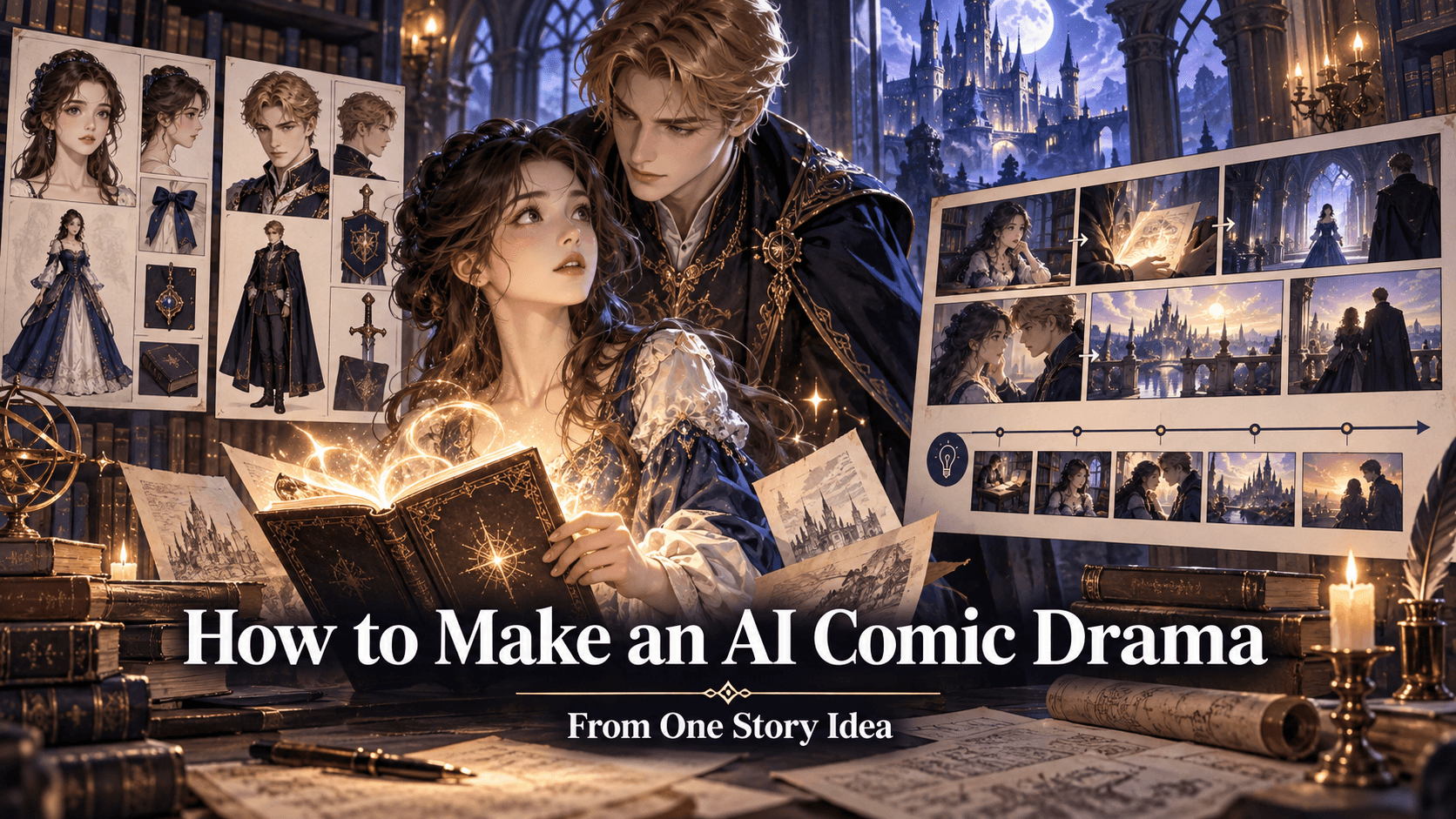
comic panel animations
music video visuals
app promo scenes
educational animation clips
travel or real estate promo shots
short-form video hooks
After generating the clips, you edit them with captions, audio, voice, transitions, and platform-specific formatting. This combination is practical because it solves two problems: creating visual material and shaping it into final content.
If you are new to the workflow, register on Elser AI and start with one simple project. Upload a product image, character design, or comic panel. Generate three short clips. Then edit them into a 15-second video with a hook, main visual, and final CTA. This teaches the full AI video editing loop without requiring a large project.
AI Video Editing Prompt and Planning Template
Before generating clips, write a short editing plan. This helps avoid random outputs.
Template:
“Video goal: [what the video should achieve].
Platform: [YouTube Shorts, TikTok, Instagram Reels, website, ad, course].
Length: [duration].
Structure: [hook, setup, payoff, CTA].
Visual assets: [images, products, characters, panels, screenshots].
Generated shots needed: [shot list].
Audio: [voiceover, music, sound effects].
Text: [captions, title, CTA].”
Example:
“Video goal: create a 15-second product ad for a skincare bottle. Platform: TikTok and Instagram Reels. Length: 15 seconds. Structure: hook, product reveal, benefit caption, final CTA. Visual asset: product photo. Generated shots needed: clean hero shot, water reflection close-up, final CTA frame. Audio: soft upbeat music. Text: ‘Turn your routine into a glow moment’ and ‘Try it today.’”
This plan makes the generation and editing process clearer. You can then use Elser AI to generate the shots and assemble them into the final video.
Final Thoughts
AI video editing is the use of AI to create, improve, arrange, and finish video content. It can include generating clips, editing footage, adding captions, cleaning audio, creating variations, resizing for platforms, and turning static assets into motion.
The most important thing to remember is that AI editing does not remove creative direction. It makes direction more important. The creator still decides the story, pacing, message, style, and final cut.
Elser AI helps creators by turning ideas, images, products, characters, and panels into video clips that can be edited into finished content. If you want to build an AI video editing workflow, start with one asset, generate a few clips in Elser AI, and edit them into a complete short video. That is the simplest path from idea to final content.