Best AI Anime Generator in 2026: Turn Prompts and Photos Into Anime Art
The phrase “best AI anime generator” hides at least four different jobs.
One person wants a striking avatar from a selfie. Another needs an original character who looks the same in twenty comic panels. A third wants polished background art. A fourth intends to animate the result and add dialogue. Those creators should not automatically choose the same tool.
In 2026, generating an anime-looking image is no longer the difficult part. The difficult part is control: preserving a face, directing a camera, keeping a costume consistent, making revisions without starting over, and understanding whether you have the right to publish the result. This guide helps you choose a workflow for prompts and photos without pretending that one generator wins every category.
The fastest way to choose: define the finished asset
Before comparing products, write down what you need to deliver.
- A profile image needs a readable face and clean crop.
- A character sheet needs neutral poses, multiple views, and stable design details.
- A comic needs recurring identities, panel composition, and editable lettering.
- A visual story needs backgrounds, continuity, and shot planning.
- A short video needs stable motion, timing, audio, and an editing path.
This distinction prevents an expensive mistake. Image galleries reward the most spectacular one-off result, while production rewards repeatability. The generator that makes your favorite portrait may still be the wrong choice for a serialized story.
Build a five-minute scorecard with six categories: prompt control, reference-image control, character consistency, editing and reuse, rights and privacy clarity, and total cost per accepted result. Weight each category according to your deliverable. If you only want an avatar, reference handling may dominate. If you want a webtoon, consistency and layout matter much more.
Best for a connected anime production workflow: Elser AI
Elser AI is designed around anime stories rather than isolated pictures. Its current public toolset connects image generation with an OC maker, comics, manga, storyboards, image animation, video, voice, music, and sound. The Elser animation page describes a workflow that can begin with an idea or script and move through characters and storyboards to a finished short.
That makes Elser a strong choice when the first image is supposed to become something else. A creator can design an original character, reuse the approved asset in scenes, arrange a comic, and explore motion without rebuilding the project across unrelated services.
The advantage is workflow breadth, not a guarantee that every model output will be flawless. Faces can still drift, hands can fail, and animation can change small costume details. Elser is most useful when you treat it as a production workspace: approve references early, generate scenes in stages, and review continuity before animation.
For a single image, an all-in-one environment may be more than you need. For a story, comic, or anime short, fewer handoffs can save significant time.
Best for commercial design integration: Adobe Firefly
Adobe Firefly is relevant when anime-style art must enter a broader professional design workflow. Adobe’s official documentation currently lists Firefly Image 3, Image 4, Image 4 Ultra, and Image 5 in its text-to-image interface, alongside partner models. Firefly also connects generation with editing and Creative Cloud tools.
Its practical appeal is not “anime specialization.” It is integration: designers can generate, edit, composite, add typography, and prepare deliverables using familiar Adobe workflows. Adobe also markets Firefly’s own models for commercially safe creation, but creators should still confirm the license, model selected, uploaded-reference rights, and current plan terms.
Firefly is a sensible candidate for posters, campaign assets, presentation art, and projects that need careful typography or manual compositing. A dedicated anime platform may offer a more direct path for characters and stories; Firefly may fit better when the final asset lives inside a conventional design pipeline.
Best for adding motion to approved artwork: Runway
Runway’s Gen-4.5 documentation confirms text-to-video and image-to-video support and emphasizes motion quality, prompt adherence, and camera choreography. That makes it a relevant specialist option after you already have a strong anime still.
The important phrase is “after you already have a strong still.” Image-to-video models inherit both the strengths and ambiguities of the source. A clean character with readable eyes, separated limbs, and a simple background is easier to animate than a crowded illustration with overlapping hands and hair.
Runway can be valuable for controlled clips and camera experiments, but it does not remove the need for a character system, comic layout, or story bible. It is best evaluated as part of a pipeline rather than as the automatic winner of a general “AI anime generator” ranking.
How to turn a text prompt into better anime art
Weak prompts describe taste: “beautiful, detailed anime girl, cinematic masterpiece.” Strong prompts describe a production decision.
Use this order:
1. Subject: who or what is visible.
2. Identity anchors: the details that must not change.
3. Action: what is happening at this moment.
4. Environment: where the action occurs.
5. Shot: close-up, medium, wide, low angle, overhead, or another clear framing.
6. Light and palette: the main source, contrast, and color relationship.
7. Rendering language: clean cel shading, painted background, graphic ink, or another broad treatment.
For example:
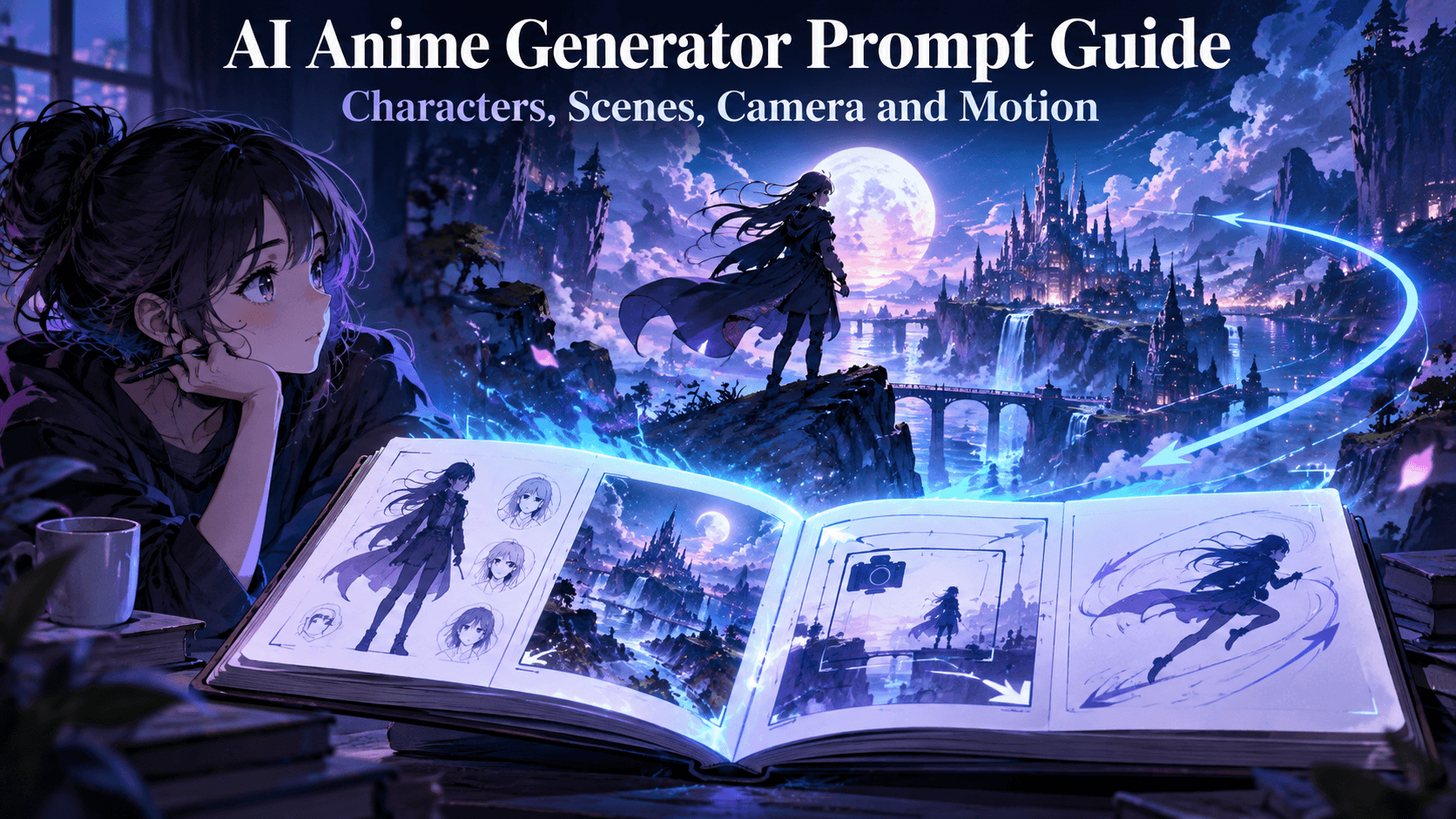
Adult night courier with a heart-shaped face, short cobalt bob with one long left strand, brass compass pin, and navy jacket with one red cuff; opening a whispering parcel on a rain-dark rooftop; medium shot at eye level; warm parcel glow against cool blue-hour rain; crisp cel shading and restrained reflections; preserve the hair silhouette, pin, cuff, and jacket construction.
This prompt is longer than “anime courier,” but every phrase has a job. If the jacket changes, you know which instruction to reinforce. If the frame feels flat, you can alter the shot or light without redesigning the person.
How to turn a photo into anime without losing the person
Photo-to-anime generation adds a responsibility that pure text prompting does not: you are handling someone’s likeness.
Use a photo only if you own it or have clear permission to transform it. Avoid private, intimate, medical, or identifying images unless you fully understand the service’s data practices. A public social-media photo is not automatically licensed for your use.
Choose a reference with even light, a visible face, and minimal obstruction. Decide what should survive the transformation: facial proportions, hairstyle, glasses, expression, clothing, or pose. Then choose a stylization strength. Strong stylization may produce a more dramatic anime image but can replace individual features with a generic face.
Start conservatively. Preserve the composition and identity in the first pass, then increase line simplification, eye stylization, color design, or background fantasy in later variations. Compare the result with the original at the same crop. If the identity is only recognizable because you remember the source, the transformation has gone too far.
Do not use photo-to-anime tools to create deceptive, sexualized, or humiliating images of a real person. Consent to take a photograph is not consent to transform or publish it.
The consistency test every buyer should run
Create one adult original character with five non-negotiable features. Then request:
- a neutral front portrait;
- a side view;
- a full-body standing pose;
- a seated indoor scene;
- a wide action scene;
- a two-character conversation.
Do not change the style language during the test. Reuse the same approved reference when the platform supports it. Score face shape, hair silhouette, eye color, costume construction, signature prop, apparent age, and overall rendering.
Next, animate the close-up if video matters. Watch it at normal speed and frame by frame around turns and blinks. Count usable seconds, not generated seconds.
Finally, record the number of retries and minutes of manual repair. That reveals the real cost of the AI anime generator. Subscription price and credit price are only inputs; accepted output is the result.
Copyright, artist style, and commercial use
Avoid asking for the exact signature style of a living artist, especially for commercial work. Describe visual properties instead: limited cel shading, delicate ink weight, watercolor environment, 1990s science-fiction palette, or theatrical rim light. Broad visual language gives you more control and produces a less derivative result.
Fan art should be labeled unofficial and should not be marketed as an authorized product. Avoid copied logos, official key art, traced poses, and claims that a fan-made character is canon. If you plan to sell the work, transform franchise-specific elements into an original world or seek permission and qualified legal advice.
The U.S. Copyright Office has explained that prompts alone do not make purely AI-generated expression copyrightable, while human-authored selection, arrangement, and modification may qualify. Keep scripts, drafts, layered edits, layouts, and records of your creative decisions.
FAQ
What is the best AI anime generator for beginners?
For a beginner who wants to build a story, Elser AI is a strong option because it connects character, comic, storyboard, and video tools. A beginner making a single design asset may prefer a general image-and-editing workflow such as Firefly.
Which AI anime generator is best for consistent characters?
Choose a tool that supports reusable character references or saved assets, then test it across camera angles and scenes. Consistency depends on the workflow and reference discipline as much as the underlying model.
Can I turn any photo into anime?
Technically many tools accept photos, but you should only upload images you own or have permission to use. Avoid sensitive material and never make abusive or non-consensual likeness edits.
Can I sell AI-generated anime art?
It depends on platform terms, reference rights, intellectual property, human authorship, and local law. Read the current license and avoid unlicensed franchise or celebrity content.
Conclusion
The best AI anime generator in 2026 is the one that fits the asset you intend to finish.
Choose Elser AI when characters, comics, storyboards, and video need to remain part of one story workflow. Consider Adobe Firefly when generation must flow into professional design and compositing. Consider a video specialist such as Runway when the main challenge is adding controlled motion to an approved image.
Whichever route you choose, run the same consistency audition, record retries, protect likeness and reference rights, and measure cost per accepted asset. That process will give you a better answer than any gallery—or any article that tries to hand one universal trophy to a rapidly changing category.