Best AI Talking Character Generators for Multi-Character Dialogue in 2026
Creating one talking AI character is relatively straightforward. Give the tool a portrait, add a voice track, and wait for the mouth to move.
Creating a believable conversation between two or more characters is a different problem.
The generator must know who is speaking, preserve each character’s face and voice, animate the correct mouth, create natural reactions, and maintain the setting between camera changes. If it gets any of these wrong, the conversation immediately feels artificial.
That is why the best AI talking character generator for multi-character dialogue is not necessarily the tool with the most impressive talking-head demo. It is the one that treats dialogue as a scene rather than a sequence of moving mouths.
For this comparison, I focused on five practical requirements:
- Distinct and reusable character identities
- Separate voices for each speaker
- Accurate lip sync
- Reaction shots and performance control
- Support for multi-shot or storyboard-based dialogue
What Makes AI Dialogue Believable?
Good dialogue is not just speech. It is an exchange of attention.
While one character talks, the other character listens. They look away, react, interrupt, hesitate, smile, or become uncomfortable. These silent responses often communicate more than the spoken line.
A convincing AI dialogue scene therefore needs four layers.
Identity
Each person must retain the same face, body, outfit, age, and visual style across every shot.
Voice
Character A should not suddenly inherit Character B’s pitch, pacing, accent, or emotional delivery.
Speaking order
Only the correct mouth should move during each line. Overlapping speech must be deliberate.
Reaction
Non-speaking characters should remain alive without performing random or distracting movements.
The last point is often overlooked. A perfectly lip-synced speaker beside a frozen listener still looks unnatural.
1. Elser AI: Best Overall for Animated Multi-Character Stories
Elser AI is the strongest overall choice when the conversation belongs to a larger animated story.
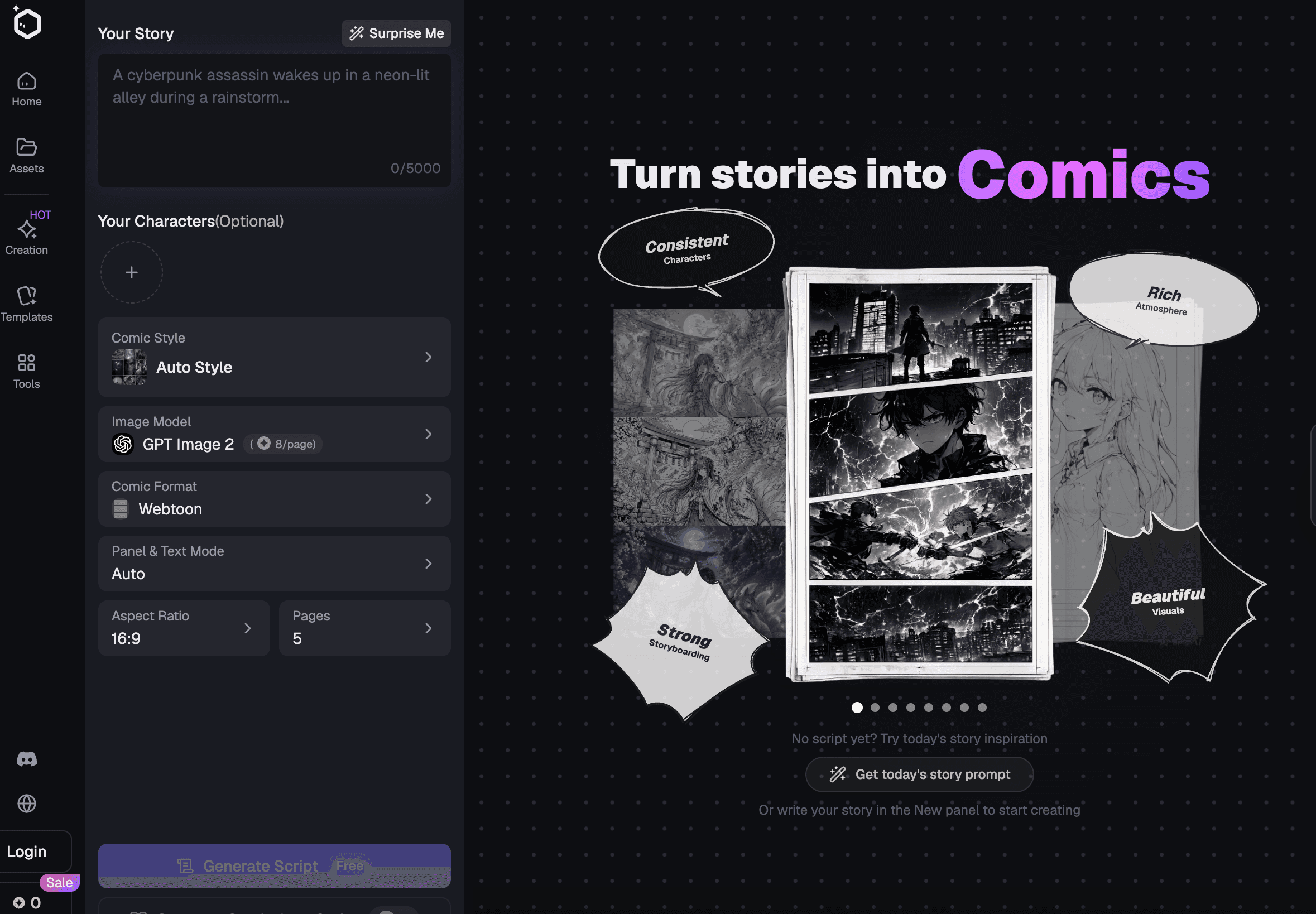
The platform combines original-character creation, scripts, storyboards, AI video, voice cloning, music, sound effects, and lip sync. Instead of beginning with an anonymous portrait, creators can establish a cast, assign visual identities, plan the dialogue coverage, and keep those assets connected throughout production.
This matters because most dialogue problems begin before lip sync.
If the characters have not been clearly defined, they will drift. If the scene has not been storyboarded, the camera coverage will feel repetitive. If the voices are selected late, the timing may no longer fit the shots.
Elser AI supports the wider production chain needed to solve those problems. Its audio tools allow creators to generate or clone voices, select emotional styles, adjust delivery speed, and make a character speak supplied text. (elser.ai)
A practical two-character workflow
Suppose you are creating a short scene between Mina, an impulsive delivery witch, and Theo, a nervous café owner.
Do not begin with one wide image and ask both characters to conduct a complete conversation. Build the scene as conventional film coverage:
1. Wide two-shot establishing both characters
2. Medium close-up of Mina speaking
3. Theo’s silent reaction
4. Close-up of Theo replying
5. Mina interrupts
6. Two-shot resolving the exchange
Create separate reference profiles for Mina and Theo. Assign each one a stable voice. Then map the dialogue to specific storyboard panels.
This gives the system clear information:
- Which character appears
- Who speaks
- What the listener does
- Which camera angle is used
- How long the line lasts
- What must remain unchanged
Why Elser AI is a strong fit
Elser AI is especially valuable for:
- Anime dialogue
- Original-character series
- Animated comedy
- Story-driven TikTok videos
- Virtual actors
- Multilingual animated scenes
- Recurring casts
- Dialogue mixed with action, music, or effects
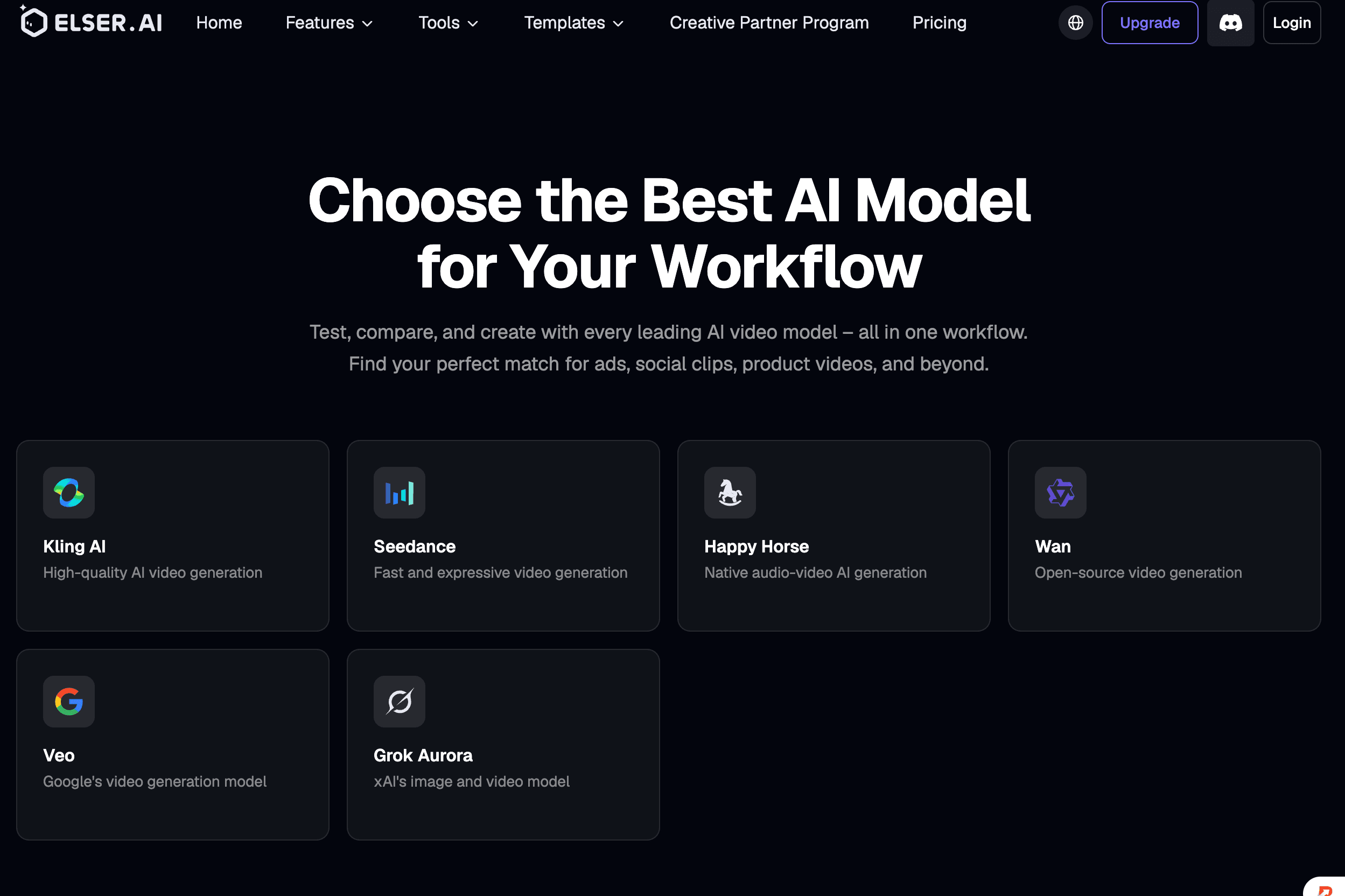
It also lets creators choose different video models when one scene needs a specialized capability. Kling can handle a complex multi-speaker moment, while another model may be better for a quiet reaction or atmospheric establishing shot.
You can register for Elser AI and test a simple eight-to-twelve-second exchange before creating a longer conversation.
Verdict: Best for creators who need consistent characters, voices, storyboards, animation, and lip sync inside one project.
2. Kling 3.0: Best for Native Multi-Character Dialogue
Kling 3.0 is one of the most capable current models for generating dialogue as part of a cinematic sequence.
Its official documentation allows creators to associate characters with their respective lines, while Kuaishou states that Kling 3.0 can generate complex multi-character conversations with controlled speaking order. It also supports several languages, accents, and dialects. (app.klingai.com)
This creates possibilities that were difficult with earlier models:
- Two characters speaking different languages
- Shot-reverse-shot conversations
- Voice-over combined with visible dialogue
- Multi-shot scenes with native sound
- Distinct voices assigned to recurring characters
- Dialogue embedded inside action
Kling also understands cinematic instructions. You can organize the prompt like a miniature screenplay:
WIDE SHOT:
Mina enters the empty café carrying a wet parcel. Theo looks up from behind the counter.
CLOSE-UP ON MINA:
Mina says, slightly out of breath, "Please tell me this is number twenty-seven."
REACTION SHOT ON THEO:
Theo glances at the broken number above the door and replies, "It used to be."
Keep Mina and Theo visually consistent. Only the active speaker moves their mouth.
Quiet rain outside, soft room tone, restrained anime performance.
This is much clearer than placing the entire conversation in one paragraph.
Where Kling needs restraint
Native multi-character dialogue is powerful, but it does not remove production limits.
The risk increases when the scene contains:
- Three or more visible speakers
- Fast interruptions
- Physical contact during speech
- Several camera moves
- Long lines
- Detailed props
- Characters crossing in front of one another
When a conversation is important, divide it into manageable shots. Generate the coverage, then edit the sequence. A traditional shot-reverse-shot structure may feel less technologically impressive, but it is far more likely to work.
Kling 3.0 is available inside Elser AI’s broader workflow, allowing creators to prepare character references and dialogue plans before generating the scene. (The Complete Creator's ...)
Verdict: Best model for native audiovisual conversations and multi-shot dialogue when the prompt is carefully structured.
3. Runway Act-Two: Best for Directing the Performance
Runway takes a more performance-driven approach.
Act-Two uses a driving performance video and a character reference. The model transfers speech, facial expressions, and gestures from the actor to the selected character. This gives creators direct control over how a line is delivered. (help.runwayml.com)
For a conversation, record each role separately.
Perform Character A’s lines while leaving pauses for Character B. Then record Character B’s corresponding performance. Apply each performance to its character reference and assemble the shots in the edit.
Runway documents a similar process for building conversations with two or more characters. Act-Two itself accepts a single character input, but separate passes can be combined into a multi-character scene. (help.runwayml.com)
Why this method works
A text prompt can describe emotion, but a performance demonstrates it.
Compare:
Theo speaks nervously.
With an actual driving performance, you can show:
- His eyes avoiding Mina
- His shoulders tightening
- A pause before the final word
- An awkward half-smile
- His hands remaining close to his body
Those details make the acting specific.
Best use cases
Runway is particularly strong for:
- Emotional dialogue
- Stylized acting
- Comedy timing
- Character monologues
- Presenter performances
- Scenes requiring controlled gestures
- Human-to-character motion transfer
The trade-off is workload. Each role may require a separate performance and generation. This takes longer than native multi-character generation, but it provides more directorial control.
Verdict: Best when acting quality matters more than one-click convenience.
4. HeyGen: Best for Multilingual Presenters
HeyGen is optimized for avatar presentations, video translation, voice cloning, and multilingual localization.
It supports video translation into more than 175 languages, with voice and lip-sync technology intended to make translated speakers appear natural. Creators can work with existing footage, avatars, or talking photos. (heygen.com)
HeyGen is useful for dialogue-style formats such as:
- Two-person explainers
- International training videos
- Interview simulations
- Educational conversations
- Customer-service demonstrations
- Sales role-play
- Multilingual presenters
Its real strength is localization. A team can create one conversation, translate the speakers, and adapt it for multiple markets without re-recording every version.
However, this is a different production problem from making a cinematic anime scene. HeyGen is strongest when speakers address the viewer or interact in a controlled presentation format. It is less focused on complex environments, anime action, recurring narrative locations, or storyboard-led drama.
Verdict: Best for multilingual presenter content and localized business conversations.
5. Sync Labs: Best for Existing Footage and Production APIs
Sync Labs specializes in visual dubbing and lip sync.
Its system accepts video or image input with audio or text, then generates new mouth movements that match the target speech. It provides several models for different speed and quality requirements, together with production APIs and official SDKs. (sync. labs)
This makes it ideal when the scene already exists.
For example, you may have:
- A completed animated conversation needing rewritten dialogue
- A film scene requiring localization
- An advertisement with several language variants
- Character footage awaiting final voices
- A high-volume application that automatically produces talking videos
Sync Labs does not create the entire multi-character scene for you. It solves a narrower problem with professional depth: changing what an existing character appears to say.
Its integrations with Adobe Premiere, ComfyUI, ElevenLabs, Python, and TypeScript make it particularly attractive to studios and developers. (sync.so)
Verdict: Best for professional dubbing, localization, and automated production pipelines.
6. Hedra: Best for Audio-Driven Character Performances
Hedra creates talking-character videos from an image and an audio track. Its speaker-selection system can identify which character in a multi-person image should speak, allowing creators to direct the performance toward a chosen subject. (hedra.com)
Hedra works well for:
- Illustrated podcasts
- Character interviews
- Long-form narration
- Virtual hosts
- Singing portraits
- Audio-first social content
It is most reliable when one visible character speaks at a time. You can still construct a conversation by generating each speaker separately and combining the results.
Hedra is less suitable when the scene requires extensive movement, complex camera coverage, or several recurring environments. Think of it as a strong character-performance tool rather than a full animation studio.
Verdict: Best for longer audio-led character videos with controlled speaker selection.
7. CapCut: Best for Fast Social Conversations
CapCut offers accessible lip sync, audio editing, captions, timelines, effects, and social exports.
It is useful when you already have character clips and need to assemble a fast conversation for TikTok, Reels, or Shorts. Its lip-sync tools can work with people, avatars, and other character footage, while the editor makes it easy to arrange alternating speakers. (capcut.com)
CapCut is well suited to:
- Short comedy exchanges
- Meme dialogue
- Social storytelling
- Caption-heavy conversations
- Fast dubbing
- Final editing of generated scenes
It does not provide the same project-level character management as Elser AI or the same native dialogue generation as Kling. Its role is usually near the end of production.
Verdict: Best as a quick editor and finishing environment for short-form dialogue.
How to Build a Better Multi-Character Dialogue Scene
Lock each character independently
Create a separate reference pack for every speaker. Avoid references in which characters overlap.
Assign voices before animation
Choose voice, speed, emotional tone, and accent early. These choices determine shot duration.
Use speaker labels
Name the characters explicitly:
MINA: "You opened the package?"
THEO: "I thought it was coffee."
Do not rely on “the girl” and “the man” once the scene becomes complicated.
Give listeners an action
While another character speaks, the listener might:
- Look toward the speaker
- Blink naturally
- Lower their eyes
- Fold their arms
- React subtly
- Remain mostly still
Avoid random dramatic gestures.
Use conventional film coverage
Wide shot, speaker close-up, reaction, reply, and resolution remain effective because they make visual information clear.
Process overlap carefully
For interruptions, create clean individual performances first. Overlap them during editing rather than asking the generator to improvise several simultaneous voices.
Preserve room tone
Consistent ambient sound helps separately generated shots feel like one conversation.
Final Verdict
Kling 3.0 is the most capable option for generating native multi-character audiovisual dialogue in a controlled sequence. Runway Act-Two is stronger when you want to direct every facial expression and gesture. HeyGen leads in presenter localization, Sync Labs in professional dubbing, Hedra in audio-driven character performances, and CapCut in fast social editing.
For creators producing animated stories, Elser AI is the best overall workflow because the conversation can begin with persistent characters and a storyboard, continue through video generation and voice creation, and finish with lip sync, music, and sound effects.
A believable conversation is not created by synchronizing two mouths. It is created by giving two characters something to want, something to hide, and enough screen time to react.